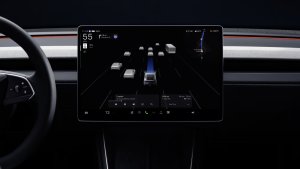
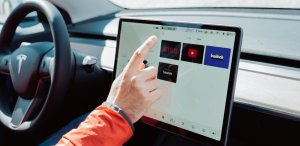
Tesla’s current navigation combines third-party content with software developed in-house. As explained in coverage of Tesla’s Preferred Routes rollout, Google supplies content via APIs, including map tiles, street-level data, satellite imagery, points of interest, and traffic information. Tesla builds the app and calculates routes itself, allowing it to account for Supercharging and personalized routing.
During the earnings call, a shareholder raised a question around FSD issues with speed-limit recognition, parking and route selection. Elluswamy agreed, saying, “You’re totally right that we shouldn’t be depending on external people’s maps.”
He then confirmed that Tesla is developing its own AI-based maps that will address some of the FSD issues we’re seeing today, such as speed limits, parking and routing.
AI Maps That Learn Your Preferences
Elluswamy stated that this will be a completely new architecture and it won’t just be another mapping solution. He says that it’ll be “essentially AI-based mapping and navigation,” possibly meaning that Tesla’s own fleet will map streets and annotate data such as traveling speed, stop signs, traffic lights, parking lots, and more.
It Will Open a Whole New World
A new map architecture will open up a whole new world for Tesla and what’s possible. There’s a lot of data Tesla can add to maps to not only address FSD issues such as routing and speeding, but also to make traveling smoother and safer, such as annotating potholes, blind driveways, dangerous intersections, and more.
This will likely also be the solution that improves parking and lets users customize how and where they want their vehicle to park in a parking lot. Users should be able to pick from closest available, away from other cars, handicap, and more, and the fleet will help collect this data.
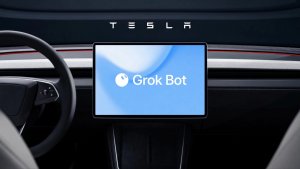
Elluswamy also stated that this map will allow Tesla to let users customize their route by voice, which sounds like the Grok feature that will let us control FSD that is slated for this fall.
Tesla already started offering Preferred Routes with Tesla’s 2026 Summer Update. Preferred Routes prioritizes your own previously driven routes when determining your route. During the same update, Automatic Navigation also gained the ability to automatically route to regularly visited destinations beyond home, work, and calendar appointments.
Preferred Routes builds on Alternate Routes, introduced in 2022, which offers up to three route choices.
First Applications Planned for FSD v15
Elluswamy expects the new maps to begin being used for trip departures and arrivals with FSD v15, then expand into the remaining navigation functions, including parking and voice control, over the following several months.
Tesla held its Q3 2026 earnings call on Wednesday, giving us a fresh look at how the last quarter went and what’s coming next for Full Self-Driving, Robotaxi, Cybercab, Optimus, Tesla Energy, and the rest of the product portfolio.
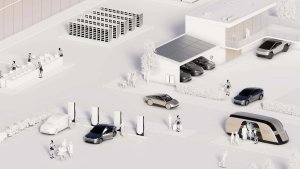
Elon Musk opened by calling FSD the key driver of demand, adding that Tesla is aiming to build 5 million vehicles a year by 2030. Tesla also shared new timelines for Cybercab sales, customer-owned cars joining the Robotaxi network, and its in-house Terafab chip fab.
If you missed the call, we’ve broken down everything Tesla shared, just like we did in our Q2 2026 earnings call recap.
Production & Demand
Not a Tesla App
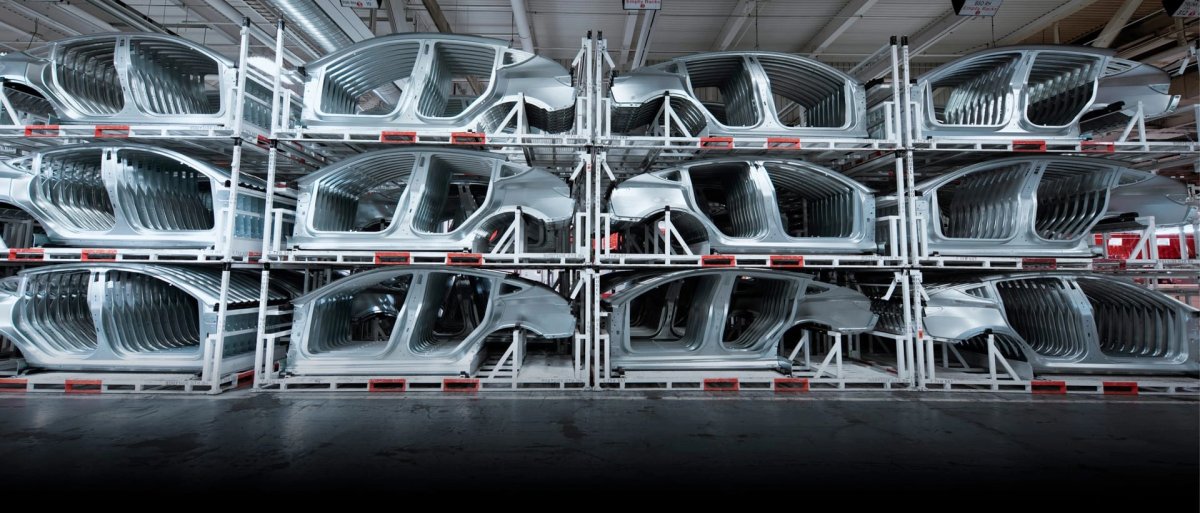
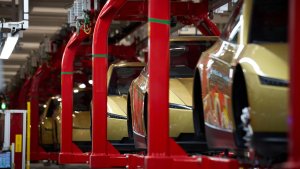
Tesla is aiming for 5 million vehicles a year by approximately 2030, and Musk thinks it has a good shot at hitting that goal.
Factories are operating at record rates, according to VP Lars Moravy, thanks to investments made over the past year to increase output at existing plants.
Tesla set delivery records in markets including Australia, Japan, and Taiwan, and was the top-selling passenger car brand in South Korea.
FSD (Supervised)
Not a Tesla App
Over 75% of North American deliveries in Q3 included a paid FSD subscription sign-up at delivery, even though every car already comes with a free trial.
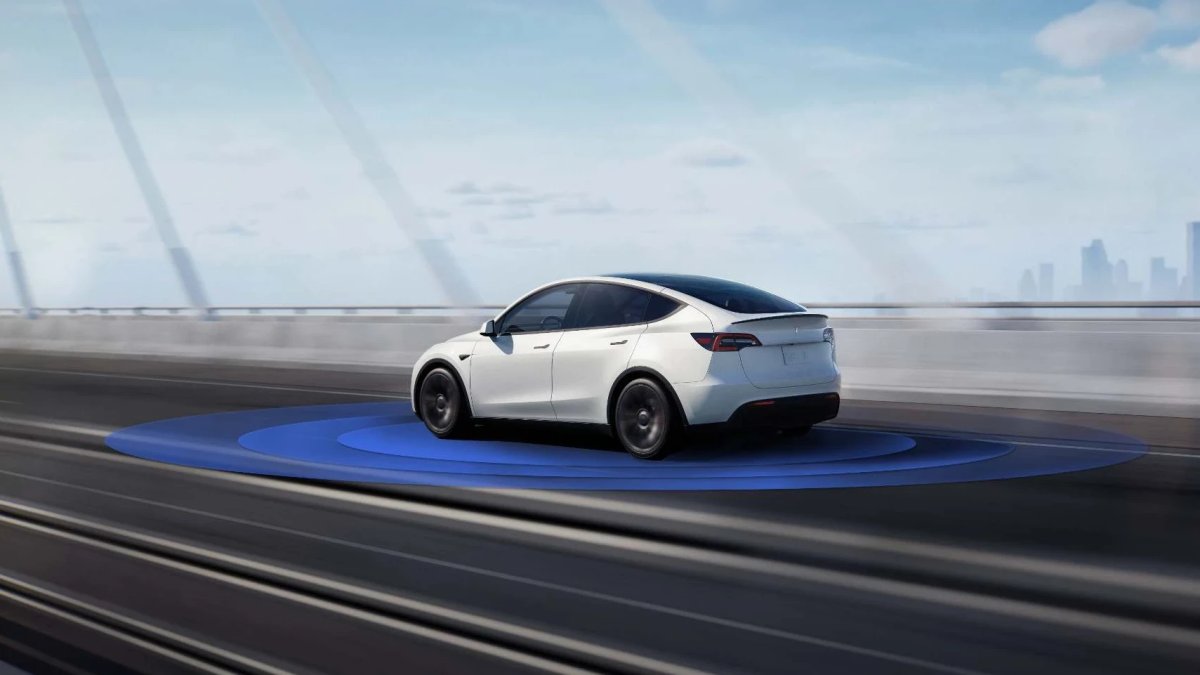
Tesla’s VP of AI, Ashok Elluswamy, said during the call that unsupervised FSD could start rolling out to the first customer vehicles in Q2 2027. It’ll be limited to select regions in the U.S. at first (and probably only for highway use), but the finish line for Tesla’s autonomy ambitions is finally in sight.
Tesla says customers are coming into showrooms asking to try FSD rather than asking for a specific model.
When an analyst estimated FSD’s annual recurring revenue is approaching $1 billion, Tesla said the numbers were correct. It plans to share more FSD metrics, including revenue and churn rates, as the business scales.
Tesla is building its own AI-based mapping and navigation system for FSD instead of relying on third-party maps. It will work with voice commands, learn your personal route preferences, and use data from the entire fleet, building on the navigation improvements Tesla has already teased.
Robotaxi Service
Not a Tesla App
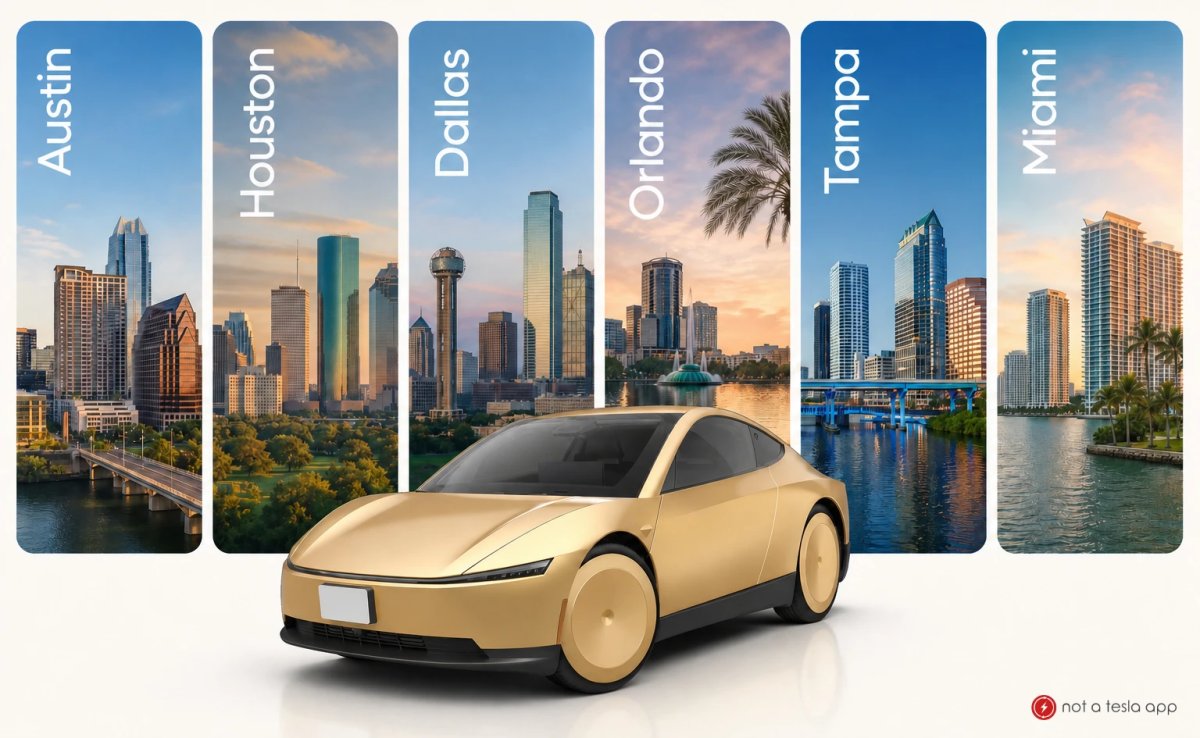
Robotaxi is running fully autonomously in six cities, with Austin home to the largest fleet. Tesla recently named its next four Robotaxi cities.
Tesla plans to expand to more weather conditions, 24/7 service, highways, and higher speeds, hopefully by the end of this year. Austin rides already run until midnight.
Tesla expects to let customer-owned vehicles that get unsupervised FSD join the Robotaxi network around Q2 2027, as long as they meet geofencing and fleet management requirements.
Musk expects Robotaxi to start making a noticeable difference to Tesla’s finances around Q2 2027 and become a big deal by Q3 or Q4 of next year.
Tesla says it sees a clear path to its target operating costs of $0.30 per mile as it learns from running the fleet.
Cybercab
Not a Tesla App
Cybercab rides will launch in Dallas next month, following Austin, where Tesla now has more than 300 Cybercabs. More cities could follow towards the end of the year.
Every Cybercab built so far has gone to Tesla’s own Robotaxi fleet. Austin may only have some 300 of them offering commercial rides, but Tesla has set up staging areas and nests with hundreds of Cybercabs in cities across the U.S. as it prepares for a nationwide rollout.
Musk said the vast majority of Cybercabs will be Tesla-owned and/or offered as transport-as-a-service, while cars like the Model 3, Model Y, and new Roadster are the ones people will want to own. Businesses can already register interest in buying a Cybercab fleet.
Optimus
Not a Tesla App
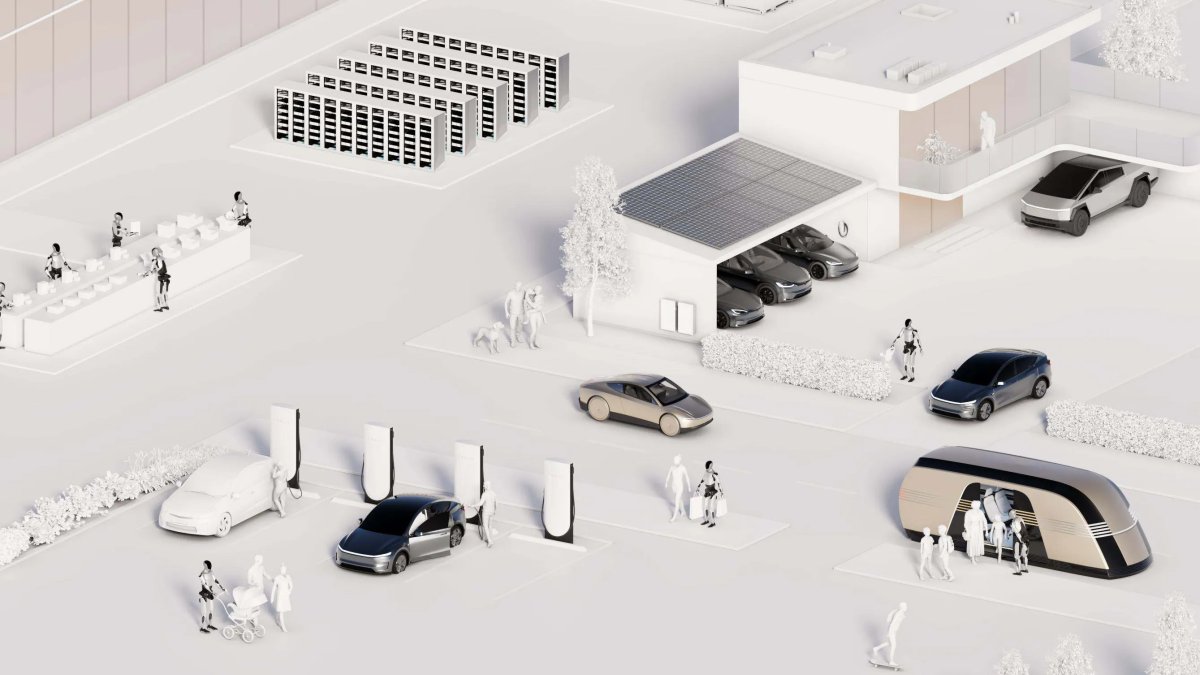
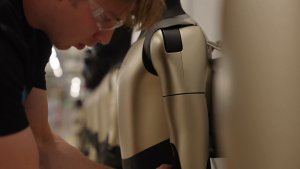
Tesla has started early Optimus production on a high-volume line in Fremont, and most of the equipment for the line, designed for about 1 million robots a year, has already landed.
Musk expects it to take at least a year to reach a rate of about 20,000 robots per week, since parts of the design are still changing.
He expects the remaining AI, electromechanical design, reliability, and usage life issues to be solved around the end of next year. That’s when Tesla plans to start delivering Optimus to outside companies.
The first customers will likely be industrial, using Optimus for dangerous, repetitive tasks that need to run around the clock. Robots for the home will come later.
Tesla may release an Optimus video in the next month or two that shows the robot doing tasks that aren’t pre-programmed.
Optimus production costs are trending toward Tesla’s expected cost for Cybercab, though it is still iterating on the design.
AI5 Chip
Not a Tesla App
Musk expects Tesla’s AI5 chip to be integrated into Optimus around April 2027.
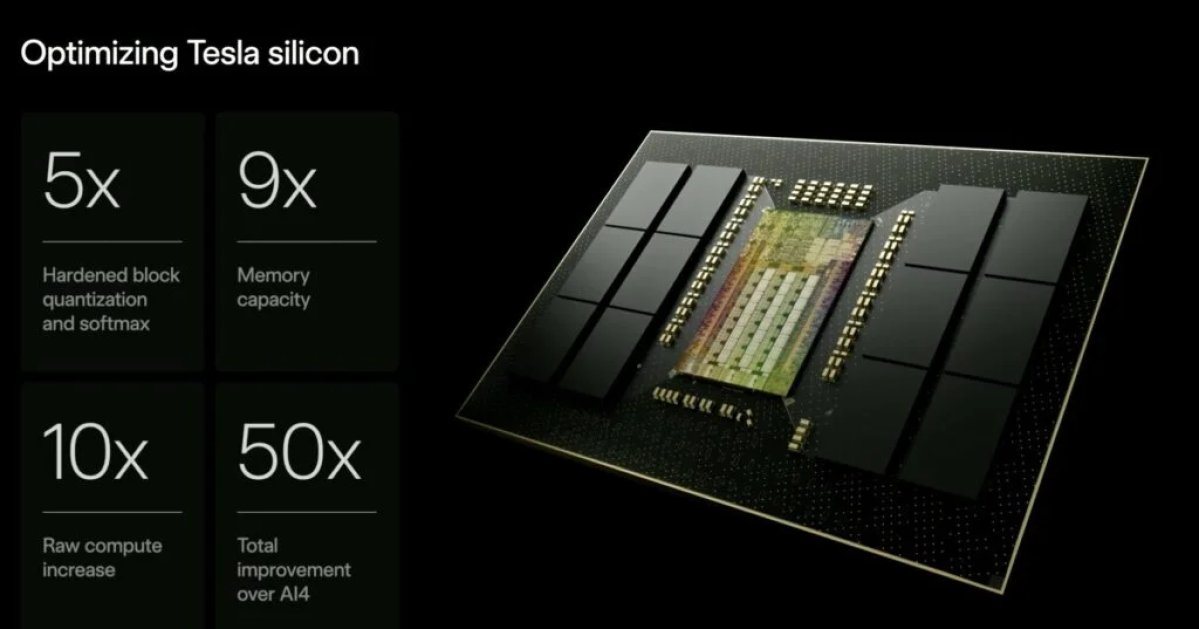
AI5 offers an order of magnitude more compute than AI4, which Optimus needs to handle far more degrees of freedom than a car. AI5 entered trial production at Samsung’s Texas fab last month.
Terafab
Not a Tesla App
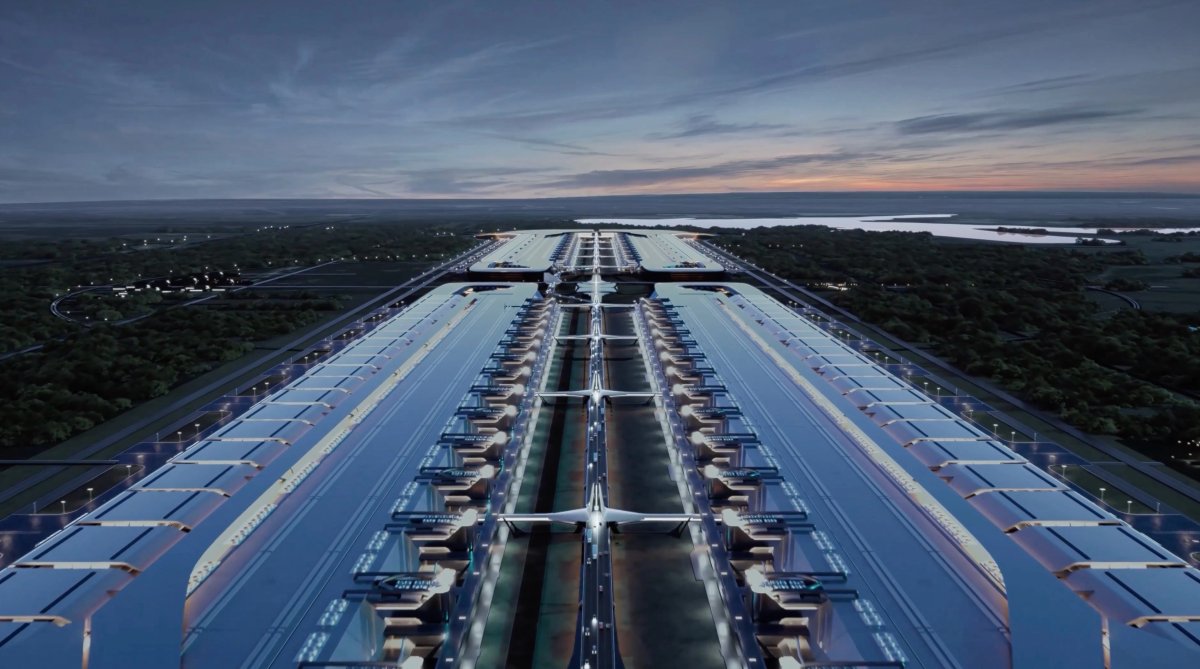
Tesla plans to begin commissioning Terafab machinery in the first half of 2027 and make its first test chip around May or June.
The goal is to produce useful chips at volume around Q3 2028.
Terafab will cost tens of billions of dollars in equipment through early 2028 and likely more than $100 billion long term. Tesla and SpaceX are still working out how costs will be split.
Musk said Terafab will be key to scaling Optimus by removing bottlenecks in memory, packaging, and logic chips.
Tesla Energy
Not a Tesla App
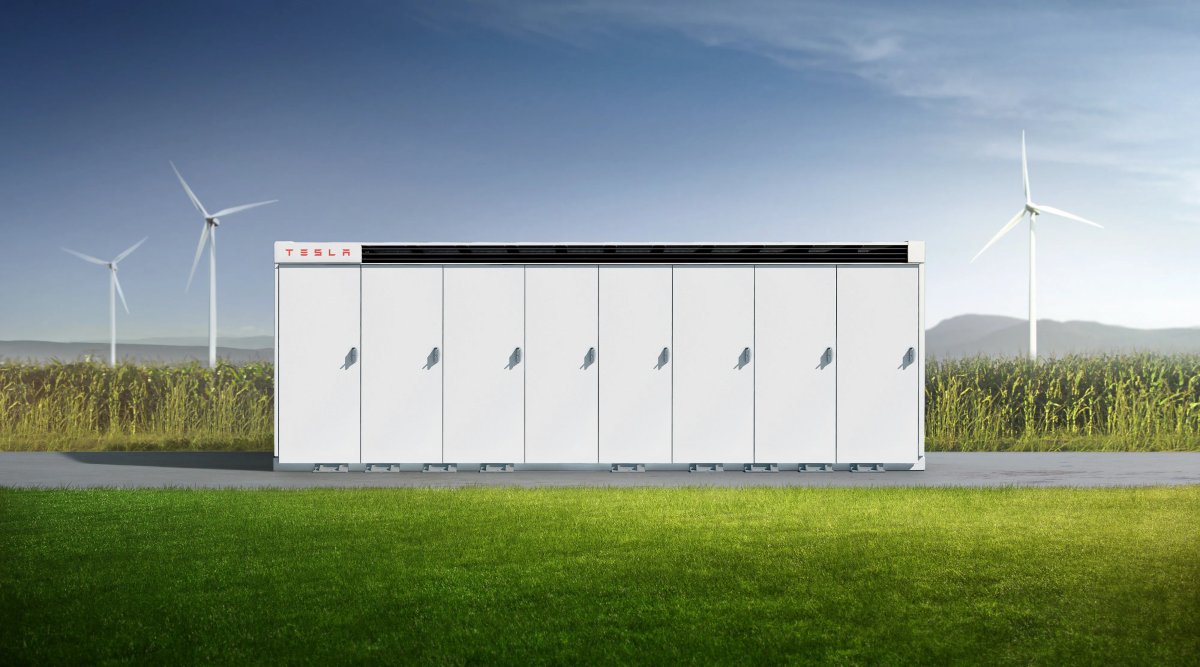
Tesla deployed 13.7 GWh of energy storage in Q3, its second-best quarter ever.
Megapack production is almost sold out for all of 2027, and Tesla is ramping production as quickly as possible.
Energy gross margins jumped from 20.4% to 33.1%, mainly due to tariff refunds and warranty adjustments, and Tesla expects them to keep improving.
Financials
Not a Tesla App
Tesla ended Q3 with over $1.5 billion in positive free cash flow and more than $45 billion in cash and investments.
Tesla revised its 2026 capital expenditure guidance to about $20 billion.
With Cybercab rides in Dallas, the first Cybercab deliveries to customers, and 24/7 Robotaxi operations all targeted before year-end, Q4 should give us a clear look at how close Tesla is to its timelines. Tesla’s 2026 Annual Shareholder Meeting on December 3 should bring another round of updates.