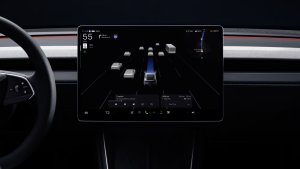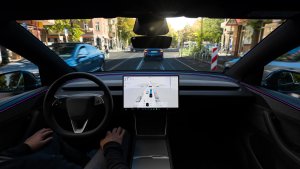
So you’re relaxing while charging at a Supercharger and taking advantage of your premium connectivity by enjoying some Netflix or maybe the soon to be added Disney+.
Suddenly, you decide you need to control something in the car, which means you’ll need to quit Netflix, perform the function you need then go open Netflix back up.
Sure there are a few options that appear at the top of the video when you tap, which let you adjust the volume, change the screen brightness or change the cabin temperature, but what if you’d like to turn on your seat heater, open the frunk or see how much you have already charged?
For many functions you can simply pull out your phone and use the Tesla app without interrupting your show or movie. It may seem obvious to some, but it doesn’t always come to mind when you’re in the situation. From the app you can easily adjust your seat heater, lock the car, change the temperature, or see your charge level, all without having to leave your favorite show behind.
Although using voice commands would be another great solution, voice commands are disabled when you’re viewing a video.
View more Tesla tips to learn more about your car.
Follow Us on Google
Add Not a Tesla App as a preferred source on Google to see more of our stories in Top Stories.
Add to Preferred SourcesOrdering a New Tesla?
Get FSD free for 3 months by using our referral code.