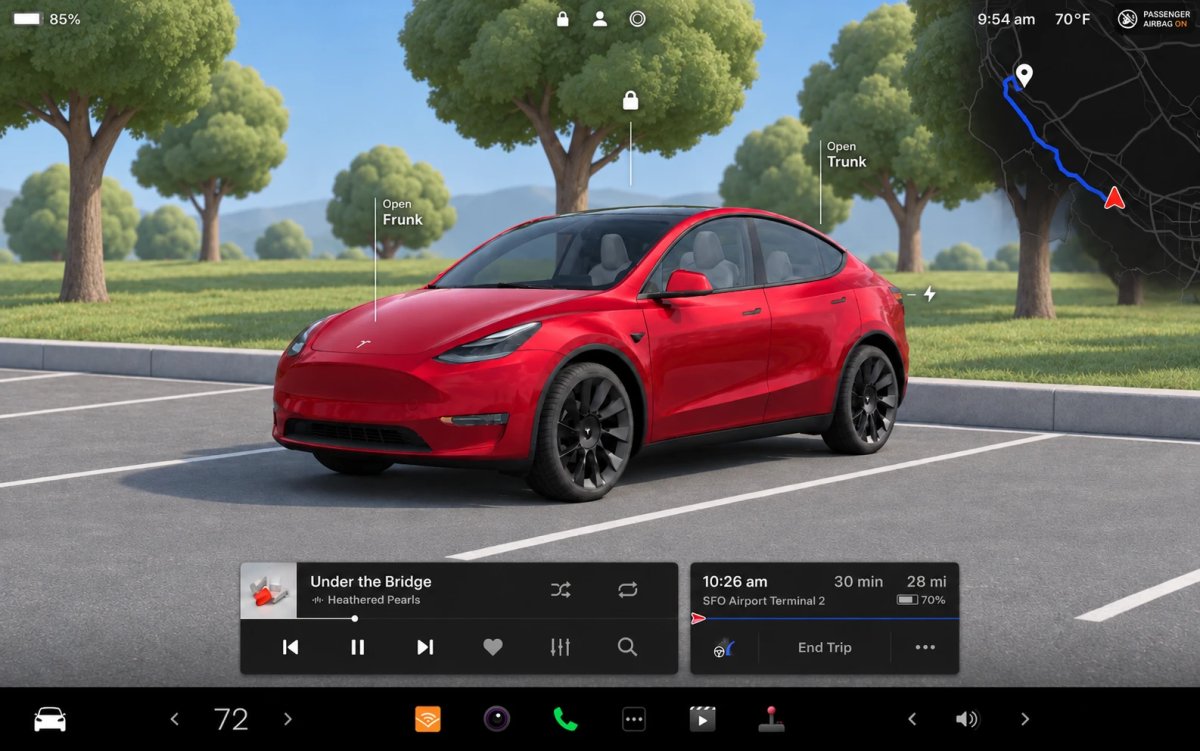
Tesla’s parked vehicle visualization got some quality improvements this year, but it still shows your car in the same studio-style space no matter where you are. What if it reflected where you actually parked instead?
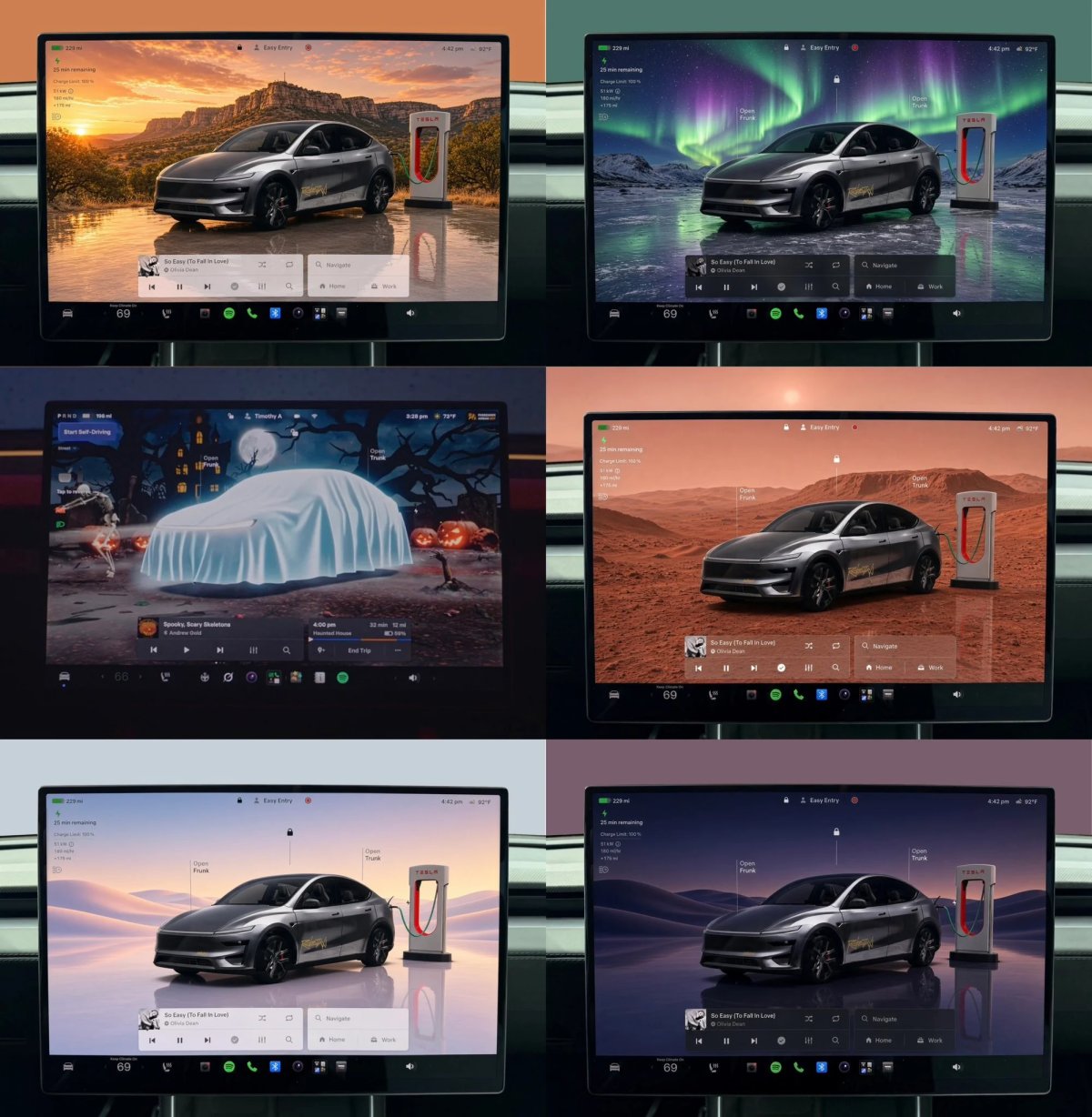
The idea started with a post from @butala_aryan on X. His concept images show a Model Y charging at a Supercharger against backdrops like a desert canyon at sunset, the northern lights over a frozen lake, and rolling dunes, and they also include Tesla’s exclusive new Halloween Mode scene. We think Tesla could take it a step further.
@butala_aryan / X
A Park Visualization That Matches Your Surroundings
Instead of picking a wallpaper, your Tesla could build a scene based on where it’s parked. If you’re near a park or wooded area, the background could show trees. Park near a lake or the beach, and it could switch to a waterfront scene. Pull into your garage, and the visualization could show garage walls and your Wall Connector.
It could go beyond backgrounds, too. The parked screen could show your actual surroundings, including parking spaces, nearby walls, trees, Superchargers, and maybe even other cars.
How Tesla Could Build It
Not a Tesla App
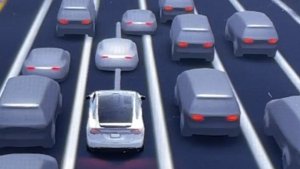
Much of the groundwork is already there. When you’re parking at low speeds, High-fidelity Park Assist already sees your surroundings, and FSD’s driving visualization generates real-time 3D models of nearby vehicles and the objects around your car, including pedestrians and road markings.
Tesla could take what Park Assist sees, identify each object, like a Supercharger stall or a tree, and swap in a high-quality 3D model. Then it could combine everything into the full-screen park visualization.
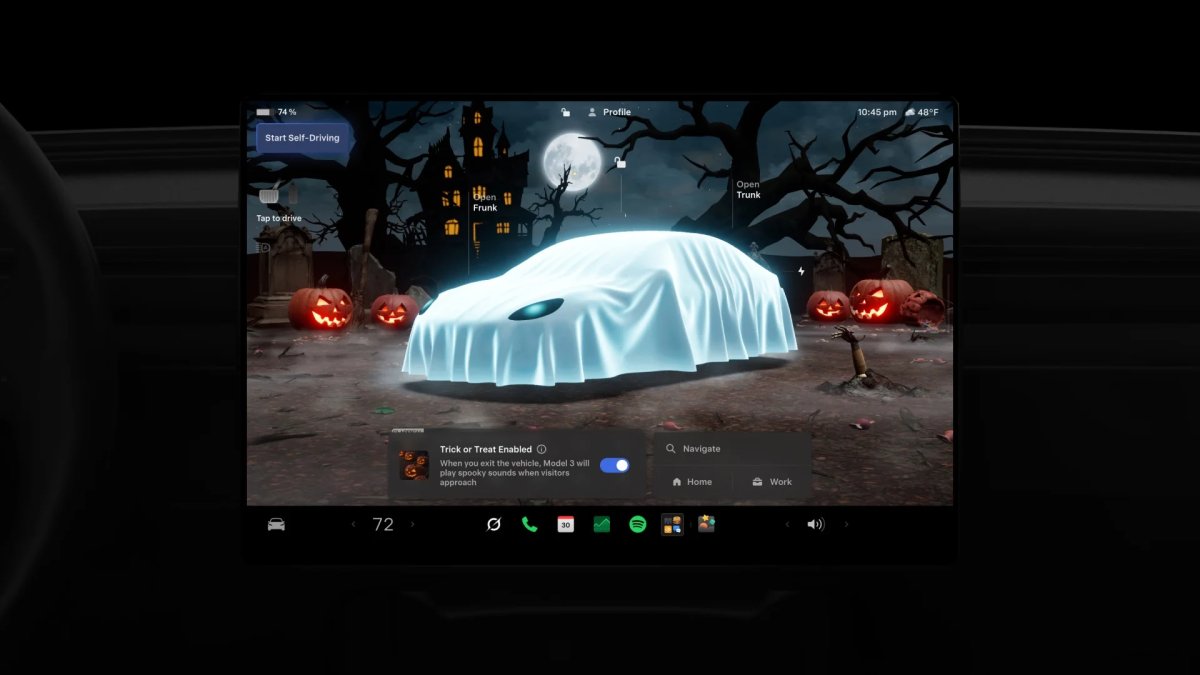
Tesla has already shown it’s willing to change the parked vehicle vis completely. Halloween Mode replaces the usual studio with a spooky graveyard scene, complete with a haunted house, full moon, jack-o’-lanterns, and a ghost costume over your car. If Tesla can build a themed scene for a holiday, location-based scenes don’t seem far off.
Tesla hasn’t said anything about plans like this, but it keeps investing in its visualizations. With the hardware and software already in place, a parked screen that knows and shows where your vehicle is could be a natural next step.
Tesla’s Roadster reveal was all about the flips, flight, and incredible speed, but there’s a lot more to the car than its stunts. Attendees got a look at the Roadster during the event, and Tesla designers and engineers have walked media outlets through the vehicle up close since, revealing plenty of smaller details.
Here are the details you may not know about the new Tesla Roadster.
There’s a Fourth Roadster Trim
Tesla’s official Roadster reservation page only lists three trims, but there’s a fourth. Franz von Holzhausen confirmed the lineup will start with a standard Roadster, followed by Performance, Thrust, and Rocket. The standard car still makes 1 MW of power, or about 1,340 hp, with roughly 960 lb-ft of torque, but its final specs are up in the air at this point. We’ve covered all of the trims in detail in our full Roadster specs breakdown.
Not a Tesla App
Founders Series Orders Became Thrust Orders
If you put down money for a Founders Series Roadster back in 2017 ($250,000 at the time), your order has been converted to the Thrust trim, the one with rear cold-gas thrusters for 0-60 in under 1 second (via @CARN0N). Tesla showed that trim go from 0 to 60 mph in just 0.81 seconds live during the reveal event.
Only Two Motors, All Rear-Wheel Drive
Every version of the Roadster is rear-wheel drive with just two motors, one fewer than the Model S Plaid. Each motor has its own inverter, allowing for torque vectoring. Even so, the Roadster’s drive unit puts out one-third more power than the Plaid, at half the mass.
More Thrust Than an F-16
The Thrust trim’s cold-gas thrusters produce more than 80 kN, or about 18,000 pounds of thrust. That’s more than an F-16’s engine at military power without afterburner, which is about 79.2 kN. “The new Tesla Roadster accelerates faster than a fighter jet taking off from an aircraft carrier,” Musk recently wrote on X.
Filling the high-pressure gas tank that feeds the thrusters for five seconds of thrust currently takes two to six hours, though Tesla hopes to cut that down to about half an hour.
330 mph Top Speed Needs Thrusters
The Roadster’s 330 mph top speed claim depends on the thruster system, so it applies to the Thrust and Rocket trims. For now, the Roadster’s top speed is listed at 214 mph, though Musk wants the higher-end trims to eventually exceed half the speed of sound (383 mph).
An e-Boost Button for Push-to-Pass
The Roadster has a separate e-boost button that delivers a quick burst of power, similar to Porsche’s boost button. It’s meant for push-to-pass moments rather than launches, which you set up through the touchscreen.
A Peek Up the Roadster’s Skirts
Not a Tesla App
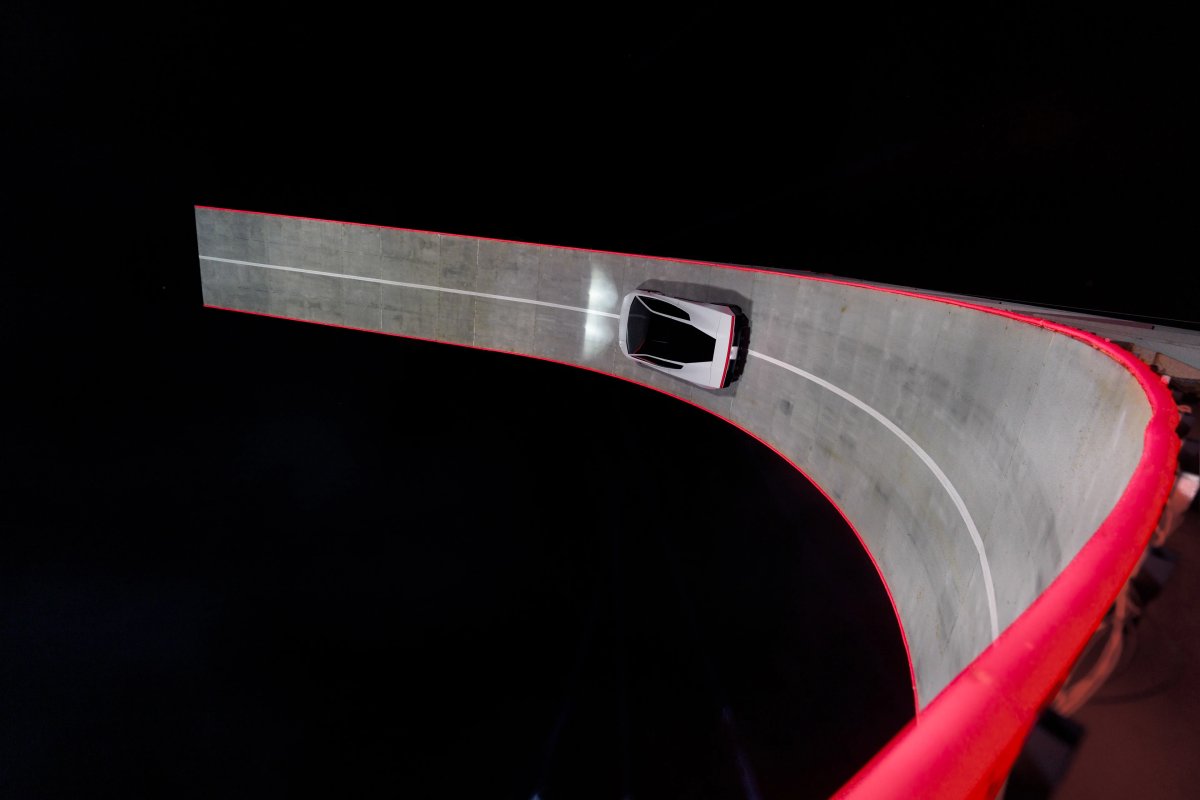
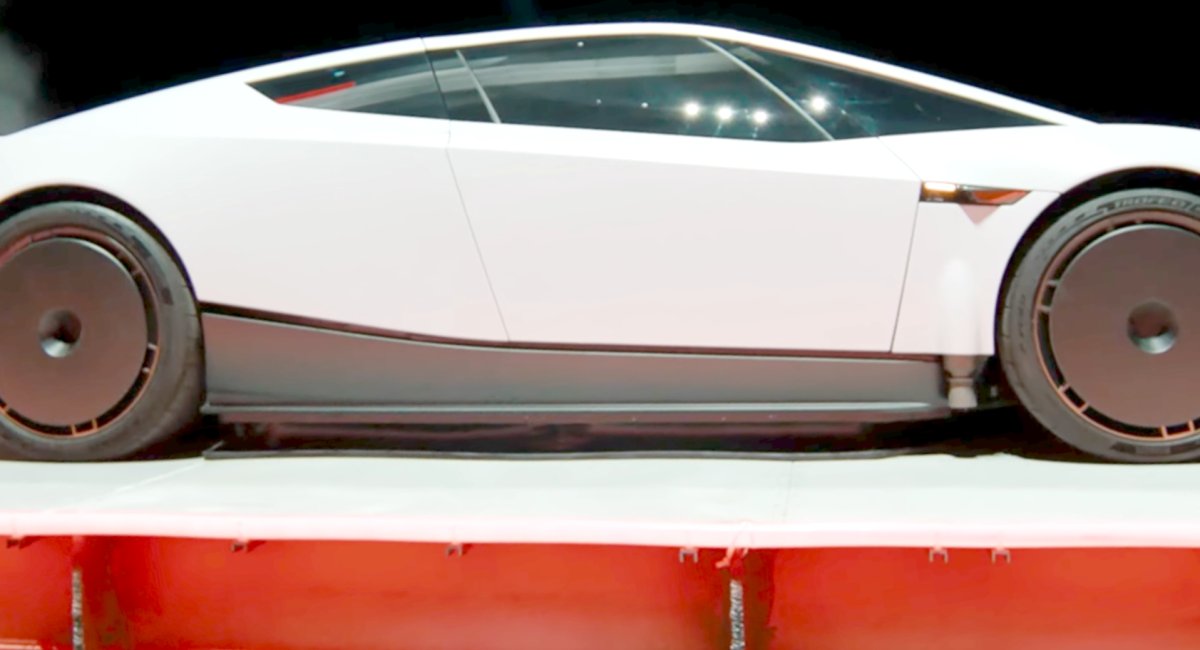
The Roadster’s ability to drive upside down is aided by skirts you’d never notice. When the fan-based suction system engages, skirts deploy along the sides, front, and rear of the car under the battery pack, closing the gap to the ground and creating a vacuum that pulls the car down with about 2 Gs of force.
Not a Tesla App
Because the skirts can move, they have some give to handle bumps and road debris. At higher speeds, the front and rear skirts retract to let air flow under the car. Tesla says the system “acts as a downforce generator, pulling air out from beneath the vehicle,” with enough suction to hold the car upside down, even when it’s standing still.
No Frunk, Because the Front Is a Giant Wing
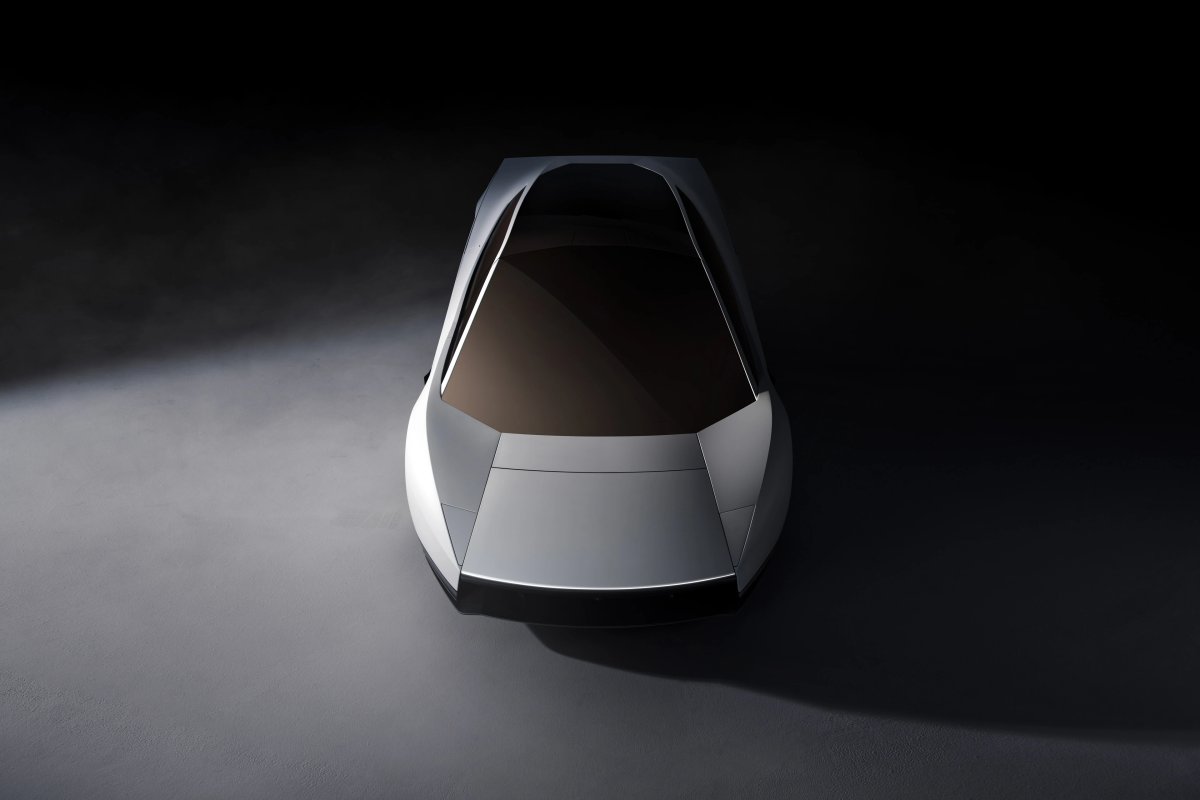
Don’t expect a frunk. The front of the Roadster is packed with active aero, including wings in the air intakes, a vent on top of the hood and bargeboards that extend out on either side. Lars Moravy describes the whole front section as one large wing, with each piece appearing and disappearing as needed.
Not a Tesla App
Some Trims Get a Trunk
The standard and Performance trims skip the Thrust trim’s 200-liter Carbon Overwrapped Pressure Vessel, which frees up about 300 to 400 liters of storage behind the seats. You could comfortably fit a set of golf clubs or a few shopping bags in there. For reference, the Model Y trunk offers a little over 800 liters without the rear seats folded down.
Not a Tesla App
No Windshield Wiper (Until You Plug One In)
The Roadster doesn’t come with a permanent windshield wiper. Instead, you remove a small panel and plug in a quick-release wiper when you need it, then detach it again for maximum aero on the track.
The Charge Port Hides Behind the Wing
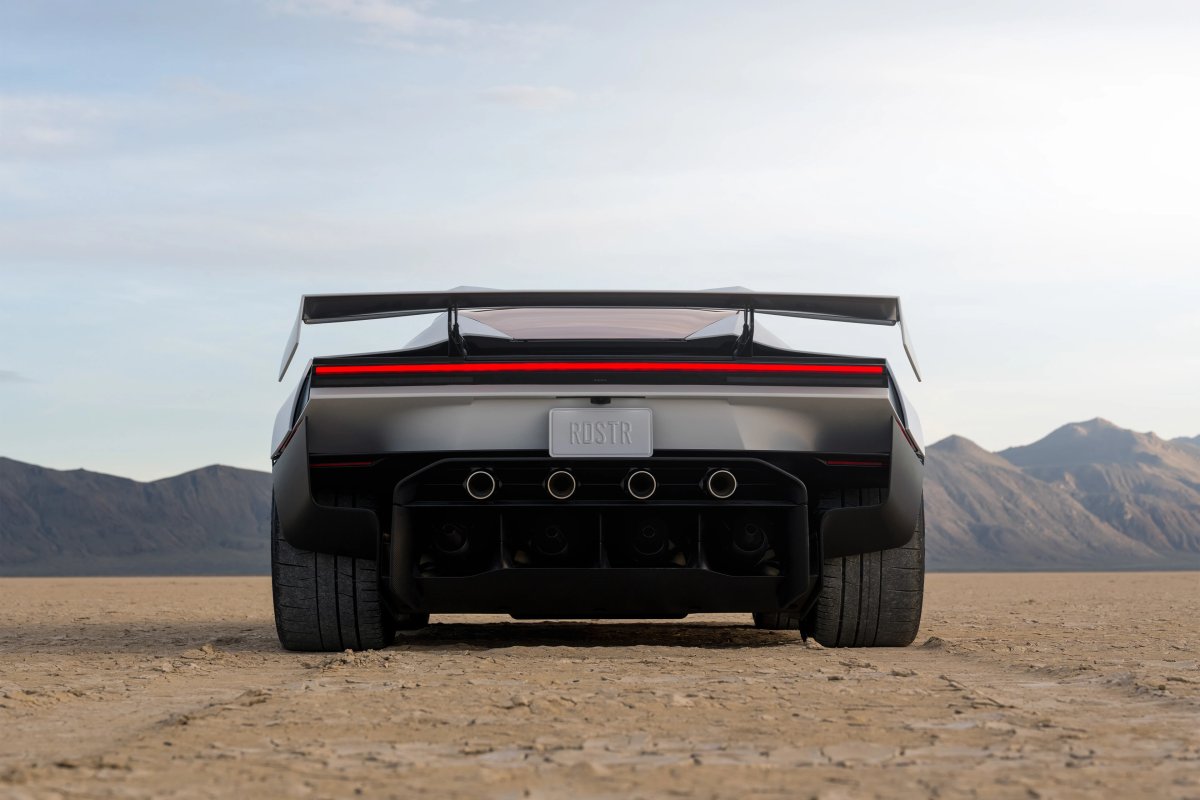
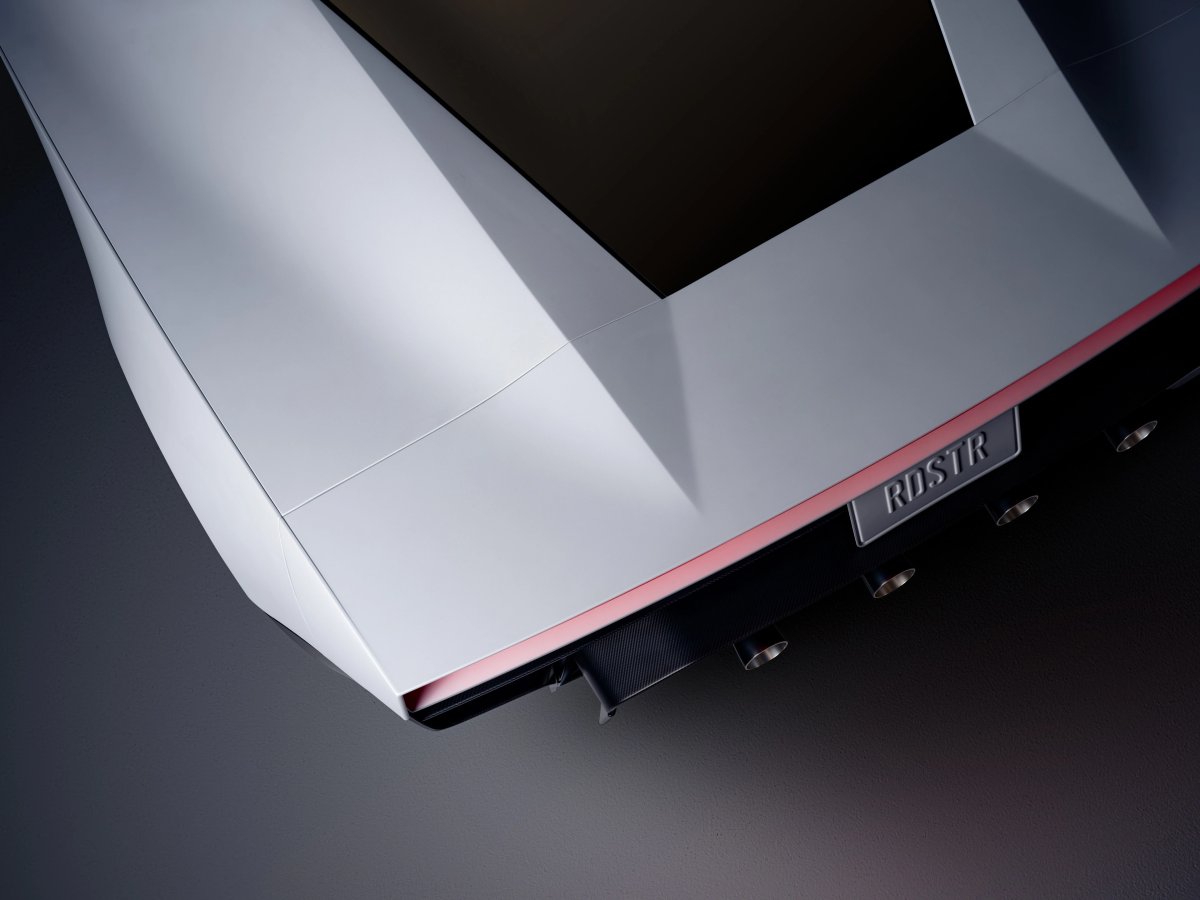
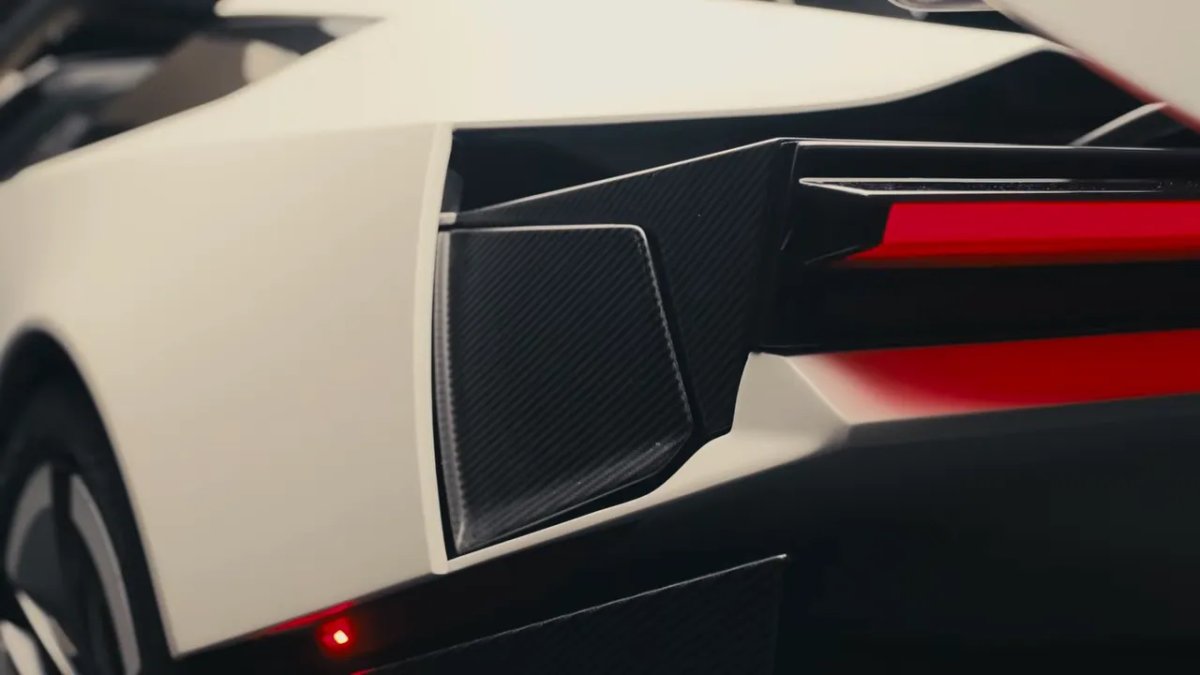
There’s no visible charge port door either. The port sits behind the active rear wing, which deploys to reveal it, so there’s no separate panel or extra cut line in the body.
TopGear
Tesla’s Fastest-Charging Vehicle Yet
The Roadster is also Tesla’s fastest-charging vehicle. Tesla claims it can charge from 15% to 85% in about 10 minutes, pulling close to a megawatt from the newest Superchargers.
It’s Also a Convertible
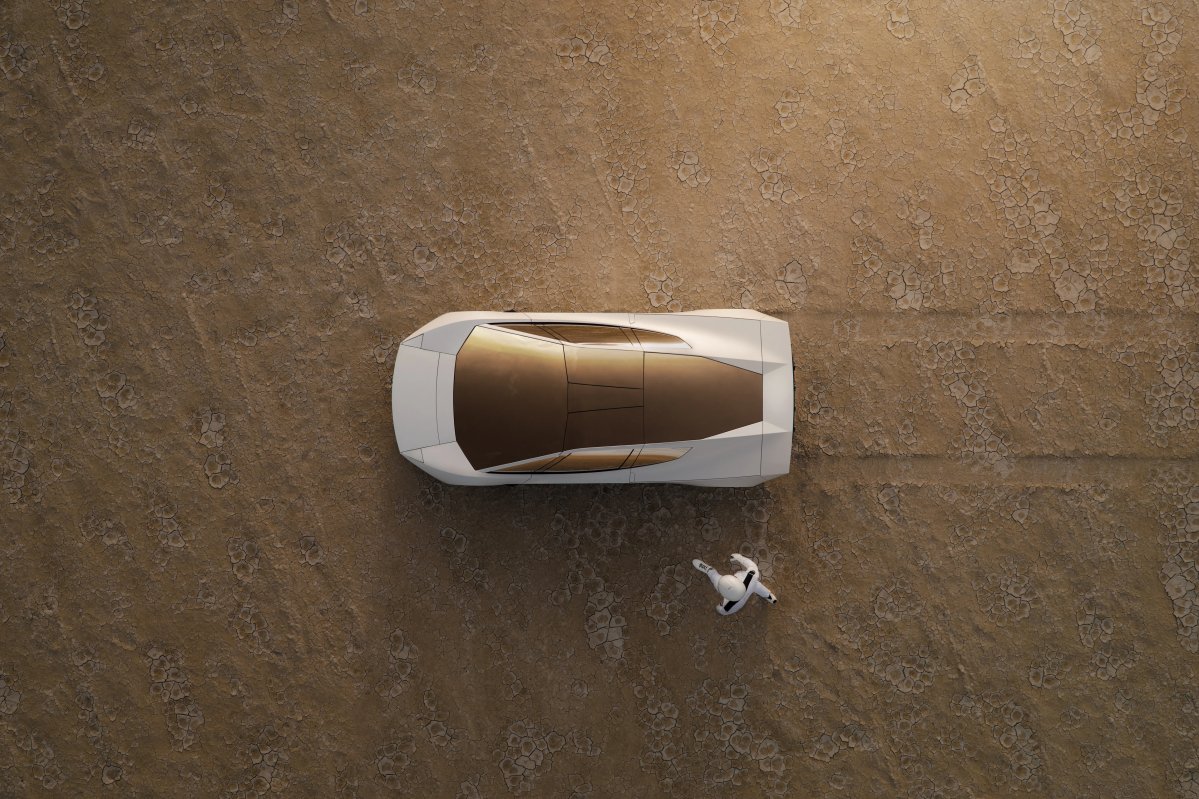
The Roadster has two removable roof panels, so you can take the top off and drive it as a convertible.
Not a Tesla App
Manual Seats, Moving Pedals
To save weight, the seats are fixed in place. Only the seatbacks adjust, and instead of sliding the seat forward, you move the pedals closer to you.
Production Builds Will Have Mirrors
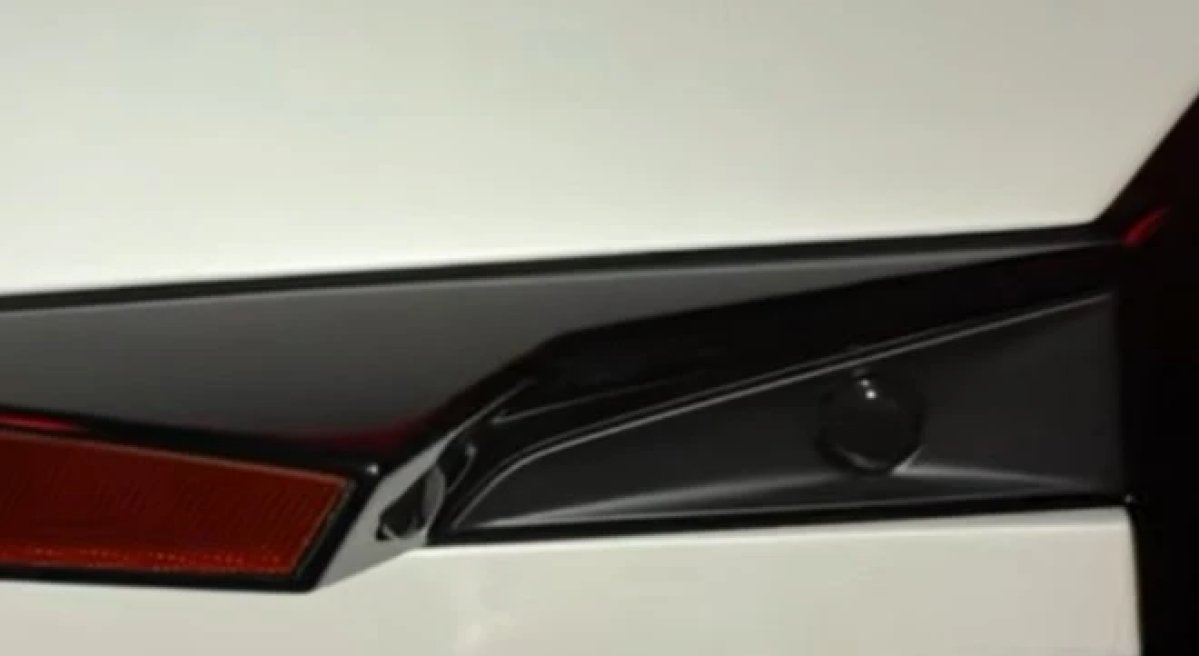
The prototypes shown at the event and in media walkthroughs have no side mirrors, but von Holzhausen confirmed that U.S.-market cars will have them.
Limited FSD
Not a Tesla App
The Roadster has the cameras and hardware for FSD, but it will only get a limited version of FSD. Tesla hasn’t said which features will be left out.
With production set to begin in 2028, many of these details could still change, especially for the standard trim. Expect more to come out as Tesla gets closer to production.



![Tesla Roadster Old vs. New: How the Design Changed [Photo Comparisons]](https://www.notateslaapp.com/img/containers/article_images/roadster/roadster_old_vs_new_design-2.webp/124f447298bfd2a0609c903539f68ff8/roadster_old_vs_new_design-2.jpg)