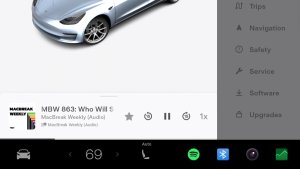
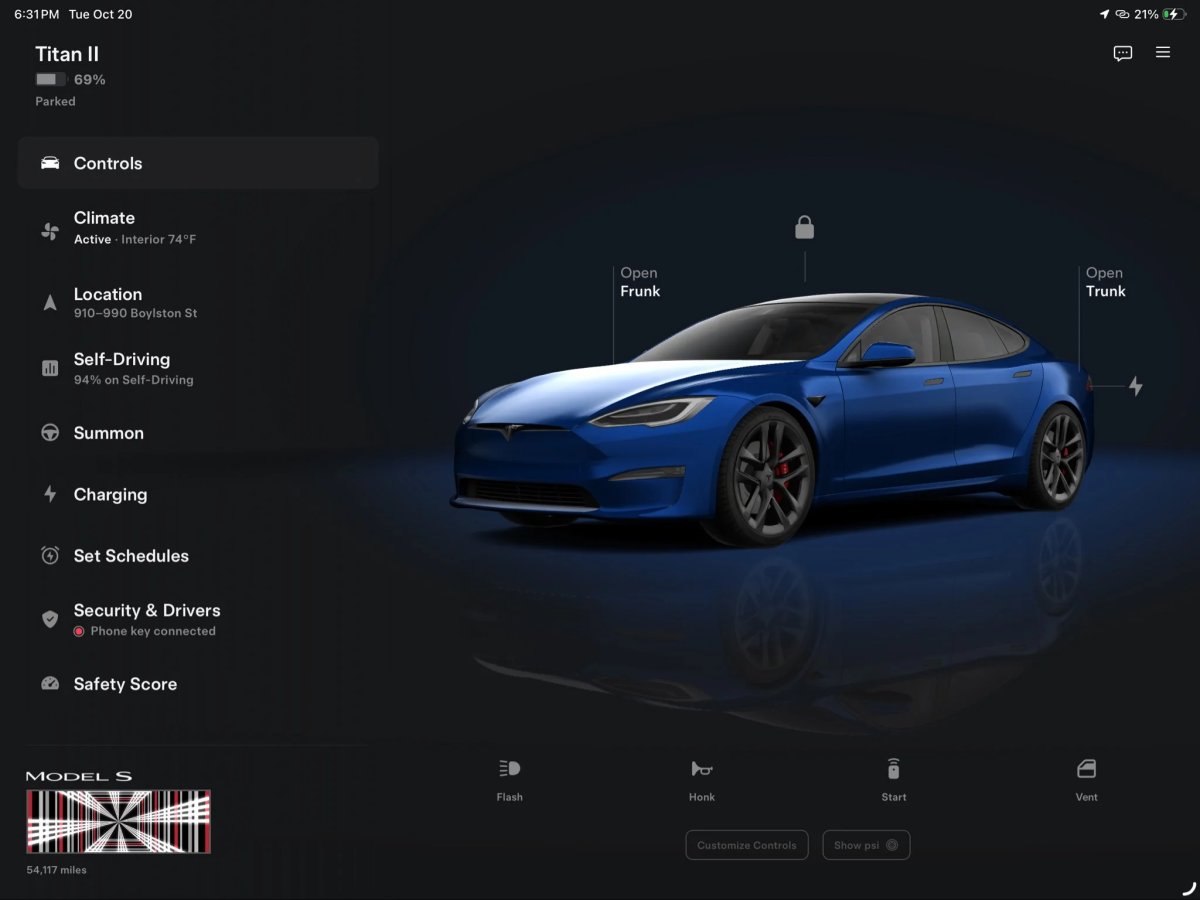
Tesla’s new big-screen app works well on iPads and iPhone Duo, but some Android foldable owners aren’t seeing it when they expect to. The good news is that Tesla is already working on a fix.
Tesla only has a handful of screen sizes and aspect ratios to deal with on the Apple side of things, but Android has eight years’ worth of foldables and even more tablets. That makes it hard to get the layout right everywhere.
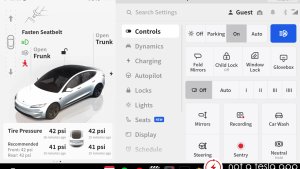
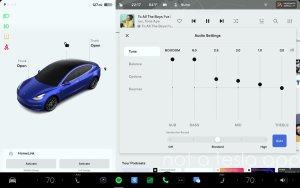
@FCastrillo86 shared a video showing the issue on his Pixel 10 Pro Fold. The Tesla app looks normal on the outer screen, but when he unfolds the phone, the regular phone layout just stretches to fill the inner display. Only when he rotates the unfolded phone to landscape does the app switch to the new big-screen layout, with controls on the left and a large vehicle visualization on the right.
He said the new UI is great but “doesn’t feel cohesive when the layout split runs perpendicular to the screen crease,” and asked Tesla to allow the new layout in both orientations. Other users ran into the same problem, noting that even with an almost square (1:1 aspect ratio) screen, they had to rotate the phone to get the new view.
Tesla Is On It
Tesla UI engineer Alex Guichet responded to the issue on X. “Android is quite varied!” he said. “There are so many devices that it’s impossible to test them all.” He added that “we’re going to continue to test and refine screen size breakpoints in a future release.”
Tesla already updated the big-screen app shortly after launch, which also brought the new FSD referral program. Still, it understandably isn’t possible to optimize the layout for every single Android foldable and tablet out there right away. With X Money payments also on the way, the next few app updates should be busy. Until the layout fix arrives, Android foldable owners can rotate their unfolded phone to landscape to get the big-screen view.
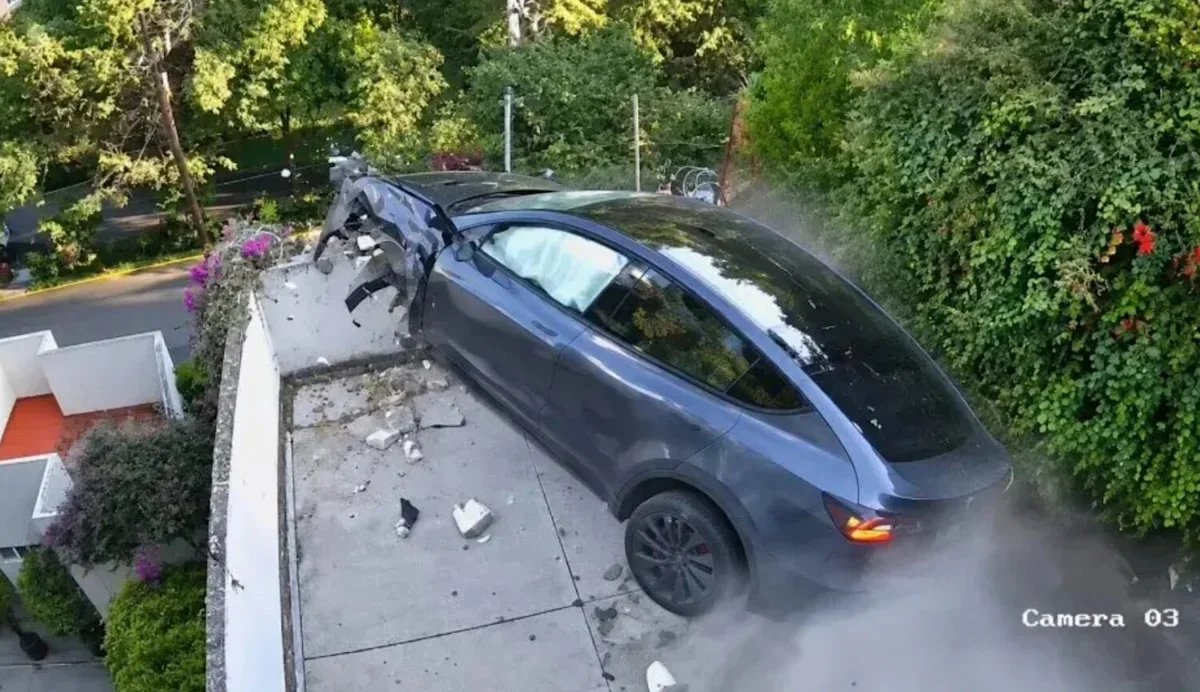
Tesla’s new Roadster may fly with the help of cold-gas thrusters when it begins deliveries, but one Model Y in Mexico City tried to beat it to the punch. Security camera footage shared by TRT Haber shows a Model Y that, in the outlet’s words, “crashed into a house’s garage and flew downward.”
What the Video Shows
The crash happened around 5 p.m. on October 19 in the Lomas del Chamizal neighborhood of Mexico City’s Cuajimalpa district, an area known for steep, winding roads. In the clip, the black Model Y comes down a steep hill toward a sharp bend as a white truck heads up the road. Instead of making the turn, the Model Y goes straight through a home’s entrance gate.
A second camera angle shows the car tearing across the garage and terrace, breaking through the back wall, and launching off the ledge in a cloud of dust before dropping several meters to a lower level.
It was far from the tallest tumble a Tesla has ever taken, though. Earlier this summer, a Model 3 plunged 300 feet off a cliff with two passengers inside, both of whom made it out of the incident with minor, non-life-threatening injuries.
Mexico City’s Secretariat of Citizen Security said the driver lost control while taking the curve. One early report suggested the driver may have swerved to avoid a dump truck coming up the hill, but that was never confirmed and doesn’t appear to be the case from the footage. Fortunately, reports suggest the driver walked away without injuries, while the home’s gate, walls, and terrace took heavy damage.
Built to Take a Hit
Walking away from a crash like that is a good sign for the Model Y’s safety. It was designed with crash protection in mind — we can see in the video that the vehicle’s airbags deployed after it rammed through the garage gate. The Model Y earned the IIHS’s Top Safety Pick+ award earlier this year, the institute’s highest safety rating.
Not a Tesla App
Tesla’s latest Full Self-Driving (Supervised) software also adds Automatic Collision Evasion, which can engage FSD during manual driving to steer around a crash that braking alone can’t prevent. However, it’s limited to HW4 vehicles on controlled-access highways, so here’s hoping it expands to residential streets like this one soon.
Authorities haven’t published a final report on what caused the crash, and no speed has been confirmed. For now, this Model Y’s short flight will have to hold the title until the Roadster’s production begins in 2028.



![Tesla Driver in Mexico Makes His Model Y Fly [VIDEO]](https://www.notateslaapp.com/img/containers/article_images/2026/model-y-flying-accident-mexico.webp/d58bf5d7e21ac7f8713f4f35023d506b/model-y-flying-accident-mexico.jpg)