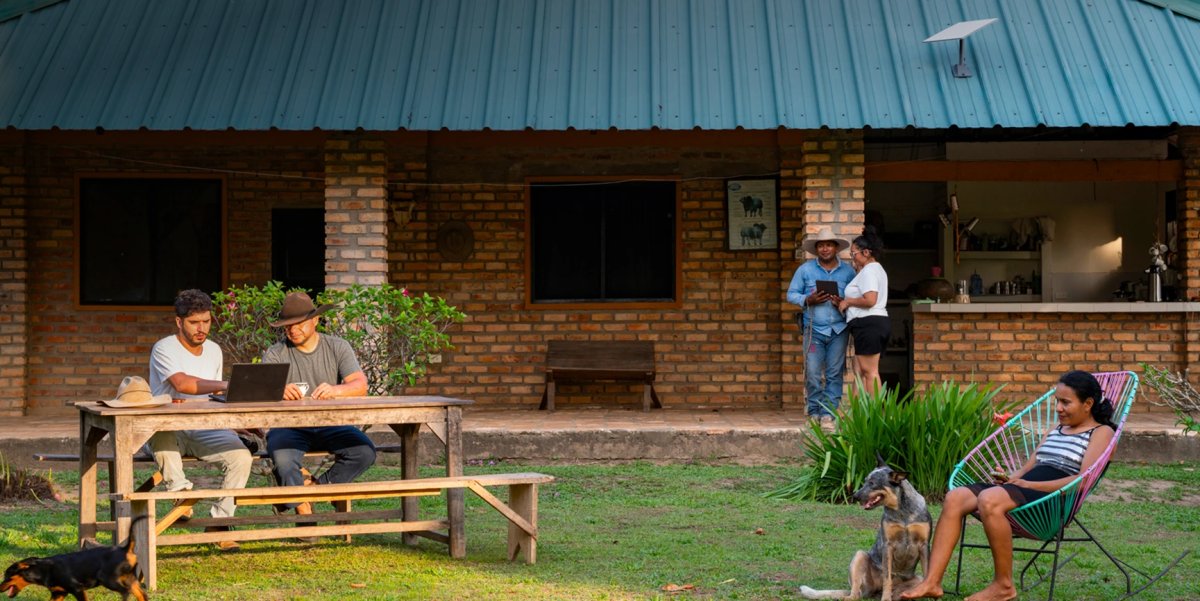
SpaceX is giving Starlink owners a way to make money from their internet connection. Its new Starlink for Communities program, shared on X by Sawyer Merritt (@SawyerMerritt), “lets you earn money by providing Starlink internet to your neighbors or people nearby.”
Instead of everyone in an area paying for their own Starlink subscription, one host sets up a Starlink Kit, and nearby users pay for access when and for however long they need it. The host earns money from every connection.
How Starlink for Communities Works
According to Starlink’s official program page, “One Starlink Kit delivers high-speed internet to multiple users nearby.” Getting started takes three steps:
Order a Starlink Kit, which arrives ready for shared use.
Set it up where demand is highest, ideally a location with multiple homes or users nearby. Starlink provides setup instructions.
Earn income each month as community members connect.
Hosts don’t have to deal with the backend. Starlink handles payments, user access, and connectivity, so hosts only need to set up their site. If demand grows, they can extend coverage with additional Starlink routers or Kits.
Hour, Day, Week, and Month Passes
Users don’t need a long-term plan. They pay only for the access they need with one of four passes:
Hour Pass: One hour of access for one device, meant for quick sessions or one-time use.
Day Pass: 24 hours for one device, for a workday or a day of travel.
Week Pass: Seven days for one device, for short stays or occasional use.
Month Pass: One month for up to four devices, for regular users who need consistent access.
The Starlink for Communities page doesn’t list pricing for the passes yet or how much of each payment goes to the host.
Who Can Host a Starlink Community Site
Starlink says anyone who sees an opportunity to bring connectivity to the people around them can participate. That includes property owners, business owners, and local entrepreneurs with nearby demand. The program could suit apartment complexes, campgrounds, rural communities, and cafes, and interested hosts can apply on Starlink’s website.
Starlink for Communities turns individual Starlink subscribers into small, local internet providers. Once Starlink shares pricing and revenue-sharing details, it should be easier to tell how much hosts can actually earn.
Owners of legacy Model S and Model X vehicles are finally getting Tesla’s latest FSD build for HW3. The official Tesla Super Intelligence account on X announced that FSD v14 Lite is now rolling out to Intel-powered HW3 Model S and Model X, marking the first time these older vehicles have received the distilled FSD branch.
It’s arriving as FSD (Supervised) v14.3 Lite with software update 2026.38.5.1. Tesla owner Leonard Campagna (@LeonardCampagna) already has it on his family’s two Model X vehicles, and he tested it and shared what’s included (and what isn’t).
What Intel Model S/X Owners Get
FSD v14 Lite is a distilled version of the main FSD v14 software built to run on HW3’s older, memory-constrained computer. The release notes say Tesla “Distilled the intelligence from HW4 V14 into HW3,” bringing over improvements like reinforcement learning. They also list better handling of merges, pedestrians, traffic lights and cut-ins, along with fewer false slowdowns and smoother steering.
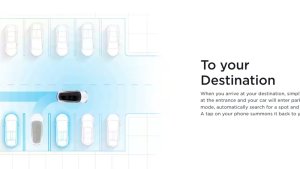
FSD v14.3 Lite for Intel Model S and Model X includes Speed Profiles and an FSD streak counter that tracks how far you’ve driven without an intervention, the latter of which wasn’t mentioned in the release notes. However, legacy Model S and Model X vehicles miss out on Arrival Options, starting FSD from Park, and reversing on FSD, all of which HW3 Model 3 and Model Y vehicles with Intel processors get with v14.3 Lite. FSD first got the ability to autonomously reverse on HW4 with version 13.2, but HW3 cars were stuck on v12 until v14 Lite arrived. Actually Smart Summon isn’t included either.
FSD v14 Lite is supposed to be the last major FSD branch for HW3, Intel or AMD. Tesla has confirmed that HW3 won’t support unsupervised FSD or the upcoming FSD v15 update, and it has promised hardware upgrades with new, more powerful AI chips for owners who bought FSD.
Until those upgrades arrive, v14.3 Lite is the best FSD experience legacy Model S and Model X owners can get. Future point releases could still add the missing parking features, as they already exist on Intel-based HW3 Model 3.




![Tesla Tinkerers Get CarPlay and AirPlay Running Natively [VIDEOS]](https://www.notateslaapp.com/img/containers/article_images/2026/tesla-apple-carplay-native-implementation-michal-gapinski-1792010425.webp/fa7334a810a6f096f9f63610278dbce8/tesla-apple-carplay-native-implementation-michal-gapinski-1792010425.jpg)