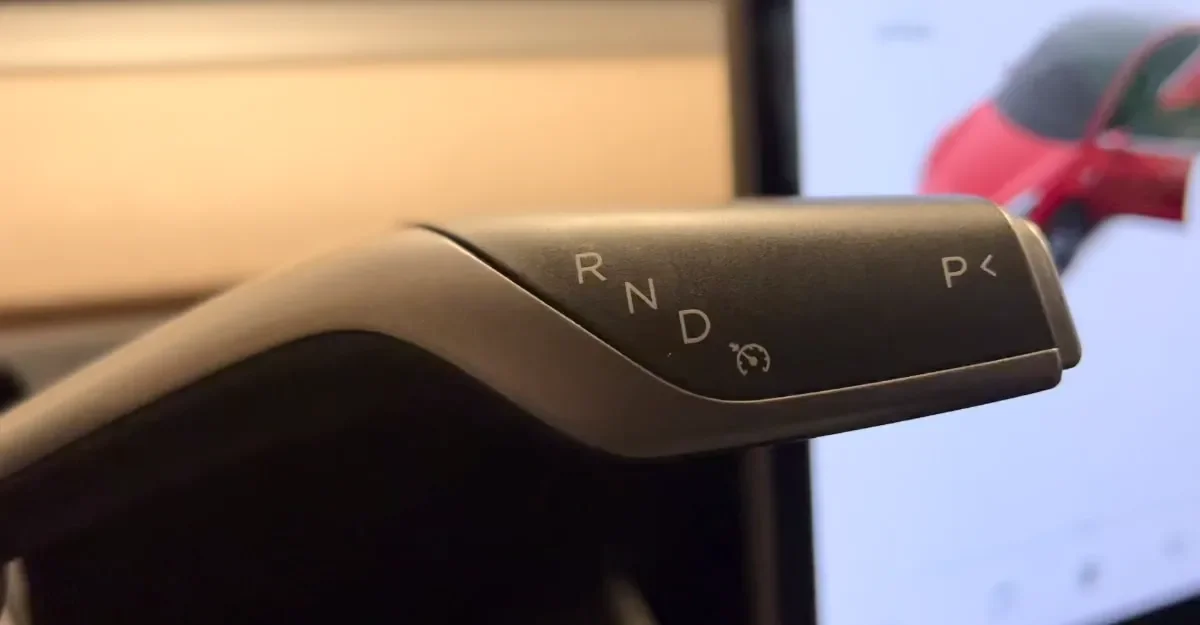
Description: This command requires your vehicle to be equipped with fog lights. This command does nothing for newer vehicles that include integrated fog lights, like the Cybertruck and Model 3 Highland.
For vehicles equipped with fog lights, it will turn on or off your fog lights as requested. It's a nice addition, as fog lights aren’t always necessary. This will also turn off your rear fog lights for the Model S and Model X.
Discovered on: December 27, 2024
Subscribe
Subscribe to our newsletter to stay up to date on the latest Tesla news, upcoming features and software updates.
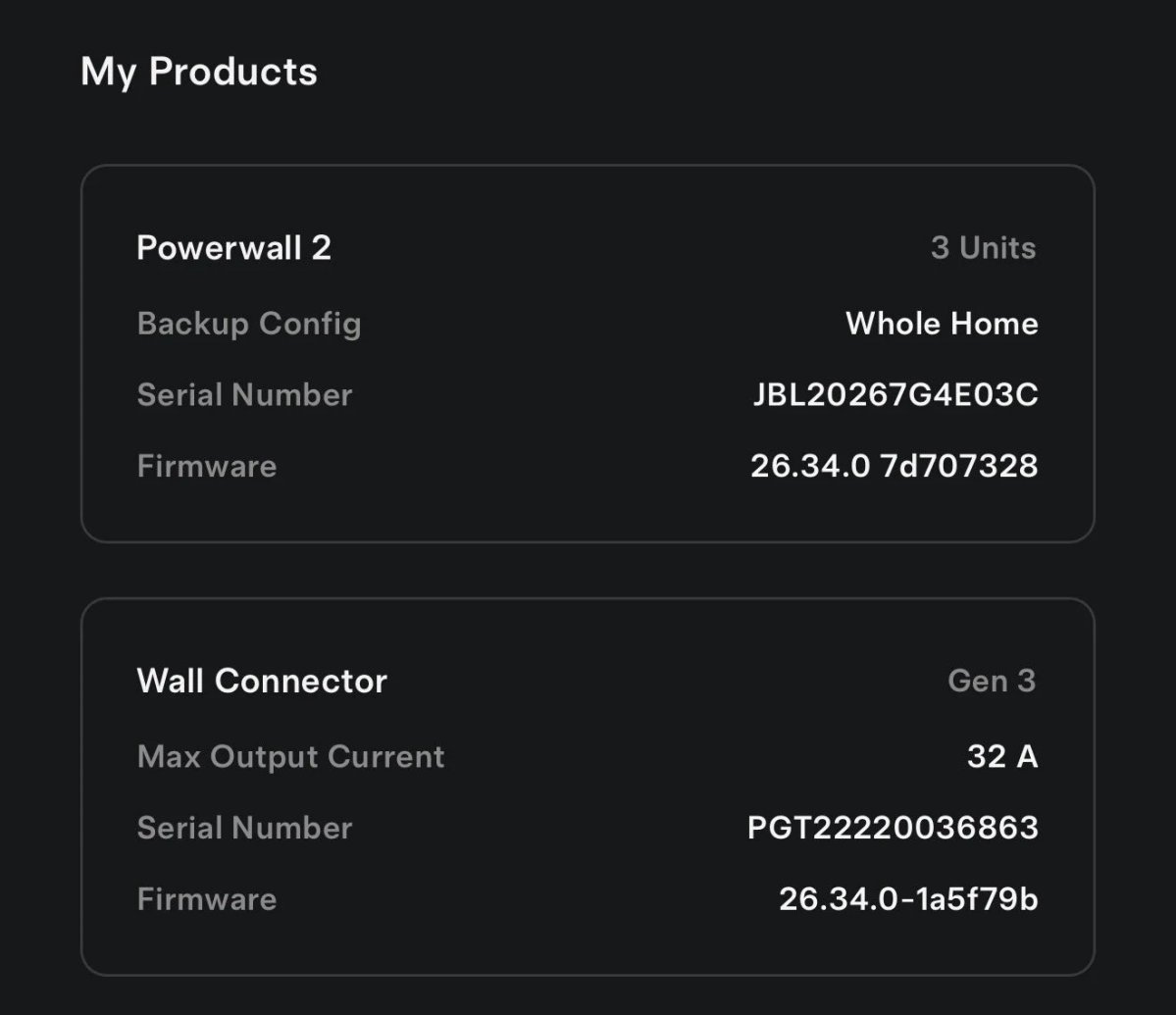
Tesla’s Wall Connector is getting smarter. Software update 26.34 for both Powerwall and the Gen 3 Wall Connector adds new smart charging features. Tesla owner @EVStraya shared the update on X, noting that the “Wall connector can now utilise charge on solar for smart charging.”
We first spotted these features in the Tesla mobile app back in May, when strings referenced a new Low-Cost Charging mode for Wall Connectors along with an improved Charge on Solar option for Powerwall owners. Now they’re officially rolling out, and they work with older Powerwall 2 systems too. @EVStraya’s setup pairs three Powerwall 2 units with a Gen 3 Wall Connector.
Not a Tesla App
How Wall Connector Smart Charging Works
Smart charging connects your Wall Connector to your Powerwall, with the charging behavior following whichever operational mode your Powerwall is set to.
In Savings mode, Low-Cost Charging uses your utility rate plan and solar production to charge your car when energy is cheapest. That’s useful if you’re on a time-of-use plan with cheaper overnight rates.
Not a Tesla App
In Self-Powered mode, Charge on Solar uses excess solar to charge your vehicle, so more of the power your panels make stays in your home. It still aims to hit your configured charging target, but Tesla warns this “may change how much your car charges daily.”
If your setup is already in Self-Powered mode, the update automatically switches your Wall Connector’s smart charging to Charge on Solar. If you’d rather charge only from the lowest-cost energy, Tesla suggests switching to Savings mode and making sure your rate plan is up to date.
How to Set Up Smart Charging
To turn it on, open the Tesla app and go to Settings > Vehicle Charging > your Wall Connector > Set Charging Configuration. There are a few requirements: your Wall Connector must be on the same Wi-Fi network as your Powerwall, and smart charging can only be configured for one Wall Connector at a time.
Not a Tesla App
Tesla also recommends plugging in often and setting “a low minimum charging target and departure time that matches your daily driving needs.” That gives the system more room to wait for cheap energy or sunshine without leaving you short on range.
These features build on what the Wall Connector could already do, like VIN-based access control and its own charging schedules. On the home energy side, Tesla also just introduced Powershare Home Backup for the Model 3 and Model Y, which lets those cars power your home during an outage, just like Cybertruck. As firmware 26.34 reaches more Powerwall owners, smart charging should become a standard part of how Tesla homes manage their energy.
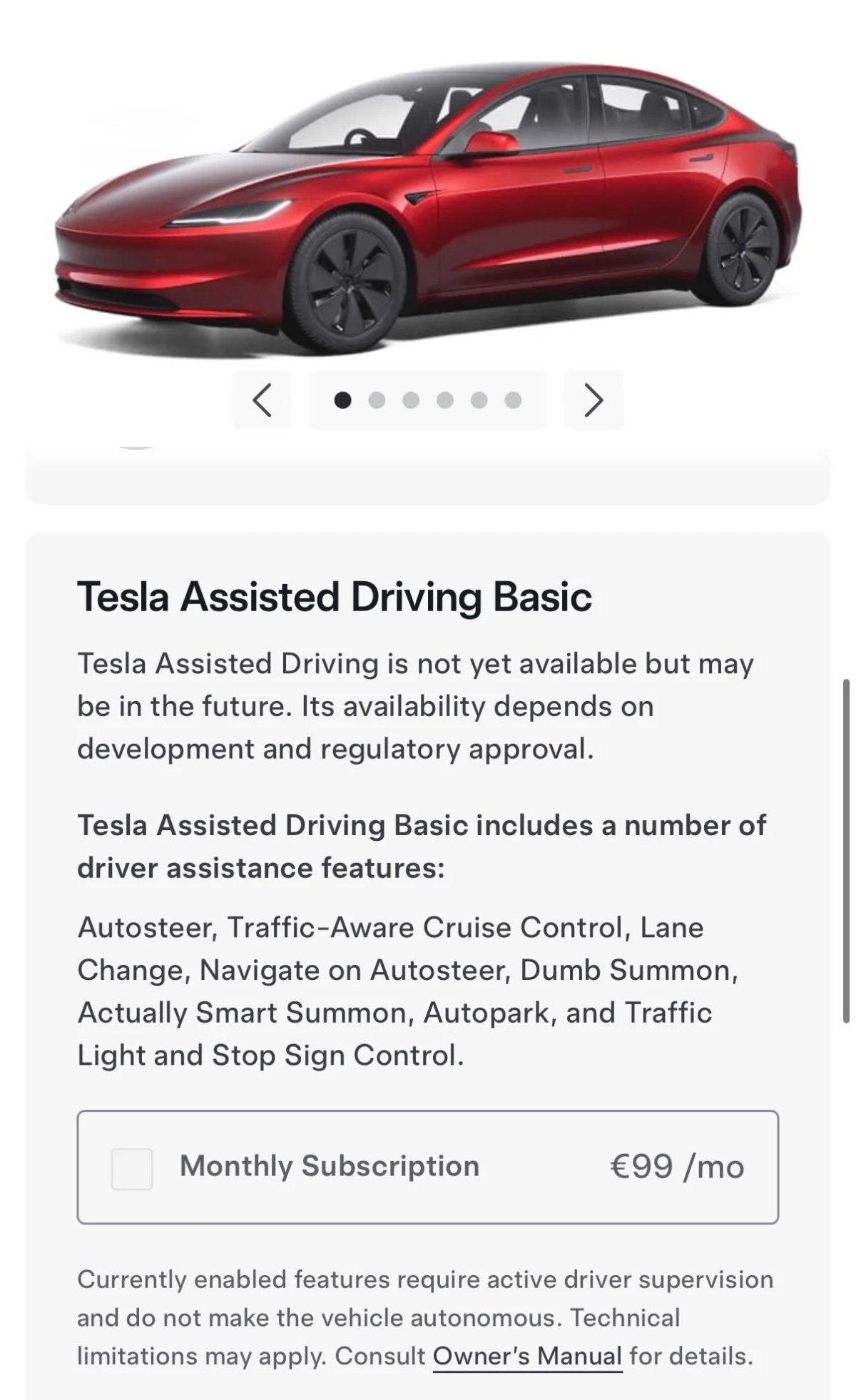
In European countries where FSD isn’t available yet, Enhanced Autopilot is now called Tesla Assisted Driving Basic, a €99 per month subscription. Its feature list on Tesla’s European configurator includes Autosteer, Traffic-Aware Cruise Control, Lane Change, Navigate on Autosteer, Autopark, and Traffic Light and Stop Sign Control. It also lists two kinds of Summon: Dumb Summon and Actually Smart Summon.
@TeslaNewswire / X
What Is Dumb Summon?
Dumb Summon is the original version of Summon that Tesla introduced years ago. It lets you move your car straight forward or backward without anyone inside, using the Tesla app or your key fob. It’s handy for pulling out of a tight garage or a narrow parking spot, but the car only travels in a straight line.
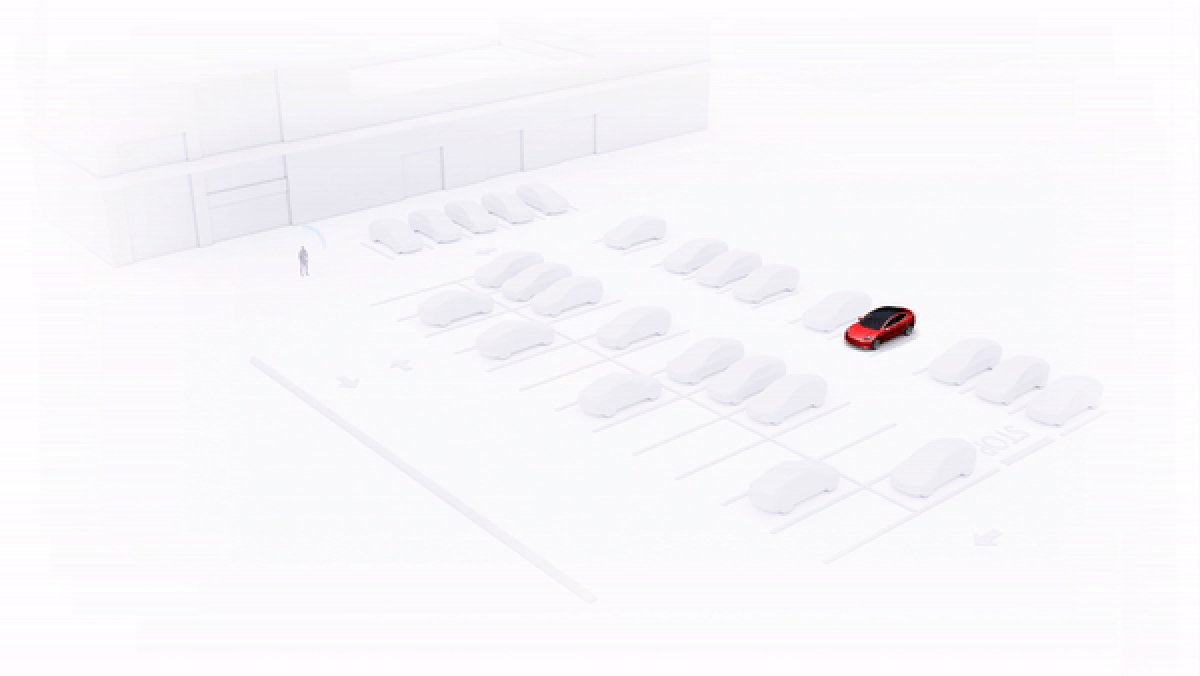
It has since been superseded by Actually Smart Summon (ASS), which can navigate a parking lot on its own to reach you or a spot you pick. Tesla first launched Actually Smart Summon in Europe in 2024, but it’s heavily restricted there. European regulations require owners to stay within 6 meters (about 19.5 feet) of the vehicle, compared to about 65 meters (213 feet) in North America. A draft change to those rules could raise Smart Summon’s range in Europe to 10 meters, or 15 meters with a direct line of sight.
Not a Tesla App
Musk and Tesla execs have used “Dumb Summon” to tell the two apart for a while, so it’s good to see Tesla’s official materials catch up. It’s a quirky name, but quirky names are an established pattern at Tesla, and ASS is a case in point.
For now, Tesla’s configurator in the majority of the EU notes that “Tesla Assisted Driving is not yet available but may be in the future.” If the EU vote goes Tesla’s way, more European owners could move from Dumb Summon and the Basic package up to the full Tesla Assisted Driving.







![Everything in Tesla's Halloween Mode Update [Photos & Videos]](https://www.notateslaapp.com/img/containers/article_images/tesla-screen/tesla-halloween-mode-screen-2.webp/5ddb0bd71549ec1a8f4627f348fe0d98/tesla-halloween-mode-screen-2.jpg)