

![Tesla Driver in Mexico Makes His Model Y Fly [VIDEO]](https://www.notateslaapp.com/img/containers/article_images/2026/model-y-flying-accident-mexico.webp/d58bf5d7e21ac7f8713f4f35023d506b/model-y-flying-accident-mexico.jpg)
Tire Center
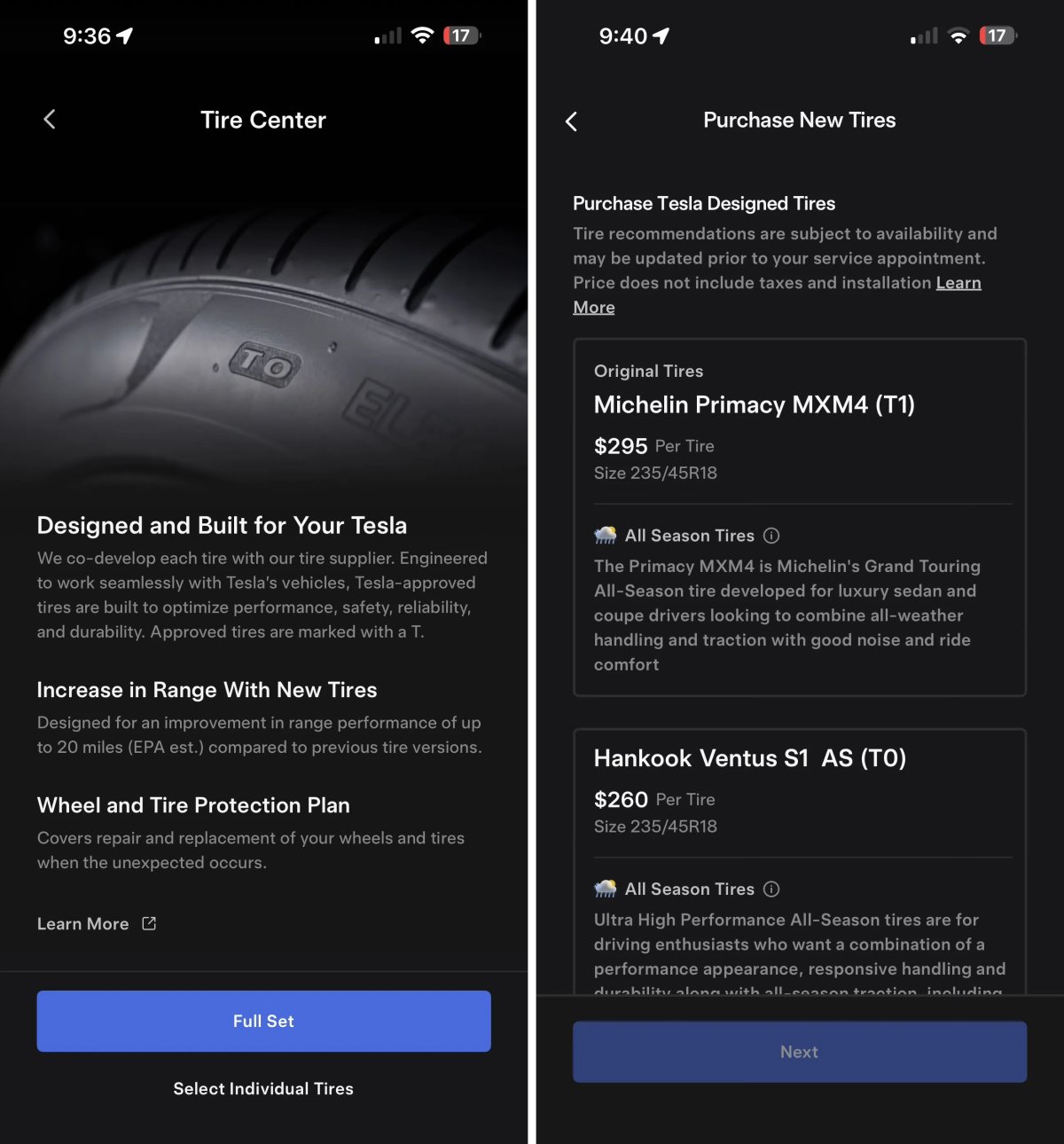
Tesla’s new Tire Center helps you find the right tires for your vehicle. After selecting your tire size you’re presented with available options that can be purchased and installed by Tesla.
Tire Center is available in select regions, including the United States, and can be found under Service > Tire Center.
Using
Tesla App Screen Sharing
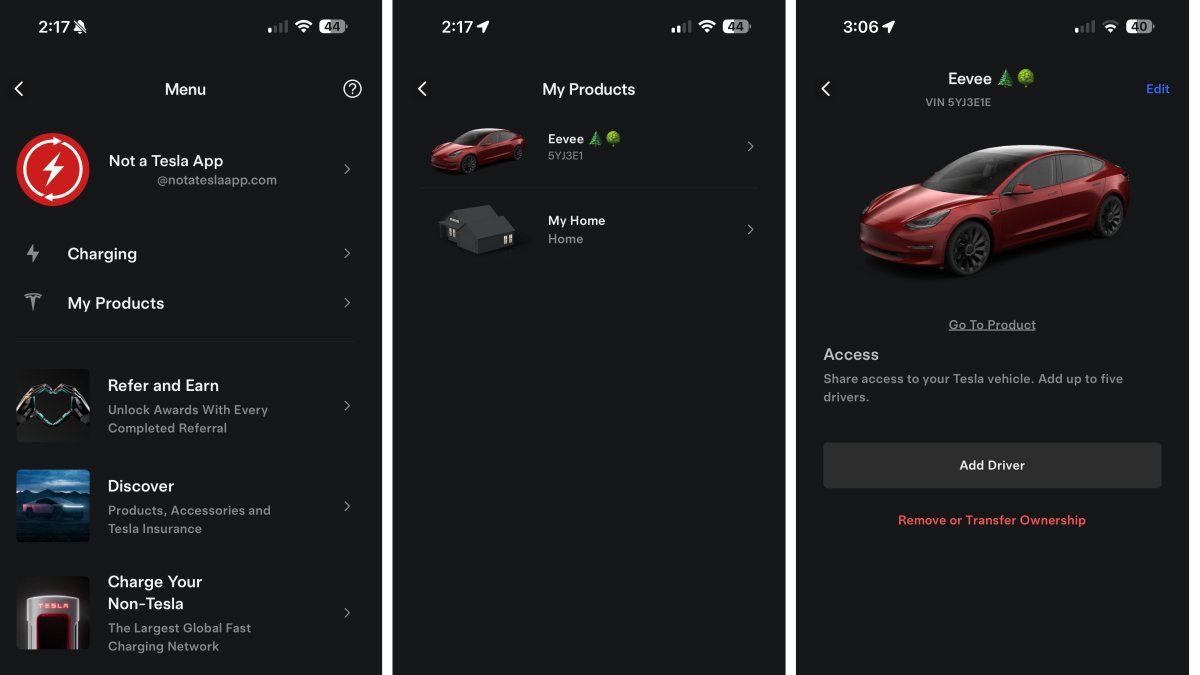
We recently discovered that Tesla is adding the ability for customers to remotely share their vehicle’s screen to help solve issues.
This app update reveals that Tesla is working on a similar feature for the Tesla app. The Tesla app states: “Would you like to share your Tesla app screen with a representative? They will see only the app to guide you.”
Other phrases found in the app related to screen share include: Resume Screen Share, Would you like to stop or resume screen sharing? , and Starting Screen Share.
This feature does not appear to be live in the app yet.
Powerwall Calibration

Tesla is adding an option to calibrate your Powerwall. The app states: “Powerwall calibration is required for ideal performance of your system. Tesla strongly recommends you allow calibration to continue. You can delay calibration if you require your Powerwall to resume normal operation for critical events like an upcoming planned grid outage.”
Users will be given the option to delay the calibration, but sometimes it appears that it will be required, with phrases found in this update that state: “You are unable to delay this calibration.”
The calibration process, which improves charge level accuracy and optimal battery performance, can take up to 72 hours, according to Tesla.
Message Center
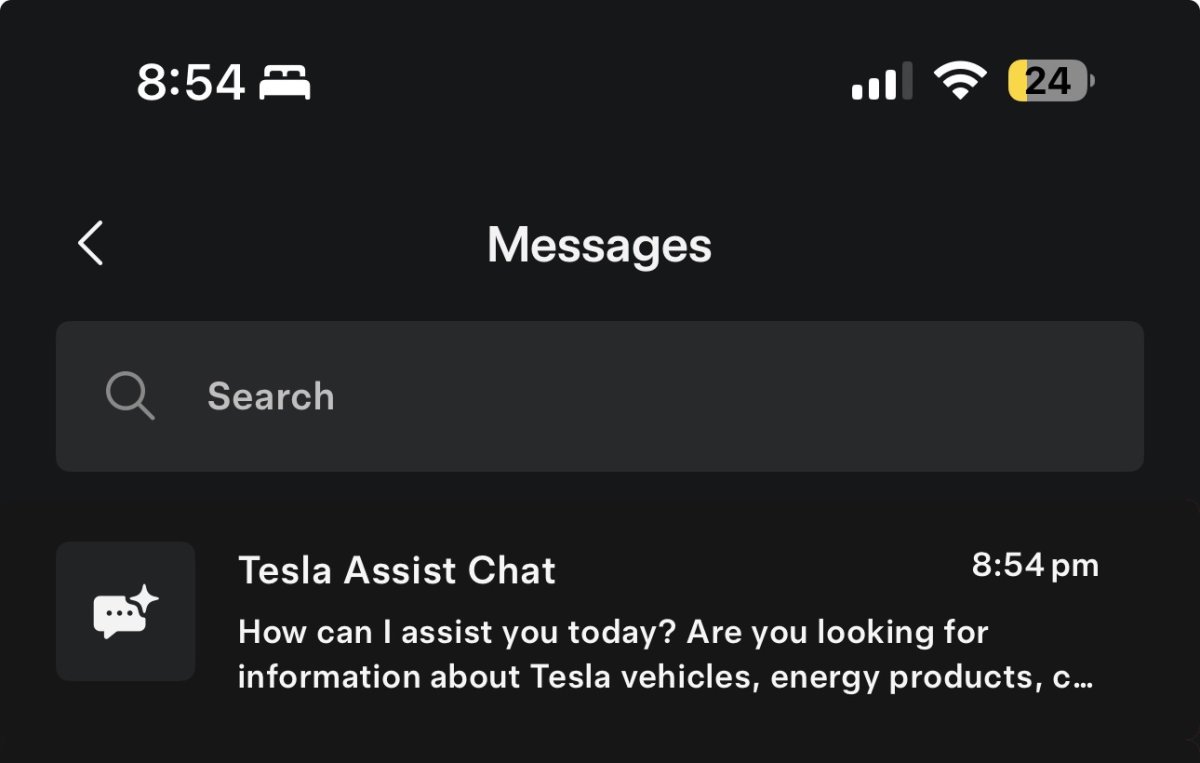
Tesla is planning to make changes in its Message Center, where Tesla sends promotions and service messages to a user within the app.
While the changes aren’t live yet, the improved Message Center is expected to include the ability to search your messages, and it’ll feature Tesla’s AI Assistant, directly at the top.