

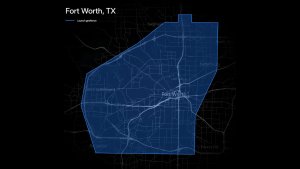

Unreal Engine Autopilot Visualization

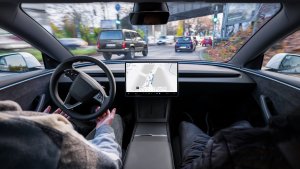
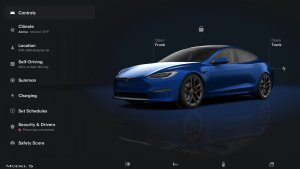
There are now more signs that Tesla is moving to Unreal Engine visualizations for FSD and Autopilot. The new Model S and Model X are suspected to already be running visualizations using the new engine. While the new engine is expected to give Tesla more capabilities, Tesla appears to be using the same 3D models for now. The new Model S and Model X allow you to move the visualizations around in the Control menu, a feature not available in 2025 and older S and X models.
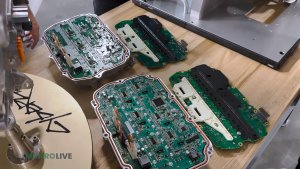
This app update mentions isUsingUnrealApViz, hinting that some vehicles are running Unreal Engine. Given the nature of the flag, this could also mean that not all vehicles will support Unreal Engine. It’s suspected to only be available on AMD Ryzen-based vehicles.
Improved Dashcam Streaming
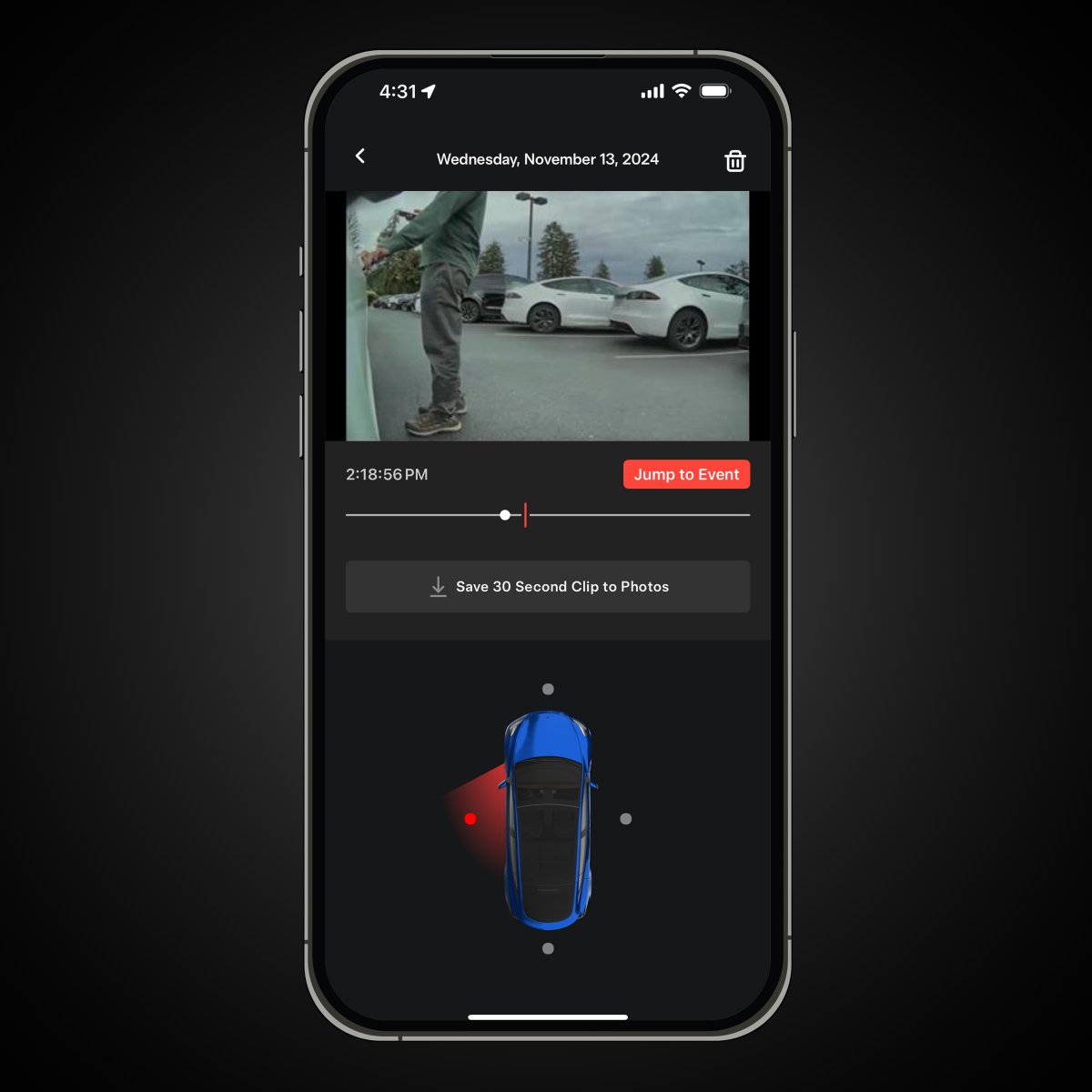
Tesla’s Dashcam app feature is fantastic, allowing you to view Dashcam footage without having to remove the USB drive from your vehicle. However, the streaming quality is noticeably worse than what’s available in the vehicle.
This app update includes several phrases that hint at Tesla supporting dynamic bitrates in a future update, potentially allowing users to view video in higher quality when the vehicle has a strong connection or is connected to WiFi.
The phrases included are:
"clearSupportsFlexibleDashcamBitrate",
"getSupportsFlexibleDashcamBitrate",
"hasSupportsFlexibleDashcamBitrate",
"setShowDashcamViewerBitrate",
"setSupportsFlexibleDashcamBitrate",
"DASHCAM_VIEWER_DOWNLOAD_BITRATE_KEY",
"DASHCAM_VIEWER_STREAMING_BITRATE_KEY"
App Maintenance Now Uses Vehicle Records
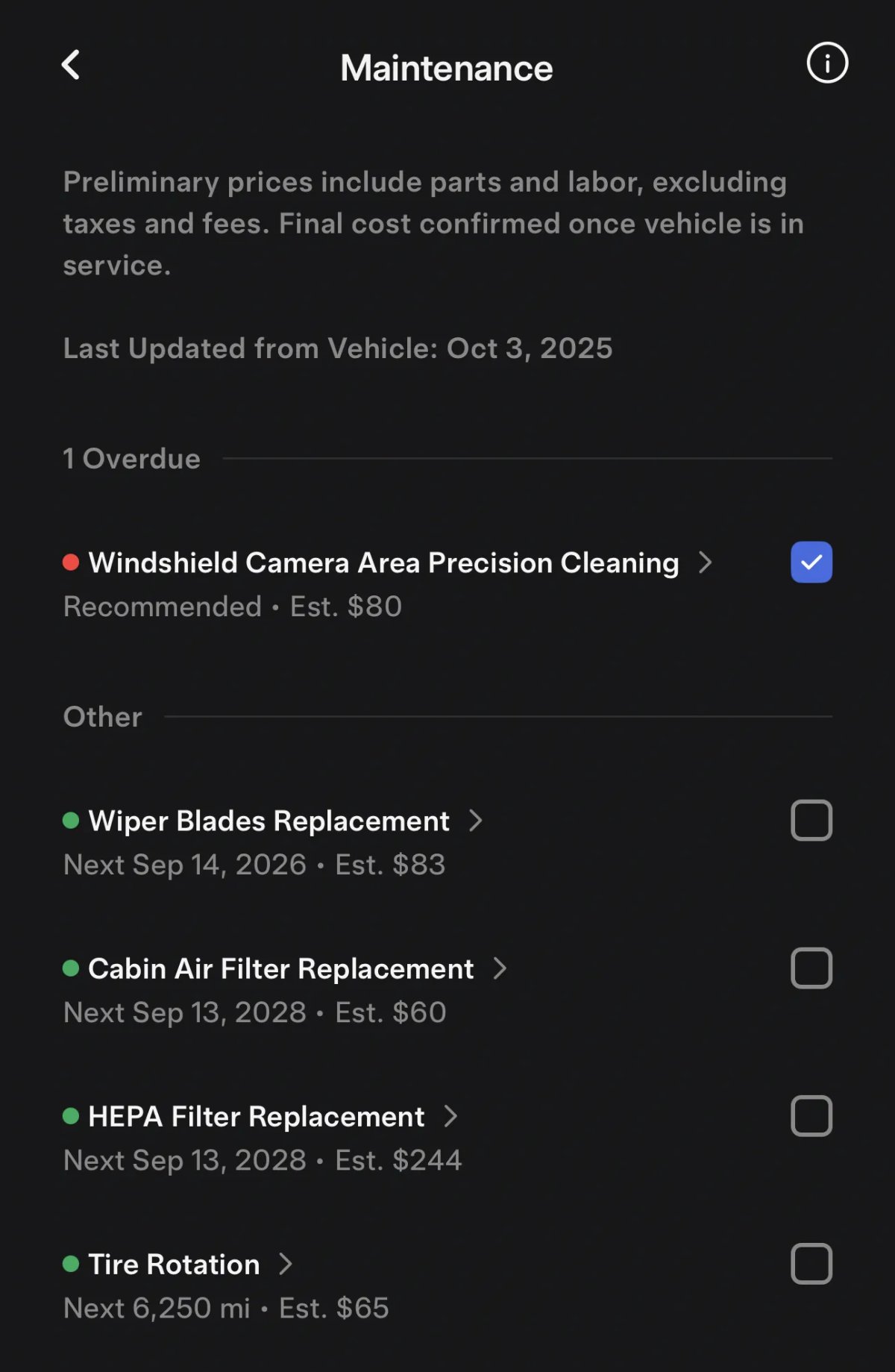
Tesla has updated the app’s maintenance section under Service > Request Service > Maintenance. The app now pulls data from the vehicle and shows the same recommended maintenance as shown inside the vehicle under Controls > Service > Maintenance.
While the app previously displayed regular vehicle maintenance and their estimated costs, now the app can tell which items are overdue and which ones have been performed recently. The Maintenance section in the vehicle allows owners to record regular vehicle maintenance such as replacements for wiper blades, cabin air filter, low-voltage battery, as well as other common tasks.
Vehicle Sharing
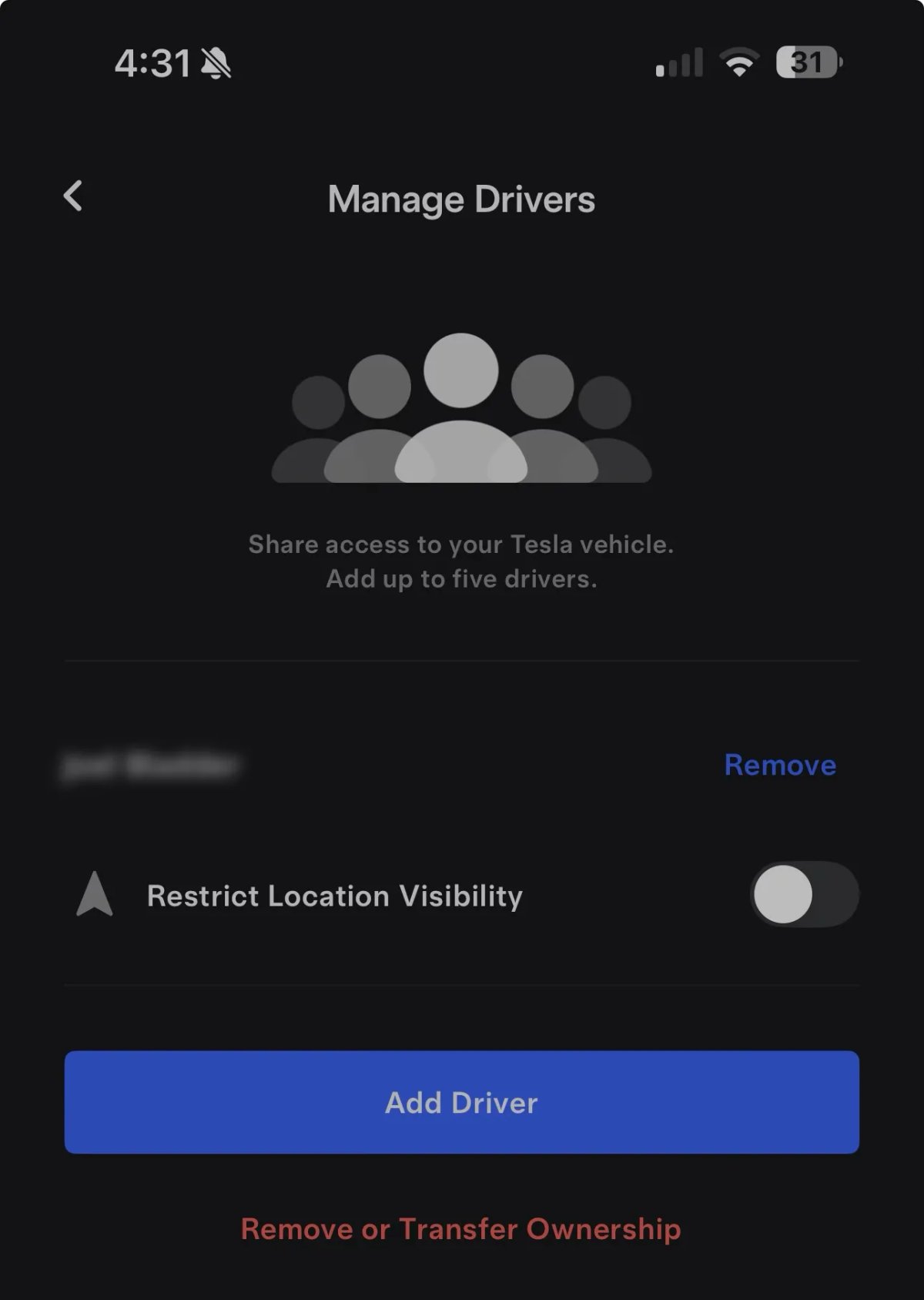
New code in this app update points to a potential new way to share vehicles in the future. Tesla added a lot of new strings regarding vehicle sharing and bootstrapping, including key values such as 'bootstrap_vehicle_access_add_to_mobile_app': 'Adding Vehicle to Mobile App',
'bootstrap_vehicle_access_connecting_vehicle': 'Connecting to vehicle...', 'bootstrap_vehicle_access_successful': 'Vehicle added successfully'.
Tesla already lets you share vehicles by adding a secondary “driver” account or by sharing the vehicle with another Tesla account. It’s not clear what improvements these changes can provide or how they’ll differ from what’s currently available.
Currently, secondary Driver accounts have some limitations in the Tesla app, as the app restricts features such as Charge Stats and Roadside Assistance to the primary account holder only.
More Virtual Queue Changes

Tesla has made more changes for the upcoming Virtual Queue charging feature that will allow owners to wait in a virtual queue instead of a physical line when a Supercharger is full.
These are some of the new strings included in this update:
'Nearby Supercharger · <5 min wait to charge''Nearby Supercharger · >60 min wait to charge','Waitlist to Charge · <5 min wait''Waitlist to Charge · >60 min wait',,"userCanJoinQueue","userCanReportIssue",
Robotaxi Updates

Tesla continues to integrate a lot of Robotaxi code into the main Tesla app. However, it’s not clear whether Tesla plans to add Robotaxi functionality into the main app itself, or if the two apps are just sharing a lot of the same code.
This update includes more Android-specific details, suggesting that Tesla may be close to releasing an Android version of the Robotaxi app.
Some of these phrases include:
android_native_alicorn_android_12_ble_permission_notification_content: To enable, allow Nearby Devices permission and restart the app,
android_native_alicorn_android_12_ble_permission_notification_title: Auto-unlock disabled,
android_native_alicorn_auto_unlock_enabled: Auto-unlock enabled,
android_native_alicorn_foreground_notification_title: Ride Access,
android_native_alicorn_status_bluetooth_disabled: Turn on Bluetooth to enable Auto-unlock,
"isWithinGeoFence",