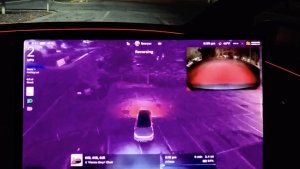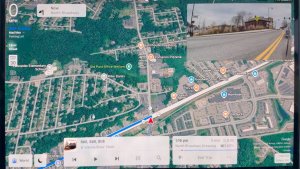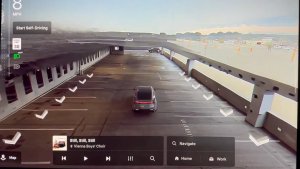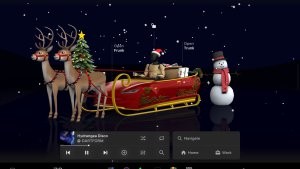
Now that Tesla’s 2026.38 update has been in owners’ hands for several weeks, we’ll look at some of its lesser-known features. Before we do, let’s recap what turned out to be one of Tesla’s bigger updates of the year.
Update 2026.38 introduced Halloween Mode, which brought spooky vehicle visualizations, sounds, and interactive features. Tesla also expanded Supercharger Site Map availability to vehicles with Intel processors and added the ability to set your desired arrival energy in the Tesla app.
On the safety side, Tesla introduced Emergency Drive Away and Dynamic Headlight Leveling for select vehicles.
Now, let’s take a look at the undocumented features in this 2026.38 update.
Halloween Mode Wraps & License Plates for Intel

While Tesla’s Halloween Mode is not available on Intel vehicles, these vehicles do still receive the same Halloween Mode wraps and license plates that are available on AMD vehicles.
Unfortunately, the rest of the features, including, the Halloween visualizations, Trick or Treat Mode and the lock sound are not available on Intel vehicles.
Self-Driviging App & FSD Streaks
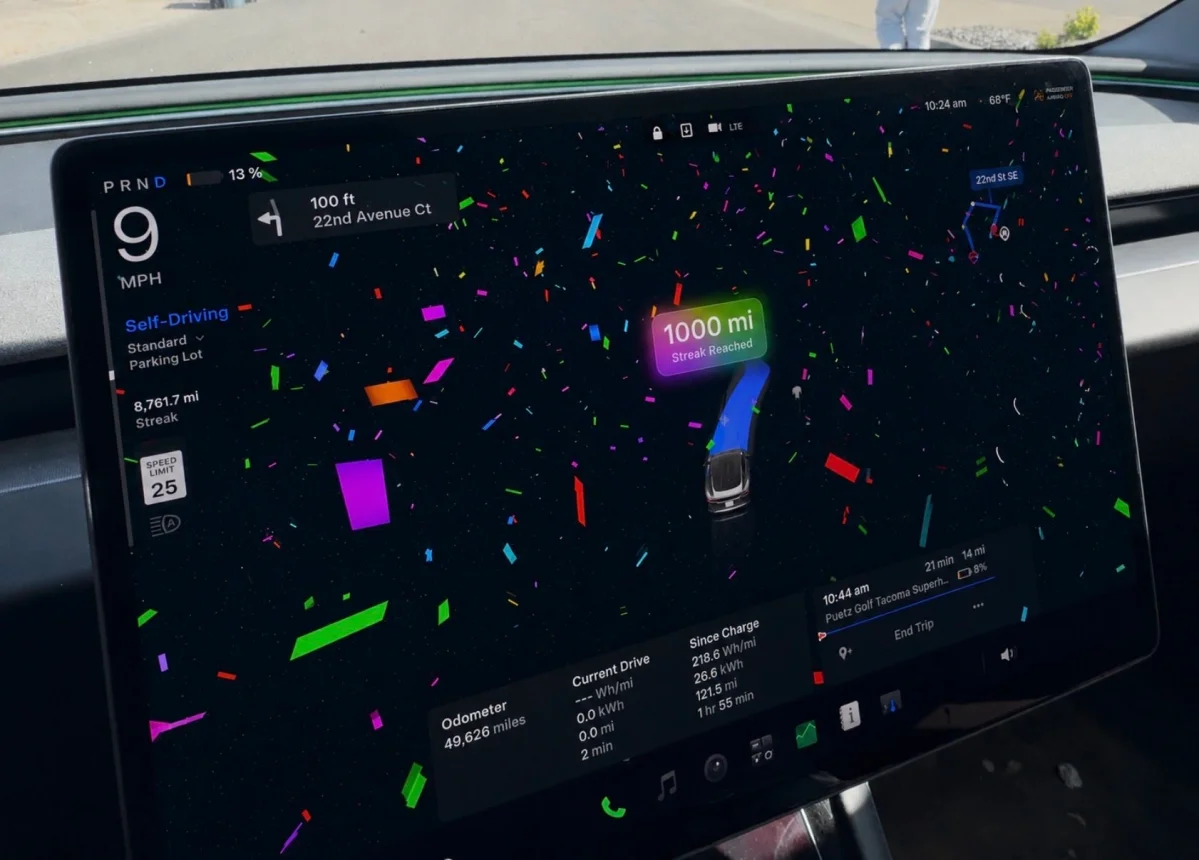
Tesla has added the Self-Driving app and support for FSD Streaks to the legacy Model S and Model X. This applies to vehicles running FSD v14.3 Lite.
This includes celebration screens and the Self-Driving app, which lets you view FSD metrics, including the number of miles/km Self-Driving has been used, distance used per month, and how many days it has been used in a row.
Note: This applies to legacy Model S/X vehicles with Intel and HW3.
Model Y L Badge Animation

The Launch Series badge animation has been added to the Model Y L with this update. Simply tap it to see the badge animate.
Grok No Longer in Beta

With this update, Tesla has removed the beta label from Grok.
Service Mode Improvements

Service Mode Update - Quick Touchscreen Language Switch
Servicing a vehicle set to an unfamiliar language has now become easier. When entering Service Mode, the customer's original language setting is saved. If the touchscreen language does not match the default language of the vehicle's current country location, a Change Touchscreen Language button (always shown in English) appears at the top of the Service panel and allows users to select a preferred language. Then, upon exiting Service Mode, the customer's original language setting is automatically restored.
Note that touchscreen language changes trigger a restart of the user interface.
Models: All
High Voltage Panel Update - Isolation Alert Popup
The High Voltage panel now displays status information for each isolation health dot via a popup. To view the popup, tap the health dot for the component. If the component is healthy, it will show the current isolation resistance values. If the component is unhealthy, it will display the current isolation resistance values and any isolation alerts or Diagnostic Trouble Codes (DTCs) that are present on the vehicle.
Models: All
Next Update
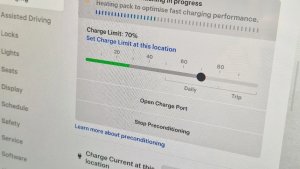
Tesla has already started releasing its next major update, 2026.44. It includes manual battery preconditioning, a newly designed service menu, and Supercharger grouping views when you’re zoomed out.
More interestingly, the code also hints at additional features that may arrive in the holiday update.
Follow Us on Google
Add Not a Tesla App as a preferred source on Google to see more of our stories in Top Stories.
Add to Preferred Sources