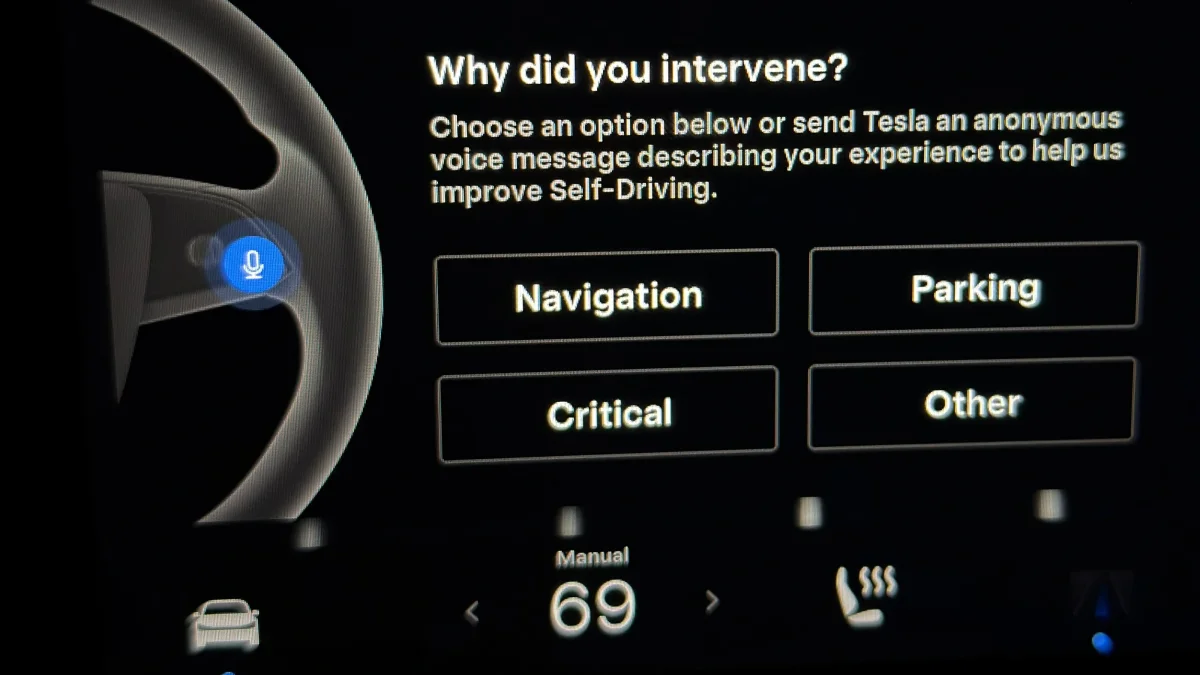

One of the most annoying parts of using FSD is finally gone. With FSD v15, Tesla has removed the disengagement menu that popped up every time you took over from FSD (Supervised).
Until now, you had to tell Tesla whether you disabled FSD due to a Navigation, Parking, Critical, or Other issue every time you did so. As noted in our release notes for software update 2026.38.6.11, nothing appears on screen anymore when you disengage FSD.
A Menu Nobody Asked For
Tesla first added the disengagement menu with FSD v14.3.2 in April, asking drivers to pick a reason for taking over from a list of common issues. The goal was to collect feedback right after an intervention, but the menu had no button to close it. It stayed on screen until you made a selection.

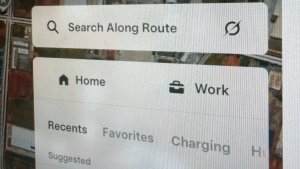
Tesla adjusted it a few times. Just a couple of weeks after it came out, Tesla made the feedback menu smaller and less intrusive, so it no longer blocked the navigation route, and you could still use climate, music, and other controls while it was open. Later updates also swapped around the available options.
Owners still found a way around it. Double-tapping the steering wheel’s mic button recorded an empty voice note and closed the menu right away. In June, Tesla shut down that workaround by making drivers wait at least three seconds before they could end a voice memo, which made picking a category the quicker option.

Now, there are no prompts or dialogs to dismiss, so you can just take over and keep driving. This means you no longer get an obnoxious pop-up stealing screen real estate every time you take over from FSD just to avoid a pothole (which it is now actually better at doing with v15) or because it didn’t pick the route you wanted to your destination.
What Else Is in FSD V15
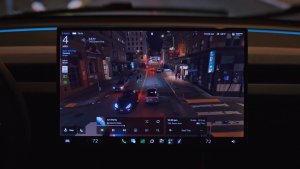
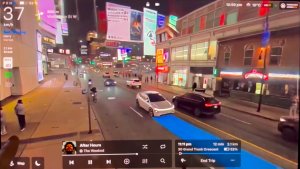
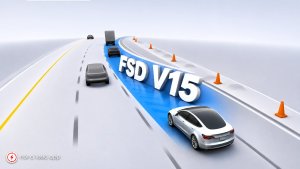
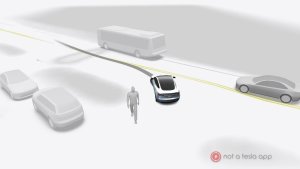
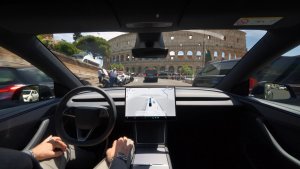
The menu’s removal isn’t mentioned in Tesla’s official release notes, but it’s far from the only change in FSD v15. The headline feature is Reality View, a realistic, AI-generated 3D view of the car’s surroundings. Tesla also claims a 25x improvement in handling safety-critical situations. Other additions include Speed Camera Slowdown, Bike Rack Mode, Calm Mode for fewer distractions on the screen, and better parking spot selection.
Reality View has gotten a lot of attention (and rightfully so — it looks great!), and we took a closer look at how Tesla generates it and what it can and can’t show you.

Wider Release Next Month
Tesla hasn’t said why it removed the menu, but after months of feedback, it may simply have enough data now. With voice notes still available, drivers who want to report an issue can still do so.
FSD v15 is currently limited to a small number of newer vehicles, but Elon Musk said it’s coming to more owners with the Holiday Update next month.
Follow Us on Google
Add Not a Tesla App as a preferred source on Google to see more of our stories in Top Stories.
Add to Preferred Sources