






FSD (Supervised) v15.0.1

v15 upgrades every part of the end-to-end driving network. Includes:
- Upgraded vision encoder shared between FSD, Robotaxi, and Optimus, which is trained on millions of internet videos for improved generalization and data efficiency, improving the critical intervention rate by 25x.
- Introduced Tesla Reality View, replacing all of the explicit model signals into a single end-to-end visualization using less total compute.
- Improved navigation by using an end-to-end learned model based on route preference data from the fleet.
- Improved parking location selection by using personalized parking history, and the map will now display multiple parking options at your destination.
- Improved driver monitoring by increasing vision-based attention monitoring availability with hats and sunglasses and decreasing strictness in higher speed driver profiles.
- Improved detection of road signs, small animals, road debris, and chains.
- Improved detection of potholes, road details, and avoidance of deep standing water.
- Improved speed handling for each driver profile, school zones and speed limits, and inclement weather.
- Improved Autoshift functionality by unifying with FSD-based gear predictions.
Tesla Reality View

- New real-time generative driving visualization that continuously streams a view from an arbitrary virtual camera situated above your vehicle, enabling you to see and control what FSD is planning to do.
- Select between fullscreen visualizations, maps or a split view - or choose quiet mode for a calming cabin experience.
- Upcoming navigation turns display directly in the driving visualization.
- Turn signals are quieter and fade out after a few clicks.
Speed Camera Slowdown

FSD (Supervised) can now slow down when it detects a speed camera. Press the accelerator or increase your speed profile to cancel the slowdown. If you cancel twice at the same camera, your Tesla saves that location and will not slow down there again.
To remove saved cameras, go to Controls > Service > Manage Saved Locations.
Bike Rack Mode

With Bike Rack Mode, you can now engage FSD (Supervised) and Autosteer when a bike rack or similar hitch accessory is installed. When Bike Rack Mode is enabled, FSD (Supervised) pulls over near your destination and does not reverse. Autopark, Summon, and Backup chimes and warnings will be disabled.
FSD Streaks

Tesla has added FSD Streaks support to the legacy Model S and Model X with this FSD update.
Note: This applies to legacy Model S/X vehicles with Intel and HW3.
Model Y L Badge Animation
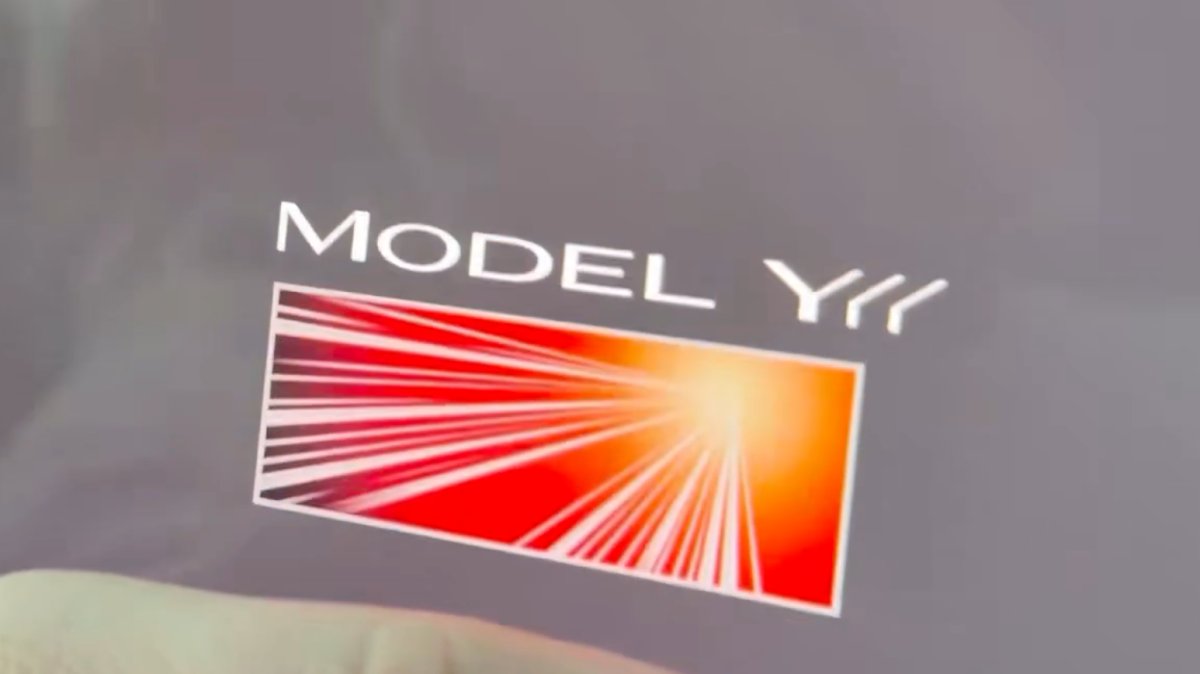
The Launch Series badge animation has been added to the Model Y L with this update. Simply tap it to see the badge animate.
Grok No Longer in Beta

With this update, Tesla has removed the beta label from Grok.
Service Mode Improvements
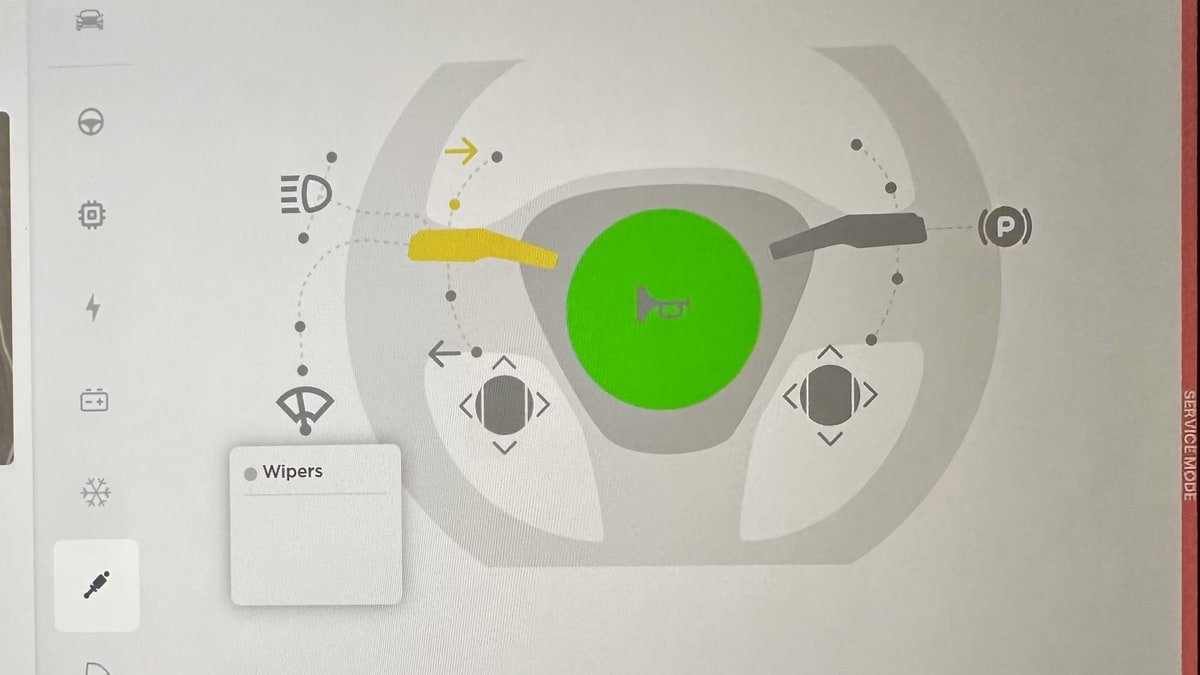
Service Mode Update - Quick Touchscreen Language Switch
Servicing a vehicle set to an unfamiliar language has now become easier. When entering Service Mode, the customer's original language setting is saved. If the touchscreen language does not match the default language of the vehicle's current country location, a Change Touchscreen Language button (always shown in English) appears at the top of the Service panel and allows users to select a preferred language. Then, upon exiting Service Mode, the customer's original language setting is automatically restored.
Note that touchscreen language changes trigger a restart of the user interface.
Models: All
High Voltage Panel Update - Isolation Alert Popup
The High Voltage panel now displays status information for each isolation health dot via a popup. To view the popup, tap the health dot for the component. If the component is healthy, it will show the current isolation resistance values. If the component is unhealthy, it will display the current isolation resistance values and any isolation alerts or Diagnostic Trouble Codes (DTCs) that are present on the vehicle.
Models: All
Halloween Mode Wraps & License Plates for Intel
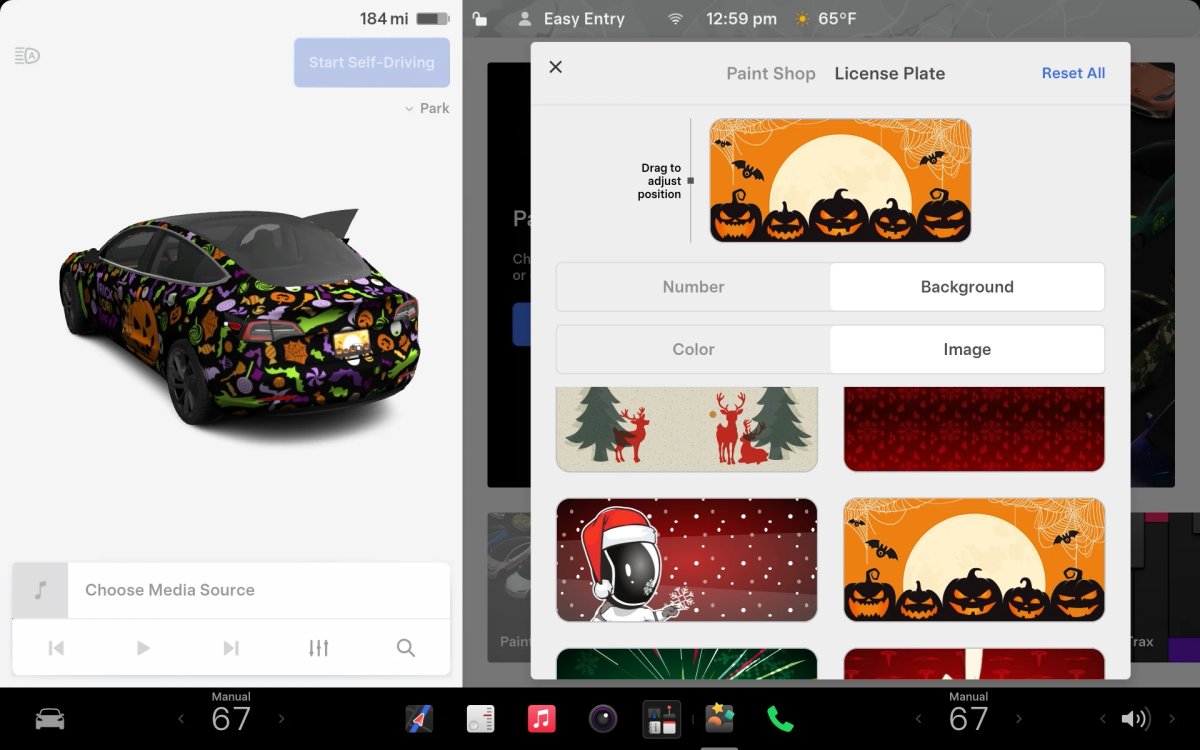
While Tesla’s Halloween Mode is not available on Intel vehicles, these vehicles do still receive the same Halloween Mode wraps and license plates that are available on AMD vehicles.
Unfortunately, the rest of the features, including, the Halloween visualizations, Trick or Treat Mode and the lock sound are not available on Intel vehicles.

