










![Tesla Semi Catches Fire on the Highway [VIDEOS]](/img/containers/article_images/semi/tesla-semi-i-880-fire-1.webp/f19bd71dd91b26a01e192afdafd1f775/tesla-semi-i-880-fire-1.jpg)
![Tesla Driver Accidentally Uses Emergency Drive Away [VIDEO]](/img/containers/article_images/charging/emergency-drive-away-supercharger.webp/19ce885eddff3941dc6487788809dbbb/emergency-drive-away-supercharger.jpg)

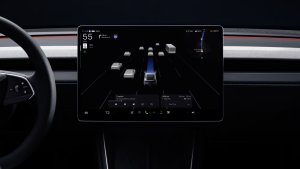
การขับออกฉุกเฉิน

การขับออกฉุกเฉินช่วยให้คุณเปลี่ยนเกียร์เป็นขับขี่ได้ในขณะที่สายชาร์จ Supercharger ยังคงเชื่อมต่ออยู่ ใช้เฉพาะในกรณีฉุกเฉินเท่านั้น การขับรถออกไปทั้งที่สายชาร์จยังเชื่อมต่ออยู่จะทำให้รถของคุณและ Supercharger เสียหาย และคุณอาจต้องรับผิดชอบค่าใช้จ่ายในการซ่อมแซม เมื่อคุณเปิดใช้งานฟีเจอร์นี้ บันทึกสั้นๆ จากกล้องของรถของคุณจะถูกแชร์กับ Tesla
โหมดฮาโลวีน
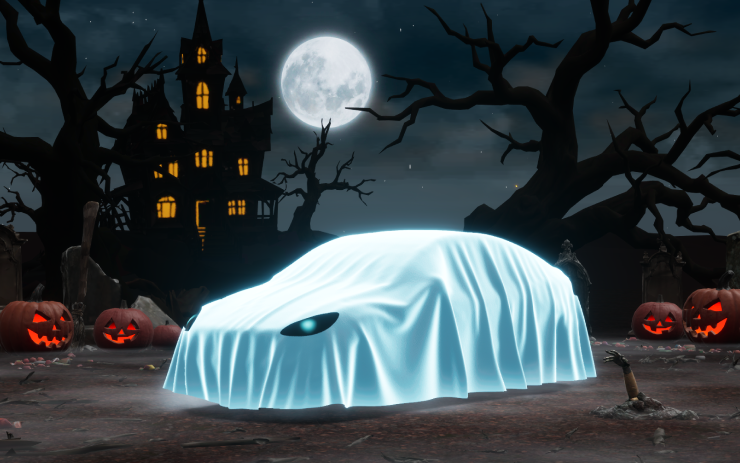
กระจายความสยองขวัญได้ตลอดทั้งปีด้วยโหมดฮาโลวีน สวมชุดผีให้กับภาพรถของคุณ เปิดโหมด Trick or Treat เพื่อเล่นเสียงที่น่ากลัวและกะพริบไฟรถเมื่อมีคนเข้าใกล้ กำหนดเวลาแสดงแสงสุดหลอน แล้วเปลี่ยนรถของคุณให้กลายเป็นโฟโต้บูธสุดสะพรึง!
ตั้งค่าพลังงานเมื่อถึง
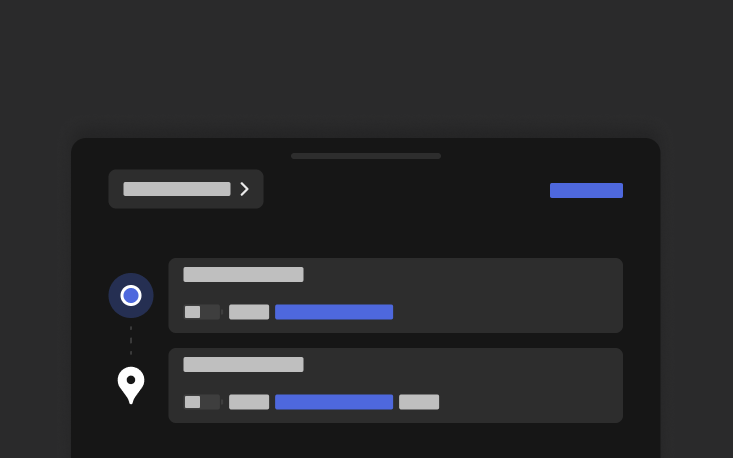
คุณตั้งค่าระดับพลังงานเมื่อถึงที่หมายตามต้องการสำหรับการเดินทางได้จากโทรศัพท์ เปิดแท็บตำแหน่งในแอปมือถือ Tesla ป้อนปลายทาง แล้วแตะตั้งค่าพลังงานเมื่อถึงที่หมาย ต้องใช้แอปมือถือเวอร์ชัน v4.58.0 ขึ้นไป
การอัปเดตเกี่ยวกับภาพ
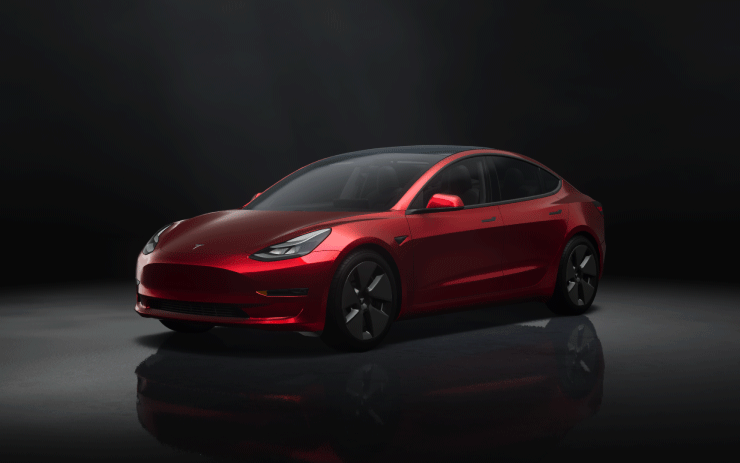
ตอนนี้จอแสดงผลกลางแสดงภาพ Tesla ของคุณที่มีคุณภาพสูงขึ้น และสภาพแวดล้อมฉากจอดรถที่ดียิ่งขึ้น
การปรับระดับไฟหน้าแบบไดนามิก

ไฟต่ำจะปรับทิศทางโดยอัตโนมัติตามสภาพการขับขี่และการจราจรในบริเวณใกล้เคียงเพื่อเพิ่มทัศนวิสัยให้สูงสุด พร้อมทั้งลดแสงแยงตาต่อผู้ใช้บนถนนคนอื่น
แผนที่สถานที่ให้บริการ Supercharger
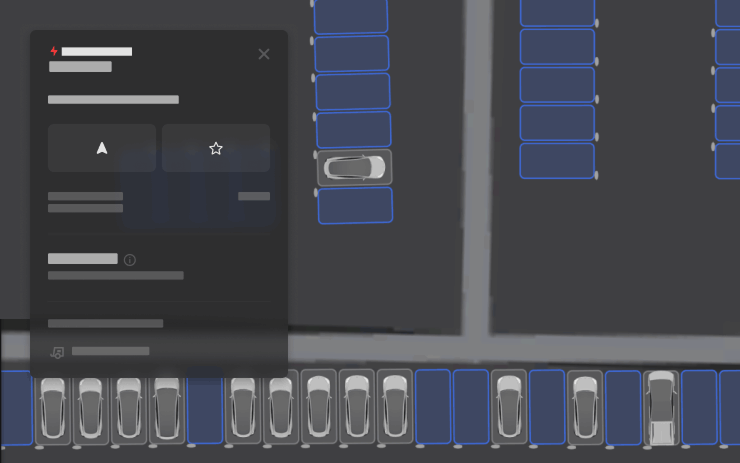
ตอนนี้ คุณสามารถดูมุมมองโดยละเอียดของ Tesla Supercharger บางแห่งได้แล้วโดยการแตะ "ดูแผนที่สถานที่" เมื่อนำทางไปยังสถานที่นำร่อง แผนผังจุดให้บริการและจำนวนการใช้งานแบบเรียลไทม์ (ว่าง/ไม่ว่าง/ขัดข้อง) จะแสดงขึ้นเมื่อมาถึง
การปรับปรุงการรักษาความปลอดภัย

การอัปเดตนี้ประกอบด้วยการแก้ไขและการปรับปรุงการรักษาความปลอดภัยที่สำคัญ
FSD Streaks

Tesla has added FSD Streaks support to the legacy Model S and Model X with this FSD update.
Note: This applies to legacy Model S/X vehicles with Intel and HW3.
Model Y L Badge Animation
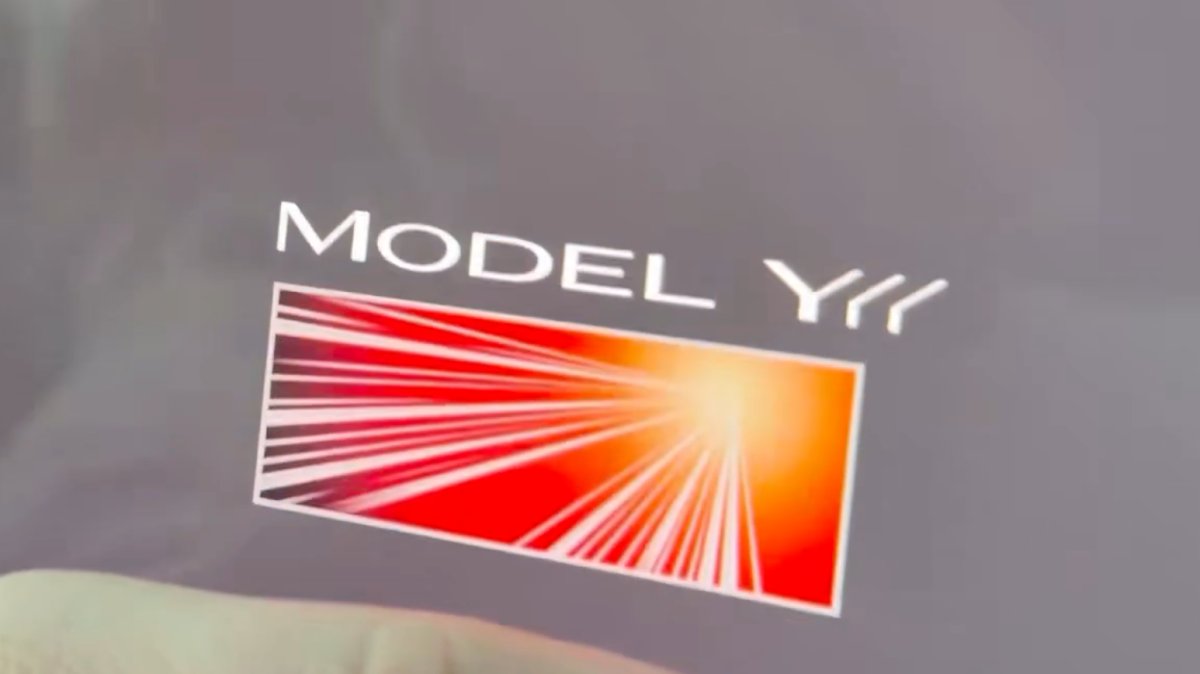
The Launch Series badge animation has been added to the Model Y L with this update. Simply tap it to see the badge animate.
Grok No Longer in Beta

With this update, Tesla has removed the beta label from Grok.
Service Mode Improvements
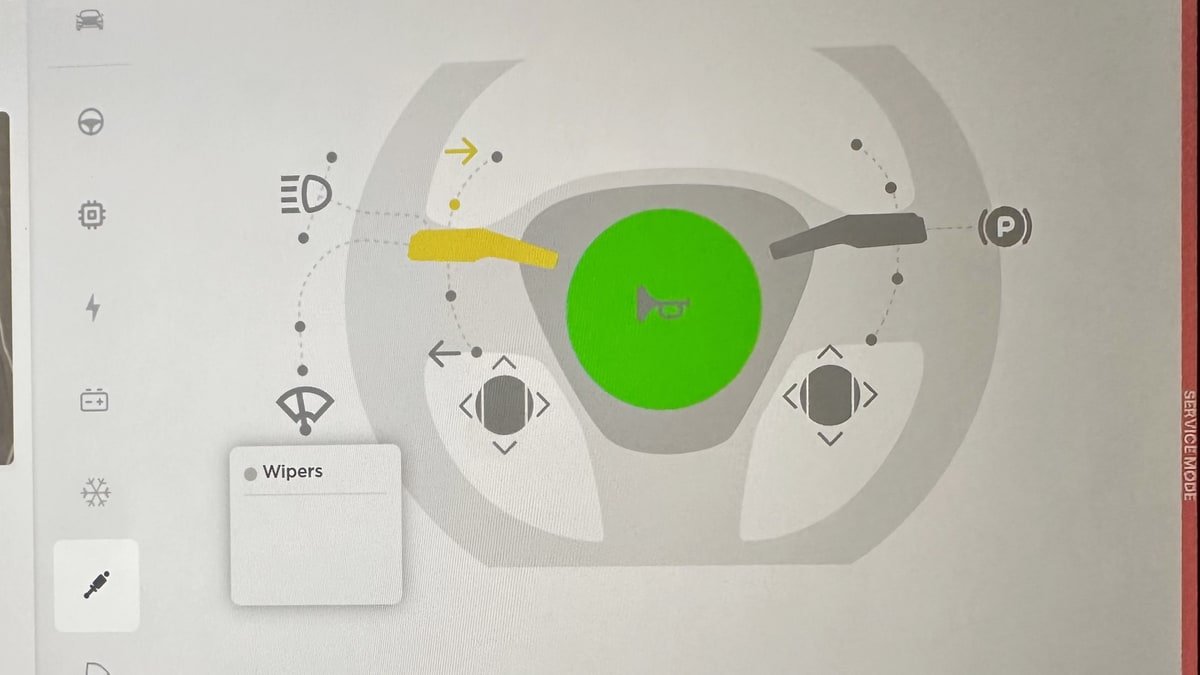
Service Mode Update - Quick Touchscreen Language Switch
Servicing a vehicle set to an unfamiliar language has now become easier. When entering Service Mode, the customer's original language setting is saved. If the touchscreen language does not match the default language of the vehicle's current country location, a Change Touchscreen Language button (always shown in English) appears at the top of the Service panel and allows users to select a preferred language. Then, upon exiting Service Mode, the customer's original language setting is automatically restored.
Note that touchscreen language changes trigger a restart of the user interface.
Models: All
High Voltage Panel Update - Isolation Alert Popup
The High Voltage panel now displays status information for each isolation health dot via a popup. To view the popup, tap the health dot for the component. If the component is healthy, it will show the current isolation resistance values. If the component is unhealthy, it will display the current isolation resistance values and any isolation alerts or Diagnostic Trouble Codes (DTCs) that are present on the vehicle.
Models: All
Halloween Mode Wraps & License Plates for Intel
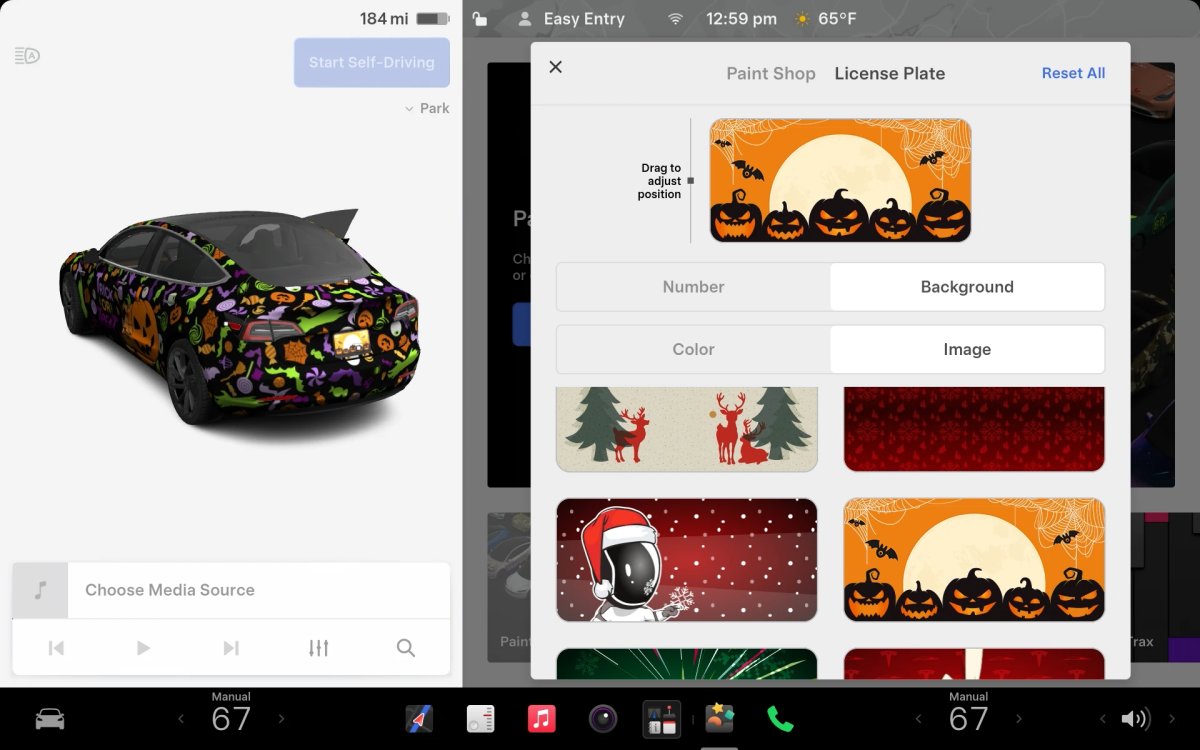
While Tesla’s Halloween Mode is not available on Intel vehicles, these vehicles do still receive the same Halloween Mode wraps and license plates that are available on AMD vehicles.
Unfortunately, the rest of the features, including, the Halloween visualizations, Trick or Treat Mode and the lock sound are not available on Intel vehicles.

