







![First Look at Tesla's Roadster New User Interface [VIDEO]](/img/containers/article_images/roadster/new-tesla-roadster-ui-1.png/eba68d9c84f41802414a5baadfaf5e0f/new-tesla-roadster-ui-1.jpg)
ナビゲーション車線ガイダンス
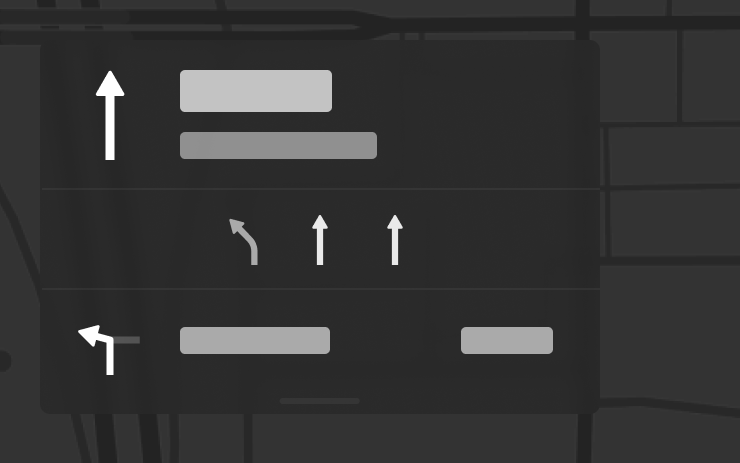
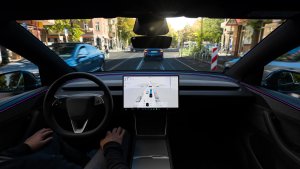
ナビゲーションで、ルート案内に沿って走行すべき車線が表示されるようになりました。この機能には、オンラインルート案内とマップのバージョン 2026.20以降が必要です。有効にするには、「コントロール」>「ナビゲーション」>「オンラインルート案内」の順に移動します。
目的地を車両に送信
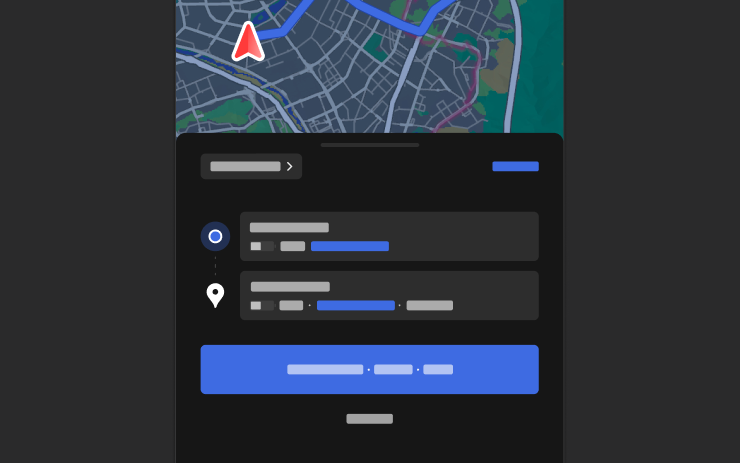
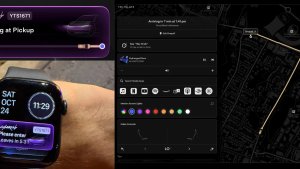
ナビゲーションの目的地をお客様のTeslaに直接送信できるようになりました。モバイルアプリから送信するには、「ロケーション」>「ナビゲート」に進み、目的地を追加して、「車両に送信」をタップしてください。モバイルアプリのバージョン4.57.0以降が必要です。
NAVER MapsまたはTMAPから送信するには、目的地を追加して、「共有」>「Tesla」を選択してください。KakaoMapから送信するには、目的地を追加し、「共有」>「住所の共有」>「Tesla」の順に選択してください。
天気図

マップで、雨や雪などさまざまな種類の降水を含む天気データが表示されるようになりました。過去1時間の気象データを表示して、ルート上の状況がどのように変化しているかを確認することもできます。この機能にはプレミアムコネクティビティが必要です。表示するには、マップ上の天気アイコンをタップしてください。
対象ポイント
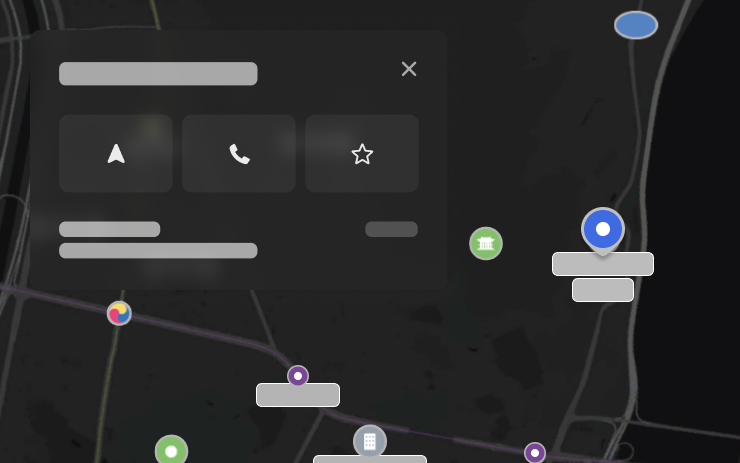
地図上の興味のある場所をタップして、目的地の探索やナビゲーションの開始ができるようになりました。
Tesla App FSD

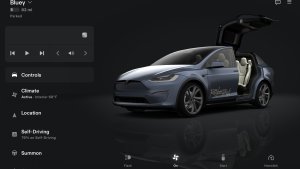
Tesla will now display whether a vehicle has FSD enabled in the Tesla app. In addition, the app will now also display the blue FSD path and even the rainbow road easter egg if it’s enabled in the vehicle.
This requires Tesla app update 4.58.5 or higher and vehicle update 2026.20.6.1 or higher.
License Plate Frame
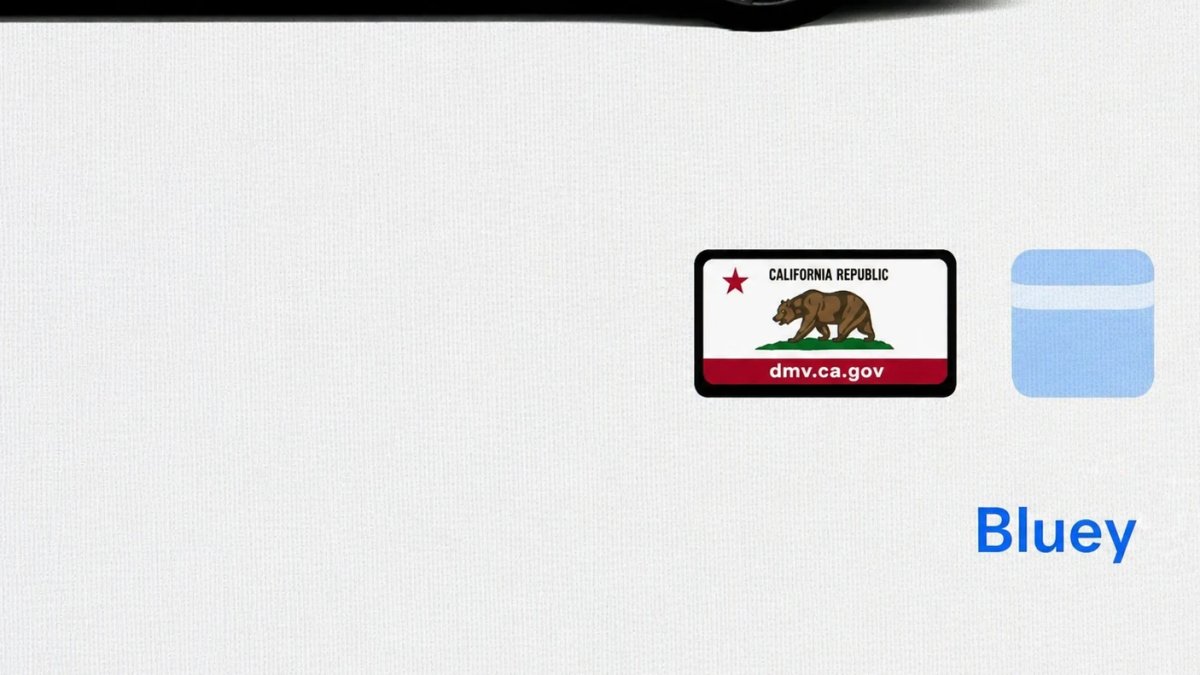
With Tesla’s recent addition of license plate customization, they also added a shortcut for it under Controls > Software.
With this update, Tesla tweaked the icon slightly by adding a license plate frame around the license plate image being used for a cleaner look.
Decrypt Dashcam Video
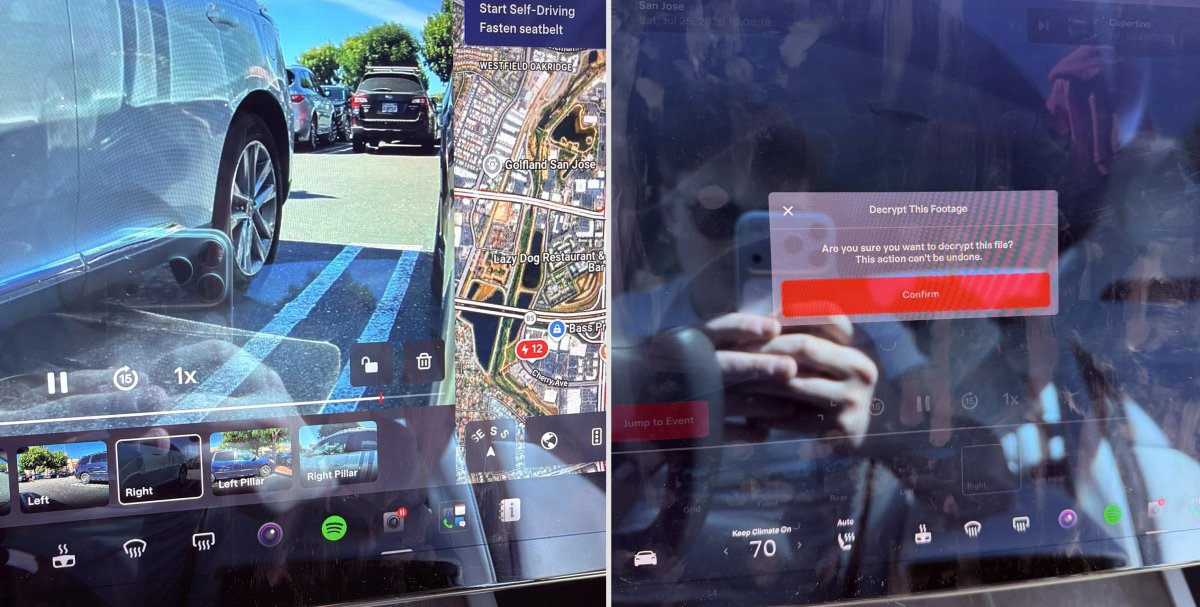
In update 2026.20, Tesla started encrypting Dashcam footage. This came at the same time as Tesla expanded recent video footage from 1 hour to up to 24 hours under certain requirements.
Encrypting the videos is an important privacy change, since if your USB drive is pulled from your vehicle, thieves can now have access to up to 24 hours of your driving, potentially revealing your workplace, home, and other important locations.
With this update, Tesla also added a button to the Dashcam Viewer that lets owners easily decrypt a specific clip, making it easier to see the footage if they mount the USB drive to their computer.
Tesla also introduced a tool that lets you decrypt any videos on your computer, as long as you log in to your Tesla account to prove that you own the video footage.
Bus Lanes
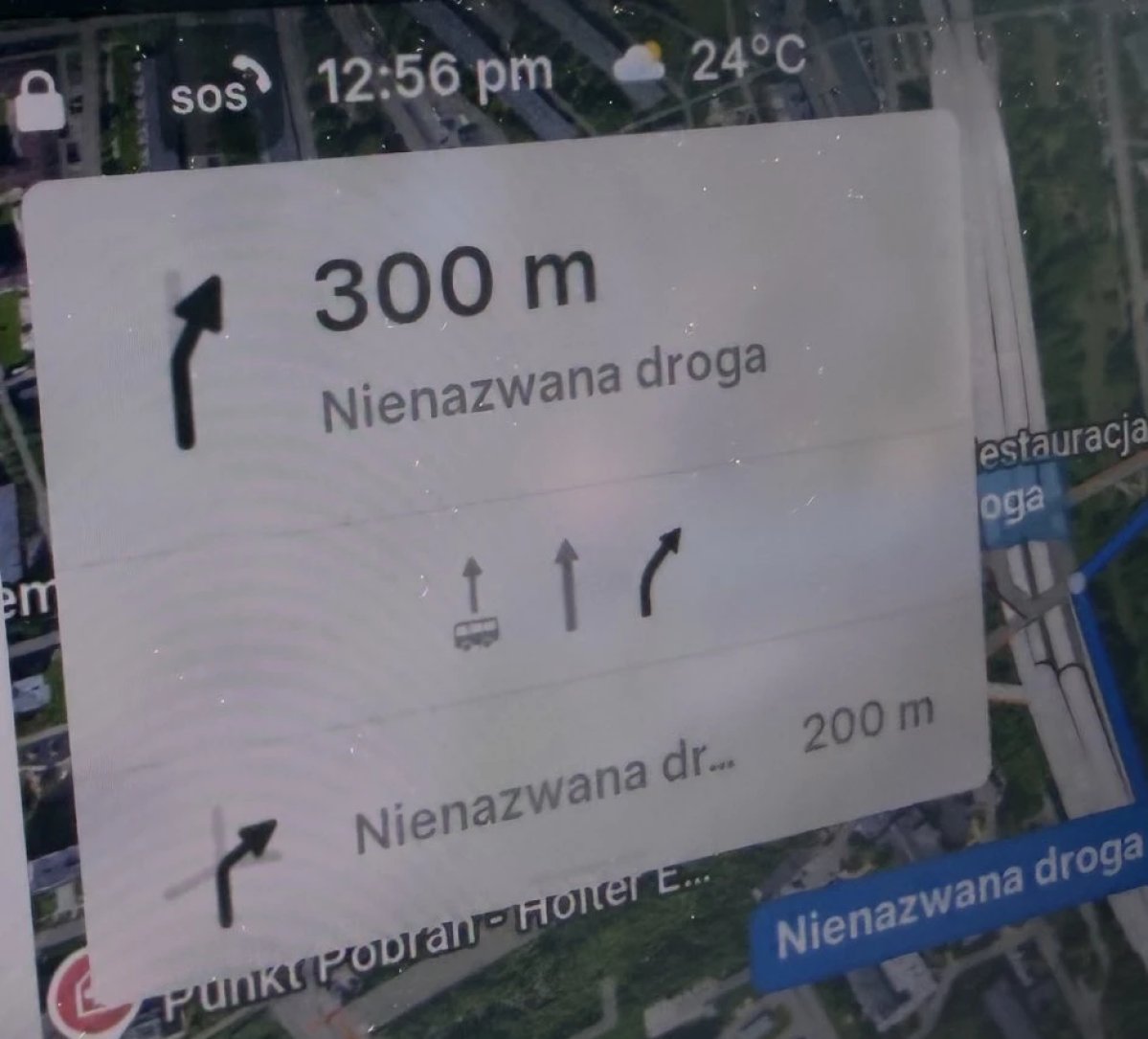
Tesla’s navigation now supports bus lanes, helping drivers be more aware of which lanes they can use.
This is even more important for FSD, so the vehicle can know which lanes are appropriate to drive in without having to read or potentially miss signs.
Service Mode Improvements

Forward Camera View Cleaning Panel
A new Forward Camera View Cleaning panel is available under Driver Assist to support cleaning the surface of the windshield in front of the cameras. The panel displays a live camera stream with the ability to zoom into the camera stream.
Models: Model 3, Model Y, Model S (2021+), Model X (2021+) with DAS AI4 and Cybertruck
Drive Unit Panel Update - Signal Chart Popups (Service Mode Plus)
The Drive Unit panel now supports interactive signal chart popups. Signals with a chart icon can be tapped to open a draggable, resizable popup window for real-time signal monitoring.
Models: Model 3, Model Y, Model S (2021+), Model X (2021+), Cybertruck

