







![Tesla Semi Catches Fire on the Highway [VIDEOS]](/img/containers/article_images/semi/tesla-semi-i-880-fire-1.webp/f19bd71dd91b26a01e192afdafd1f775/tesla-semi-i-880-fire-1.jpg)
![Tesla Driver Accidentally Uses Emergency Drive Away [VIDEO]](/img/containers/article_images/charging/emergency-drive-away-supercharger.webp/19ce885eddff3941dc6487788809dbbb/emergency-drive-away-supercharger.jpg)

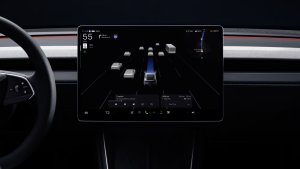

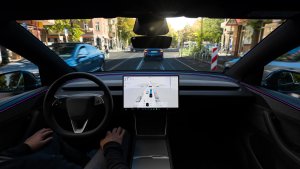
Guía de carriles de navegación
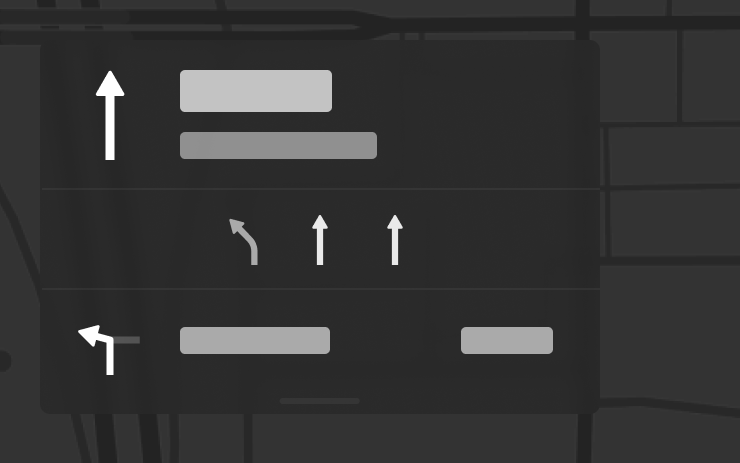
El sistema de navegación ahora muestra qué carriles debe tomar para seguir su ruta. Esta función requiere la versión 2026.20 o posterior de Navegación en línea y Mapas. Para habilitarla, vaya a Controles > Navegación > Navegación en línea.
Enviar destino al vehículo
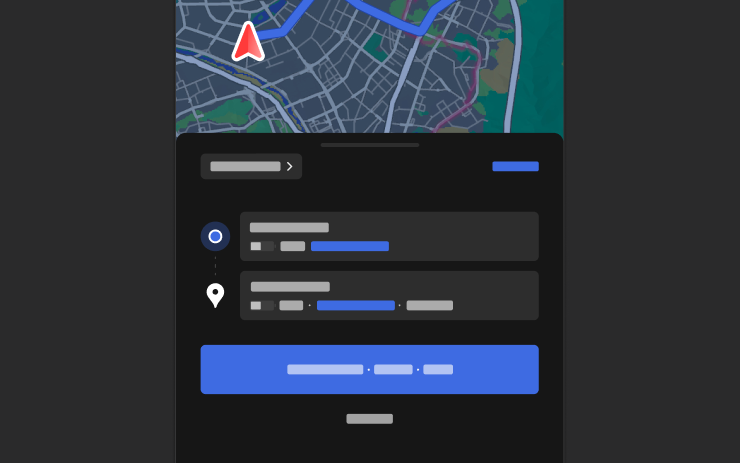
Ya puede enviar destinos de navegación directamente a su Tesla. Para enviar desde la app móvil, vaya a Ubicación > Navegar, agregue un destino y toque Enviar al vehículo. Requiere la versión 4.57.0 o posterior de la app móvil.
Para enviar desde NAVER Maps o TMAP, agregue un destino y vaya a Compartir > Tesla. Para enviar desde KakaoMap, agregue un destino y vaya a Compartir > Compartir dirección > Tesla.
Mapas del tiempo

Los mapas ahora muestran datos meteorológicos, incluyendo diferentes tipos de precipitaciones como lluvia y nieve. También puede ver los datos meteorológicos de la última hora para ver cómo han cambiado las condiciones a lo largo de su ruta. Esta funcionalidad requiere Conectividad premium. Para ver, toque el icono del tiempo en el mapa.
Puntos de interés
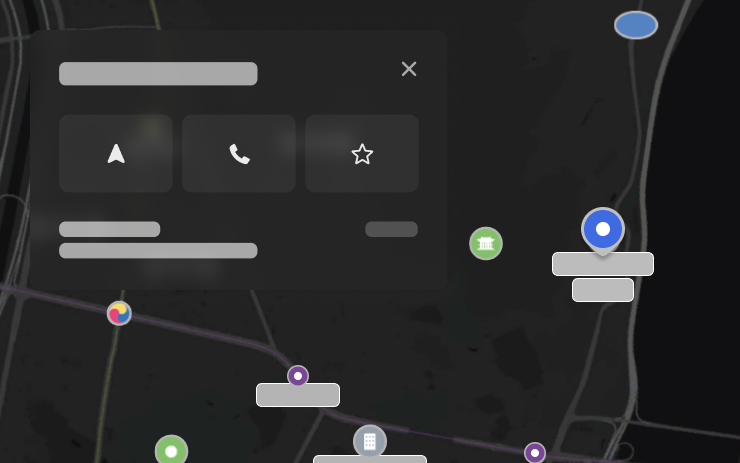
Ahora puede tocar los puntos de interés en el mapa para explorar destinos o iniciar la navegación.
Tesla App FSD

Tesla will now display whether a vehicle has FSD enabled in the Tesla app. In addition, the app will now also display the blue FSD path and even the rainbow road easter egg if it’s enabled in the vehicle.
This requires Tesla app update 4.58.5 or higher and vehicle update 2026.20.6.1 or higher.
License Plate Frame
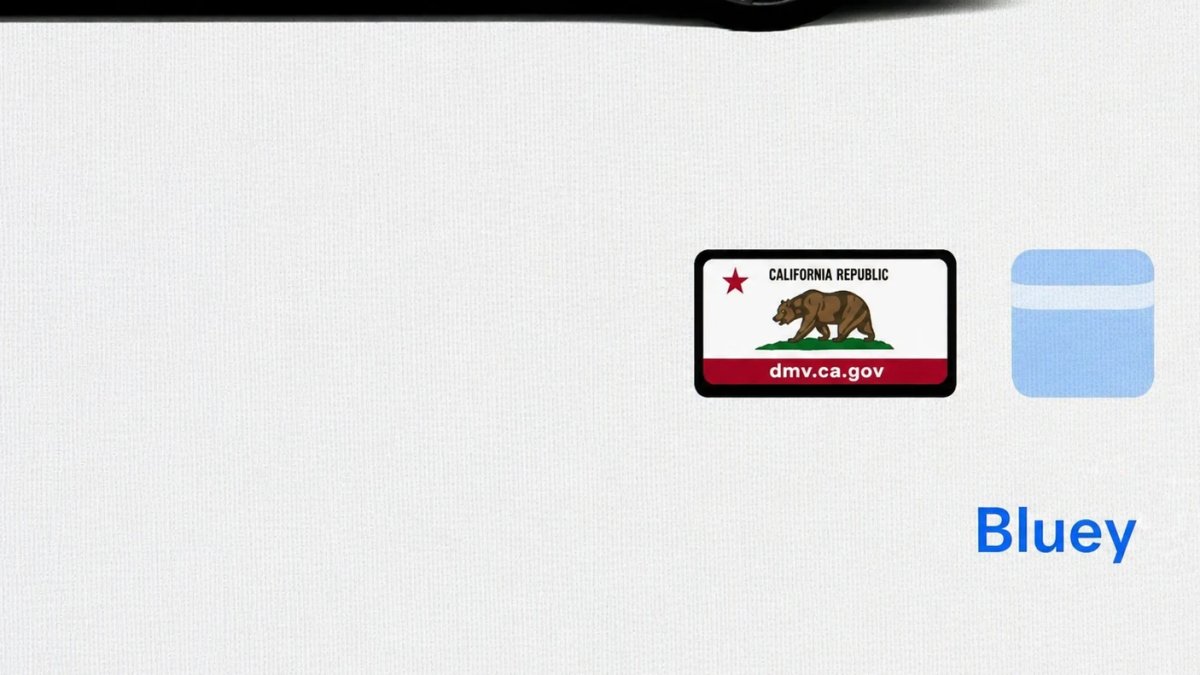
With Tesla’s recent addition of license plate customization, they also added a shortcut for it under Controls > Software.
With this update, Tesla tweaked the icon slightly by adding a license plate frame around the license plate image being used for a cleaner look.
Decrypt Dashcam Video
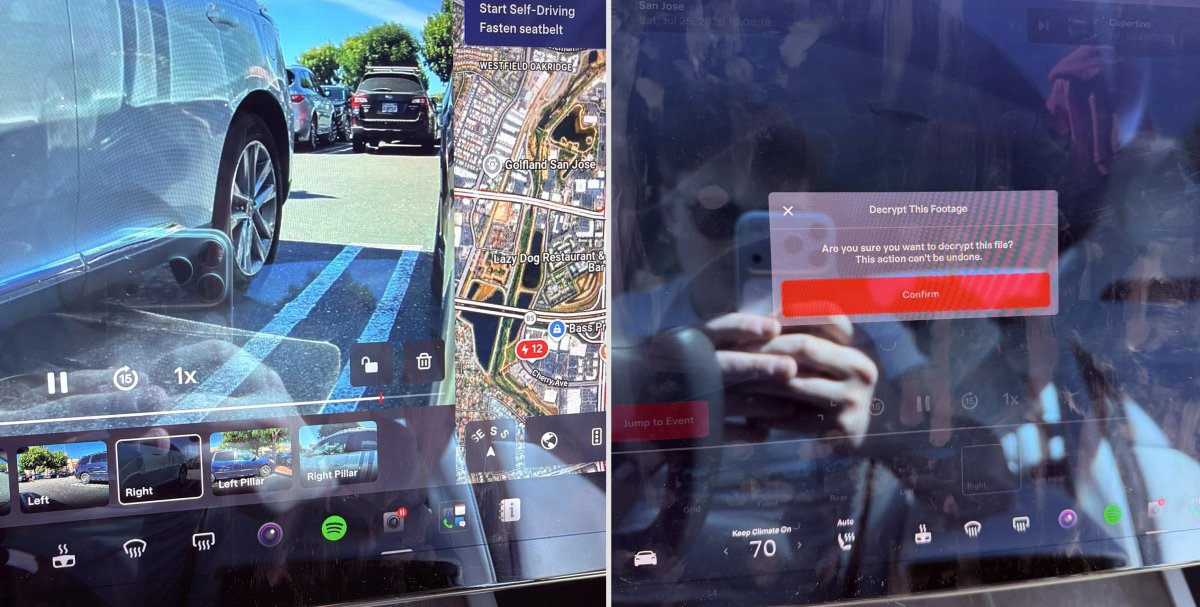
In update 2026.20, Tesla started encrypting Dashcam footage. This came at the same time as Tesla expanded recent video footage from 1 hour to up to 24 hours under certain requirements.
Encrypting the videos is an important privacy change, since if your USB drive is pulled from your vehicle, thieves can now have access to up to 24 hours of your driving, potentially revealing your workplace, home, and other important locations.
With this update, Tesla also added a button to the Dashcam Viewer that lets owners easily decrypt a specific clip, making it easier to see the footage if they mount the USB drive to their computer.
Tesla also introduced a tool that lets you decrypt any videos on your computer, as long as you log in to your Tesla account to prove that you own the video footage.
Bus Lanes
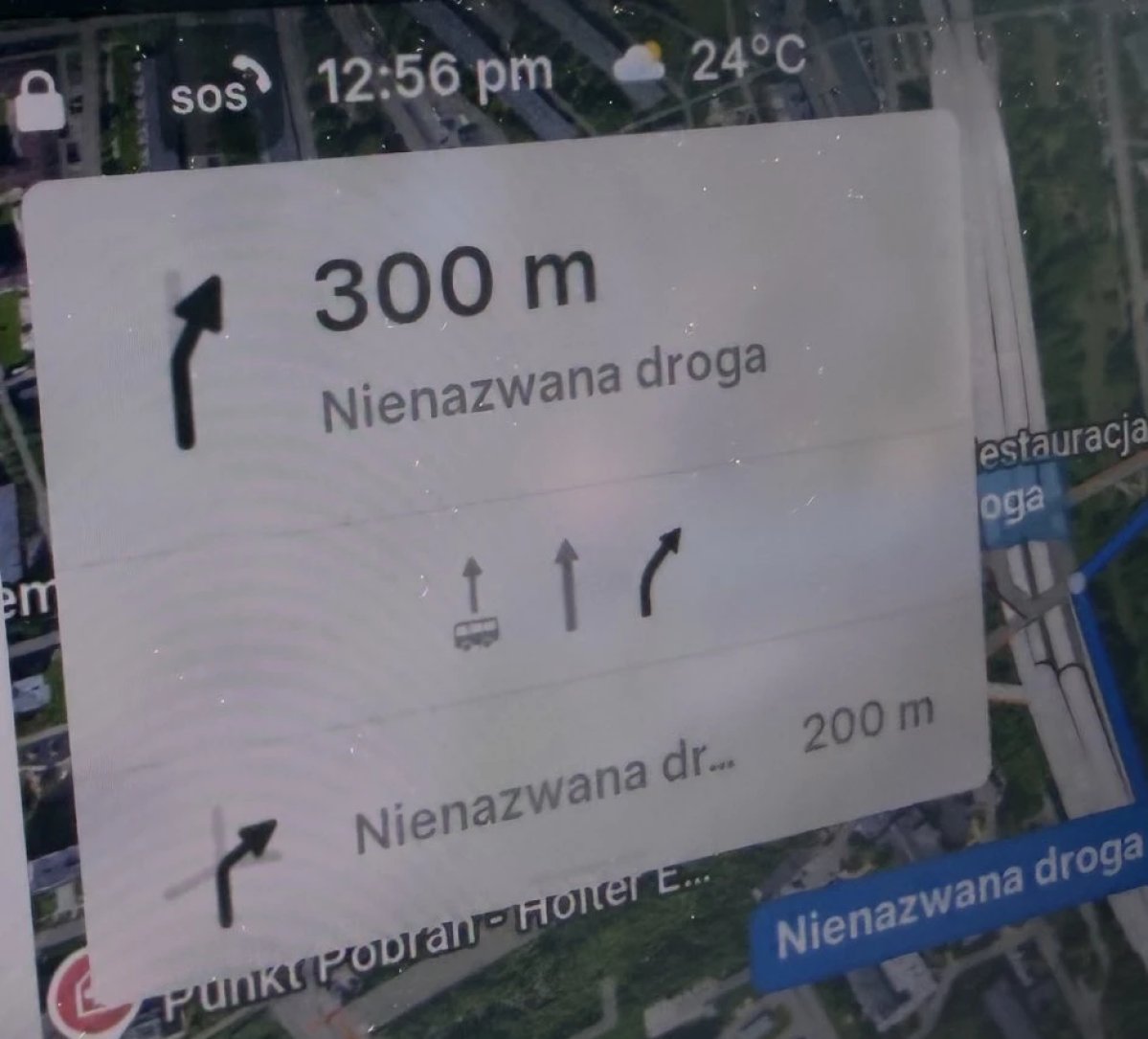
Tesla’s navigation now supports bus lanes, helping drivers be more aware of which lanes they can use.
This is even more important for FSD, so the vehicle can know which lanes are appropriate to drive in without having to read or potentially miss signs.
Service Mode Improvements

Forward Camera View Cleaning Panel
A new Forward Camera View Cleaning panel is available under Driver Assist to support cleaning the surface of the windshield in front of the cameras. The panel displays a live camera stream with the ability to zoom into the camera stream.
Models: Model 3, Model Y, Model S (2021+), Model X (2021+) with DAS AI4 and Cybertruck
Drive Unit Panel Update - Signal Chart Popups (Service Mode Plus)
The Drive Unit panel now supports interactive signal chart popups. Signals with a chart icon can be tapped to open a draggable, resizable popup window for real-time signal monitoring.
Models: Model 3, Model Y, Model S (2021+), Model X (2021+), Cybertruck

