








![Tesla Semi Catches Fire on the Highway [VIDEOS]](/img/containers/article_images/semi/tesla-semi-i-880-fire-1.webp/f19bd71dd91b26a01e192afdafd1f775/tesla-semi-i-880-fire-1.jpg)
![Tesla Driver Accidentally Uses Emergency Drive Away [VIDEO]](/img/containers/article_images/charging/emergency-drive-away-supercharger.webp/19ce885eddff3941dc6487788809dbbb/emergency-drive-away-supercharger.jpg)
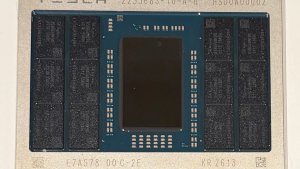

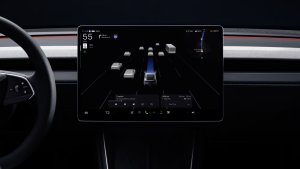
FSD (Supervised)

Under your supervision, FSD (Supervised) can drive your Tesla almost anywhere. It will start from a parked position, make lane changes, select forks to follow your navigation route, navigate around other vehicles and objects, make left and right turns and stop at your destination. You and anyone you authorize must use additional caution and remain attentive. It does not make your vehicle autonomous. Do not become complacent.
FSD (Supervised) is enabled on your vehicle. To use the feature, first watch the tutorial and take the quiz, available in the new Self-Driving App or in Control > Self-Driving. Then press the Start FSD (Supervised) button on the UI, or press the right scroll wheel button once. You can disable FSD (Supervised) in Self-Driving Settings.
Emergency Drive Away

Emergency Drive Away lets you shift into Drive while a Supercharger cable is still connected. Use it only in an emergency: driving away with the cable attached will damage your vehicle and the Supercharger, and you may be responsible for repair costs. When you activate this feature, short recordings from your vehicle's cameras are shared with Tesla.
Halloween Mode
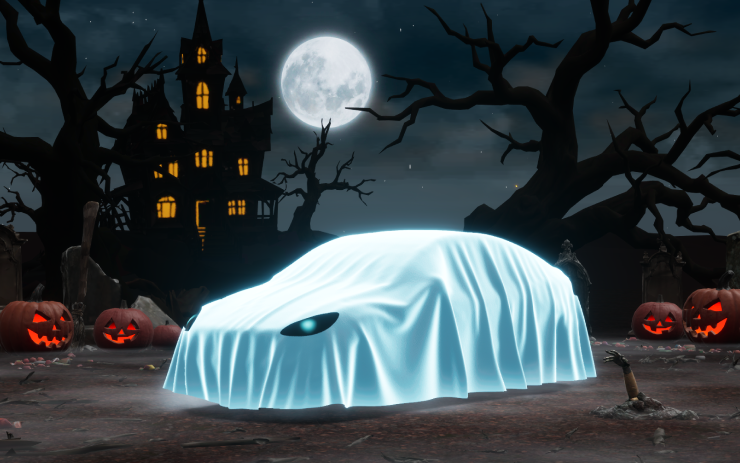
Spread holiday fear year round with Halloween Mode. Put a Ghost Costume on your car visualization. Turn on Trick or Treat Mode to play spooky sounds and flicker the lights when visitors approach. Schedule a haunting light show, and turn your car into a chilling Photobooth!
Set Arrival Energy
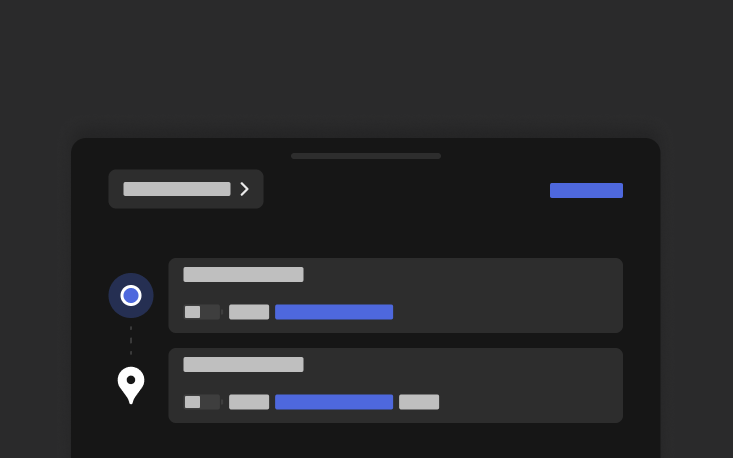
Set your desired Arrival Energy for any trip from your phone. Open the location tab in the Tesla Mobile App, enter your destination, and tap Set Arrival Energy. Requires Mobile App v4.58.0 or later.
Visual Updates
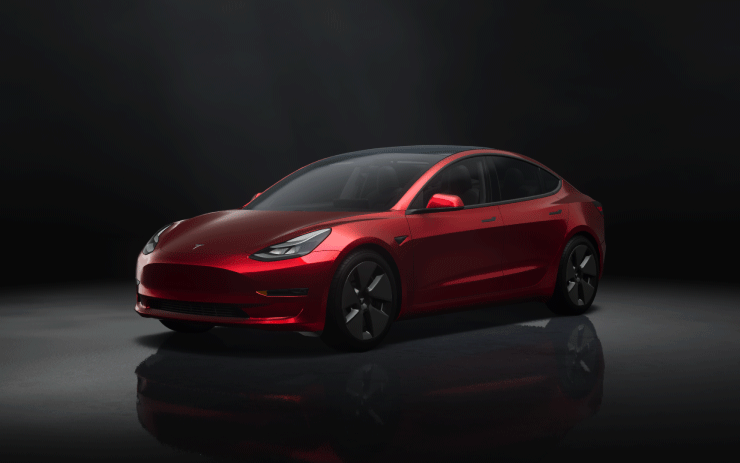
The center display now features higher quality images of your Tesla, and an enhanced park scene environment.
Dynamic Headlight Leveling

Low beams will automatically adjust their aim based on driving conditions and nearby traffic to maximize your visibility while reducing glare for other road users.
Supercharger Site Maps
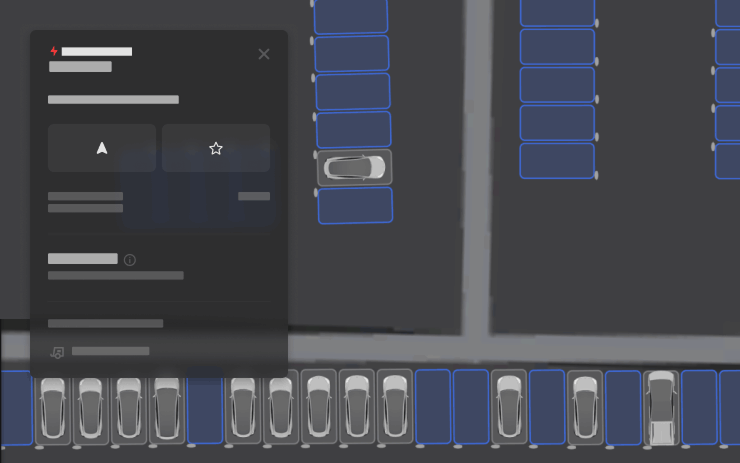
You can now see a detailed view of select Tesla Superchargers by tapping "View Site Map." When navigating to a pilot location, the site layout and live occupancy (Available / Occupied / Down) will be displayed upon arrival.
Security Improvements

This update includes important security fixes and improvements.

