![Tesla Driver in Mexico Makes His Model Y Fly [VIDEO]](https://www.notateslaapp.com/img/containers/article_images/2026/model-y-flying-accident-mexico.webp/d58bf5d7e21ac7f8713f4f35023d506b/model-y-flying-accident-mexico.jpg)


Tesla Diner
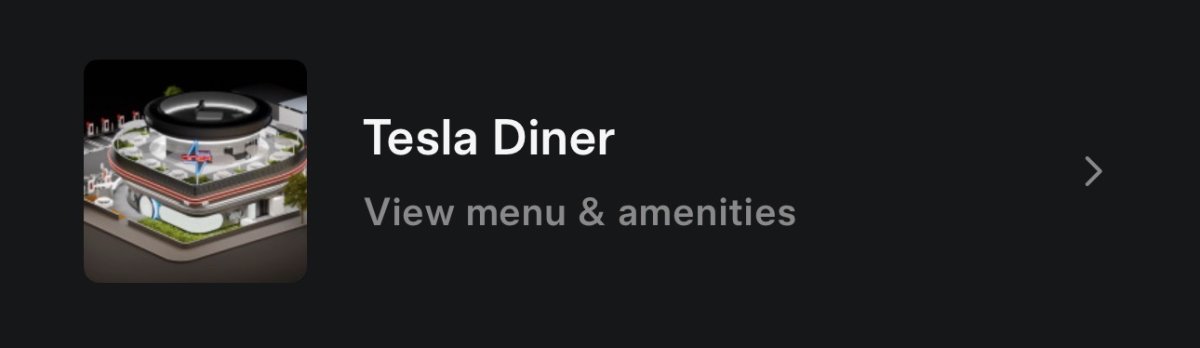
Now that the Tesla Diner has officially opened to the public. Tesla has integrated it into the Tesla app. Users will be able to place orders through the Tesla app, as well as view order history.
The Tesla Diner is seamlessly integrated into the Tesla app and the vehicle’s software. When you place an order, it can be automatically charged to your Tesla account, and diners will be able to have their food delivered directly to the Supercharger they’re using.
Some of the phrases in this update related to the Tesla Diner:
dinerSubtotaldinerSummarydinerTaxesOtherFeesdinerTotaldinerDeliveryTypedinerFulfillmentTypesCurbsidedinerFulfillmentTypesPickupdinerStatusMessageReadyForPickupdinerInvoiceDINER_NAV_TO_ORDER_HISTORYdinerTip
Tesla Charging Cards
Tesla is in the process of adding “Charge Pass” and “Multipass” charging cards that can be linked to your Tesla keycard. These keycards can then be used to pay for charging sessions at third-party chargers, making it easier for owners to charge at non-Tesla chargers.
Below are some of the phrases that were found in this app update:
Tap your key card to charge at the Tesla MultiPass locations or use the Tesla app.Tap your key card to charge at Tesla Charge Pass locations or use the Tesla app.3rd Party Charger3rd Party ChargingYou can now use your vehicle key card ({{CARD_NAME}}) for tap and charge at participating Tesla MultiPass locations.getRoamingTokensroamingTokens
Cross Region Charge History
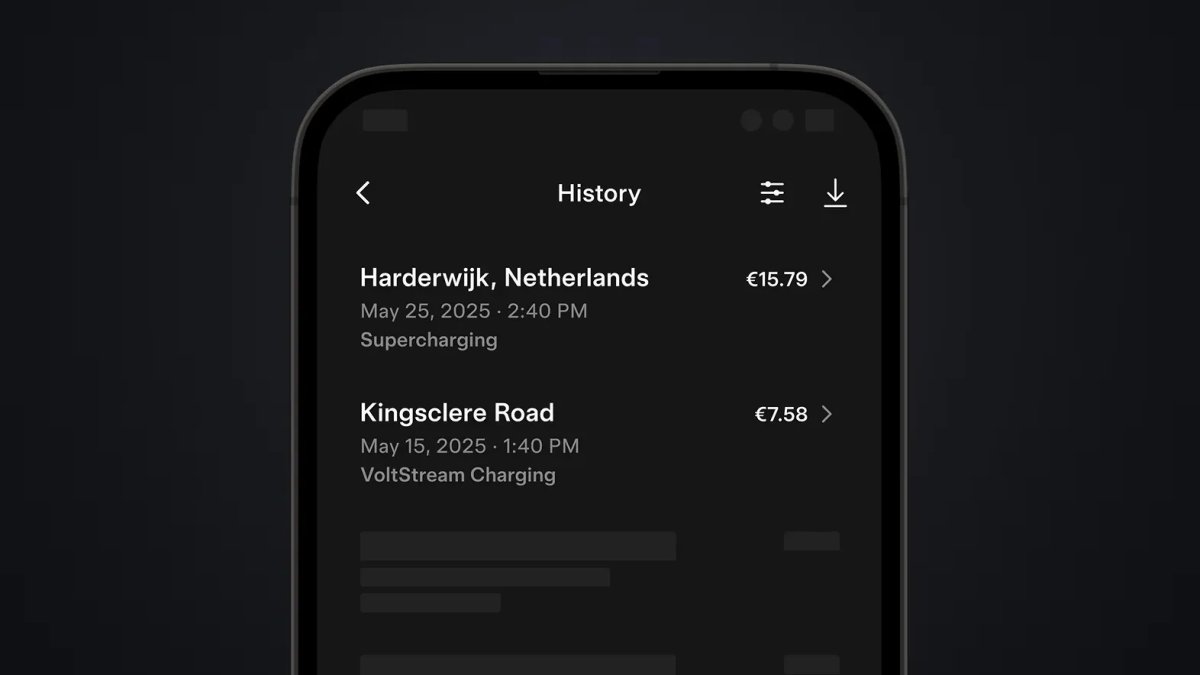
In addition to charging cards, Tesla is also adding something called Cross Region Charge History. This will be used to show charging history for third-party chargers across various regions and charging brands.
These are the related strings found in the app:
CHARGING_HISTORY_CROSS_REGIONChargingCrossRegionHistorySessionDetailsScreenhasCrossRegionChargingHistoryChargingHistoryItemV2CNAndCrossRegion
Supercharger Details
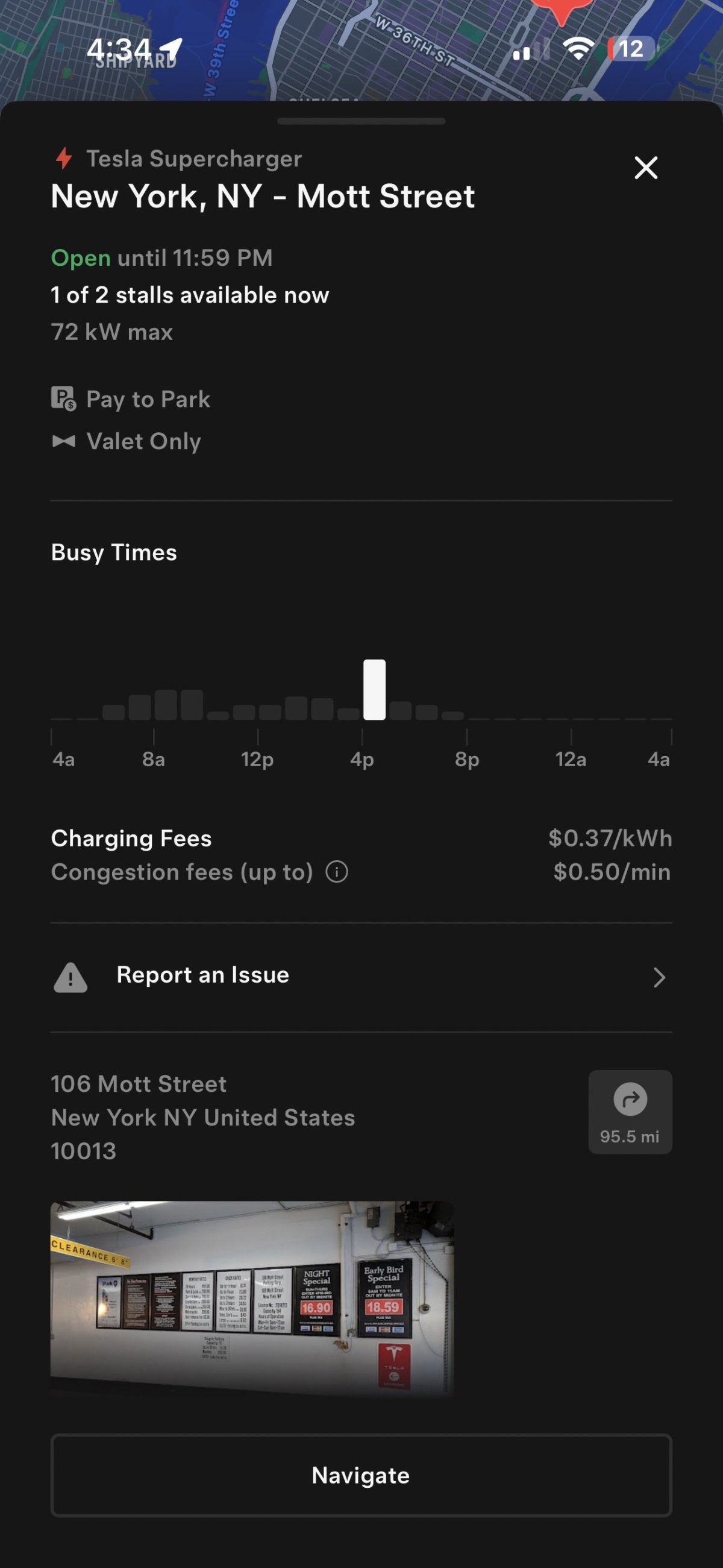
Similar to the Supercharger details in Tesla update 2025.26, Tesla has added the same information to the Tesla app. When searching for a Supercharger, the app will now display more information about a specific Supercharger, including whether it requires paid parking or an access code for entry.
The full list of additions to Superchagrers includes:
Pay to Park
Valet Only
No Restroom
Access Code
Parking Level
Loyalty Lootbox
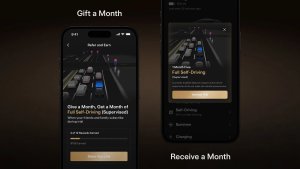
Tesla has added a new “Loyalty Lootbox.” While this is related to Tesla’s referral program, it’s not clear exactly what will change.
Tesla has continuously updated its referral program, so this change may be related to upcoming changes. Tesla currently allows owners to refer up to 10 customers per calendar year, earning $250 per referral.
This image here is included in this update app when referring to the Loyalty Lootbox. Tesla has also included these phrases when referring to the loyalty lootbox.
Strings
LoyaltyHomeScreenLoyaltyBenefitsScreenisLoyaltyLinkisLoyaltyEntryEnabledprofile_settings_lootbox_description_loyaltyenableReferralLoyaltyEntryLoyalty BenefitsuseLootboxLoyaltyDataMAIN_MENU_LOYALTY
Powerwall Max Backup
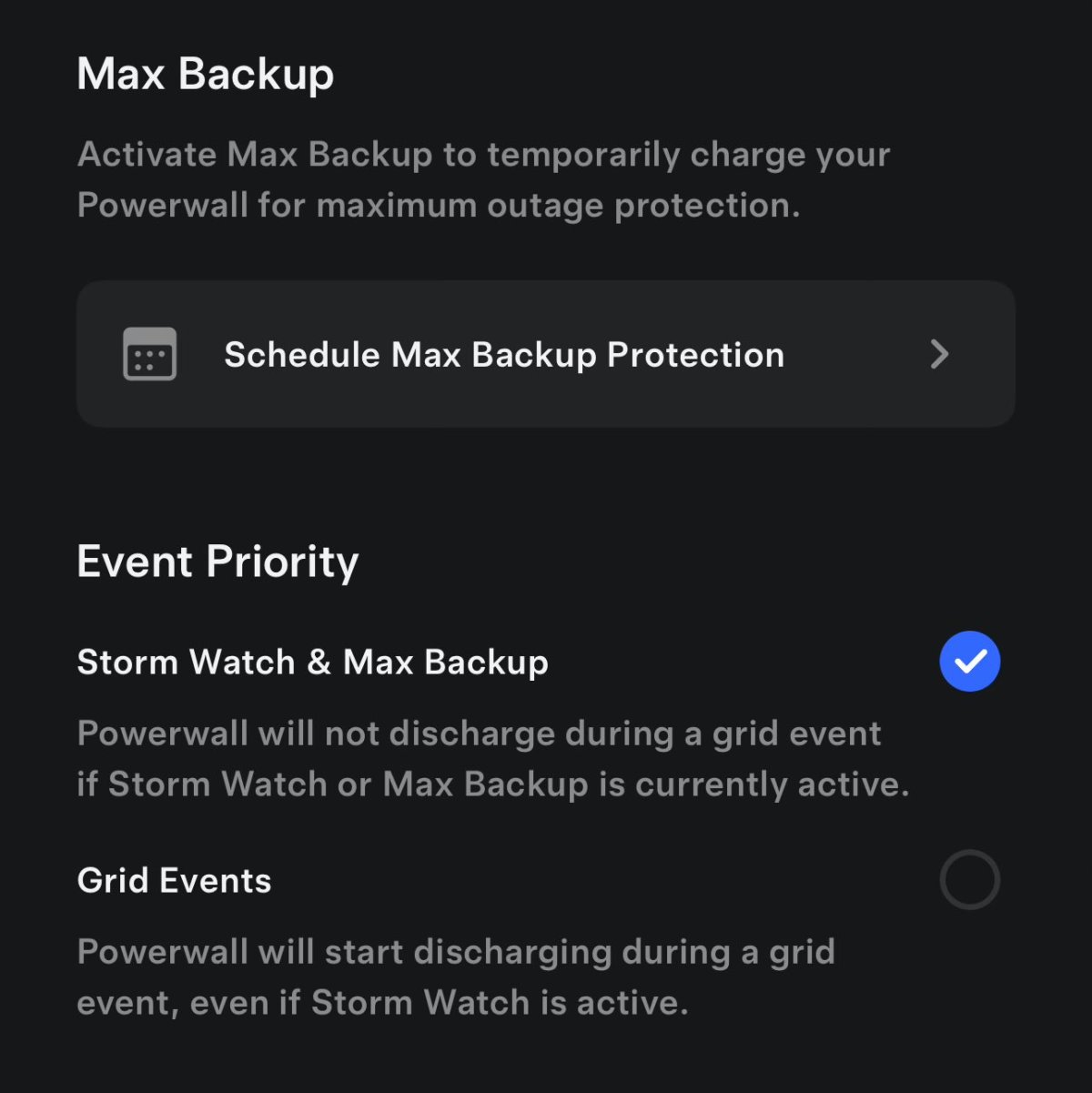
There is a new ‘Max Backup’ setting for Powerwall owners. This new setting allows the user to temporarily charge their Powerwall to 100% so that they have as much backup power available as possible during an outage.
New Requirement for iOS Version
Tesla has updated the Tesla app to have the same requirements as the Robotaxi app. The Tesla app on iOS now requires at least iOS 17, up from the previous requirement of iOS 15.
Apple’s iOS 17 is only supported on the iPhone XR, iPhone XS, iPhone 11, and above. This means that the devices listed below, which were previously able to run the latest Tesla app, can no longer do so:
iPhone X
iPhone 8
iPhone 8 Plus
iPhone 7
iPhone 7 Plus
iPhone 6s
iPhone 6s Plus
iPhone SE (1st generation)
iPhone SE (2nd generation)
iPod touch (7th generation)