











Visual Updates

The center display now features higher quality images of your Tesla, and an enhanced park scene environment.
Dynamic Headlight Leveling

Low beams will automatically adjust their aim based on driving conditions and nearby traffic to maximize your visibility while reducing glare for other road users.
Supercharger Site Maps

You can now see a detailed view of select Tesla Superchargers by tapping "View Site Map." When navigating to a pilot location, the site layout and live occupancy (Available / Occupied / Down) will be displayed upon arrival.
Security Improvements

This update includes important security fixes and improvements.
Model Y L Badge Animation
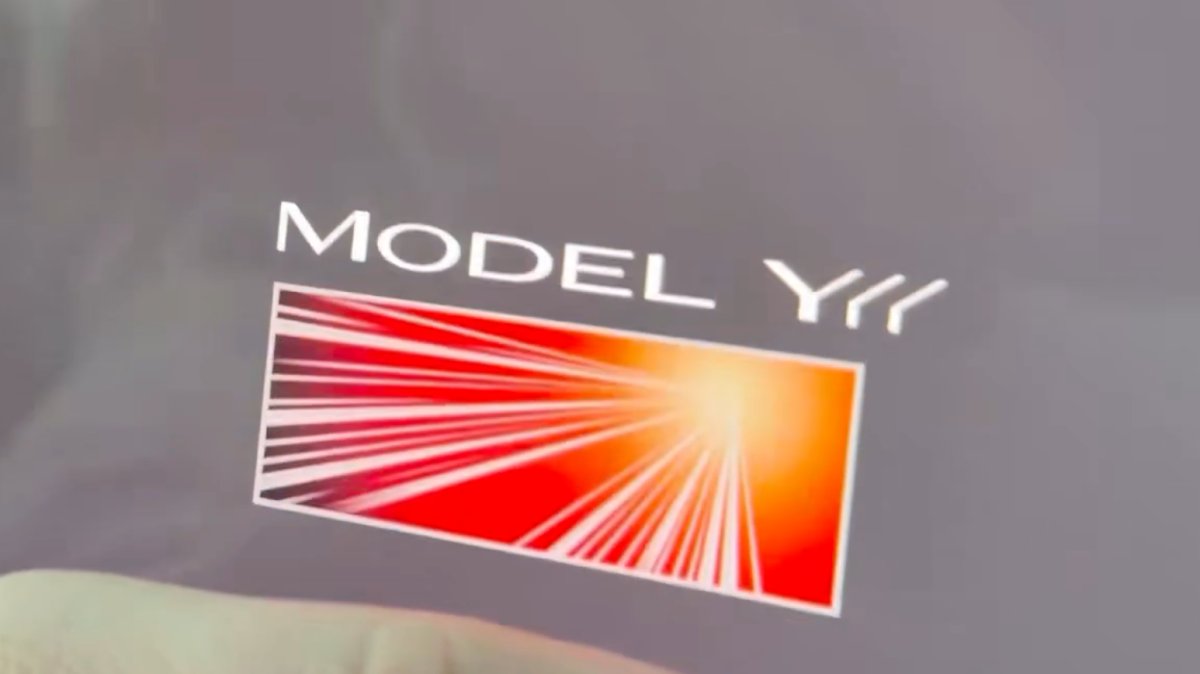
The Launch Series badge animation has been added to the Model Y L with this update. Simply tap it to see the badge animate.
Grok No Longer in Beta

With this update, Tesla has removed the beta label from Grok.
Service Mode Improvements
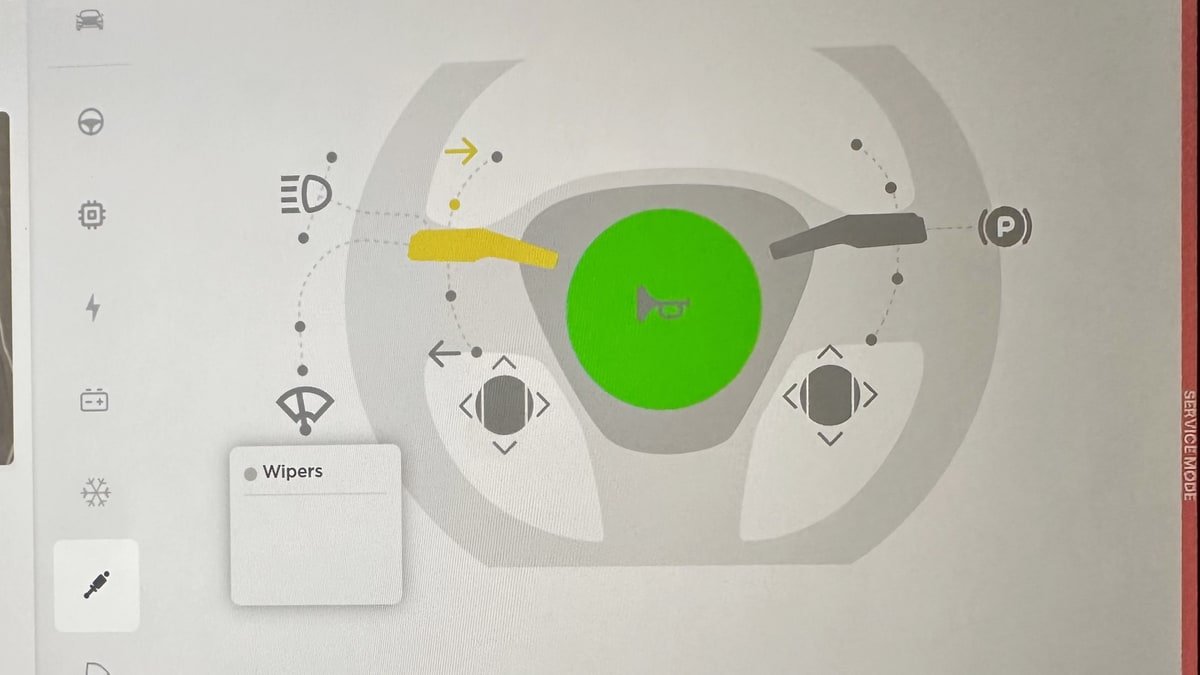
Service Mode Update - Quick Touchscreen Language Switch
Servicing a vehicle set to an unfamiliar language has now become easier. When entering Service Mode, the customer's original language setting is saved. If the touchscreen language does not match the default language of the vehicle's current country location, a Change Touchscreen Language button (always shown in English) appears at the top of the Service panel and allows users to select a preferred language. Then, upon exiting Service Mode, the customer's original language setting is automatically restored.
Note that touchscreen language changes trigger a restart of the user interface.
Models: All
High Voltage Panel Update - Isolation Alert Popup
The High Voltage panel now displays status information for each isolation health dot via a popup. To view the popup, tap the health dot for the component. If the component is healthy, it will show the current isolation resistance values. If the component is unhealthy, it will display the current isolation resistance values and any isolation alerts or Diagnostic Trouble Codes (DTCs) that are present on the vehicle.
Models: All
Halloween Mode Wraps & License Plates for Intel
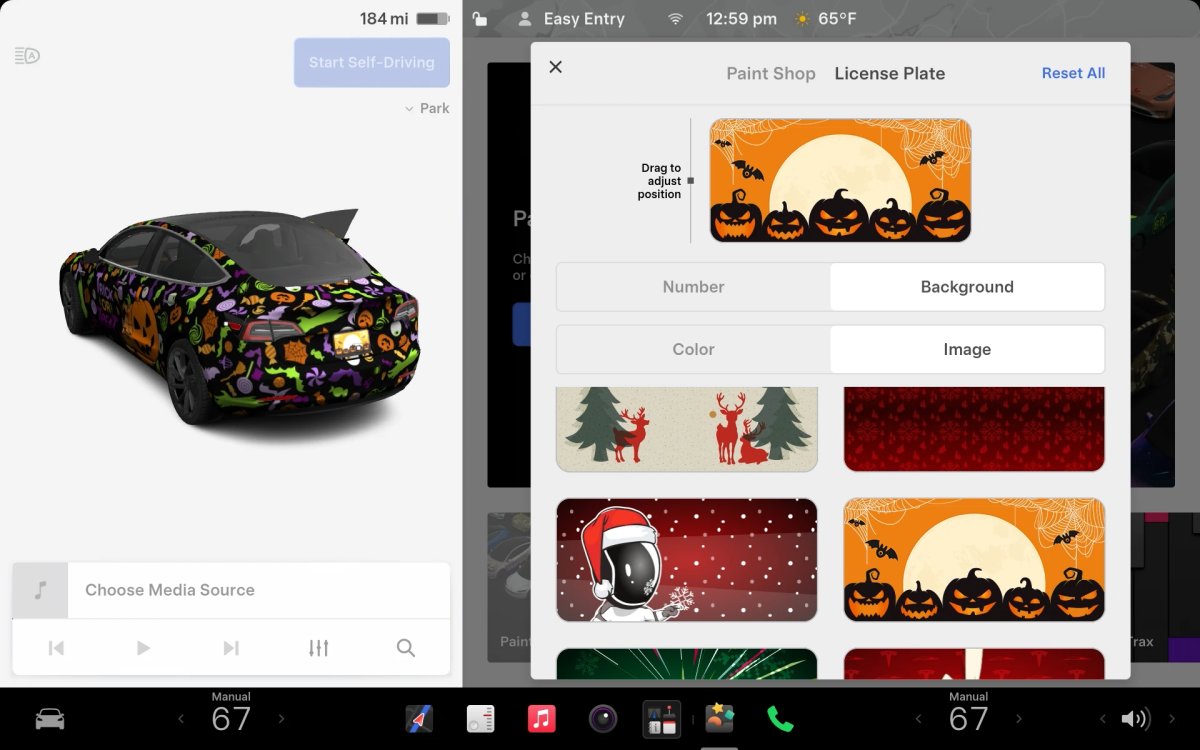
While Tesla’s Halloween Mode is not available on Intel vehicles, these vehicles do still receive the same Halloween Mode wraps and license plates that are available on AMD vehicles.
Unfortunately, the rest of the features, including, the Halloween visualizations, Trick or Treat Mode and the lock sound are not available on Intel vehicles.

