













Arranque de emergencia

La función Arranque de emergencia le permite cambiar a la marcha D mientras el cable de un Supercargador sigue conectado. Úselo solo en caso de emergencia: iniciar la marcha con el cable conectado dañará su vehículo y el Supercargador, y podría ser responsable de los costes de reparación. Cuando activa esta función, las grabaciones breves de las cámaras de su vehículo se comparten con Tesla.
Modo Halloween
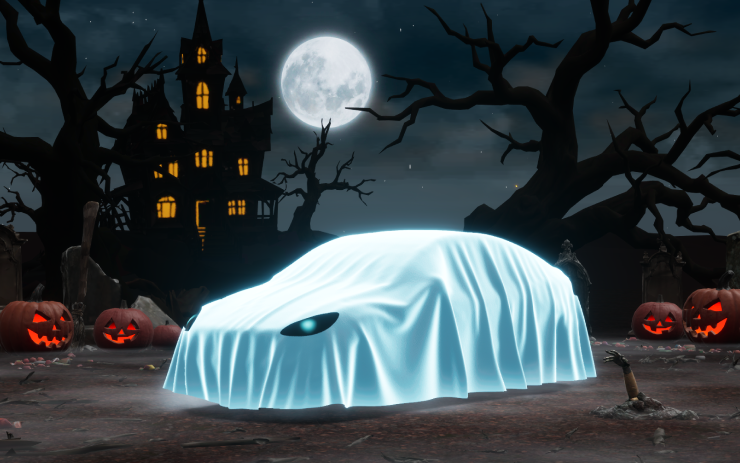
Difunde el miedo festivo todo el año con el Modo Halloween. Aplica un disfraz de fantasma a la visualización del vehículo. Activa el modo Truco o trato para reproducir sonidos espeluznantes y hacer que las luces parpadeen cuando alguien se acerque. ¡Programa un espectáculo de luces escalofriante y convierte el vehículo en una cabina de fotos de terror!
Energía de llegada
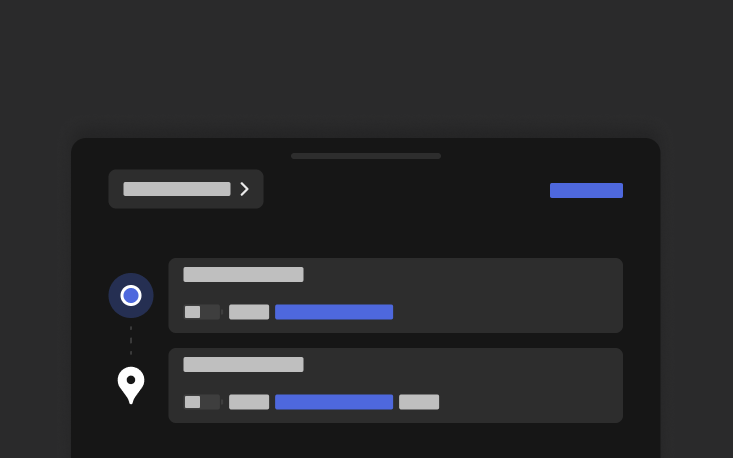
Establezca en el teléfono la Energía de llegada para cualquier viaje. Abra la pestaña Ubicación en la aplicación móvil de Tesla, introduzca su destino y toque Establecer energía de llegada. Requiere la versión v4.58.0 o posterior de la aplicación móvil.
Actualizaciones visuales
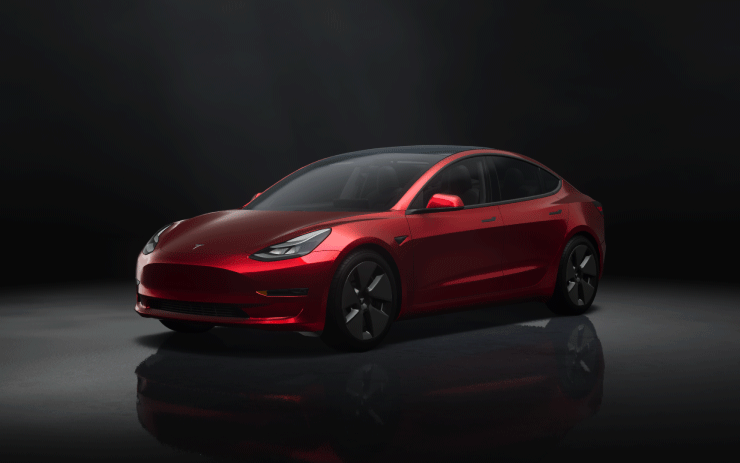
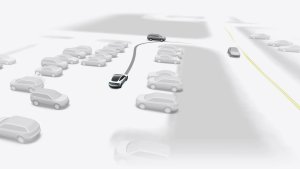
La pantalla central ahora muestra imágenes de mayor calidad de su Tesla y un entorno de estacionamiento mejorado.
Reglaje dinámico de faros
Las luces de cruce ajustarán automáticamente su orientación en función de las condiciones de conducción y del tráfico cercano para maximizar su visibilidad y reducir el deslumbramiento a los demás usuarios de la vía.
Mapas de sitios con Supercargadores
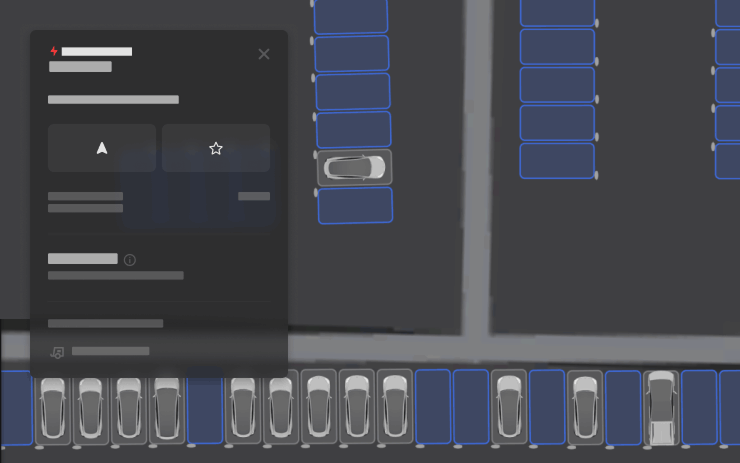
Ahora puede ver una vista detallada de determinados Supercargadores de Tesla al tocar "Ver mapa del sitio". Al navegar a una ubicación piloto, la distribución de la estación y la ocupación en tiempo real (Disponible / Ocupado / Fuera de servicio) se mostrarán al llegar.
Mejoras de seguridad

Esta actualización incluye mejoras y correcciones de seguridad importantes.
Grok No Longer in Beta

With this update, Tesla has removed the beta label from Grok.
Service Mode Improvements
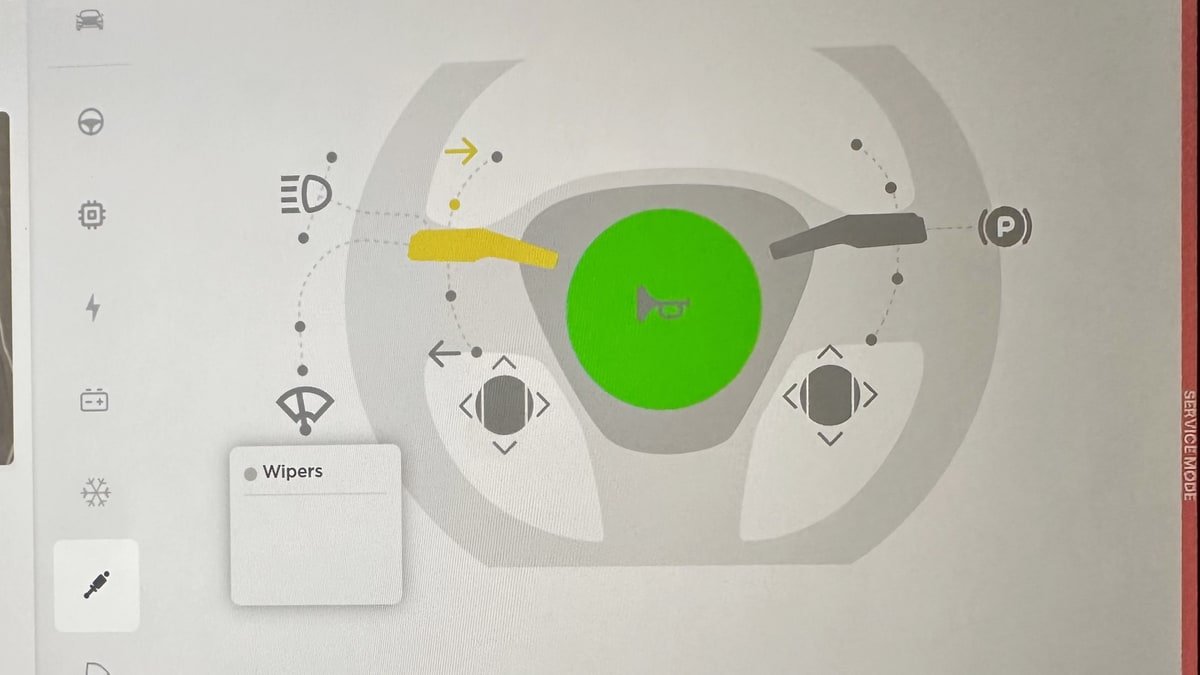
Service Mode Update - Quick Touchscreen Language Switch
Servicing a vehicle set to an unfamiliar language has now become easier. When entering Service Mode, the customer's original language setting is saved. If the touchscreen language does not match the default language of the vehicle's current country location, a Change Touchscreen Language button (always shown in English) appears at the top of the Service panel and allows users to select a preferred language. Then, upon exiting Service Mode, the customer's original language setting is automatically restored.
Note that touchscreen language changes trigger a restart of the user interface.
Models: All
High Voltage Panel Update - Isolation Alert Popup
The High Voltage panel now displays status information for each isolation health dot via a popup. To view the popup, tap the health dot for the component. If the component is healthy, it will show the current isolation resistance values. If the component is unhealthy, it will display the current isolation resistance values and any isolation alerts or Diagnostic Trouble Codes (DTCs) that are present on the vehicle.
Models: All

