








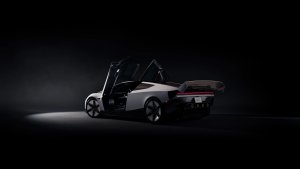



FSD (Supervised) v14 Lite

FSD (Supervised) v14 Lite includes:
- Distilled the intelligence from HW4 V14 into HW3. This allows HW3 to directly learn how to handle scenarios using HW4 V14 as a guide. This process unlocks the improvements that have been made to HW4 including Reinforcement Learning (RL) and offline models for HW3.
- Improved both proactive and reactive responsiveness across a wide variety of categories including navigation handling, merges and forks, pedestrian interactions, traffic lights, and vehicle cut-in scenarios.
- Improved general comfort in nominal scenarios through fewer false slowdowns, smoother steering and more consistent lane centering.
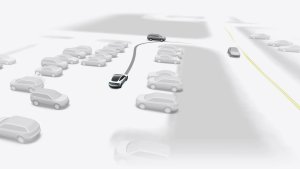
- Introduced parking, unparking, and reversing capabilities.
- Added Arrival Options for you to select where FSD should pull over or park: in a Parking Lot, on the Street, in a Driveway.
- Speed Profiles are now available at all times, to further customize driving style preference.
Self-Driving-app

Med den nye Self-Driving-app kan du abonnere med et enkelt tryk, lære at aktivere og bruge funktionen og se løbende statistik.
For at åbne, gå til Appstarter > Self-Driving.
Start Self-Driving fra Parkering

Der vises en knap på skærmen, når førerkravene er opfyldt. Førerkrav omfatter (men er ikke begrænset til):
- Føreren sidder i førersædet
- Føreren er fastspændt
- Kabinekameraet har frit udsyn
Bekræft bremse kræver, at føreren trykker på og slipper bremsepedalen, før FSD (Supervised) kan aktiveres. Når Bekræft bremse er deaktiveret, vil et tryk på knappen give Self-Driving mulighed for at aktivere bremserne og FSD (Supervised). Hvis kravene til førerregistrering ikke er opfyldt, eller hvis FSD (Supervised) ikke registrerer en fører, skal du trykke på og slippe bremsepedalen for at bekræfte. Du kan aktivere Bekræft bremse i Self-Driving > Bekræft bremse.
Denne funktion gør ikke din bil selvstyrende, og du skal fortsat være opmærksom og klar til at overtage når som helst. Kun en fører med kørekort, der er autoriseret til at betjene bilen, bør have adgang til førersædet, når bilen ikke er i tilstanden Biograf eller Arkade.
Ankomstmuligheder

- Du kan nu vælge en ankomstmulighed, som f.eks. Parkeringsplads, Gade, Indkørsel og Hold ind for afleveringer som Robottaxi.
- Dine præferencer for ankomstmuligheder og foretrukne parkeringspositioner opretholdes for hver destination.
Hastighedsprofiler

FSD (Supervised) vil nu bestemme den korrekte hastighed baseret på en blanding af førerprofil, fartgrænse og omgivende trafik.
- Introduceret ny hastighedsprofil, DOVENDYR, som har lavere hastigheder og et mere konservativt vognbanevalg end CHILL.
- Førerprofil har nu en stærkere indflydelse på adfærden. Jo mere selvsikker profil, jo højere maks. hastighed.
- Højre rullehjul op/ned justerer nu indstillingen af hastighedsprofilen i stedet for dit præcise valg af maks. hastighedsafvigelse i mph/kph.
Forbedringer af brugergrænseflade

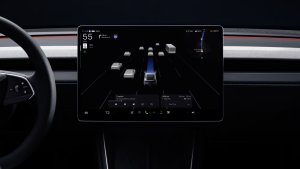
Juster indstillinger som f.eks. Hastighedsprofil og Ankomstmuligheder direkte fra Self-Driving-visualiseringen på midterdisplayet.
Full Self-Driving (Supervised)

Under your supervision, Full Self-Driving (Supervised) can drive your Tesla almost anywhere. It will start from a parked position, make lane changes, select forks to follow your navigation route, navigate around other vehicles and objects, make left and right turns and park at your destination.
You and anyone you authorize must use additional caution and remain attentive. It does not make your vehicle autonomous. Do not become complacent. Full Self-Driving (Supervised) is enabled on your vehicle. To use the feature, press the Start Self-Driving button on the UI, or press the right scroll wheel button once. You can disable Full Self-Driving (Supervised) in Self-Driving Settings.
Banevejledning for navigation
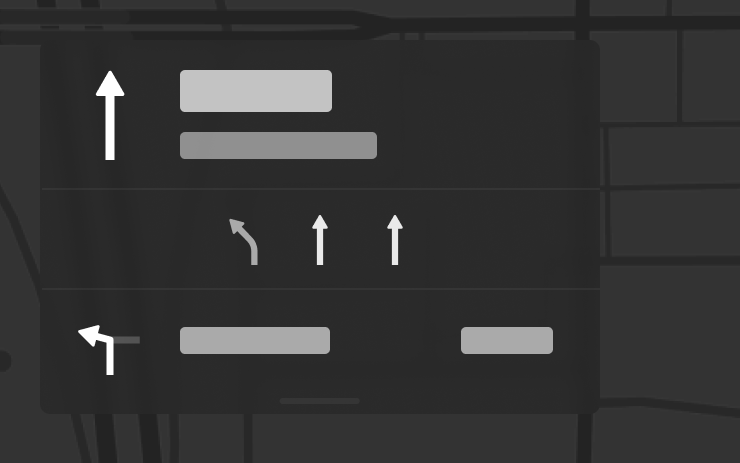
Navigation viser nu, hvilke vognbaner du skal tage for at følge din rute. Denne funktion kræver Online ruteplanlægning og Kort i version 2026.20 eller nyere. For at aktivere skal du gå til Betjening > Navigation > Online ruteplanlægning.
Send destination til bil
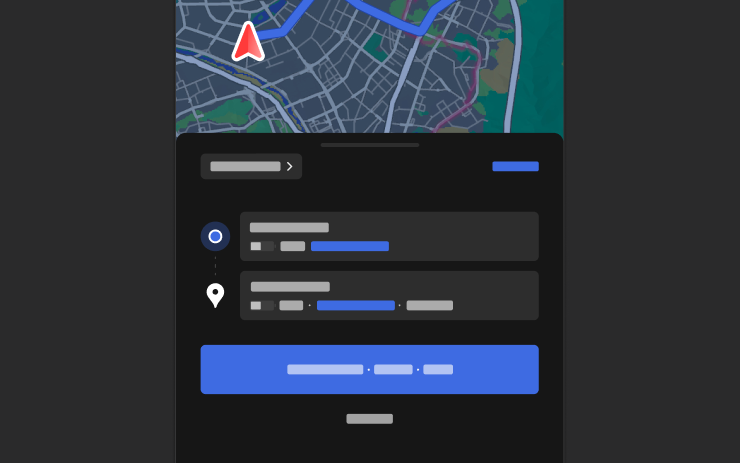
Du kan nu sende navigationsdestinationer direkte til din Tesla. For at sende fra mobilappen skal du gå til Lokation > Naviger, tilføje en destination og trykke på Send til bil. Kræver version 4.57.0 eller nyere af mobilappen.
For at sende fra NAVER Maps eller TMAP skal du tilføje en destination og gå til Del > Tesla. For at sende fra KakaoMap skal du tilføje en destination og gå til Del > Del adresse > Tesla.
Vejrkort

Kort viser nu vejrdata, herunder forskellige typer nedbør som regn og sne. Du kan også få vist vejrdata fra den seneste time for at se, hvordan forholdene har ændret sig langs din rute. Denne funktion kræver Premium Connectivity. Tryk på vejrikonet på kortet for at se det.
Interessepunkter
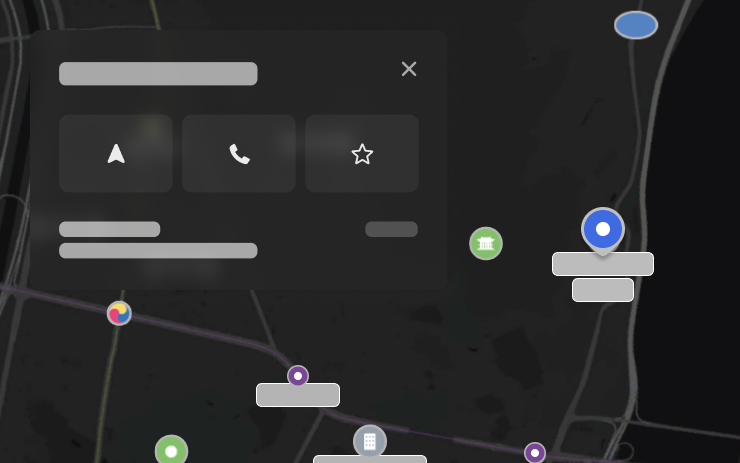
Du kan nu trykke på interessepunkter på kortet for at udforske destinationer eller begynde at navigere.
Tesla App FSD

Tesla will now display whether a vehicle has FSD enabled in the Tesla app. In addition, the app will now also display the blue FSD path and even the rainbow road easter egg if it’s enabled in the vehicle.
This requires Tesla app update 4.58.5 or higher and vehicle update 2026.20.6.1 or higher.
License Plate Frame
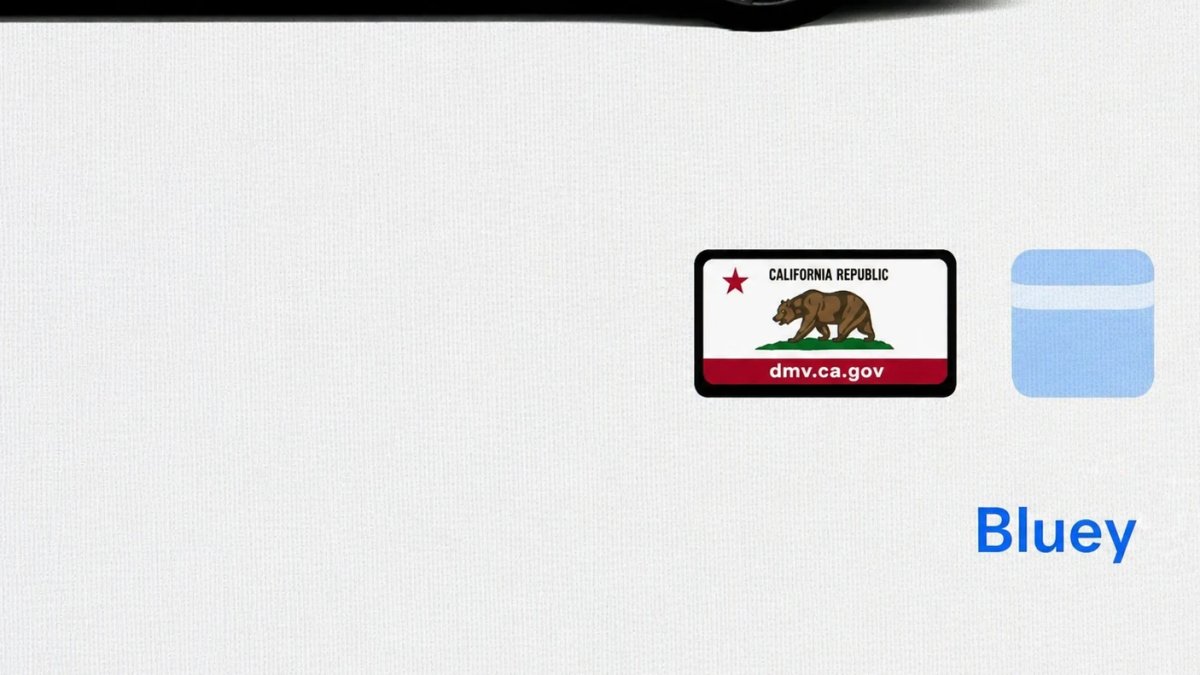
With Tesla’s recent addition of license plate customization, they also added a shortcut for it under Controls > Software.
With this update, Tesla tweaked the icon slightly by adding a license plate frame around the license plate image being used for a cleaner look.
Decrypt Dashcam Video
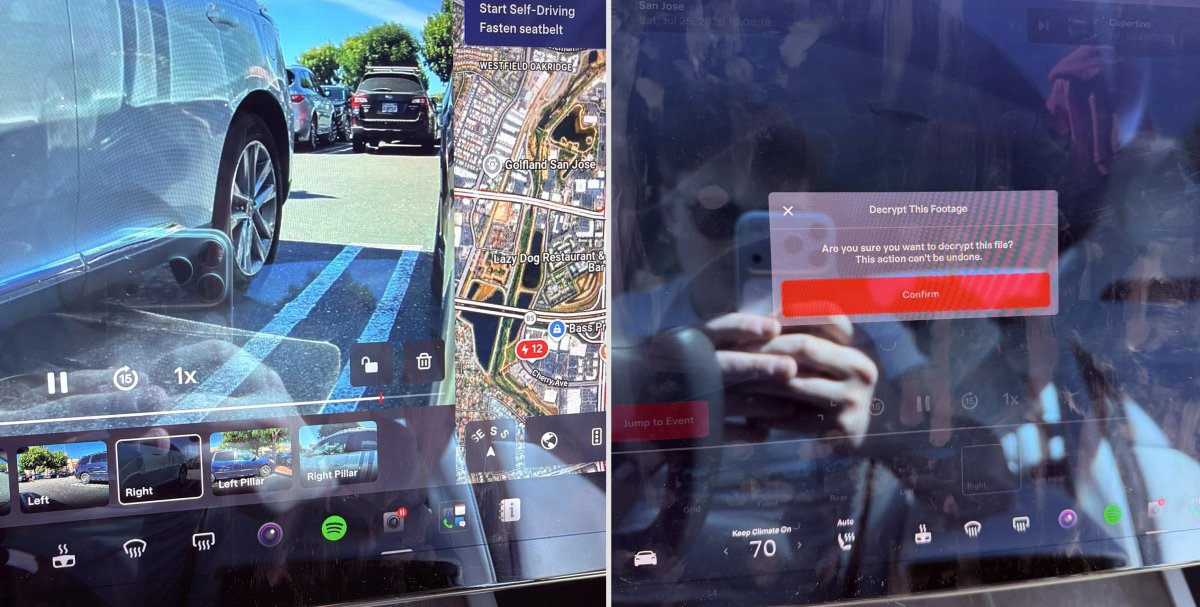
In update 2026.20, Tesla started encrypting Dashcam footage. This came at the same time as Tesla expanded recent video footage from 1 hour to up to 24 hours under certain requirements.
Encrypting the videos is an important privacy change, since if your USB drive is pulled from your vehicle, thieves can now have access to up to 24 hours of your driving, potentially revealing your workplace, home, and other important locations.
With this update, Tesla also added a button to the Dashcam Viewer that lets owners easily decrypt a specific clip, making it easier to see the footage if they mount the USB drive to their computer.
Tesla also introduced a tool that lets you decrypt any videos on your computer, as long as you log in to your Tesla account to prove that you own the video footage.
Bus Lanes
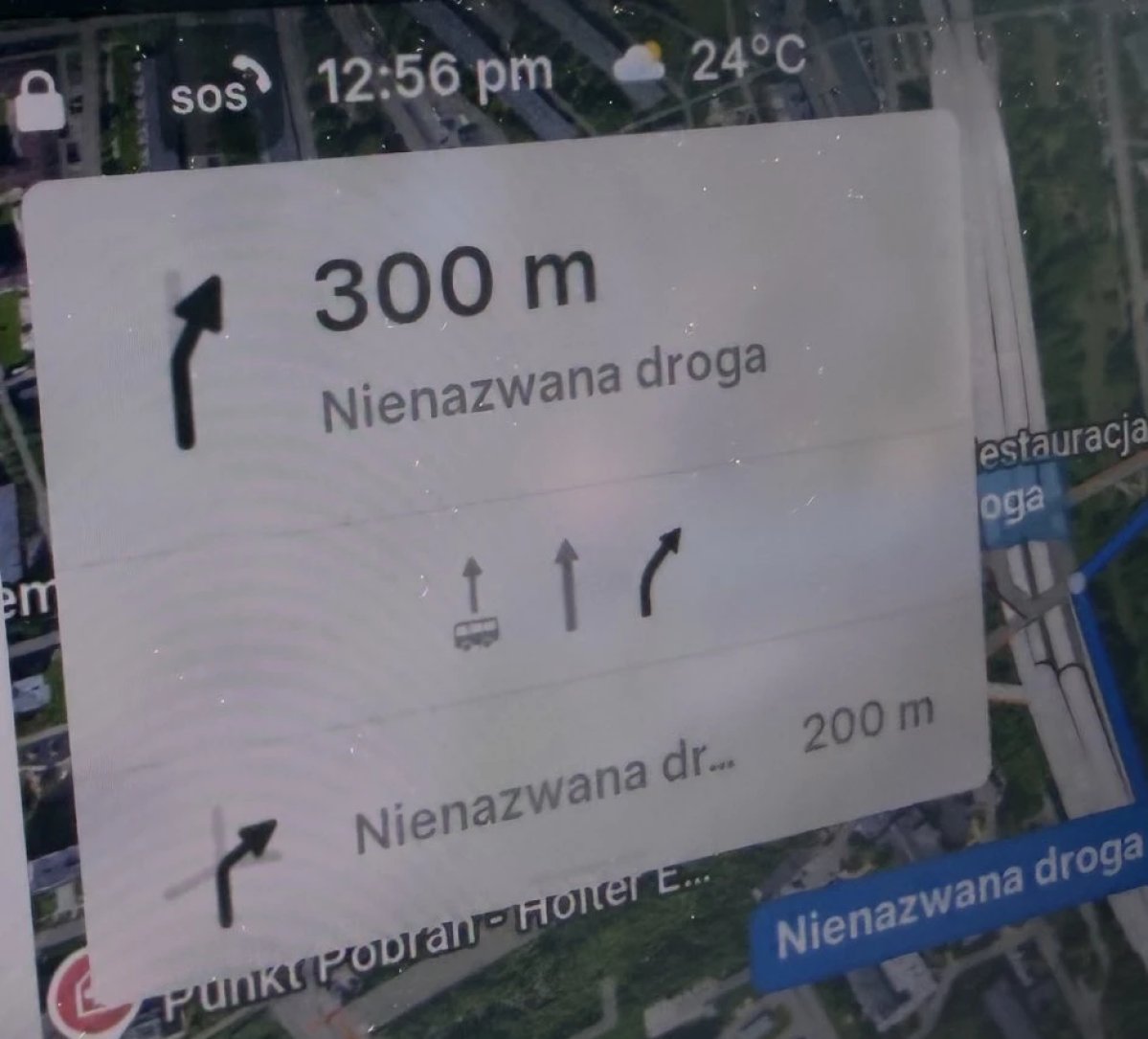
Tesla’s navigation now supports bus lanes, helping drivers be more aware of which lanes they can use.
This is even more important for FSD, so the vehicle can know which lanes are appropriate to drive in without having to read or potentially miss signs.
Service Mode Improvements

Forward Camera View Cleaning Panel
A new Forward Camera View Cleaning panel is available under Driver Assist to support cleaning the surface of the windshield in front of the cameras. The panel displays a live camera stream with the ability to zoom into the camera stream.
Models: Model 3, Model Y, Model S (2021+), Model X (2021+) with DAS AI4 and Cybertruck
Drive Unit Panel Update - Signal Chart Popups (Service Mode Plus)
The Drive Unit panel now supports interactive signal chart popups. Signals with a chart icon can be tapped to open a draggable, resizable popup window for real-time signal monitoring.
Models: Model 3, Model Y, Model S (2021+), Model X (2021+), Cybertruck

