

Tesla App 4.56.5: New Smart Charging Feature, Enhanced Charge on Solar and Plaid Gold

Smart Charging for Wall Connector

Tesla Smart Charging for Wall Connector feature in update 4.56.5
Undocumented
Models:
S
3
X
Y
CT
Undocumented

Tesla appears to be adding smart charging capabilities to the Tesla app. This image from the app shows that newer Wall Connectors will support smart charging.

The app makes it clear this will be limited to certain Wall Connectors, but they’re likely just including those without WiFi capabilities.

Tesla will be calling the feature “Low Cost Charging,” which will let your Wall Connector charge when rates are at their lowest, based on your utility plan.

Some of the phrases in the app that suggest this new feature are:

“Configure your Wall Connectors to enable smart charging, schedules, and restricted access for specific EV types.”

“Configure your charging preferences to optimize for the lowest cost energy based on your utility plan.”

“Setup Low Cost Charging”

“Your Powerwall's Operational Mode controls how your home energy system functions. This includes smart vehicle charging features.”

Plaid Gold Badge

Tesla Plaid Gold Badge feature in update 4.56.5
Available Worldwide
Undocumented
Models:
New S
New X
Undocumented

Tesla has added a gold Plaid badge to the Tesla app. These badges are typically used on performance or special editions like the Model Y Launch Edition.

This gold version of the Plaid badge is likely reserved for the Model S and Model X Signature Edition.

Enhanced Charge on Solar

Tesla Enhanced Charge on Solar feature in update 4.56.5
Undocumented
Models:
S
3
X
Y
CT
Undocumented

Similar to the smart charging capabilities of the Wall Connector, Tesla is adding a new mode called “Enhanced Charge on Solar.”

This mode will combine the existing Charge on Solar capabilities with the new “Low Cost Charging” capabilities of the Wall Connector, allowing your vehicle to charge when excess solar energy is produced, and utility rates are lowest.

New phrases in the Tesla app state:

“The Low Cost Charging mode uses your utility rate plan and excess solar to save you money.”

“Your vehicles will charge when there is low-cost energy, including solar, based on your utility plan.”

Battery Repaired Certificate

Tesla Battery Repaired Certificate feature in update 4.56.5
Undocumented
Undocumented

It seems that Tesla will start providing certificates when the vehicle's high-voltage battery is repaired or possibly replaced.

This could be useful when selling the vehicle, letting the owner prove that the battery has been repaired or replaced by Tesla.

The app refers to a new phrase titled “Certification of Repaired HV Battery.”

Tesla App Update 4.56: Virtual Queues and Notification If Earlier Appointment Opens

Virtual Queue for Superchargers

Tesla Virtual Queue for Superchargers feature in update 4.56.0
Undocumented
Models:
S
3
X
Y
CT
Undocumented

Tesla has started to build out its Virtual Queue feature for Tesla Superchargers. This feature will let owners wait in a virtual queue when a Supercharger is full, instead of having to wait in a physical line with their vehicle.

When a driver is near a Supercharger at capacity, they’ll be allowed to join the queue. Based on when the vehicle joined the queue, Tesla will manage whose turn it is to charge next.

The app update confirms that Tesla isn’t only using the vehicle’s location to determine eligibility to join the virtual queue, but also the driver’s location through the Tesla app.

The Tesla app states, “While the app is closed, Tesla uses your location to notify you of accurate wait times at Superchargers when you arrive.”

It sounds like Tesla won’t be able to disable charging at the Supercharger stall directly, as there are messages in the app that state: “There is a waitlist to charge. Are you sure you want to start a charging session now?”

It sounds like drivers will need to be respectful of the queue and whose turn it is to charge.

The app will keep you updated on your queue position and how many vehicles are ahead of you, likely through a Live Activity on iOS. The app will display: {{numCars}} cars ahead of you.

For Android users, it seems like the feature will launch simultaneously on iOS and Android, as there are specific phrases for Android as well, including: supercharger_queue_android_background_location_rationale

This feature should make it much more convenient to charge at full Superchargers, allowing passengers to enjoy nearby amenities while they wait.

Notified If Earlier Appointment Become Available

Tesla Notified If Earlier Appointment Become Available feature in update 4.56.0
Undocumented
Models:
S
3
X
Y
CT
Undocumented

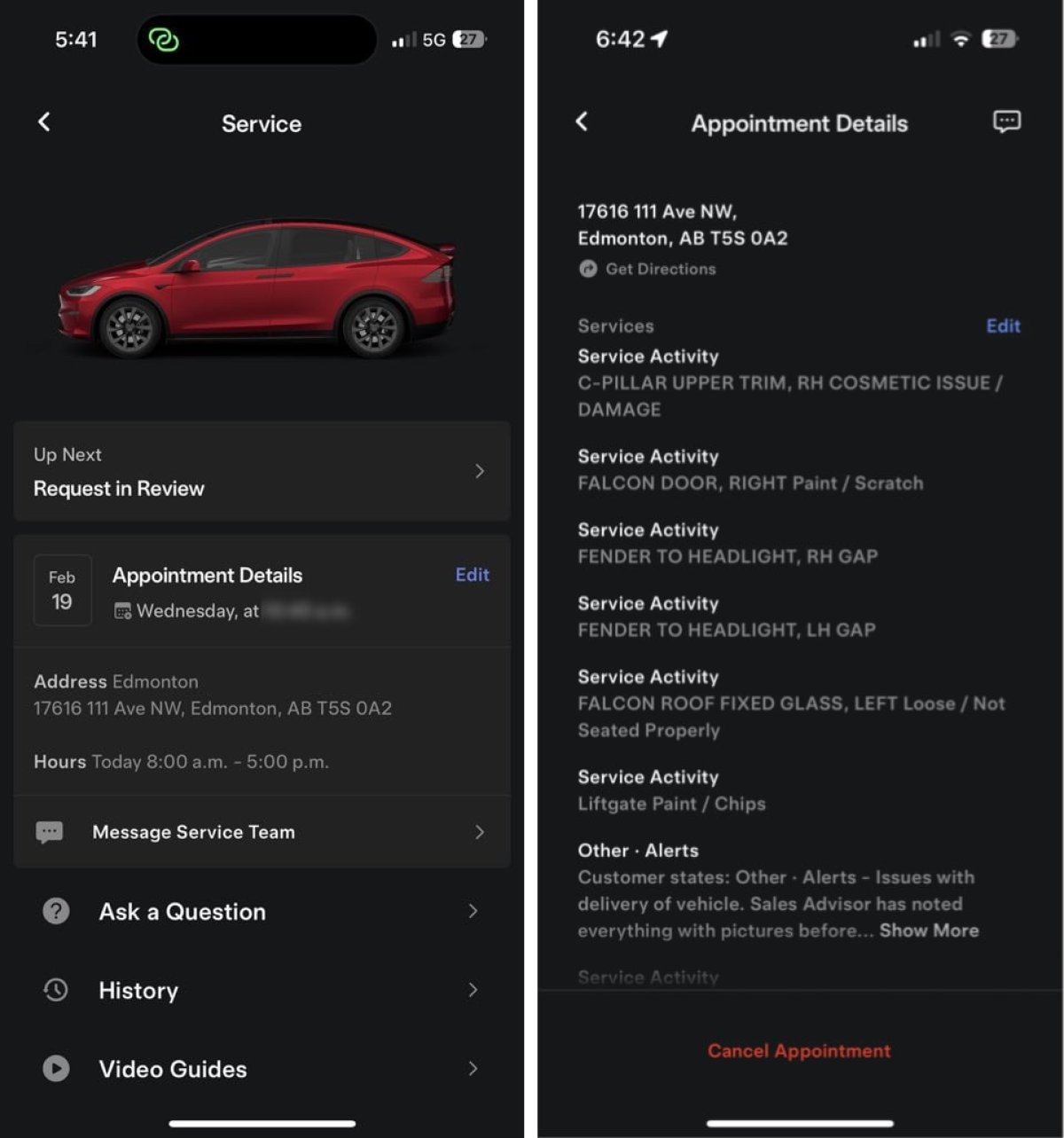
When scheduling a Tesla service appointment, you’re able to select a specific date and time. However, sometimes appointments are canceled, leaving some gaps in Tesla’s schedule. It seems like you’ll soon be able to opt-in to be notified if an earlier appointment date opens up.

This Tesla app includes new phrases including: “By opting in, we will put you on standby for an earlier appointment. If an earlier time becomes available, we'll contact you to coordinate rescheduling your visit.”

Tesla says that this feature won’t be available at all service center locations and sooner appointments are limited to the same service center and the same scheduled appointment length, which would be dependent on the issue you’re experiencing.

Tesla App Update 4.55.7: Format USB Drive from App, New Creations Section

Format USB Drive

Tesla Format USB Drive feature in update 4.55.7
Available Worldwide
Undocumented
Undocumented

New phrases in the Tesla app suggest Tesla will allow users to format USB drives directly from the Tesla app.

Users can already format and view the amount of free space on their USB drive from within the vehicle, but formatting the drive directly from their phone will make it even easier, especially if you’re experiencing issues with the drive when away from the vehicle.

Tesla has added phrases such as Format USB Drive and MOBILE_APP_FEATURE_DELETE_DASHCAM_CLIPS_AND_FORMAT_USB and added the command command_name_FORMATUSBACTION.

New Creations Section

Tesla New Creations Section feature in update 4.55.7
Credit @maxbrco
Available Worldwide
AMD
Undocumented
Models:
New S
3
New X
Y
CT
AMD
Undocumented

With the introduction of Photobooth, Tesla added a Photobooth section to the top level of the app that lets you view your saved photo sessions.

With the Spring Update and the update to the Sketchpad app for AMD Ryzen vehicles, Tesla is rebranding the Photobooth section to Creations, and it’ll now house Photobooth photos and sketches created in Sketchpad.

When you go into Creations, you’ll now have two tabs, one for Photobooth and one for Sketchpad, however, the features are similar. You’ll be able to view your saved creations and share them with others.

These creations are saved on your vehicle, not on Tesla’s servers, so when you open this section of the app, your vehicle will wake up and send the requested images.

Note: You’ll need vehicle update 2026.14 and an AMD Ryzen vehicle in order to see this new Creations section in the app.

Details

Release Date

April 20, 2026