


![Tesla's Dashcam Clears Driver Arrested at Gunpoint [VIDEO]](https://www.notateslaapp.com/img/containers/article_images/2026/tesla-dashcam-footage-driving-stop-acquittal.png/7f610401d1bb748d6a1bbedfc4da621c/tesla-dashcam-footage-driving-stop-acquittal.jpg)


여름 업데이트

위로 스와이프하여 2026년 여름 업데이트의 새로운 기능을 확인하세요.
예상 주행 가능 거리
이제 예상 주행 거리에 시간이 지남에 따른 배터리 노화와 관련된 추가 특성이 반영합니다.
선호 경로
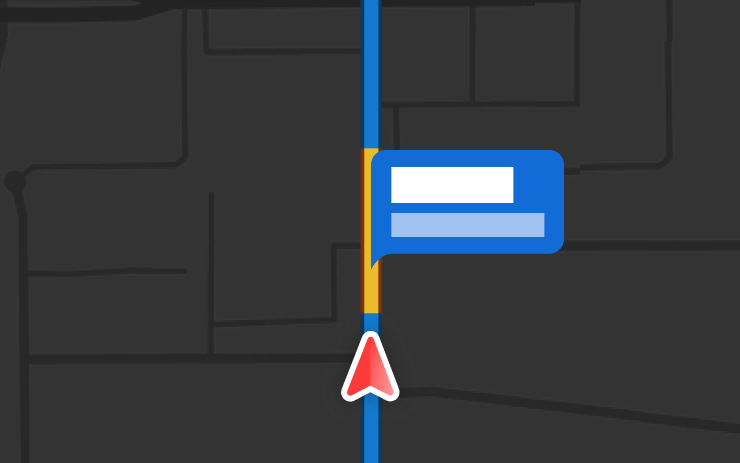
이제 내비게이션이 이전에 주행한 경로를 우선적으로 제안합니다. 온라인 경로 탐색을 사용하려면 컨트롤 > 내비게이션 > 온라인 경로 탐색에서 활성화해야 합니다. 위치 데이터는 익명으로 처리되며 차량과 연결되지 않습니다.
자동 내비게이션
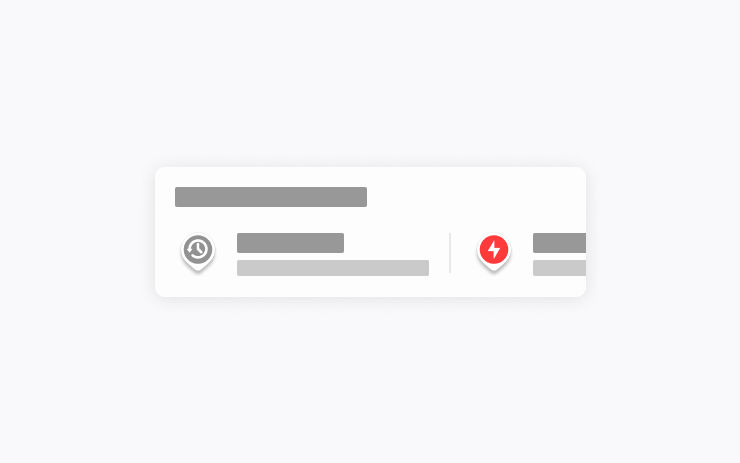
이제 자동 내비게이션이 사용자의 이동 패턴에 맞게 작동합니다. 집, 회사 및 예정된 캘린더 일정 외에도 출근길에 자녀를 학교에 데려다주거나 퇴근길에 헬스장에 들르는 것처럼 자주 방문하는 장소를 차량이 제안하고 자동으로 길 안내를 시작할 수 있습니다.
활성화하려면 컨트롤 > 내비게이션 > 자동 내비게이션으로 이동하세요. 위치 데이터는 Tesla에게 익명으로 처리되며 차량과 연결되지 않습니다.
Grok 명령어
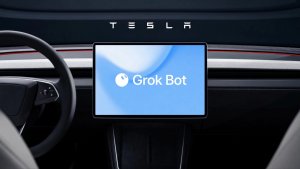
이제 Grok으로 전화를 걸고, 음악을 재생하며, 실내 온도를 조절하거나 컨트롤 패널을 검색할 수 있습니다. Tesla 차량에 대해 또는 최신 소프트웨어 업데이트에 포함된 내용을 Grok에게 물어보세요.
"Hey Grok" 및 위치 기반 알림을 활성화하거나 비활성화하려면 Grok > 설정으로 이동합니다. 프리미엄 커넥티비티 또는 활성화된 WiFi 연결이 필요합니다. 대화는 익명으로 처리되며 차량과 연결되지 않습니다.
트랙션 컨트롤 모드
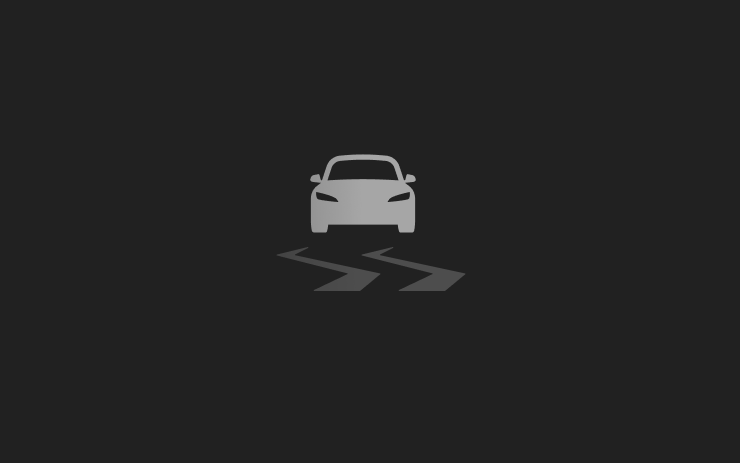
업데이트된 세 가지 트랙션 컨트롤 모드 중에서 선택할 수 있습니다. 표준 주행 조건에서는 자동 모드, 빙판길 또는 젖은 도로에서는 미끄러운 노면 모드, 눈, 진흙 또는 모래에 빠진 경우에는 험로 탈출 어시스트 모드를 선택합니다. 모드는 주행을 시작할 때마다 자동으로 재설정됩니다. 선택하려면 컨트롤 > 주행 설정 > 트랙션 컨트롤 모드로 이동하세요.
채점 기능 지원 Caraoke
이제 주차(P) 상태에서는 Caraoke에서 노래 실력을 채점합니다. '내 노래방' 탭에서 별을 획득하고 최고 점수를 확인하세요. 후면 디스플레이에서 대기열 버튼을 탭하면 탑승자가 QR 코드를 스캔하여 휴대폰에서 대기열에 곡을 추가할 수 있습니다. 이 기능은 프리미엄 커넥티비티가 필요합니다.
드라이빙 시각화

어시스티드 드라이빙 확대/축소 설정을 사용자 지정할 수 있습니다. 컨트롤 > 어시스티드 드라이빙 > 시각화 카메라 줌에서 원하는 확대/축소 수준을 선택하세요.
경로상의 과속 단속 카메라
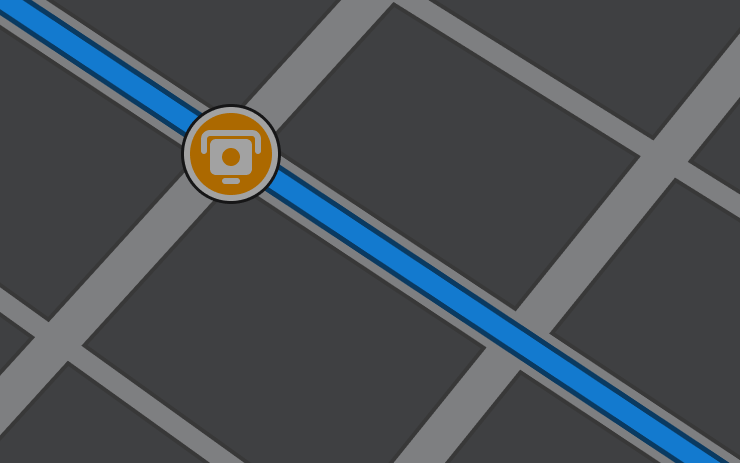
이제 내비게이션에 경로를 따라 과속 단속 카메라를 표시하는 기호가 포함됩니다.
온라인 경로 탐색을 사용하려면 컨트롤 > 내비게이션 > 온라인 경로 탐색에서 활성화해야 합니다. 이 기능은 프리미엄 커넥티비티가 필요합니다.
커스텀 랩핑
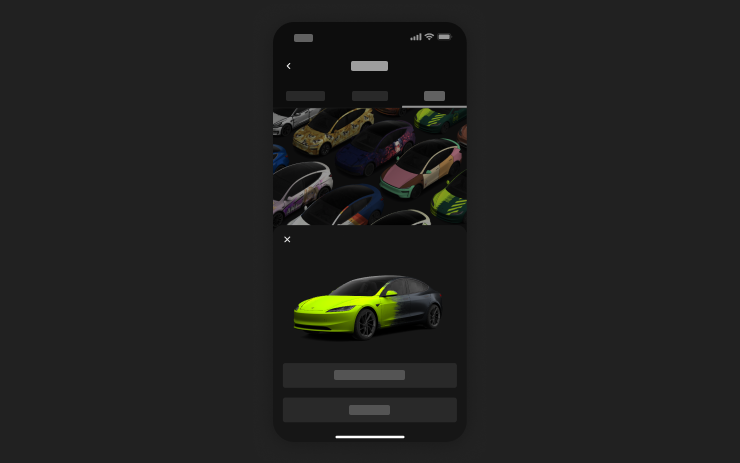
모바일 앱에서 휴대폰의 이미지를 사용해 커스텀 랩핑 디자인을 업로드하고 Tesla로 바로 전송할 수 있습니다. 창작물 > 랩핑 > 업로드로 이동하세요. 모바일 앱 버전 4.59.0 이상이 필요합니다.
차량에서는 앱 시작 관리자 > 토이박스 > 도장 작업장에서 사용할 수 있습니다.
카메라 미리 보기
이제 Tesla가 주차 상태가 아니어도 언제든지 카메라 미리 보기를 열 수 있습니다.
컨트롤 > 차량 정비 > 카메라 미리 보기로 이동한 다음, 원하는 카메라를 탭하여 개별 화면으로 볼 수 있습니다. 그리드 버튼을 탭하여 전체 카메라 보기로 다시 전환합니다.
도착 에너지 설정
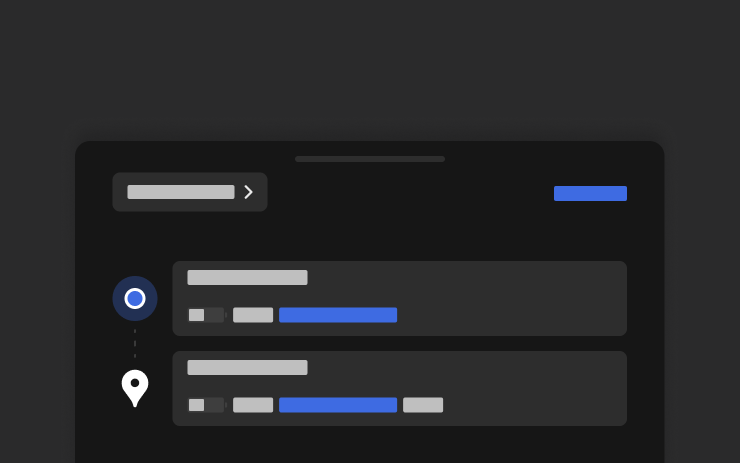
휴대폰에서 모든 여정에 원하는 도착 에너지를 설정할 수 있습니다. Tesla 모바일 앱에서 위치 탭을 열고 목적지를 입력한 후 도착 에너지 설정을 터치합니다. 모바일 앱 버전 4.58.0 이상이 필요합니다.
Apple Music
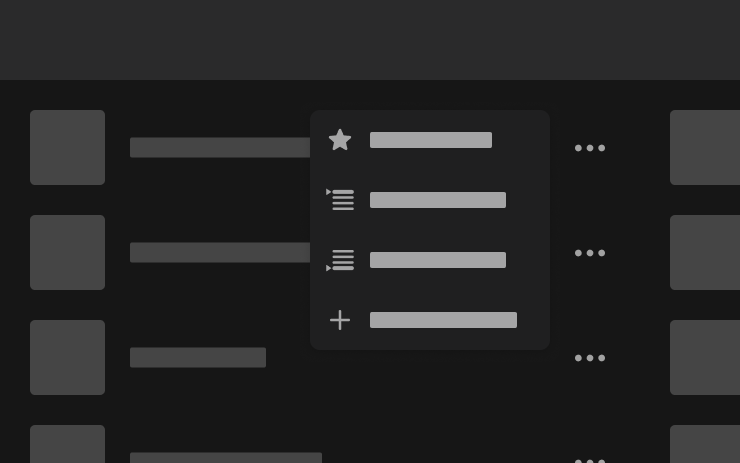
Apple Music의 검색 결과 및 아티스트 페이지에서 곡을 대기열에 바로 추가할 수 있습니다. 곡을 길게 누르거나 점 3개 메뉴를 탭하면 다음 곡으로 재생, 대기열에 추가, 보관함에 저장 또는 즐겨찾기 표시를 할 수 있습니다. 활성화된 Apple Music 구독이 필요합니다.
웹 브라우저
이제 웹 브라우저에서 Tesla의 실내 카메라와 실내 마이크를 사용할 수 있습니다. 웹사이트가 카메라 또는 마이크에 대한 액세스를 요청하면 탭하여 권한을 허용합니다. 카메라는 주차 중에만 사용할 수 있습니다.
수퍼차저 검색
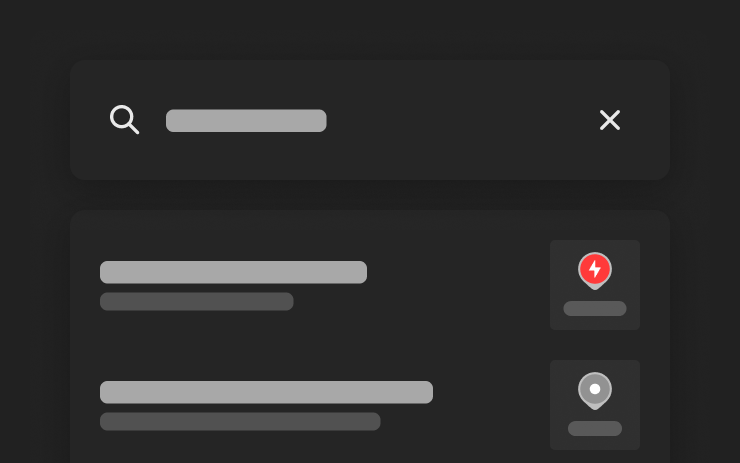
이제 목적지를 검색할 때 이름으로 수퍼차저를 찾을 수 있습니다.
환영 애니메이션
이제 Tesla가 켜질 때 환영 애니메이션이 표시됩니다. 비활성화하려면 컨트롤 > 디스플레이 > 환영 애니메이션으로 이동하세요.
후면 디스플레이
중앙 디스플레이에서 뒷좌석 터치스크린 조작을 비활성화하려면 앱 시작 관리자 > 후면 > 후면 디스플레이 잠금으로 이동하세요. 중앙 디스플레이에서 선택한 콘텐츠는 뒷좌석 디스플레이에서도 계속 재생됩니다.
"헤이 Grok"

이제 xAI에서 개발한 지능형 비서 Grok과 대화할 수 있습니다. Grok을 실행하려면 앱 시작 관리자 > Grok으로 이동하거나 스티어링 휠의 음성 버튼을 길게 누르거나 "Hey Grok"이라고 말합니다. 종료하려면 "goodbye"라고 말합니다.
스토리텔러부터 자유분방까지 Grok의 음성과 성격을 선택하거나, 어시스턴트로 설정하여 내비게이션 목적지를 추가 및 수정하고, 전화를 걸고, 음악을 재생하며, 실내 온도를 조절하거나 컨트롤 패널을 검색할 수 있습니다. Tesla 차량이나 최신 소프트웨어 업데이트에 포함된 내용을 Grok에게 물어보세요. "집 근처에 가면 우유 사라고 알려줘"와 같이 말해 위치 기반 미리 알림을 설정할 수도 있습니다.
"Hey Grok" 및 위치 기반 알림을 활성화하거나 비활성화하려면 Grok > 설정으로 이동합니다.
프리미엄 커넥티비티 또는 활성화된 WiFi 연결이 필요합니다. 대화는 익명으로 처리되며 차량과 연결되지 않습니다.
보안 개선 사항

이 업데이트에는 중요한 보안 향상 및 개선 사항이 포함되어 있습니다.
New Tesla Wraps

Tesla has added a couple new wraps to its digital vehicle wrap feature in this update. This includes the Summer Camp wrap that Tesla advertised with the 2026 Summer Update.
Shift Icon on Instrument Cluster
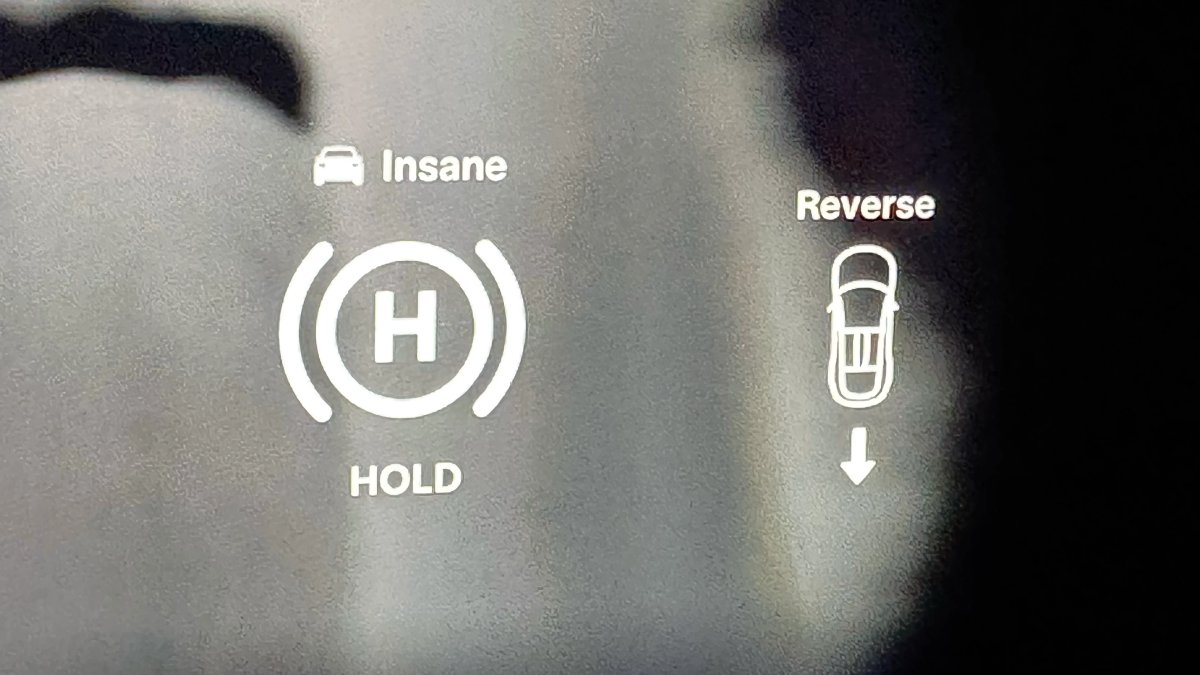
The instrument cluster on the Model S and Model X will now show an icon when you shift into drive or reverse, making it more obvious that the vehicle has shifted.
Destination Icons
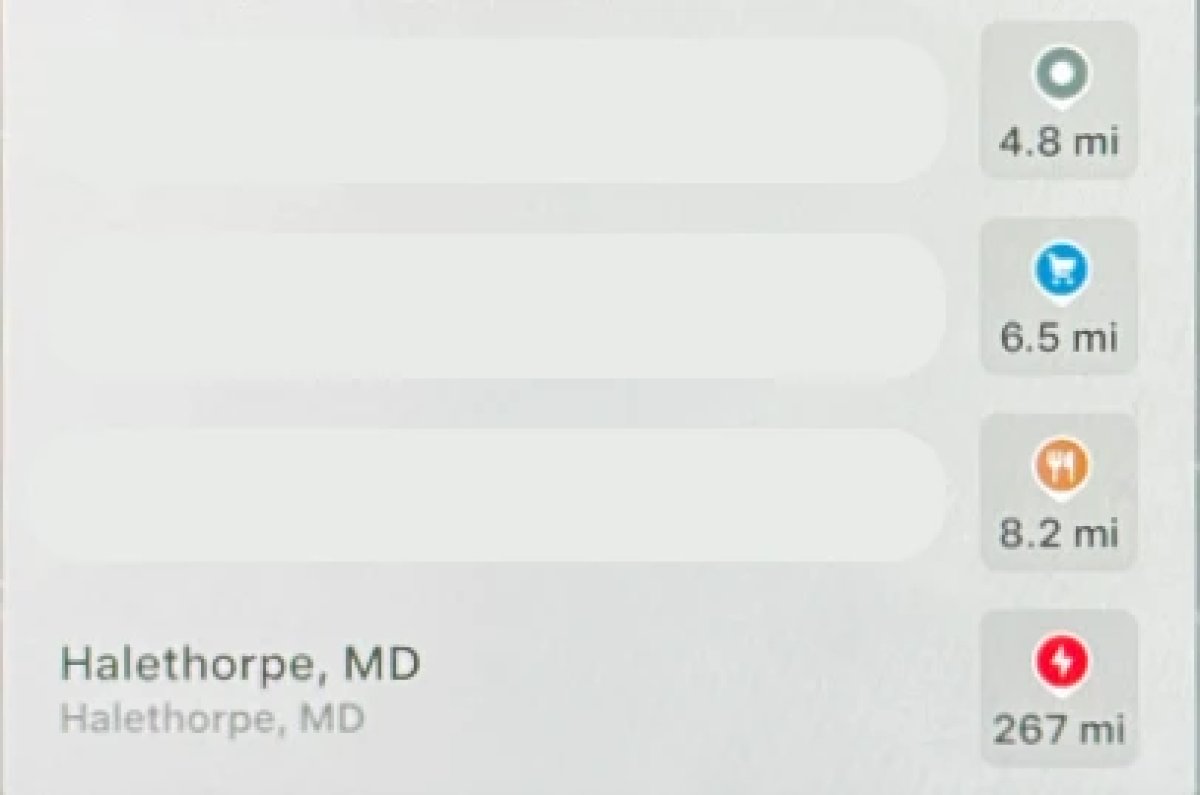
With the exception of Superchargers, destination icones used to all be the same color. With this update, destination icons will now appear in their own unique category color category points of interest now have their own colored icon. For example, parks will be green, restaurants will be orange and stores will be blue
Rear Screen Lyrics Removed

Tesla’s Caraoke feature, which lets passengers sing along to popular songs has been updated in this update. However, one popular feature has been removed. The rear screen in supported vehicles no longer shows lyrics when a user is using Caraoke.
Instead users will now now have to use their mobile devices to see lyrics on their phone, which was a feature added in this update.
Browser Bookmark Sync

Your web browser bookmarks are now synced along with your Tesla data, meaning that they’re now available across all of your vehicles.
Web Browser Zoom

The browser zoom level has been increased to make content appear larger. On some sites, such as X, or YouTube, this could trigger a different viewport, causing the site to look more like the tablet or mobile version.
While the Tesla browser is based on Chromium, you can't manually adjust the zoom level.
Visualization Zoom Shortcut

You can change the new visualization zoom level while driving. A small magnifying glass icon appears near the top-right of the visualization and can be tapped to change the zoom level to 0.5x, 1x, or 2x.
If you’re using full-screen visualizations, then the magnifying glass icon appears in the bottom-left corner.
Grok Voice Improvements

Grok now uses Grok Voice Think Fast 2.0. Grok Voice is Grok’s speech-to-speech engine that helps it better understand an individual’s voice and tone, rather than just converting their voice to text.
This engine also improves Grok’s speech output as well, making it behave more like a human’s voice.
Grok Highlights Menus

When you use Grok to bring up a feature or option in settings, Grok will now highlight the area in pulsating blue.
Improved Lighting in Visualization

In update 2026.14, Tesla improved vehicle visualizations by switching to Unreal Engine to render vehicle models. However, some of the colors and lighting looked off.
With this update, Tesla has tweaked the lighting effects, making the vehicle colors more accurate.
Rear Spoiler Visualization

On the Model Y Performance, Tesla has added the vehicle’s spoiler back to the in-car visualization.
Service Mode Improvements

Service Mode Update - Customer Profile Isolation
Entering Service Mode now activates a default profile to isolate customer data, helping to prevent technicians from inadvertently accessing customer media accounts or modifying customer settings during service.
Models: All
Signal Viewer Panel Updates (Service Mode Plus)
The Signal Viewer panel now supports viewing multiple CAN signals on the same chart for easier comparison and analysis. Signals can be dragged between charts to group related data, moved to an empty space to create a new chart, or reordered by dragging chart cards. Charts can also be paused to inspect specific values and resumed to continue live streaming.
Models: Model 3 and Model Y with AMD Ryzen infotainment processor, Model S (2021+), Model X (2021+), Cybertruck











