


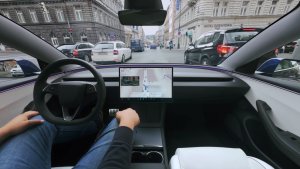
![Tesla's Dashcam Clears Driver Arrested at Gunpoint [VIDEO]](https://www.notateslaapp.com/img/containers/article_images/2026/tesla-dashcam-footage-driving-stop-acquittal.png/7f610401d1bb748d6a1bbedfc4da621c/tesla-dashcam-footage-driving-stop-acquittal.jpg)

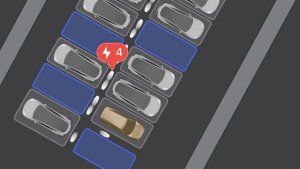
サマー アップデート

上にスワイプして、2026年サマー アップデートの新機能をご覧ください。
推定航続距離
バッテリー航続距離見積りにバッテリーの経時劣化に関連する追加特性が含まれるようになりました。
優先ルート
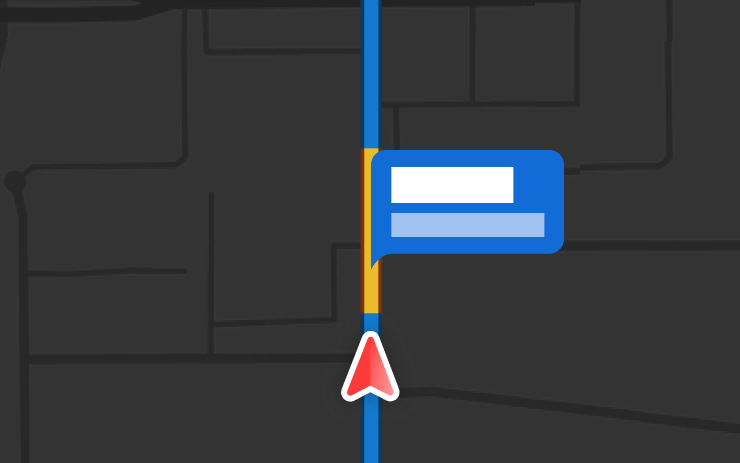
ナビゲーションは、以前に走行したルートを優先するようになりました。オンラインルート案内は、「コントロール」>「ナビゲーション」>「オンラインルート案内」で有効にする必要があります。位置データはTeslaに対して匿名性が維持され、お客様の車両に関連付けられません。
オートナビゲーション
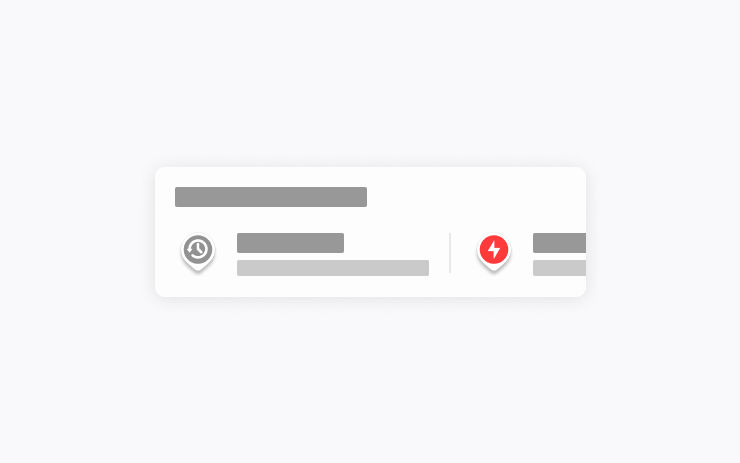
オート ナビゲーションが、あなたのルーティンに適応するようになりました。「自宅」や「勤務先」、今後のカレンダーのイベントに加えて、車両が、通勤途中の学校への送りや帰宅途中のジムなど、定期的に訪れる場所を提案し、ルート案内もできるようになりました。
オート ナビゲーションを有効にするは、「コントロール」 > 「ナビ」 > 「オート ナビゲーション」の順にタップします。位置データはTeslaに対して匿名性が維持され、お客様の車両に関連付けられません。
Grokコマンド

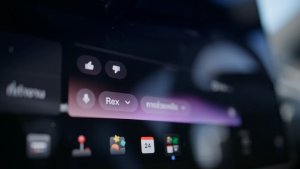
Grokは、電話の発信、音楽の再生、空調の調整、コントロールパネルの検索ができるようになりました。GrokにTeslaまたは最新のソフトウェア アップデートの内容について質問してください。
「Grok」>「設定」に移動して、「Hey Grok」と位置情報に基づくリマインダーを有効または無効にできます。 プレミアムコネクティビティまたは有効なWiFi接続が必要です。やり取りはTeslaに対して匿名性が維持され、お客様の車両に関連付けられません。
トラクションコントロール モード
更新された3つのトラクションコントロール モードから選択できます。通常の走行環境向けの「自動」、凍結した路面や濡れた路面向けの「滑りやすい路面」、または雪、泥、砂にはまり込んで動けなくなったときのための「立ち往生アシスト」からお選びください。 各走行の最初にモードが「自動」にリセットされます。 選択するには、「コントロール」>「ダイナミクス」>「トラクションコントロール モード」の順に移動します。
スコア機能付きCaraoke
Caraokeで、パーキング中に歌の採点ができるようになりました。「マイ カラオケ」タブで星を獲得し、ハイスコアを記録しましょう。リアディスプレイのキューボタンをタップするとQRコードが表示されます。同乗者がスマホでスキャンすれば、キューへの曲の追加が可能になります。プレミアムコネクティビティが必要です。
ドライビング ビジュアライゼーション

ドライブアシストのズーム設定をカスタマイズします。「コントロール」>「ドライブアシスト」>「ビジュアライゼーション カメラのズーム」で希望のズームレベルを選択してください。
ルート上に速度違反カメラあり
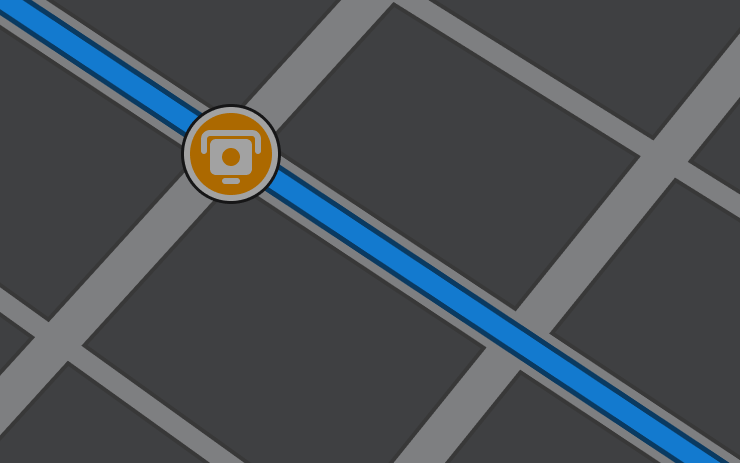
ナビゲーションにルートに沿って速度違反カメラを示すシンボルが表示されるようになりました。
オンラインルート案内は、「コントロール」>「ナビゲーション」>「オンラインルート案内」で有効にする必要があります。 プレミアムコネクティビティが必要です。
カスタムラップ
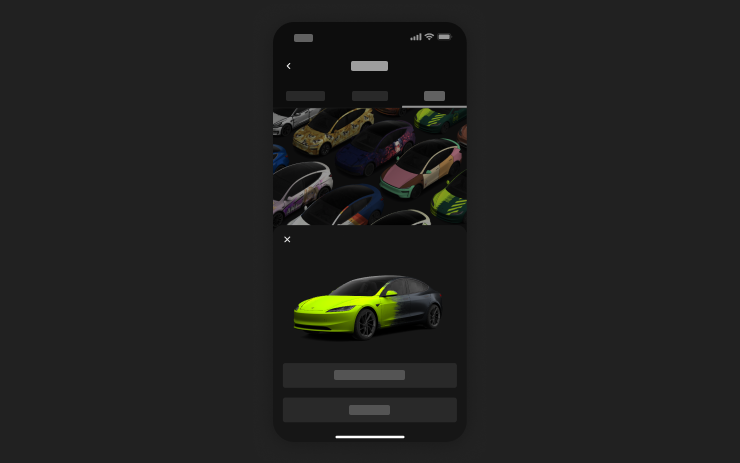
モバイル アプリを使用すると、お使いの携帯電話の画像からカスタムのラップデザインをアップロードして、Teslaに直接送信できます。「クリエーション」>「ラップ」>「アップロード」に移動してください。モバイルアプリのバージョン4.59.0以降が必要です。
車内でアクセスするには、「アプリランチャー」 > 「おもちゃ箱」 > 「ペイントショップ」の順に進んでください。
カメラ プレビュー
Teslaがパーキングに入っていなくても、いつでもカメラ プレビューを開けるようになりました。
「コントロール」>「サービス」>「カメラ プレビュー」の順に移動し、いずれかのカメラビューをタップすると個別に表示されます。グリッドボタンをタップすると、すべてのカメラ表示に戻ります。
到着時エネルギーの設定
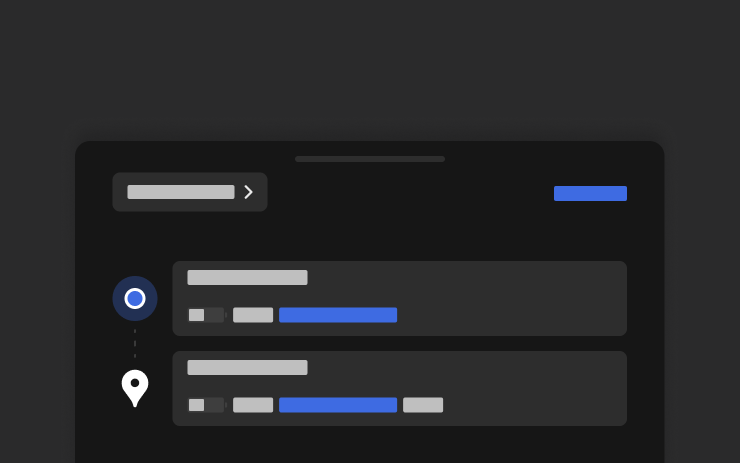
スマートフォンから、目的地到着時の目標バッテリー残量をいつでも設定できます。Teslaモバイル アプリの「場所」タブを開き、目的地を入力し、「到着時のエネルギー」をタップして編集します。モバイル アプリのバージョン4.58.0以降が必要です。
Apple Music
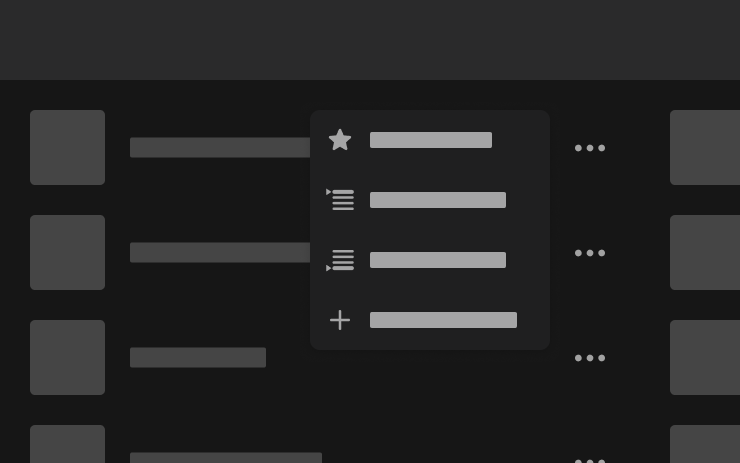
検索結果やアーティストページから、Apple Musicのキューに直接曲を追加できます。曲を長押しするか、3点リーダーメニューをタップすると、次に再生、キューに追加、ライブラリに保存、またはお気に入りとしてマークすることができます。Apple Mりusicの有効なサブスクリプションが必要です。
ウェブブラウザ
Teslaのインテリアカメラと車内マイクロフォンが、ウェブブラウザで使用できるようになりました。ウェブサイトからアクセスの要求があった場合は、許可してください。カメラはパーキング中のみ利用可能です。
スーパーチャージャー検索
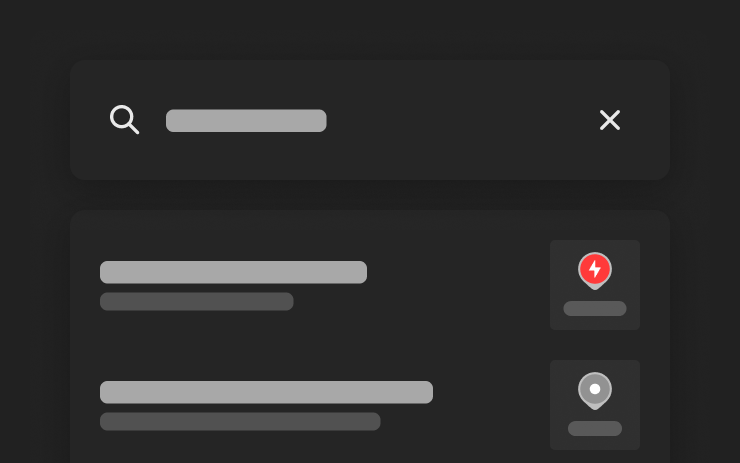
目的地を検索する際に、名前でスーパーチャージャーを検索できるようになりました。
ウェルカム アニメーション
Teslaが、起動時にウェルカム アニメーションを表示するようになりました。無効にするには、「コントロール」>「ディスプレイ」>「ウェルカム アニメーション」の順に移動します。
リアディスプレイ
リア タッチスクリーンのコントロールを無効にするには、センターディスプレイで「アプリランチャー」>「リア」>「リアスクリーンをロック」の順に移動します。センターディスプレイで選択したコンテンツは、後部で引き続き再生されます。
「Hey Grok」

xAIによって構築されたインテリジェント アシスタント、Grokと話すことができるようになりました。Grokを起動するには、「アプリランチャー」 > 「Grok」に移動するか、ハンドルの音声ボタンを長押しするか、または「Hey Grok」と言ってください。閉じるには、「goodbye」と話しかけます。
Grokの音声とパーソナリティは、「ストーリー テラー」から「頭のおかしい」までの中から選択するか、アシスタントに設定することで、ナビゲーションの目的地の追加や編集、電話の発信、音楽の再生、空調の調整、コントロールパネルの検索ができます。GrokにTeslaまたは最新のソフトウェア アップデートの内容について質問してください。「自宅が近くなったら牛乳を買うようにリマインドして」などのロケーションに基づいたリマインダーも設定できます。
「Grok」>「設定」に移動して、「Hey Grok」と位置情報に基づくリマインダーを有効または無効にできます。
プレミアムコネクティビティまたは有効なWiFi接続が必要です。やり取りはTeslaに対して匿名性が維持され、お客様の車両に関連付けられません。
セキュリティの改善

このアップデートには重要なセキュリティに関する修正および改善が含まれます。
New Tesla Wraps

Tesla has added a couple new wraps to its digital vehicle wrap feature in this update. This includes the Summer Camp wrap that Tesla advertised with the 2026 Summer Update.
Shift Icon on Instrument Cluster
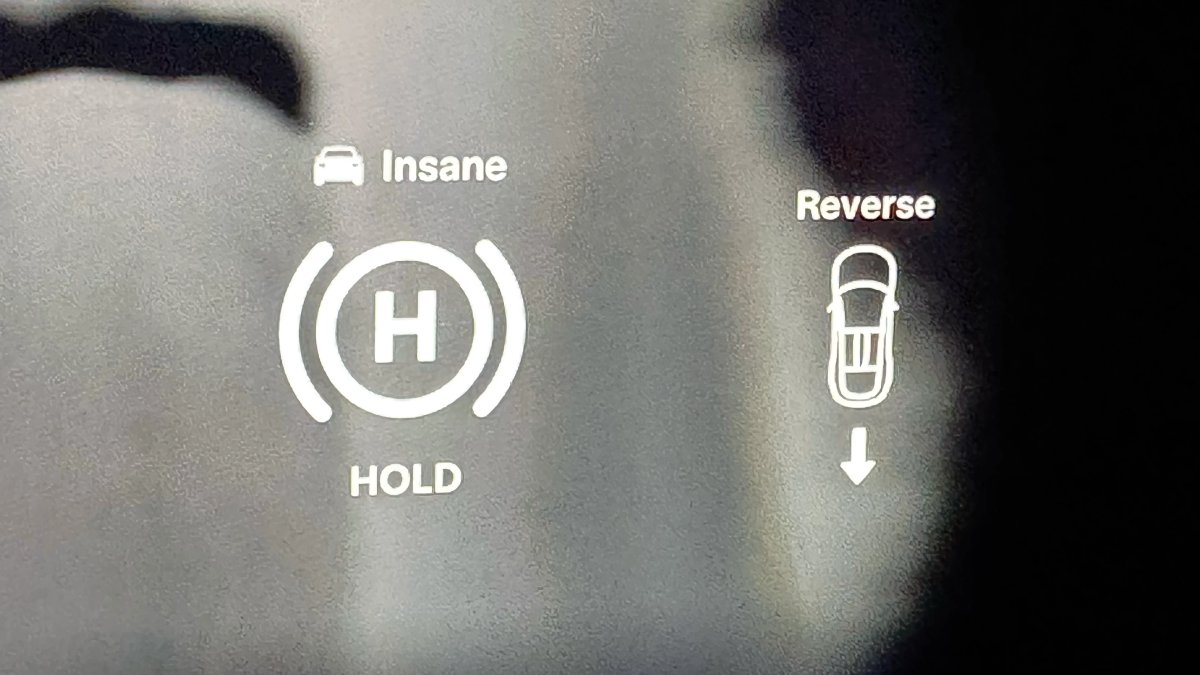
The instrument cluster on the Model S and Model X will now show an icon when you shift into drive or reverse, making it more obvious that the vehicle has shifted.
Destination Icons
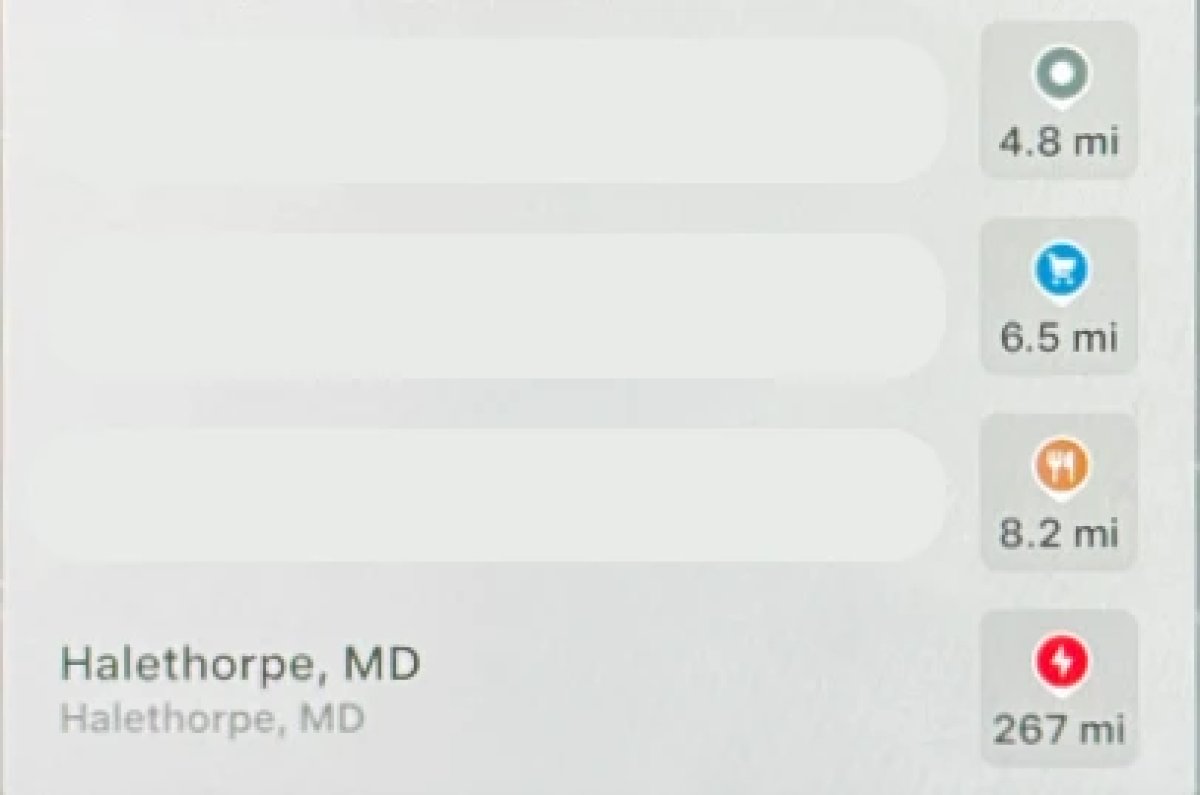
With the exception of Superchargers, destination icones used to all be the same color. With this update, destination icons will now appear in their own unique category color category points of interest now have their own colored icon. For example, parks will be green, restaurants will be orange and stores will be blue
Rear Screen Lyrics Removed

Tesla’s Caraoke feature, which lets passengers sing along to popular songs has been updated in this update. However, one popular feature has been removed. The rear screen in supported vehicles no longer shows lyrics when a user is using Caraoke.
Instead users will now now have to use their mobile devices to see lyrics on their phone, which was a feature added in this update.
Browser Bookmark Sync

Your web browser bookmarks are now synced along with your Tesla data, meaning that they’re now available across all of your vehicles.
Web Browser Zoom

The browser zoom level has been increased to make content appear larger. On some sites, such as X, or YouTube, this could trigger a different viewport, causing the site to look more like the tablet or mobile version.
While the Tesla browser is based on Chromium, you can't manually adjust the zoom level.
Visualization Zoom Shortcut

You can change the new visualization zoom level while driving. A small magnifying glass icon appears near the top-right of the visualization and can be tapped to change the zoom level to 0.5x, 1x, or 2x.
If you’re using full-screen visualizations, then the magnifying glass icon appears in the bottom-left corner.
Grok Voice Improvements

Grok now uses Grok Voice Think Fast 2.0. Grok Voice is Grok’s speech-to-speech engine that helps it better understand an individual’s voice and tone, rather than just converting their voice to text.
This engine also improves Grok’s speech output as well, making it behave more like a human’s voice.
Grok Highlights Menus

When you use Grok to bring up a feature or option in settings, Grok will now highlight the area in pulsating blue.
Improved Lighting in Visualization

In update 2026.14, Tesla improved vehicle visualizations by switching to Unreal Engine to render vehicle models. However, some of the colors and lighting looked off.
With this update, Tesla has tweaked the lighting effects, making the vehicle colors more accurate.
Rear Spoiler Visualization

On the Model Y Performance, Tesla has added the vehicle’s spoiler back to the in-car visualization.
Service Mode Improvements

Service Mode Update - Customer Profile Isolation
Entering Service Mode now activates a default profile to isolate customer data, helping to prevent technicians from inadvertently accessing customer media accounts or modifying customer settings during service.
Models: All
Signal Viewer Panel Updates (Service Mode Plus)
The Signal Viewer panel now supports viewing multiple CAN signals on the same chart for easier comparison and analysis. Signals can be dragged between charts to group related data, moved to an empty space to create a new chart, or reordered by dragging chart cards. Charts can also be paused to inspect specific values and resumed to continue live streaming.
Models: Model 3 and Model Y with AMD Ryzen infotainment processor, Model S (2021+), Model X (2021+), Cybertruck











