


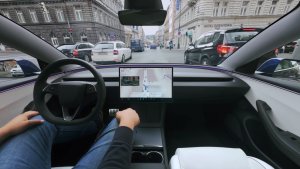
![Tesla's Dashcam Clears Driver Arrested at Gunpoint [VIDEO]](https://www.notateslaapp.com/img/containers/article_images/2026/tesla-dashcam-footage-driving-stop-acquittal.png/7f610401d1bb748d6a1bbedfc4da621c/tesla-dashcam-footage-driving-stop-acquittal.jpg)

עדכון קיץ

החליקו מעלה כדי לראות את התכונות החדשות בעדכון הקיץ של 2026.
טווח משוער
טווח הסוללה המשוער משלב כעת מאפיינים נוספים הקשורים לבלאי הסוללה עם הזמן.
מסלולים מועדפים
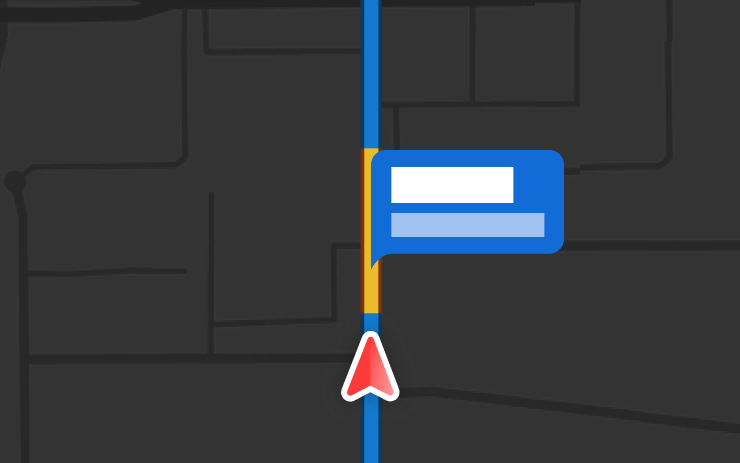
הניווט מתעדף כעת מסלולים שנסעתם בהם בעבר. יש להפעיל את הניווט המקוון תחת 'פקדים' > 'ניווט' > 'ניווט מקוון'. נתוני המיקום הנשלחים ל-Tesla הם אנונימיים ואינם משויכים לרכב.
ניווט אוטומטי
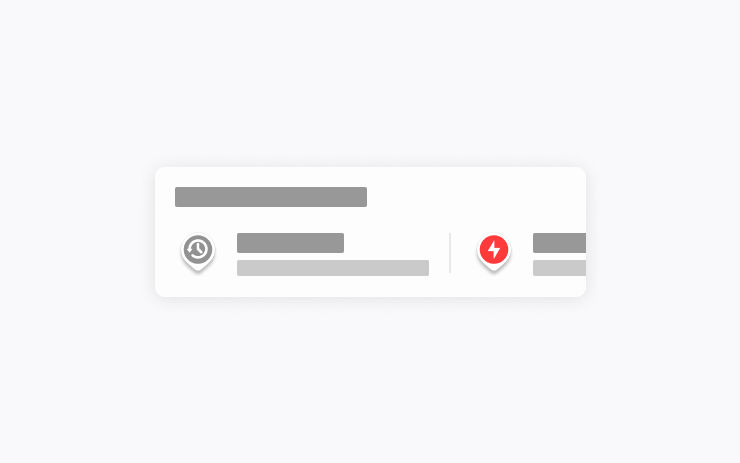
הניווט האוטומטי מתאים את עצמו כעת לשגרה שלכם. בנוסף למיקומים 'בית' ו'עבודה' ולאירועים הקרובים בלוח השנה, הרכב שלכם יכול כעת להציע ולנווט אל המקומות שבהם אתם מבקרים באופן קבוע, כמו הורדת ילדים בבית הספר בדרך לעבודה או נסיעה למכון הכושר בדרך הביתה.
להפעלה, יש לעבור אל 'פקדים' > 'ניווט' > 'ניווט אוטומטי'. נתוני המיקום הנשלחים ל-Tesla הם אנונימיים ואינם משויכים לרכב.
פקודות Grok

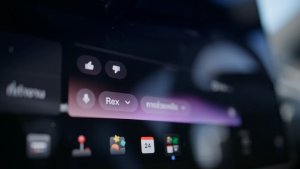
Grok יכול כעת לבצע שיחות טלפון, להפעיל מוזיקה, לכוונן את בקרת האקלים ולחפש בלוח הפקדים. שאלו את Grok לגבי רכב ה-Tesla שלכם או מה כולל עדכון התוכנה האחרון.
יש לעבור אל Grok > 'הגדרות' כדי להפעיל או להשבית את "Hey Grok" ותזכורות מבוססות מיקום. יש צורך בשירות קישוריות פרימיום או בחיבור WiFi פעיל. השיחות הנשלחות ל-Tesla הן אנונימיות ואינן משויכות לרכב.
מצבי בקרת אחיזה
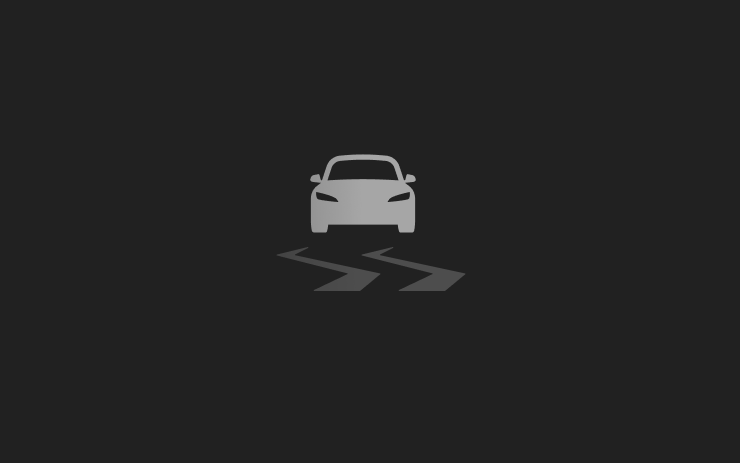
יש לבחור מבין שלושה מצבי בקרת אחיזה: 'אוטומטי' לתנאי נהיגה רגילים, 'משטח חלקלק' לכבישים קפואים או רטובים או 'סיוע לרכב תקוע' למקרה שנתקעתם בשלג, בבוץ או בחול. המצב מתאפס למצב 'אוטומטי' בתחילת כל נסיעה. כדי לבחור, יש לעבור אל 'פקדים' > 'דינמיקה' > 'מצב בקרת אחיזה'.
Caraoke עם ניקוד
ב-Caraoke תקבלו כעת ניקוד על השירה שלכם במצב חניה. תוכלו לצבור כוכבים ולעקוב אחר השיאים שלכם בכרטיסייה 'הקריוקי שלי'. בתצוגה האחורית, יש להקיש על לחצן התור כדי להציג קוד QR, המאפשר לנוסעים לסרוק ולהוסיף שירים לתור מהטלפונים שלהם. נדרש שירות קישוריות פרימיום.
הדמיית נהיגה

התאמה אישית של העדפת הזום בנהיגה עצמית. בחרו את רמת הזום הרצויה תחת 'פקדים' > 'נהיגה עצמית' > 'זום מצלמת הדמיה'.
מצלמות מהירות במסלול
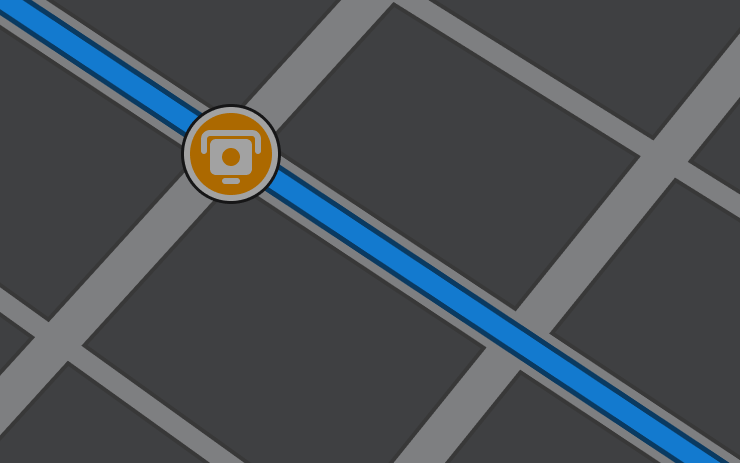
הניווט כולל כעת סמלים לאורך המסלול שמראים מצלמות מהירות.
יש להפעיל את הניווט המקוון תחת 'פקדים' > 'ניווט' > 'ניווט מקוון'. נדרש שירות קישוריות פרימיום.
מעטפות מותאמות אישית
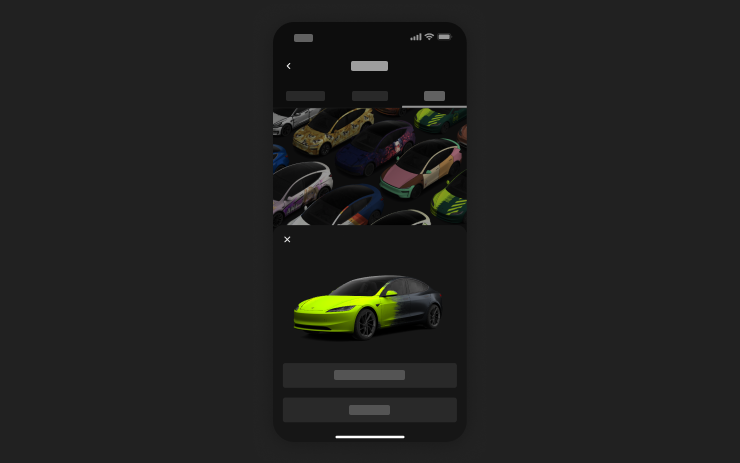
השתמשו באפליקציה לנייד כדי להעלות עיצובי מעטפת מותאמים אישית מתמונות בטלפון שלכם ולשלוח אותם ישירות לרכב ה-Tesla שלכם. יש לעבור אל 'יצירות' > 'מעטפת' > 'העלאה'. נדרשת אפליקציה לנייד בגרסה 4.59.0 ואילך.
לגישה מהרכב, יש לעבור אל 'מפעיל האפליקציות' > 'קופסת צעצועים' > 'חנות צבעים'.
תצוגה מקדימה של מצלמה
כעת ניתן לפתוח את התצוגה המקדימה של המצלמה בכל עת, גם אם ה-Tesla שלכם אינה במצב חניה.
עברו אל פקדים > שירות > תצוגה מקדימה של המצלמה והקישו על כל תצוגת מצלמה כדי לראות אותה בנפרד. יש להקיש על לחצן הרשת כדי לחזור לכל המצלמות.
הגדרת אנרגיה בעת ההגעה
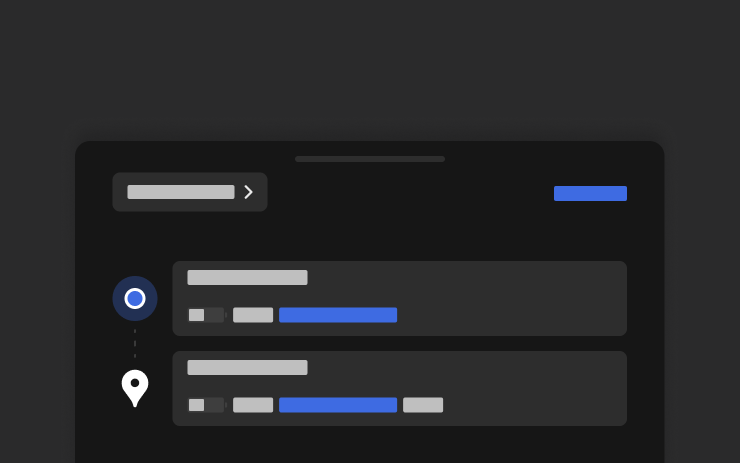
ניתן להגדיר בטלפון את רמת האנרגיה הרצויה בעת ההגעה עבור כל נסיעה. יש לפתוח את הכרטיסייה 'מיקום' באפליקציית Tesla לנייד, להזין את היעד ולהקיש על 'הגדרת אנרגיה בעת ההגעה'. נדרשת אפליקציה לנייד בגרסה 4.58.0 ואילך.
Apple Music
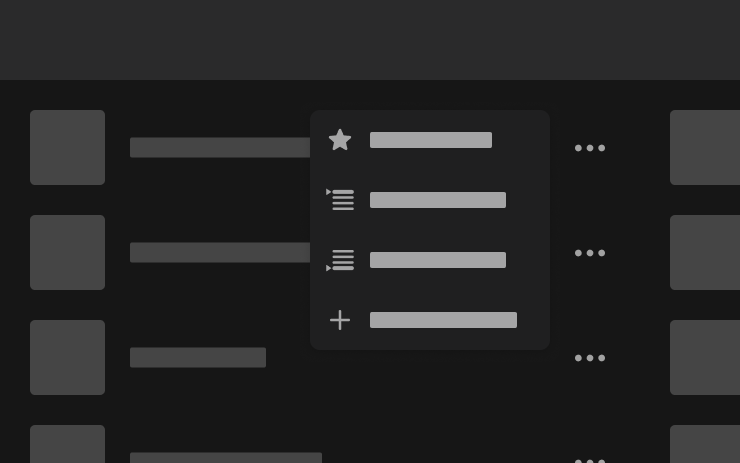
ניתן להוסיף שירים לתור ב-Apple Music ישירות מתוצאות החיפוש ומדפי האמנים. יש להקיש הקשה ארוכה על שיר, או להקיש על תפריט שלוש הנקודות, כדי להפעיל את הפריט הבא, להוסיף לתור, לשמור בספרייה או לסמן כמועדף. נדרש מנוי פעיל ל-Apple Music.
דפדפן אינטרנט
כעת ניתן להשתמש במצלמה ובמיקרופון המובנים בתא הנוסעים של רכב ה-Tesla שלכם בדפדפן האינטרנט. יש להקיש על מנת להעניק הרשאות כאשר אתר אינטרנט מבקש גישה. המצלמה זמינה כשהרכב במצב חניה בלבד.
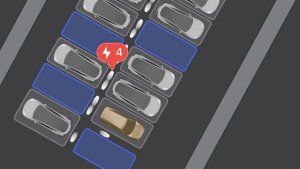
חיפוש עמדת Supercharger
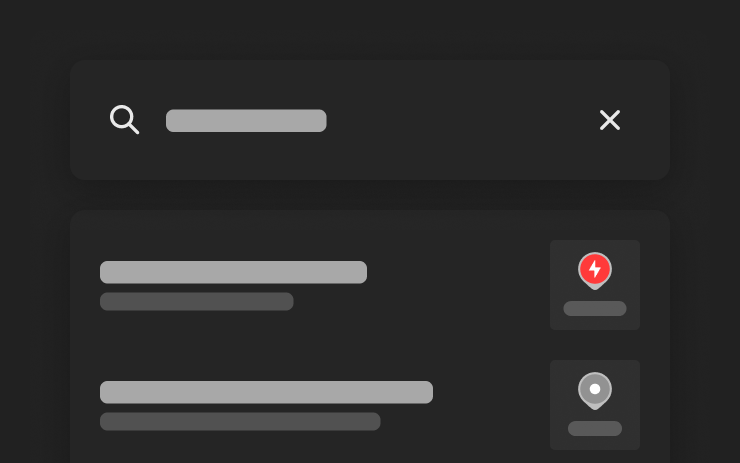
כעת ניתן למצוא עמדות Supercharger לפי שם בעת חיפוש יעד.
אנימציית קבלת פנים
רכב ה-Tesla שלכם מקבל כעת את פניכם עם אנימציות בעת ההפעלה. כדי להשבית, יש לעבור אל 'פקדים' > 'תצוגה' > 'אנימציית קבלת פנים'.
מסך אחורי
השביתו את פקדי מסך המגע האחורי מהתצוגה המרכזית על ידי מעבר אל 'מפעיל האפליקציות' > 'אחורי' > 'נעילת תצוגה אחורית'. תוכן שנבחר מהתצוגה המרכזית ימשיך להתנגן מאחור.
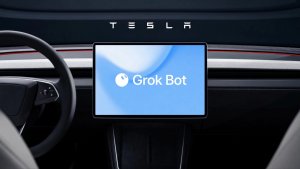
"Hey Grok"

You can now talk to Grok, an intelligent assistant built by xAI. To launch Grok, go to App Launcher > Grok, long-press the voice button on your steering wheel, or say "Hey Grok." Say "goodbye" to dismiss.
Choose Grok's voice and personality, ranging from Storyteller to Unhinged, or set it to Assistant to add and edit navigation destinations, make phone calls, play music, adjust climate, and search the Controls panel. Ask Grok about your Tesla or what was included in your latest software update. You can also set location-based reminders, like "remind me to pick up milk when I'm near home."
Go to Grok > Settings to enable or disable "Hey Grok" and location-based reminders.
Requires Premium Connectivity or a WiFi connection. Conversations are anonymous to Tesla and not associated with your vehicle.
שיפורי אבטחה

עדכון זה כולל תיקונים ושיפורי אבטחה חשובים.
New Tesla Wraps

Tesla has added a couple new wraps to its digital vehicle wrap feature in this update. This includes the Summer Camp wrap that Tesla advertised with the 2026 Summer Update.
Shift Icon on Instrument Cluster
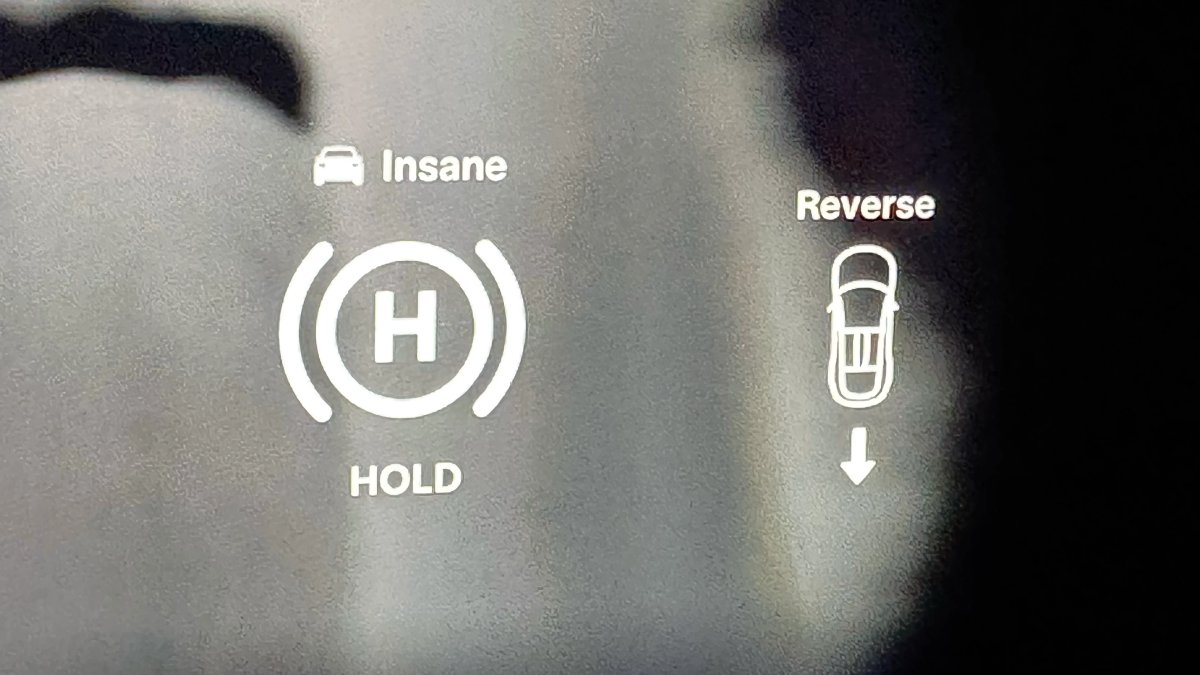
The instrument cluster on the Model S and Model X will now show an icon when you shift into drive or reverse, making it more obvious that the vehicle has shifted.
Destination Icons
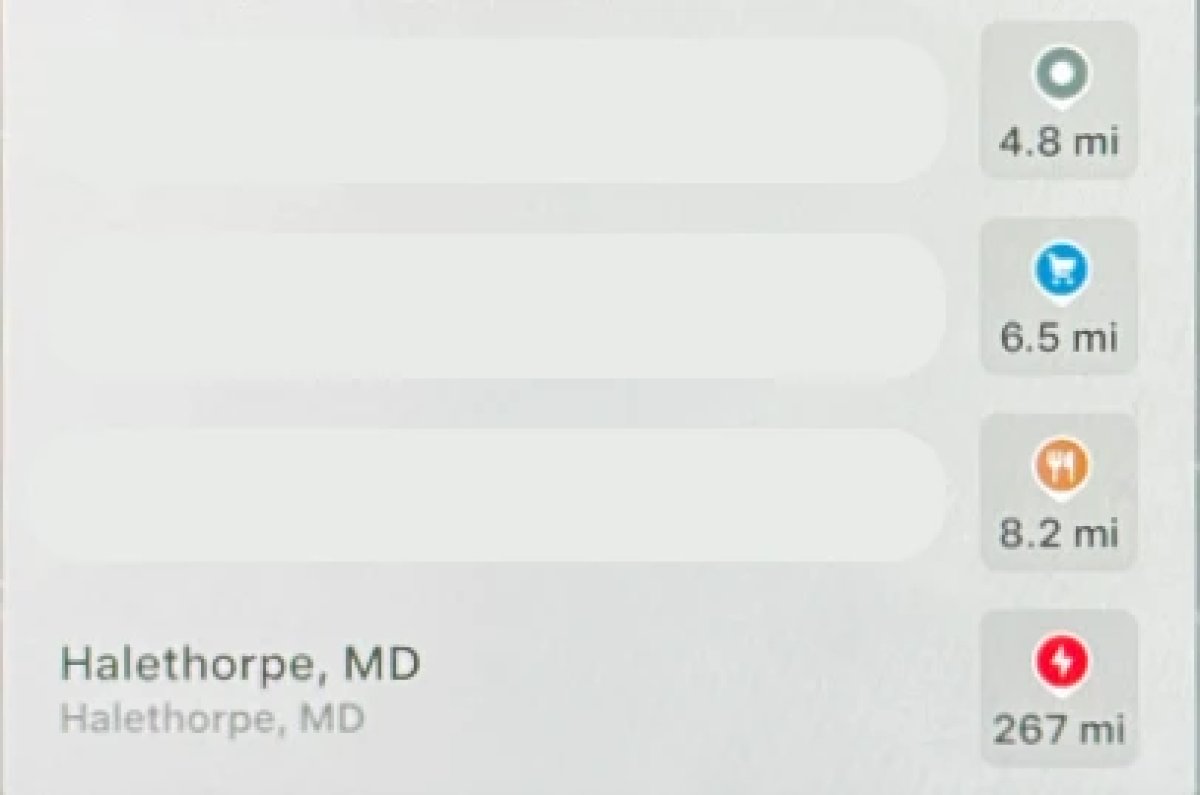
With the exception of Superchargers, destination icones used to all be the same color. With this update, destination icons will now appear in their own unique category color category points of interest now have their own colored icon. For example, parks will be green, restaurants will be orange and stores will be blue
Rear Screen Lyrics Removed

Tesla’s Caraoke feature, which lets passengers sing along to popular songs has been updated in this update. However, one popular feature has been removed. The rear screen in supported vehicles no longer shows lyrics when a user is using Caraoke.
Instead users will now now have to use their mobile devices to see lyrics on their phone, which was a feature added in this update.
Browser Bookmark Sync

Your web browser bookmarks are now synced along with your Tesla data, meaning that they’re now available across all of your vehicles.
Web Browser Zoom

The browser zoom level has been increased to make content appear larger. On some sites, such as X, or YouTube, this could trigger a different viewport, causing the site to look more like the tablet or mobile version.
While the Tesla browser is based on Chromium, you can't manually adjust the zoom level.
Visualization Zoom Shortcut

You can change the new visualization zoom level while driving. A small magnifying glass icon appears near the top-right of the visualization and can be tapped to change the zoom level to 0.5x, 1x, or 2x.
If you’re using full-screen visualizations, then the magnifying glass icon appears in the bottom-left corner.
Grok Voice Improvements

Grok now uses Grok Voice Think Fast 2.0. Grok Voice is Grok’s speech-to-speech engine that helps it better understand an individual’s voice and tone, rather than just converting their voice to text.
This engine also improves Grok’s speech output as well, making it behave more like a human’s voice.
Grok Highlights Menus

When you use Grok to bring up a feature or option in settings, Grok will now highlight the area in pulsating blue.
Improved Lighting in Visualization

In update 2026.14, Tesla improved vehicle visualizations by switching to Unreal Engine to render vehicle models. However, some of the colors and lighting looked off.
With this update, Tesla has tweaked the lighting effects, making the vehicle colors more accurate.
Rear Spoiler Visualization

On the Model Y Performance, Tesla has added the vehicle’s spoiler back to the in-car visualization.
Service Mode Improvements

Service Mode Update - Customer Profile Isolation
Entering Service Mode now activates a default profile to isolate customer data, helping to prevent technicians from inadvertently accessing customer media accounts or modifying customer settings during service.
Models: All
Signal Viewer Panel Updates (Service Mode Plus)
The Signal Viewer panel now supports viewing multiple CAN signals on the same chart for easier comparison and analysis. Signals can be dragged between charts to group related data, moved to an empty space to create a new chart, or reordered by dragging chart cards. Charts can also be paused to inspect specific values and resumed to continue live streaming.
Models: Model 3 and Model Y with AMD Ryzen infotainment processor, Model S (2021+), Model X (2021+), Cybertruck











