






FSD v15.0.1

v15 อัปเกรดทุกส่วนของเครือข่ายการขับขี่แบบเอนด์ทูเอนด์ ประกอบด้วย:
- อัปเกรดตัวเข้ารหัสภาพที่ใช้ร่วมกันระหว่าง FSD, Robotaxi และ Optimus ซึ่งได้รับการฝึกจากวิดีโอบนอินเทอร์เน็ตหลายล้านรายการ เพื่อให้สามารถนำไปใช้ได้ทั่วไปมากขึ้นและใช้ข้อมูลได้อย่างมีประสิทธิภาพยิ่งขึ้น ซึ่งช่วยปรับปรุงอัตราการเข้าแทรกแซงที่สำคัญได้ถึง 25 เท่า
- เปิดตัว Tesla Augmented Reality ซึ่งแทนที่สัญญาณที่ชัดเจนทั้งหมดของโมเดลด้วยการแสดงภาพแบบเอนด์ทูเอนด์เดียว โดยใช้การประมวลผลรวมน้อยลง
- ปรับปรุงการนำทางโดยใช้โมเดลที่เรียนรู้แบบเอนด์ทูเอนด์ตามข้อมูลความชอบเส้นทางจากขบวนรถ
- ปรับปรุงการเลือกตำแหน่งจอดรถโดยใช้ประวัติการจอดรถส่วนบุคคล และตอนนี้แผนที่จะแสดงตัวเลือกที่จอดรถหลายแห่งที่จุดหมายของคุณ
- ปรับปรุงการตรวจสอบผู้ขับขี่โดยเพิ่มความพร้อมใช้งานของการตรวจสอบความใส่ใจด้วยภาพแม้ขณะสวมหมวกและแว่นกันแดด และลดความเข้มงวดในโปรไฟล์ผู้ขับขี่ที่ใช้ความเร็วสูงขึ้น
- ปรับปรุงการตรวจจับป้ายจราจร สัตว์ขนาดเล็ก เศษวัสดุบนถนน และโซ่
- ปรับปรุงการตรวจจับหลุมบ่อ รายละเอียดของถนน และการหลีกเลี่ยงน้ำขังลึก
- ปรับปรุงการจัดการความเร็วสำหรับโปรไฟล์ผู้ขับขี่แต่ละแบบ เขตโรงเรียนและขีดจำกัดความเร็ว และสภาพอากาศเลวร้าย
- ปรับปรุงฟังก์ชัน Autoshift โดยรวมเข้ากับการคาดการณ์เกียร์ตาม FSD
Tesla Reality View

- การแสดงภาพการขับขี่แบบเจนเนอเรทีฟเรียลไทม์แบบใหม่ที่สตรีมมุมมองอย่างต่อเนื่องจากกล้องเสมือนตำแหน่งใดก็ได้ซึ่งอยู่เหนือรถของคุณ ทำให้คุณสามารถเห็นและควบคุมสิ่งที่ FSD กำลังวางแผนจะทำ
- เลือกได้ระหว่างการแสดงภาพแบบเต็มหน้าจอ แผนที่ หรือมุมมองแบบแบ่งหน้าจอ - หรือเลือกโหมดเงียบเพื่อประสบการณ์ในห้องโดยสารที่ผ่อนคลาย
- จุดเลี้ยวตามการนำทางที่กำลังจะมาถึงจะแสดงโดยตรงในการแสดงภาพการขับขี่
- สัญญาณไฟเลี้ยวมีเสียงที่เบากว่าและค่อยๆ เบาลงหลังจากส่งเสียงไม่กี่ครั้ง
การชะลอความเร็วเมื่อผ่านกล้องตรวจจับความเร็ว

ตอนนี้ FSD (ผ่านการควบคุมของผู้ใช้งาน) สามารถชะลอความเร็วได้เมื่อตรวจพบกล้องตรวจจับความเร็ว เหยียบคันเร่งหรือปรับโปรไฟล์ความเร็วของคุณให้สูงขึ้นเพื่อยกเลิกการชะลอความเร็ว หากคุณยกเลิกสองครั้งที่กล้องเดียวกัน Tesla ของคุณจะบันทึกตำแหน่งนั้นไว้และจะไม่ชะลอความเร็วที่นั่นอีก
หากต้องการลบกล้องที่บันทึกไว้ ให้ไปที่ การควบคุม > บริการ > จัดการตำแหน่งที่บันทึกไว้
โหมดแร็คจักรยาน

ด้วยโหมดแร็คจักรยาน ตอนนี้คุณสามารถเปิดใช้งาน FSD (ผ่านการควบคุมของผู้ใช้งาน) และ Autosteer ได้เมื่อติดตั้งแร็คจักรยานหรืออุปกรณ์พ่วงที่คล้ายกัน เมื่อเปิดใช้งานโหมดแร็คจักรยาน FSD (ผ่านการควบคุมของผู้ใช้งาน) จะจอดริมทางใกล้จุดหมายปลายทางของคุณและจะไม่ถอยหลัง ระบบจอดรถอัตโนมัติ ระบบจอดแบบไร้คนขับ รวมถึงเสียงสัญญาณและคำเตือนขณะถอยหลังจะถูกปิดใช้งาน
FSD Streaks

Tesla has added FSD Streaks support to the legacy Model S and Model X with this FSD update.
Note: This applies to legacy Model S/X vehicles with Intel and HW3.
Model Y L Badge Animation
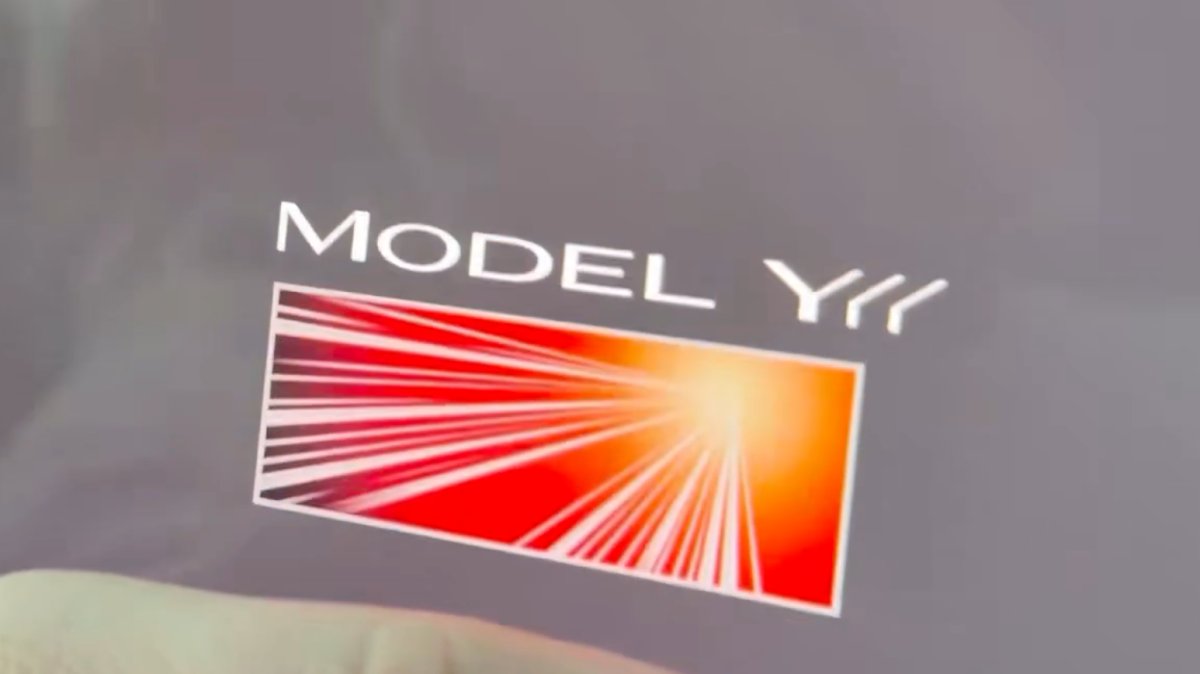
The Launch Series badge animation has been added to the Model Y L with this update. Simply tap it to see the badge animate.
Grok No Longer in Beta

With this update, Tesla has removed the beta label from Grok.
Service Mode Improvements
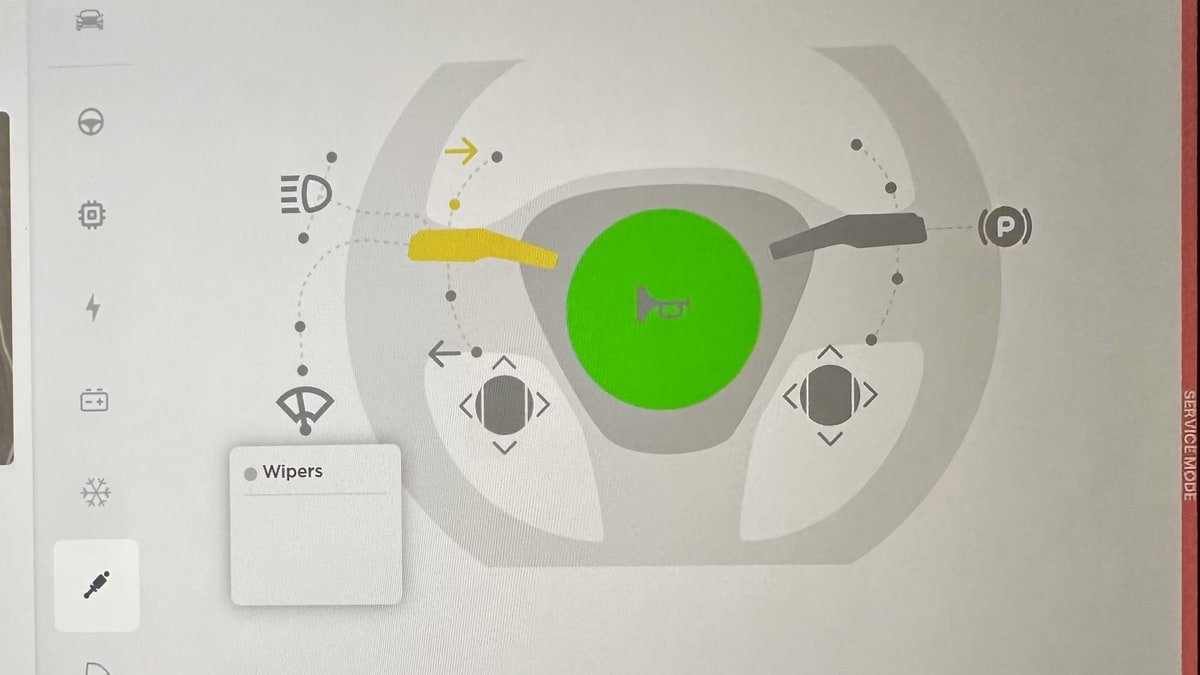
Service Mode Update - Quick Touchscreen Language Switch
Servicing a vehicle set to an unfamiliar language has now become easier. When entering Service Mode, the customer's original language setting is saved. If the touchscreen language does not match the default language of the vehicle's current country location, a Change Touchscreen Language button (always shown in English) appears at the top of the Service panel and allows users to select a preferred language. Then, upon exiting Service Mode, the customer's original language setting is automatically restored.
Note that touchscreen language changes trigger a restart of the user interface.
Models: All
High Voltage Panel Update - Isolation Alert Popup
The High Voltage panel now displays status information for each isolation health dot via a popup. To view the popup, tap the health dot for the component. If the component is healthy, it will show the current isolation resistance values. If the component is unhealthy, it will display the current isolation resistance values and any isolation alerts or Diagnostic Trouble Codes (DTCs) that are present on the vehicle.
Models: All
Halloween Mode Wraps & License Plates for Intel
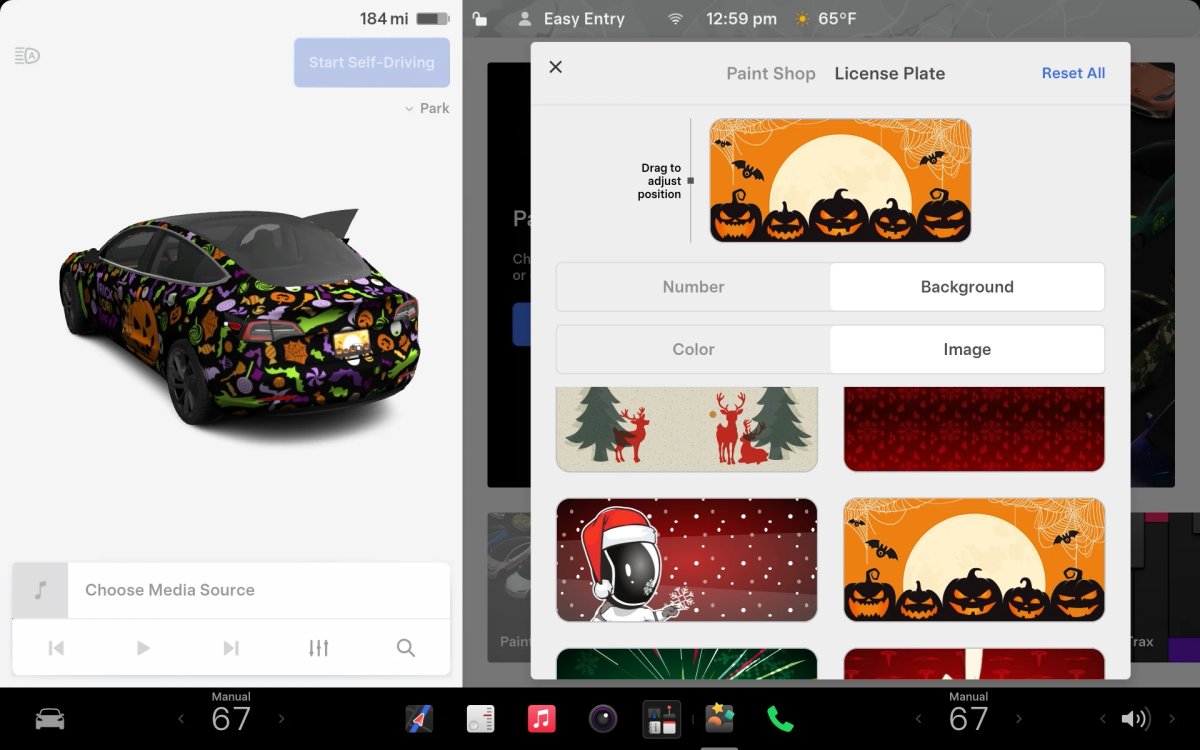
While Tesla’s Halloween Mode is not available on Intel vehicles, these vehicles do still receive the same Halloween Mode wraps and license plates that are available on AMD vehicles.
Unfortunately, the rest of the features, including, the Halloween visualizations, Trick or Treat Mode and the lock sound are not available on Intel vehicles.

