






![Tesla Driver in Mexico Makes His Model Y Fly [VIDEO]](/img/containers/article_images/2026/model-y-flying-accident-mexico.webp/c6f78372a6ed7ca93d8a0c61a905cd6b/model-y-flying-accident-mexico.jpg)







การเตือนจุดอับสายตาขณะจอด

หากคุณพยายามเปิดประตูในขณะที่ตรวจพบวัตถุที่กำลังเข้าใกล้ในจุดอับสายตาของคุณ (เช่น ผู้ขี่จักรยานที่กำลังเข้ามาจากด้านหลัง) จะมีเสียงเตือน และประตูของคุณจะไม่เปิดเมื่อกดปุ่มครั้งแรก รอสักครู่และกดปุ่มเป็นครั้งที่สองเพื่อยกเลิกการเตือน
การเข้ารหัสคลิปจากกล้องหน้ารถ

ตอนนี้คลิปจากกล้องหน้ารถจะได้รับการเข้ารหัสแล้วเพื่อความเป็นส่วนตัวเมื่อบันทึกลงในแฟลชไดรฟ์ USB ของคุณ จะมีเพียงรถของคุณเท่านั้นที่ดูได้ หากต้องการถอดรหัสคลิป ให้แตะไอคอนแม่กุญแจในแอปกล้องหน้ารถหรือไปที่ dashcam.tesla.com หากต้องการปิดใช้งานการเข้ารหัส ให้ไปที่การควบคุม > ระบบความปลอดภัย > เข้ารหัสการบันทึกจากกล้องหน้ารถ
การควบคุมโดยผู้ปกครอง

ตอนนี้คุณสามารถบล็อกเบราว์เซอร์ โรงภาพยนตร์ และ Arcade จาก Tesla ของคุณได้แล้ว โดยขณะอยู่ในเกียร์จอดให้ไปที่การควบคุม > ระบบความปลอดภัย > การควบคุมโดยผู้ปกครอง
"Hey Grok"

ตอนนี้คุณสามารถพูดคุยกับ Grok ผู้ช่วยอัจฉริยะที่สร้างโดย xAI ได้แล้ว หากต้องการเปิดใช้ Grok ให้ไปที่ตัวเปิดใช้งานแอป > Grok หรือกดปุ่มเสียงบนพวงมาลัยค้างไว้ หรือพูดว่า "Hey Grok" โดยเปิดใช้งาน "Hey Grok" ได้ใน Grok > การตั้งค่า พูดว่า "goodbye" เพื่อยกเลิก
คุณสามารถเลือกเสียงและลักษณะนิสัยของ Grok ได้ โดยมีตั้งแต่แบบนักเล่าเรื่องไปจนถึงแบบสุดโต่ง ตั้งค่าลักษณะนิสัยของ Grok เป็นผู้ช่วยเพื่อให้ Grok เพิ่มและแก้ไขจุดหมายของการนำทาง โดยจะเป็นไกด์นำทางส่วนตัวของคุณ คุณสามารถตั้งค่าการแจ้งเตือนตามตำแหน่งที่ตั้งได้เช่นกัน เช่น "เตือนให้ฉันไปซื้อนมตอนใกล้ถึงบ้านแล้ว" เปิดใช้งานการแจ้งเตือนตามตำแหน่งที่ตั้งได้ใน Grok > การตั้งค่า
ต้องใช้การเชื่อมต่อแบบพรีเมียมหรือการเชื่อมต่อ WiFi การสนทนาจะไม่ระบุตัวตนให้ Tesla ทราบและไม่เชื่อมโยงกับรถของคุณ
หมายเหตุ: ขณะนี้ Grok ยังเป็นรุ่น Beta เริ่มต้นและไม่รองรับคำสั่งเสียงสำหรับการควบคุมรถนอกเหนือไปจากการนำทาง คำสั่งเสียงที่มีอยู่แล้วจะยังคงไม่เปลี่ยนแปลง "Hey Grok" ได้รับการฝึกฝนด้วยภาษาอังกฤษแบบอเมริกัน
ส่งจุดหมายไปที่รถ
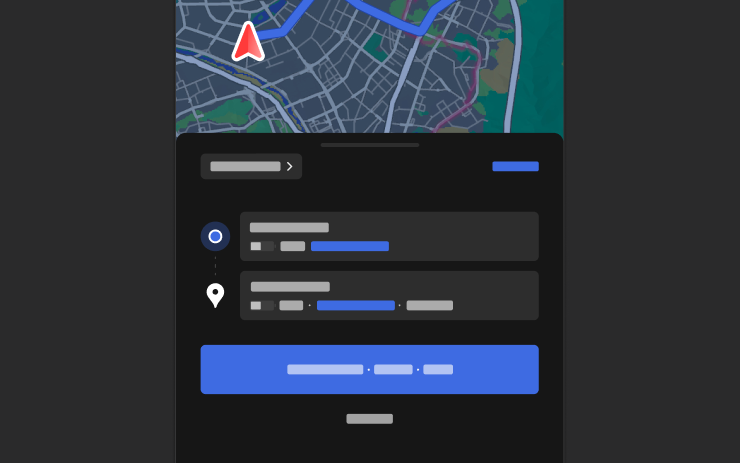
ตอนนี้คุณสามารถส่งจุดหมายการนำทางไปยัง Tesla ของคุณได้โดยตรง หากต้องการส่งจากแอปมือถือ ให้ไปที่ตำแหน่ง > ค้นหาเส้นทาง จากนั้นเพิ่มจุดหมายแล้วแตะส่งไปที่รถ ต้องใช้แอปมือถือเวอร์ชัน 4.57.0 ขึ้นไป
หากต้องการส่งจาก NAVER Maps หรือ TMAP ให้เพิ่มจุดหมายแล้วไปที่แชร์ > Tesla หากต้องการส่งจาก KakaoMap ให้เพิ่มจุดหมายแล้วไปที่แชร์ > แชร์ที่อยู่ > Tesla
แผนที่สภาพอากาศ

ตอนนี้แผนที่จะแสดงข้อมูลสภาพอากาศ รวมถึงหยาดน้ำฟ้าประเภทต่างๆ เช่น ฝนและหิมะ คุณสามารถดูข้อมูลสภาพอากาศของชั่วโมงที่ผ่านมาเพื่อดูว่าสภาพการณ์เปลี่ยนแปลงไปอย่างไรตามเส้นทางของคุณได้ด้วย ฟีเจอร์นี้ต้องใช้การเชื่อมต่อแบบพรีเมียม หากต้องการดู ให้แตะไอคอนสภาพอากาศบนแผนที่
จุดสนใจ
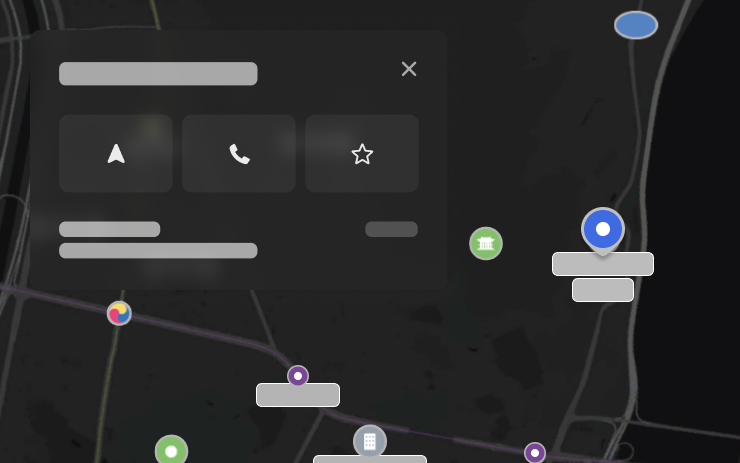
ตอนนี้คุณสามารถแตะจุดสนใจบนแผนที่เพื่อสำรวจจุดหมายหรือเริ่มการนำทางได้
การปรับปรุงการรักษาความปลอดภัย

การอัปเดตนี้ประกอบด้วยการแก้ไขและการปรับปรุงการรักษาความปลอดภัยที่สำคัญ
Tesla App FSD

Tesla will now display whether a vehicle has FSD enabled in the Tesla app. In addition, the app will now also display the blue FSD path and even the rainbow road easter egg if it’s enabled in the vehicle.
This requires Tesla app update 4.58.5 or higher and vehicle update 2026.20.6.1 or higher.
License Plate Frame
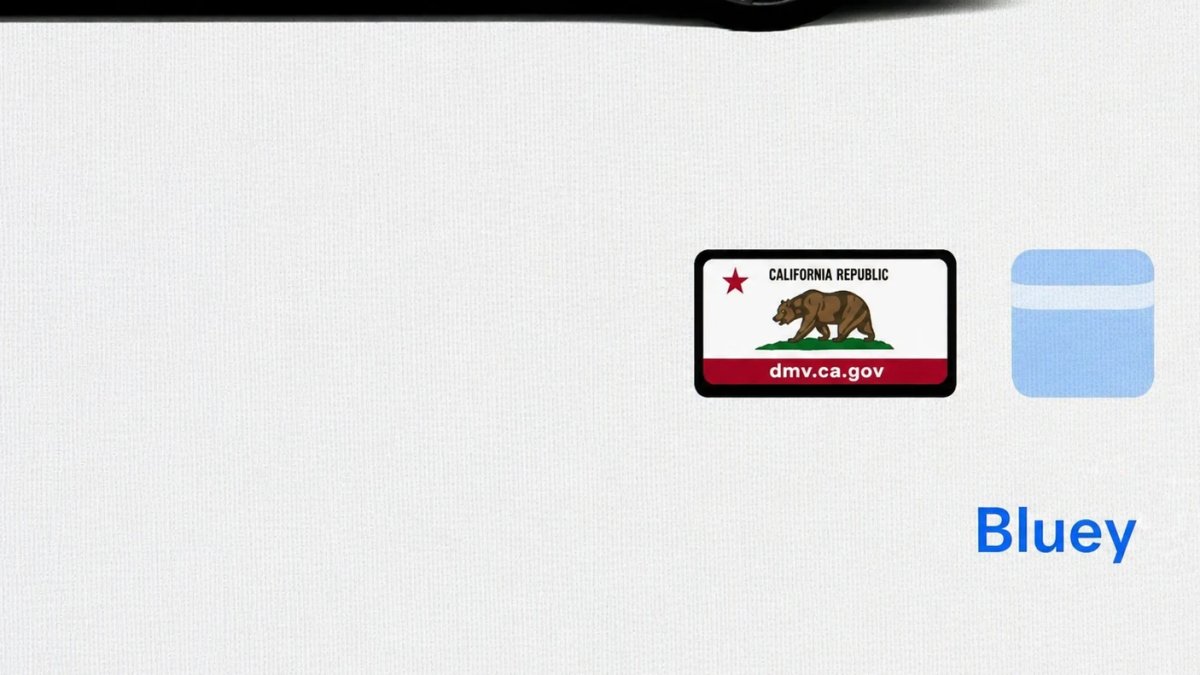
With Tesla’s recent addition of license plate customization, they also added a shortcut for it under Controls > Software.
With this update, Tesla tweaked the icon slightly by adding a license plate frame around the license plate image being used for a cleaner look.
Decrypt Dashcam Video
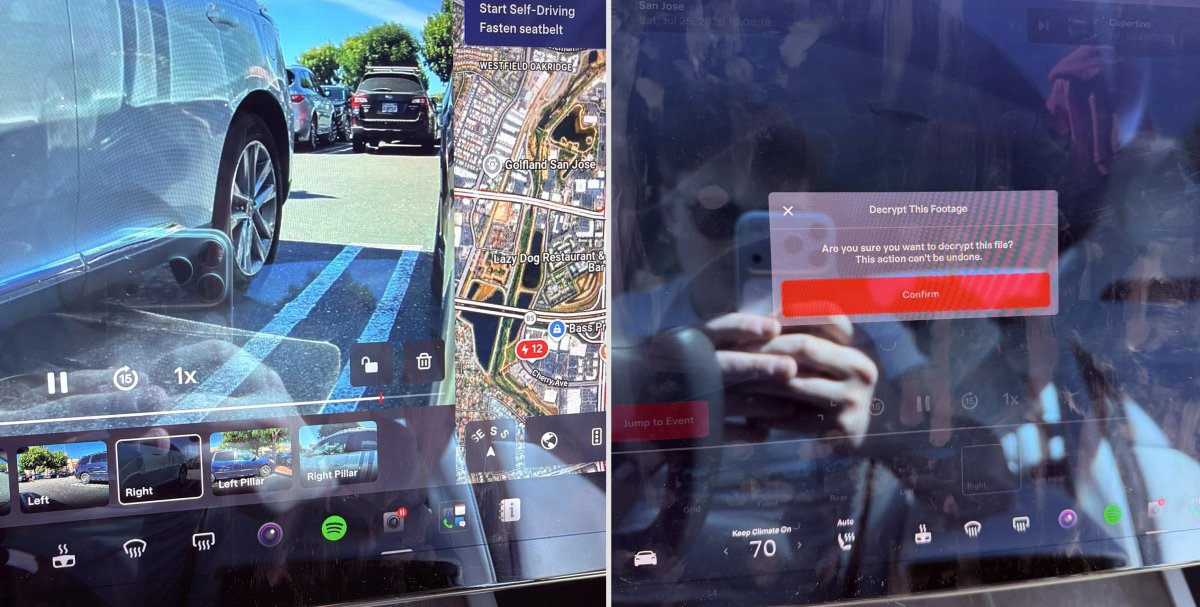
In update 2026.20, Tesla started encrypting Dashcam footage. This came at the same time as Tesla expanded recent video footage from 1 hour to up to 24 hours under certain requirements.
Encrypting the videos is an important privacy change, since if your USB drive is pulled from your vehicle, thieves can now have access to up to 24 hours of your driving, potentially revealing your workplace, home, and other important locations.
With this update, Tesla also added a button to the Dashcam Viewer that lets owners easily decrypt a specific clip, making it easier to see the footage if they mount the USB drive to their computer.
Tesla also introduced a tool that lets you decrypt any videos on your computer, as long as you log in to your Tesla account to prove that you own the video footage.
Bus Lanes
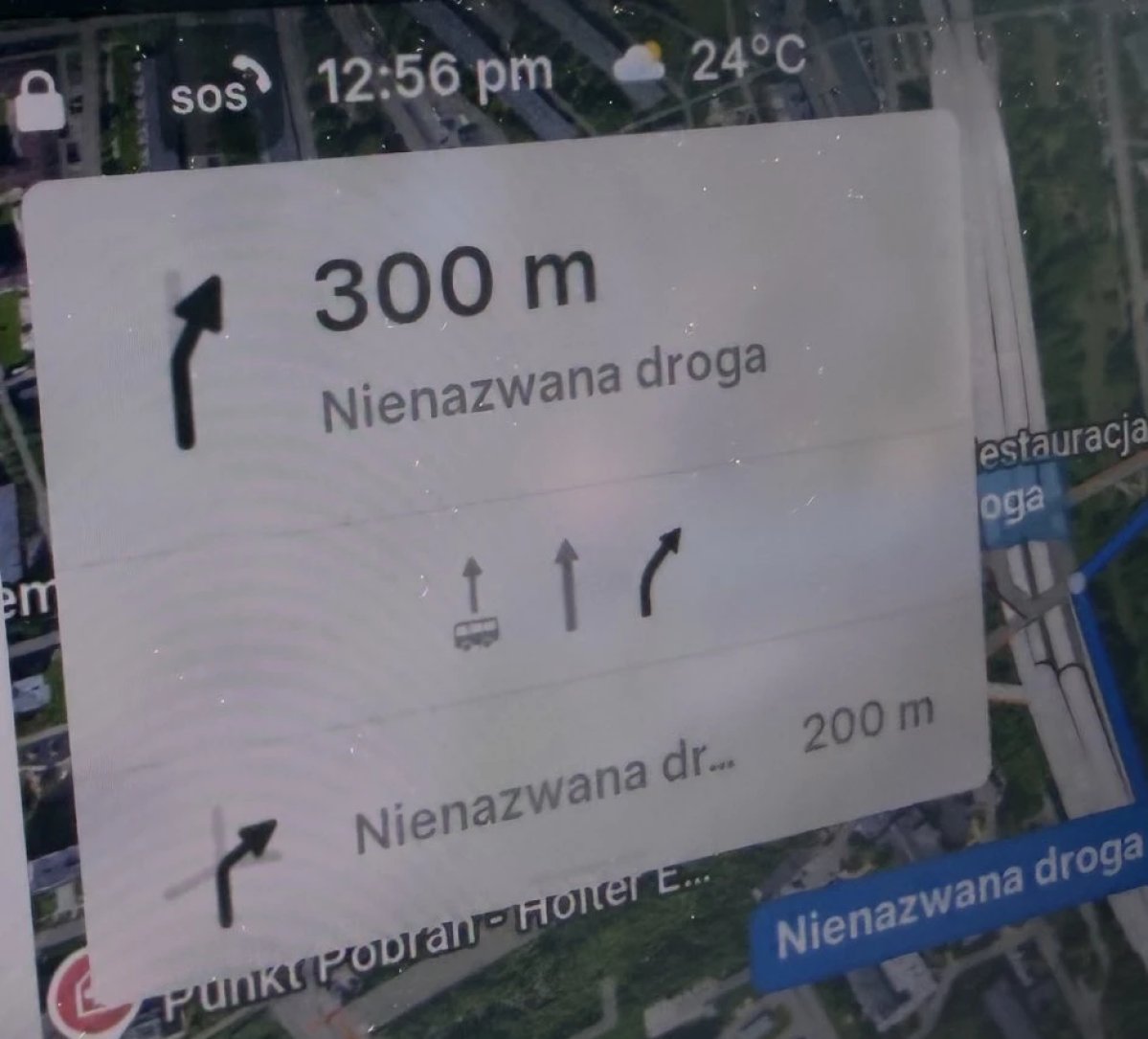
Tesla’s navigation now supports bus lanes, helping drivers be more aware of which lanes they can use.
This is even more important for FSD, so the vehicle can know which lanes are appropriate to drive in without having to read or potentially miss signs.
Service Mode Improvements

Forward Camera View Cleaning Panel
A new Forward Camera View Cleaning panel is available under Driver Assist to support cleaning the surface of the windshield in front of the cameras. The panel displays a live camera stream with the ability to zoom into the camera stream.
Models: Model 3, Model Y, Model S (2021+), Model X (2021+) with DAS AI4 and Cybertruck
Drive Unit Panel Update - Signal Chart Popups (Service Mode Plus)
The Drive Unit panel now supports interactive signal chart popups. Signals with a chart icon can be tapped to open a draggable, resizable popup window for real-time signal monitoring.
Models: Model 3, Model Y, Model S (2021+), Model X (2021+), Cybertruck

