






![Tesla Driver in Mexico Makes His Model Y Fly [VIDEO]](/img/containers/article_images/2026/model-y-flying-accident-mexico.webp/c6f78372a6ed7ca93d8a0c61a905cd6b/model-y-flying-accident-mexico.jpg)








Blind Spot Warning While Parked

If you attempt to open a door while an approaching object is detected in your blind spot (for example, a bicyclist approaching from behind) a chime sounds, and your door will not open upon initial button press. Wait a short time and press the button a second time to override the warning.
Dashcam Clip Encryption

Dashcam clips are now encrypted for privacy when saved to your USB flash drive. Only your vehicle can view them. To decrypt clips, tap the padlock icon in the Dashcam app or visit dashcam.tesla.com. To disable encryption, go to Controls > Safety > Encrypt Dashcam Recordings.
Parental Controls

You can now block Browser, Theater, and Arcade from your Tesla by going to Controls > Safety > Parental Controls while in Park.
"Hey Grok"

You can now talk to Grok, an intelligent assistant built by xAI. To launch Grok, go to App Launcher > Grok, long-press the voice button on your steering wheel, or say "Hey Grok." Enable "Hey Grok" in Grok > Settings. Say "goodbye" to dismiss.
You can choose Grok's voice and personality, ranging from Storyteller to Unhinged. Set Grok's personality to Assistant to have Grok add and edit navigation destinations, becoming your personal guide. You can also set location based reminders, like "remind me to pick up milk when I'm near home." Enable location based reminders in Grok > Settings.
Requires Premium Connectivity or a WiFi connection. Conversations are anonymous to Tesla and not associated with your vehicle.
Note: Grok is currently in early Beta and does not support voice commands for car controls other than navigation. Existing voice commands remain unchanged. "Hey Grok" is trained on American English.
Send Destination to Car
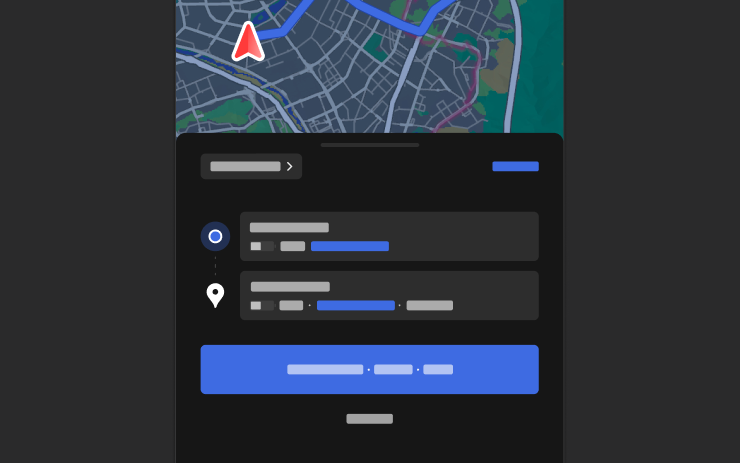
You can now send navigation destinations directly to your Tesla. To send from the Mobile App, go to Location > Navigate, add a destination, and tap Send to Car. Requires Mobile App version 4.57.0 or later.
To send from NAVER Maps or TMAP, add a destination and go to Share > Tesla. To send from KakaoMap, add a destination and go to Share > Share Address > Tesla.
Weather Maps

Maps now show weather data, including different types of precipitation like rain and snow. You can also view the past hour of weather data to see how conditions have been changing along your route. This feature requires Premium Connectivity. To view, tap the weather icon on the map.
Points of Interest
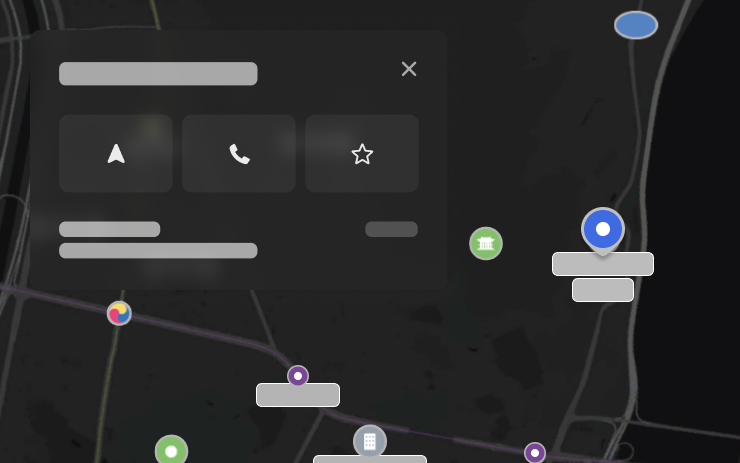
You can now tap on points of interest on the map to explore destinations or begin navigation.
Security Improvements

This update includes important security fixes and improvements.
Tesla App FSD

Tesla will now display whether a vehicle has FSD enabled in the Tesla app. In addition, the app will now also display the blue FSD path and even the rainbow road easter egg if it’s enabled in the vehicle.
This requires Tesla app update 4.58.5 or higher and vehicle update 2026.20.6.1 or higher.
License Plate Frame
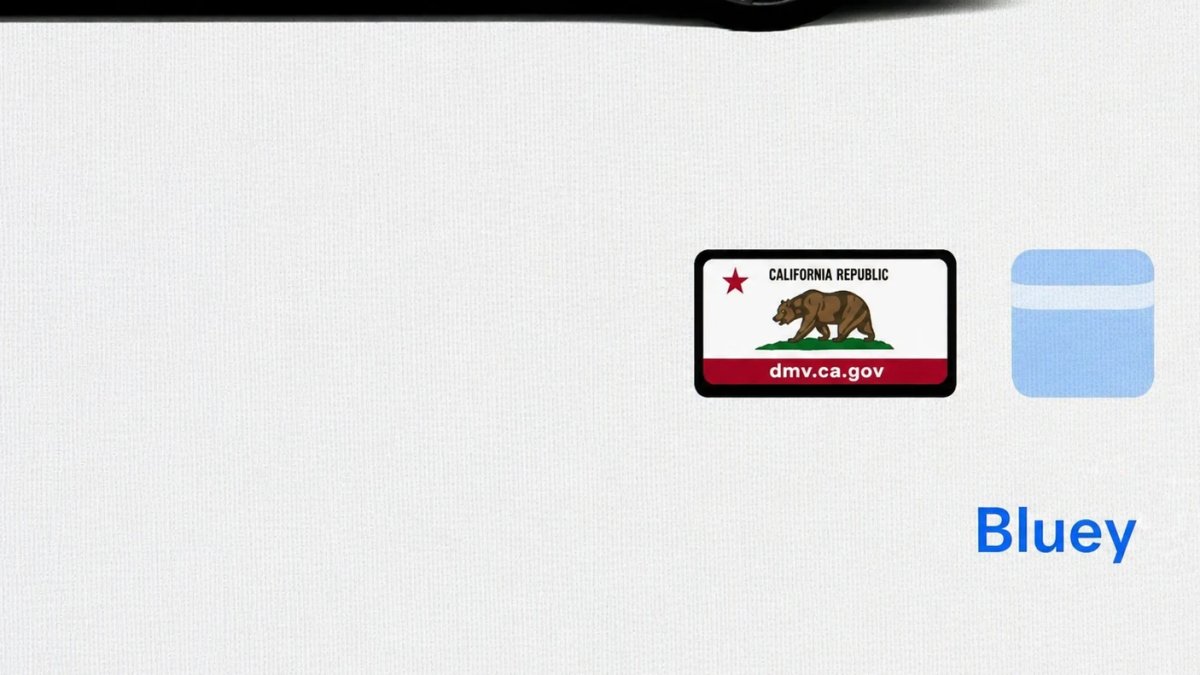
With Tesla’s recent addition of license plate customization, they also added a shortcut for it under Controls > Software.
With this update, Tesla tweaked the icon slightly by adding a license plate frame around the license plate image being used for a cleaner look.
Decrypt Dashcam Video
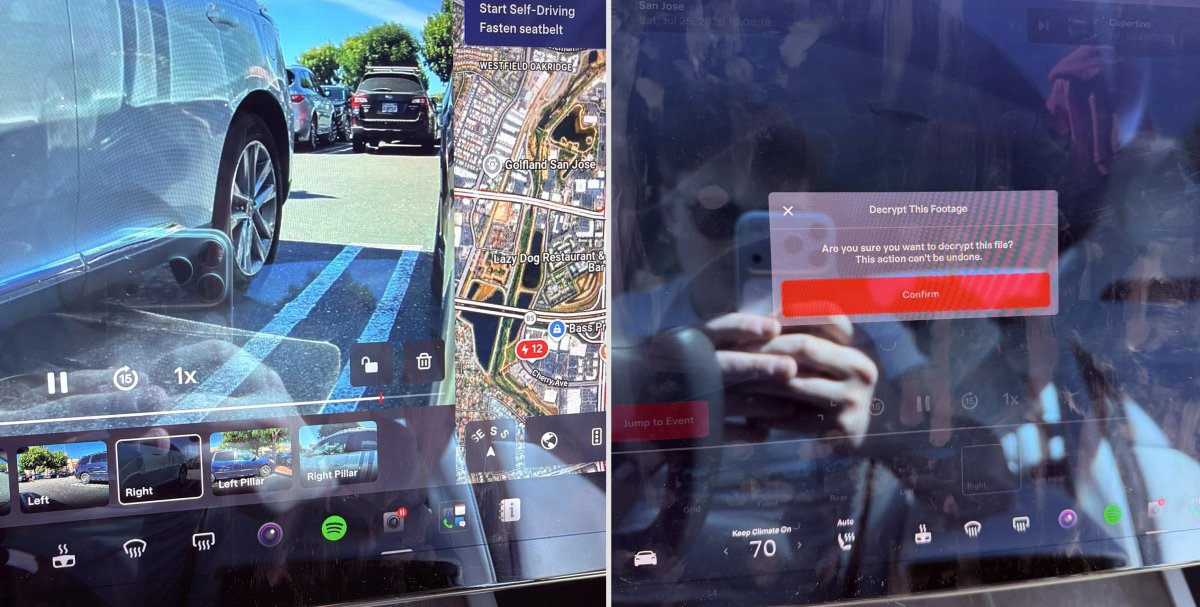
In update 2026.20, Tesla started encrypting Dashcam footage. This came at the same time as Tesla expanded recent video footage from 1 hour to up to 24 hours under certain requirements.
Encrypting the videos is an important privacy change, since if your USB drive is pulled from your vehicle, thieves can now have access to up to 24 hours of your driving, potentially revealing your workplace, home, and other important locations.
With this update, Tesla also added a button to the Dashcam Viewer that lets owners easily decrypt a specific clip, making it easier to see the footage if they mount the USB drive to their computer.
Tesla also introduced a tool that lets you decrypt any videos on your computer, as long as you log in to your Tesla account to prove that you own the video footage.
Bus Lanes
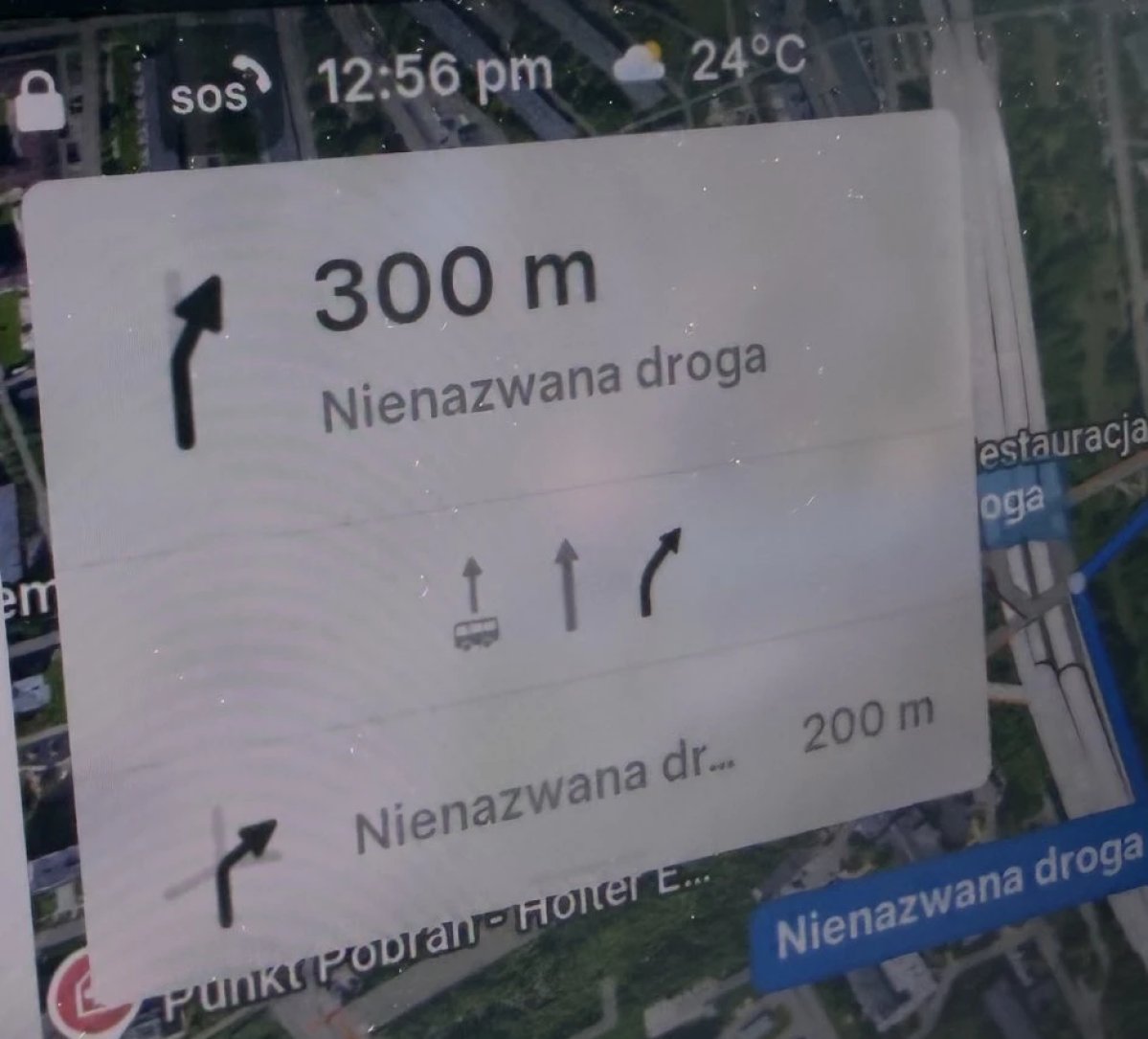
Tesla’s navigation now supports bus lanes, helping drivers be more aware of which lanes they can use.
This is even more important for FSD, so the vehicle can know which lanes are appropriate to drive in without having to read or potentially miss signs.
Service Mode Improvements

Forward Camera View Cleaning Panel
A new Forward Camera View Cleaning panel is available under Driver Assist to support cleaning the surface of the windshield in front of the cameras. The panel displays a live camera stream with the ability to zoom into the camera stream.
Models: Model 3, Model Y, Model S (2021+), Model X (2021+) with DAS AI4 and Cybertruck
Drive Unit Panel Update - Signal Chart Popups (Service Mode Plus)
The Drive Unit panel now supports interactive signal chart popups. Signals with a chart icon can be tapped to open a draggable, resizable popup window for real-time signal monitoring.
Models: Model 3, Model Y, Model S (2021+), Model X (2021+), Cybertruck

