






FSD v15.0.1

v15는 엔드투엔드 주행 네트워크의 모든 부분을 업그레이드합니다. 포함 사항:
- FSD, Robotaxi 및 Optimus 간에 공유되는 비전 인코더가 업그레이드되었습니다. 일반화 성능과 데이터 효율성 개선을 위해 수백만 개의 인터넷 동영상으로 학습되었으며, 이를 통해 중대 개입률이 25배 개선되었습니다.
- 더 적은 총 연산량으로 모든 명시적 모델 신호를 하나의 엔드투엔드 시각화로 대체하는 Tesla 증강 현실이 도입되었습니다.
- 플릿의 경로 선호 데이터를 기반으로 한 엔드투엔드 학습 모델을 사용하여 내비게이션이 개선되었습니다.
- 개인 주차 기록을 사용하여 주차 위치 선택이 개선되었으며, 이제 지도에 목적지의 여러 주차 옵션이 표시됩니다.
- 모자 및 선글라스 착용 시 비전 기반 주의력 모니터링 가용성을 높이고 고속 운전자 프로필의 엄격도를 낮춰 운전자 모니터링이 개선되었습니다.
- 도로 표지판, 작은 동물, 도로 잔해 및 체인에 대한 감지가 개선되었습니다.
- 포트홀 감지, 노면 세부 사항 감지 및 깊게 고인 물 회피가 개선되었습니다.
- 각 운전자 프로필, 어린이 보호구역, 제한 속도 및 악천후에서의 속도 대응이 개선되었습니다.
- FSD 기반 기어 예측과 통합하여 Autoshift 기능이 개선되었습니다.
Tesla Reality View

- 차량 위 임의의 위치에 있는 가상 카메라 시점을 지속적으로 스트리밍하는 새로운 실시간 생성형 주행 시각화로, FSD가 계획하는 동작을 보고 제어할 수 있습니다.
- 전체 화면 시각화, 지도 또는 분할 보기 중에서 선택하거나, 차분한 실내 경험을 위해 조용한 모드를 선택하세요.
- 예정된 내비게이션 회전이 주행 시각화에 바로 표시됩니다.
- 방향 지시등 소리가 더 조용해지고 몇 번 울린 후 서서히 사라집니다.
과속 단속 구간 감속

풀 셀프 드라이빙(감독형)는 이제 과속 단속 구간을 감지하면 감속할 수 있습니다. 감속을 취소하려면 가속 페달을 밟거나 속도 프로필을 높이세요. 같은 과속 단속 구간에서 두 번 취소하면 Tesla 차량이 해당 위치를 저장하고 그곳에서는 다시 감속하지 않습니다.
저장된 과속 단속 구간을 삭제하려면 컨트롤 > 차량 정비 > 저장된 위치 관리로 이동하세요.
바이크 랙 모드

이제 바이크 랙 모드를 사용하면 바이크 랙 또는 유사한 히치 액세서리가 장착된 경우에도 풀 셀프 드라이빙(감독형) 및 오토스티어를 작동할 수 있습니다. 바이크 랙 모드가 활성화되면 풀 셀프 드라이빙(감독형)은 목적지 근처 도로변에 정차하며 후진하지 않습니다. 자동 주차, 차량 호출, 후진 경고음 및 경고가 비활성화됩니다.
FSD Streaks

Tesla has added FSD Streaks support to the legacy Model S and Model X with this FSD update.
Note: This applies to legacy Model S/X vehicles with Intel and HW3.
Model Y L Badge Animation
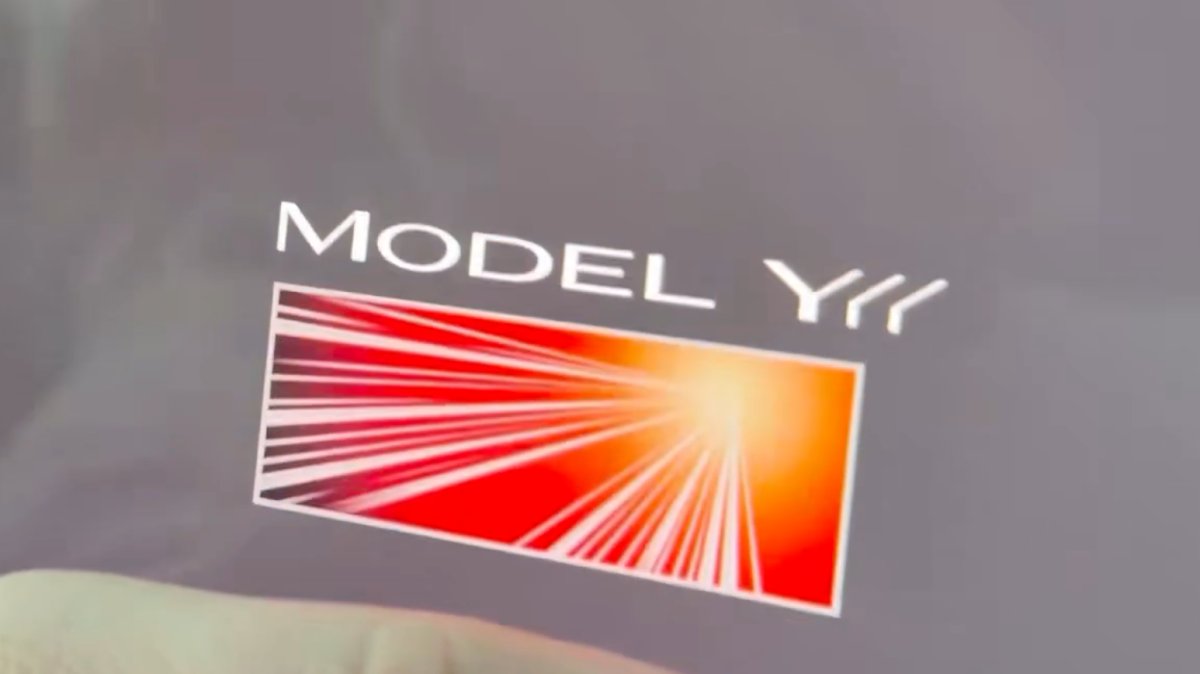
The Launch Series badge animation has been added to the Model Y L with this update. Simply tap it to see the badge animate.
Grok No Longer in Beta

With this update, Tesla has removed the beta label from Grok.
Service Mode Improvements
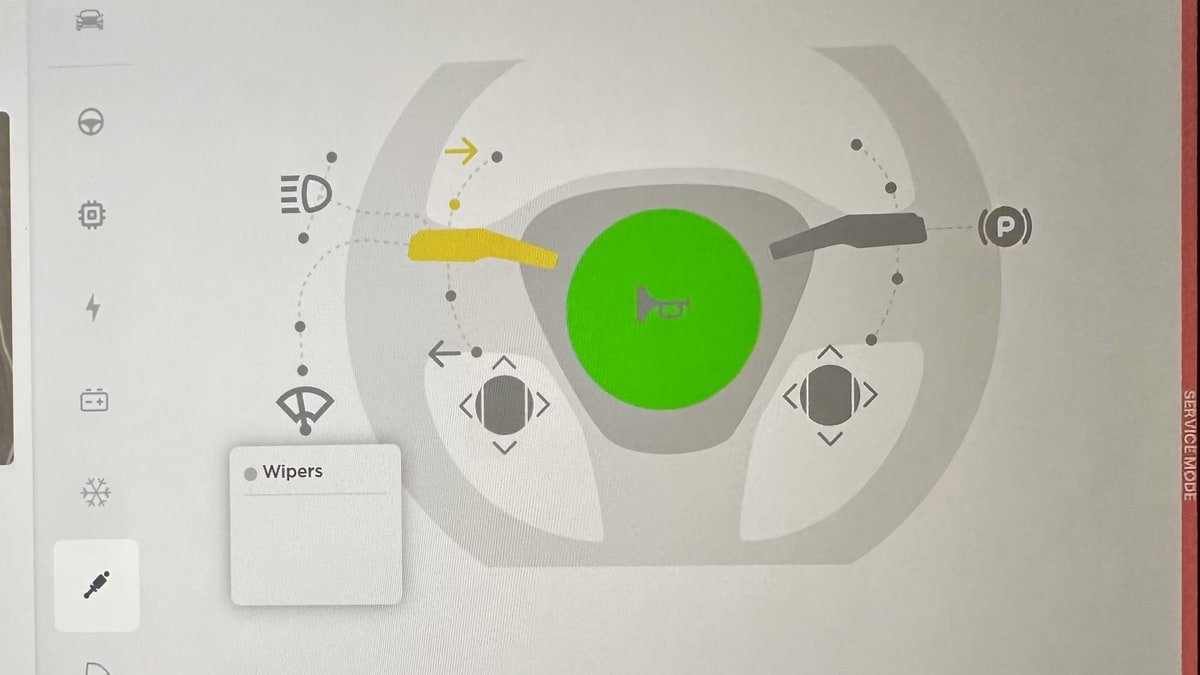
Service Mode Update - Quick Touchscreen Language Switch
Servicing a vehicle set to an unfamiliar language has now become easier. When entering Service Mode, the customer's original language setting is saved. If the touchscreen language does not match the default language of the vehicle's current country location, a Change Touchscreen Language button (always shown in English) appears at the top of the Service panel and allows users to select a preferred language. Then, upon exiting Service Mode, the customer's original language setting is automatically restored.
Note that touchscreen language changes trigger a restart of the user interface.
Models: All
High Voltage Panel Update - Isolation Alert Popup
The High Voltage panel now displays status information for each isolation health dot via a popup. To view the popup, tap the health dot for the component. If the component is healthy, it will show the current isolation resistance values. If the component is unhealthy, it will display the current isolation resistance values and any isolation alerts or Diagnostic Trouble Codes (DTCs) that are present on the vehicle.
Models: All
Halloween Mode Wraps & License Plates for Intel
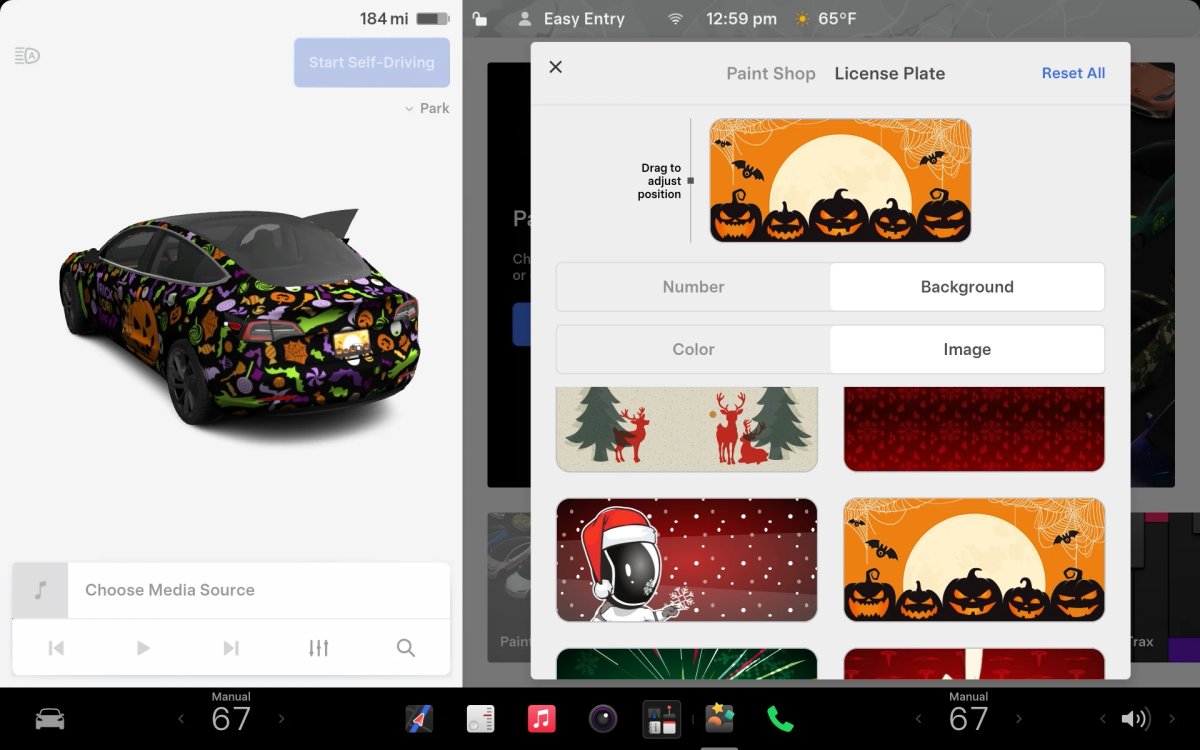
While Tesla’s Halloween Mode is not available on Intel vehicles, these vehicles do still receive the same Halloween Mode wraps and license plates that are available on AMD vehicles.
Unfortunately, the rest of the features, including, the Halloween visualizations, Trick or Treat Mode and the lock sound are not available on Intel vehicles.

