






FSD v15.0.1

v15では、エンドツーエンドのドライビングネットワークのすべての部分をアップグレードしました。主な内容:
- FSD、Robotaxi、Optimusで共有されるビジョンエンコーダーをアップグレードしました。汎化性能とデータ効率を向上させるため、数百万本のインターネット動画でトレーニングされており、これにより重大な介入の発生率が25倍改善しました。
- Tesla拡張現実(AR)を導入し、より少ない総計算量で、すべての明示的なモデル信号を単一のエンドツーエンドビジュアライゼーションに置き換えました。
- フリートのルート選好データに基づくエンドツーエンド学習モデルを使用することで、ナビゲーションを改善しました。
- パーソナライズされた駐車履歴を使用することで駐車位置の選択を改善し、マップには目的地に複数の駐車オプションが表示されるようになりました。
- 帽子やサングラス着用時のビジョンベースの注意力モニタリングの利用可能性を高め、より高速なドライバープロファイルでの厳格さを下げることで、ドライバーモニタリングを改善しました。
- 道路標識、小動物、道路上の落下物、チェーンの検知を改善しました。
- ポットホールや路面の詳細の検知、および深い水たまりの回避を改善しました。
- 各ドライバープロファイル、スクールゾーン、制限速度、悪天候に対する速度制御を改善しました。
- FSDベースのギア予測と統合することで、Autoshift機能を改善しました。
Tesla Reality View

- 車両の上方にある任意のバーチャルカメラからのビューを継続的にストリーミングする、新しいリアルタイム生成型ドライビングビジュアライゼーションにより、FSDが実行しようとしていることを確認し、制御できます。
- フルスクリーンのビジュアライゼーション、マップ、分割ビューから選択できるほか、落ち着いた車内体験のためにクワイエットモードを選ぶこともできます。
- ナビゲーションの次の右左折が、ドライビングビジュアライゼーションに直接表示されます。
- ウインカー音が静かになり、数回鳴った後にフェードアウトします。
速度違反カメラでの減速

FSD(スーパーバイズド)は、速度違反カメラを検知すると減速できるようになりました。アクセルペダルを踏むか、速度プロファイルを上げると、減速をキャンセルできます。同じカメラで2回キャンセルすると、お客様のTeslaはその場所を保存し、その場所では再び減速しなくなります。
保存したカメラを削除するには、「コントロール」>「サービス」>「保存された場所を管理する」に移動してください。
バイクラックモード

バイクラックモードにより、バイクラックまたは同様のヒッチアクセサリーが取り付けられている場合でも、FSD(スーパーバイズド)およびオートステアリングを作動させることができるようになりました。バイクラックモードが有効な場合、FSD(スーパーバイズド)は目的地の近くに寄せて停車し、後退しません。オートパーキング、サモン、および後退時のチャイムと警告は無効になります。
FSD Streaks

Tesla has added FSD Streaks support to the legacy Model S and Model X with this FSD update.
Note: This applies to legacy Model S/X vehicles with Intel and HW3.
Model Y L Badge Animation
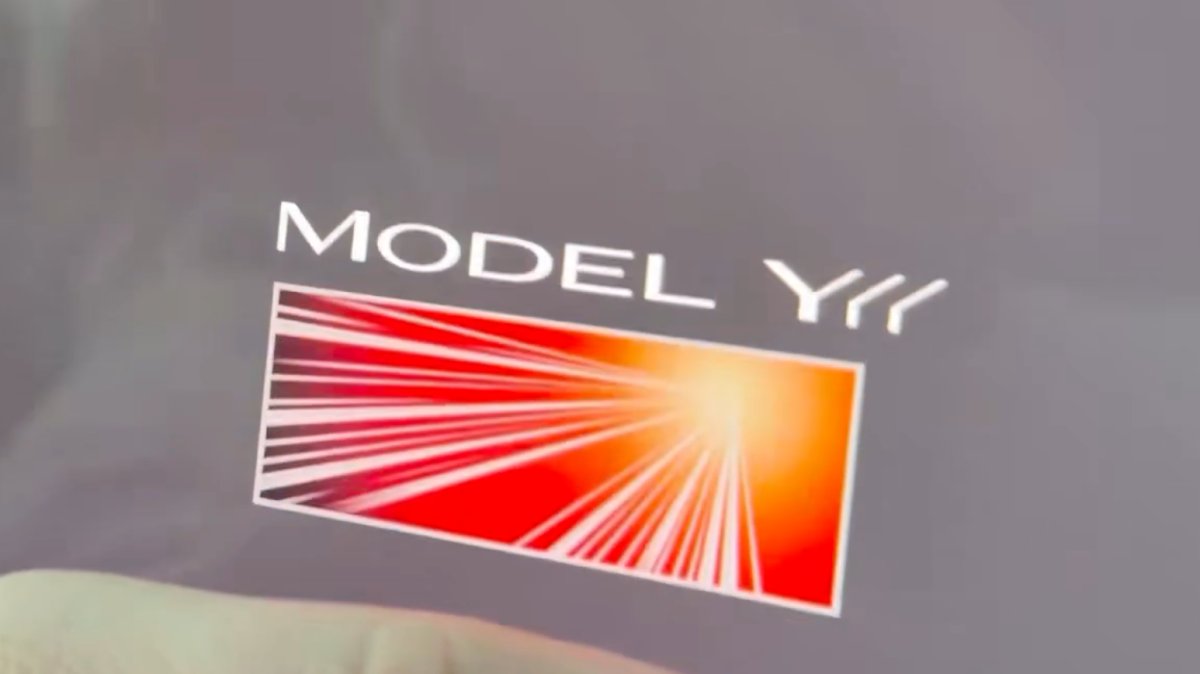
The Launch Series badge animation has been added to the Model Y L with this update. Simply tap it to see the badge animate.
Grok No Longer in Beta

With this update, Tesla has removed the beta label from Grok.
Service Mode Improvements
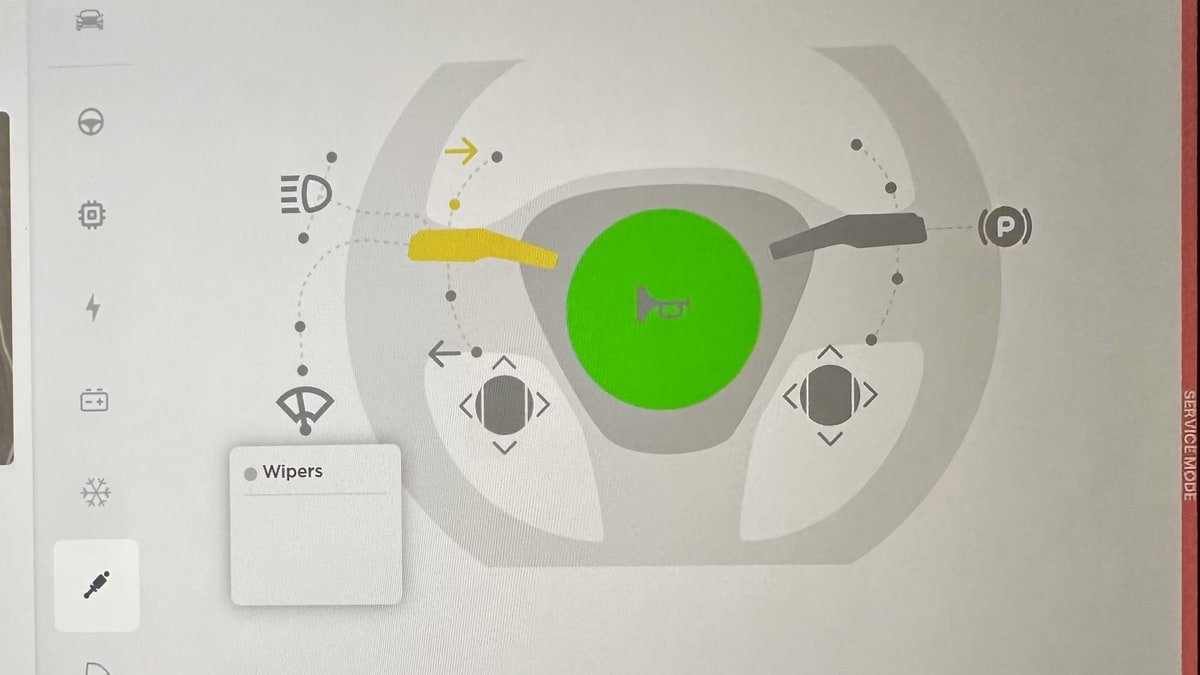
Service Mode Update - Quick Touchscreen Language Switch
Servicing a vehicle set to an unfamiliar language has now become easier. When entering Service Mode, the customer's original language setting is saved. If the touchscreen language does not match the default language of the vehicle's current country location, a Change Touchscreen Language button (always shown in English) appears at the top of the Service panel and allows users to select a preferred language. Then, upon exiting Service Mode, the customer's original language setting is automatically restored.
Note that touchscreen language changes trigger a restart of the user interface.
Models: All
High Voltage Panel Update - Isolation Alert Popup
The High Voltage panel now displays status information for each isolation health dot via a popup. To view the popup, tap the health dot for the component. If the component is healthy, it will show the current isolation resistance values. If the component is unhealthy, it will display the current isolation resistance values and any isolation alerts or Diagnostic Trouble Codes (DTCs) that are present on the vehicle.
Models: All
Halloween Mode Wraps & License Plates for Intel
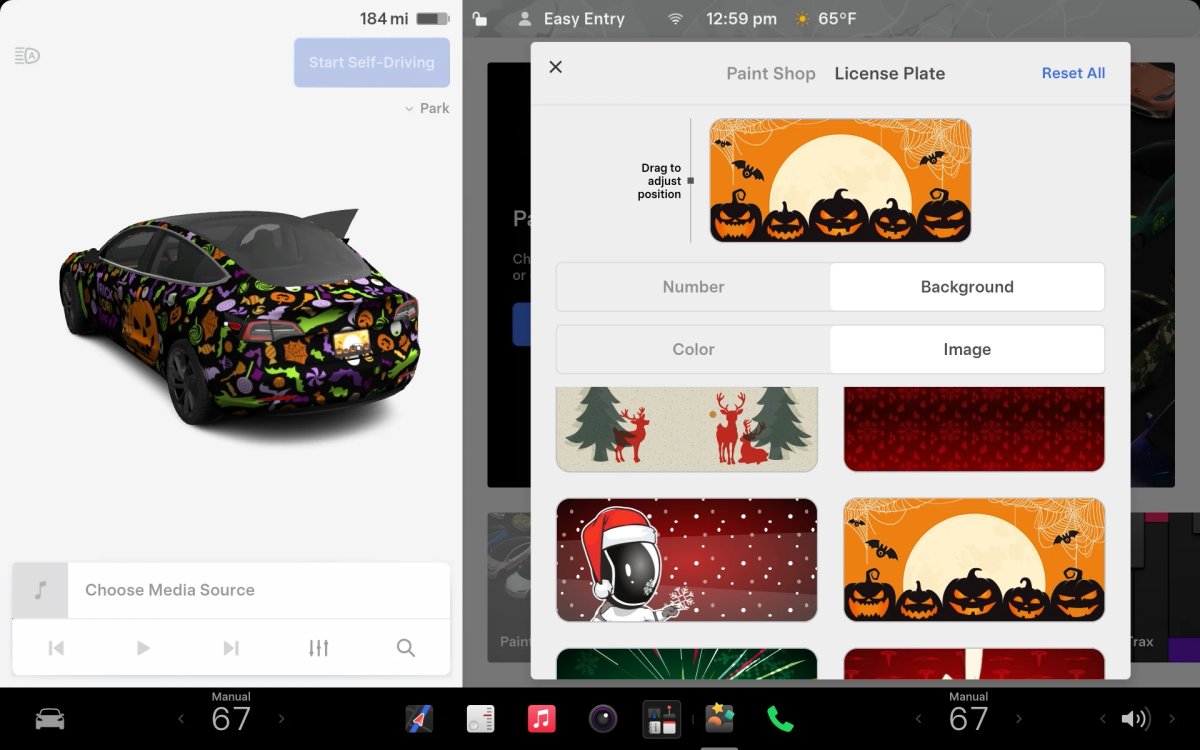
While Tesla’s Halloween Mode is not available on Intel vehicles, these vehicles do still receive the same Halloween Mode wraps and license plates that are available on AMD vehicles.
Unfortunately, the rest of the features, including, the Halloween visualizations, Trick or Treat Mode and the lock sound are not available on Intel vehicles.

