







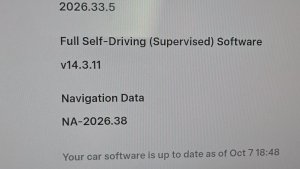


FSD (Supervised) v14.3.5

Full Self-Driving (Supervised) v14.3.5 includes:
- Upgraded the Reinforcement Learning (RL) stage of training the FSD neural network, resulting in improvements in a wide variety of driving scenarios.
- Upgraded the neural network vision encoder, improving understanding in rare and low-visibility scenarios, strengthening 3D geometry understanding, and expanding traffic sign understanding.
- Rewrote the AI compiler and runtime from the ground up with MLIR, resulting in 20% faster reaction time and improving model iteration speed.
- Mitigated unnecessary lane biasing and minor tailgating behaviors.
- Increased decisiveness of parking spot selection and maneuvering.
- Improved parking location pin prediction, now shown on a map with a P icon.
- Enhanced response to emergency vehicles, school buses, right-of-way violators, and other rare vehicles.
- Improved handling of small animals by focusing RL training on harder examples and adding rewards for better proactive safety.
- Improved traffic light handling at complex intersections with compound lights, curved roads, and yellow light stopping — driven by training on hard RL examples sourced from the Tesla fleet.
- Improved handling for rare and unusual objects extending, hanging, or leaning into the vehicle path by sourcing infrequent events from the fleet.
- Improved handling of temporary system degradations by maintaining control and automatically recovering without driver intervention, reducing unnecessary disengagements.
- Improved driver monitoring system sensitivity with better eye gaze tracking, eye wear handling, and higher accuracy in variable lighting conditions.
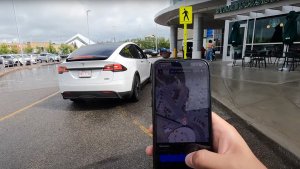
- Unified the model between Actually Smart Summon, FSD, and Robotaxi for more capable and reliable behavior.
- Help Tesla improve Self-Driving by selecting an intervention reason on the main screen after taking over.
- You can now see distance traveled in FSD (Supervised) without an intervention. The Self-Driving App will also show your longest intervention-free streak.
- Parking options now display on the map when arriving at your destination.
Upcoming Improvements:
- Expand reasoning to all behaviors beyond destination handling.
- Add pothole avoidance.
Actually Smart Summon

ASS (Actually Smart Summon) and Dumb Summon are now available for Cybertruck!
Guida autonoma al massimo potenziale (sorvegliata)

Sotto la tua supervisione, la guida autonoma al massimo potenziale (sorvegliata) può guidare la tua Tesla quasi ovunque. Partirà da una posizione parcheggiata, cambierà corsia, sceglierà la direzione corretta agli incroci per seguire il percorso di navigazione, sorpasserà altri veicoli e ostacoli e svolterà a destra e a sinistra e parcheggerà alla destinazione. Tu e qualunque altra persona che autorizzerai dovrete prestare ancora più attenzione e restare vigili. Non rende il veicolo autonomo. Non perdere la concentrazione.
La guida autonoma al massimo potenziale (sorvegliata) è abilitata sul veicolo. Per utilizzare la funzione, premere il pulsante Avvia Guida autonoma sull'interfaccia utente o premere una volta la rotellina destra. È possibile disattivare la Guida autonoma al massimo potenziale (sorvegliata) in basso nelle impostazioni Autopilot.
Navigazione in corsia
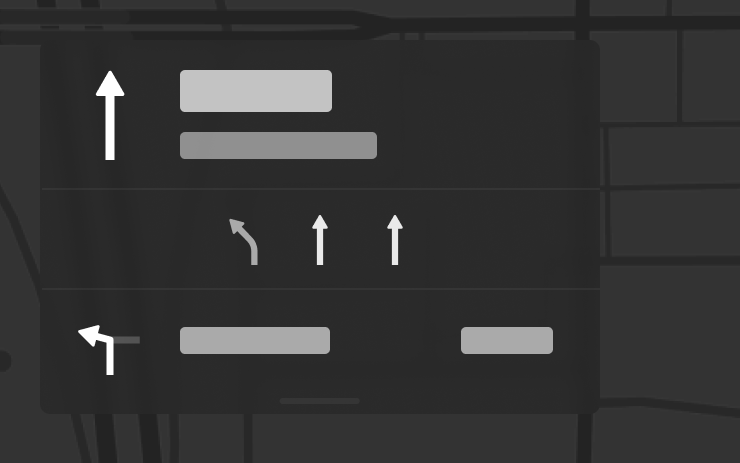
La Navigazione ora indica quali corsie prendere per seguire il percorso. Questa funzione richiede il Calcolo percorso in tempo reale e Mappe, versione 2026.20 o successiva. Per abilitarla, vai a Comandi > Navigazione > Calcolo percorso in tempo reale.
Invia destinazione all'auto
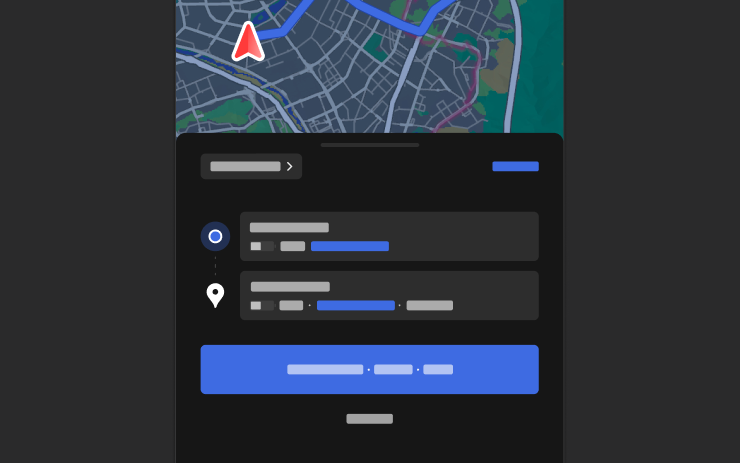
Ora è possibile inviare le destinazioni di navigazione direttamente alla tua Tesla. Per inviare dall'app per dispositivi mobili, vai a Posizione > Navigazione, aggiungi una destinazione e tocca Invia al veicolo. Richiede l'app mobile versione 4.57.0 o successiva.
Per inviare da NAVER Maps o TMAP, aggiungi una destinazione e seleziona Condividi > Tesla. Per inviare da KakaoMap, aggiungi una destinazione e vai a Condividi > Condividi indirizzo > Tesla.
Mappe meteo

Le mappe ora mostrano i dati meteorologici, inclusi diversi tipi di precipitazioni come pioggia e neve. Puoi anche visualizzare i dati meteorologici dell'ultima ora per vedere come sono cambiate le condizioni lungo il percorso. Questa funzione richiede Premium Connectivity. Per visualizzare, tocca l'icona del meteo sulla mappa.
Punti di interesse
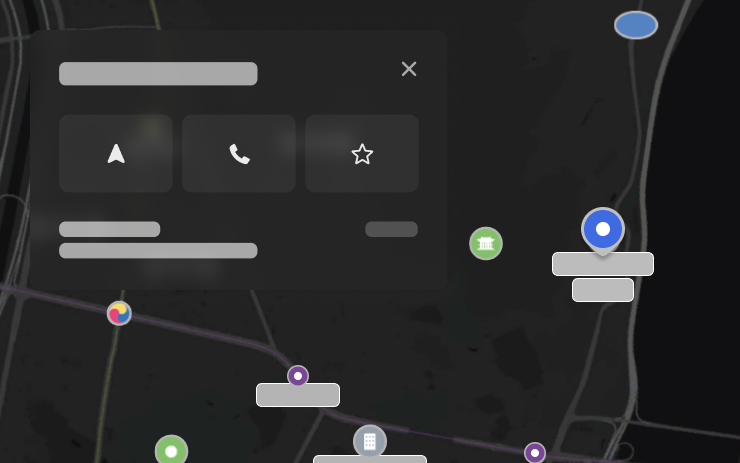
Ora è possibile toccare i punti di interesse sulla mappa per esplorare destinazioni o avviare la navigazione.
Camera Preview

You can now open Camera Preview at any time, even if your Tesla is not in Park.
Go to Controls > Service > Camera Preview and tap on any camera view to see it individually. Tap the grid button to switch back to all cameras.
Avvertimento Punto cieco con veicolo parcheggiato

Se si tenta di aprire una portiera quando viene rilevato un oggetto in avvicinamento nel punto cieco (ad esempio, un ciclista in avvicinamento da dietro), si sente un segnale acustico e la portiera non si apre premendo il pulsante la prima volta. Attendere qualche istante e premere di nuovo il pulsante per ignorare l'avviso.
Crittografia dei filmati della dashcam

I filmati della dashcam sono ora crittografati per motivi di privacy quando vengono salvati sull'unità flash USB. Solo il tuo veicolo può visualizzarli. Per decrittografare i filmati, tocca l'icona del lucchetto nell'app Dashcam o visita il sito dashcam.tesla.com. Per disabilitare la crittografia, tocca Comandi > Sicurezza > Cripta registrazioni dashcam.
Controllo genitori

È ora possibile bloccare Browser, Theater e Arcade sulla Tesla accedendo a Comandi > Sicurezza > Controllo genitori quando il veicolo è in modalità Park.
"Hey Grok"

Ora puoi parlare con Grok, un assistente intelligente creato da xAI. Per avviare Grok, accedi a Utilità di avvio app > Grok, premi a lungo il pulsante vocale sul volante o dì "Hey Grok." Abilita "Hey Grok" in Grok > Impostazioni. Dì "goodbye" per ignorare.
Puoi scegliere la voce e la personalità di Grok, da Narratore a Scatenato. Imposta la personalità di Grok su Assistente affinché possa aggiungere e modificare le destinazioni di navigazione, diventando la tua guida personale. Puoi anche impostare promemoria basati sulla posizione, come "ricordami di prendere il latte quando sono vicino a casa". Abilita i promemoria basati sulla posizione in Grok > Impostazioni.
Richiede Premium Connectivity o una connessione WiFi attiva. Le interazioni sono anonime e non sono associate al tuo veicolo.
Nota: Grok è attualmente in versione Early Beta e non supporta i comandi vocali per i comandi dell'auto, ad eccezione della navigazione. I comandi vocali esistenti rimangono invariati. "Hey Grok" è addestrato sull'inglese americano.
Miglioramenti della sicurezza

Questo aggiornamento include importanti correzioni di sicurezza e miglioramenti.
Tesla App FSD

Tesla will now display whether a vehicle has FSD enabled in the Tesla app. In addition, the app will now also display the blue FSD path and even the rainbow road easter egg if it’s enabled in the vehicle.
This requires Tesla app update 4.58.5 or higher and vehicle update 2026.20.6.1 or higher.
License Plate Frame
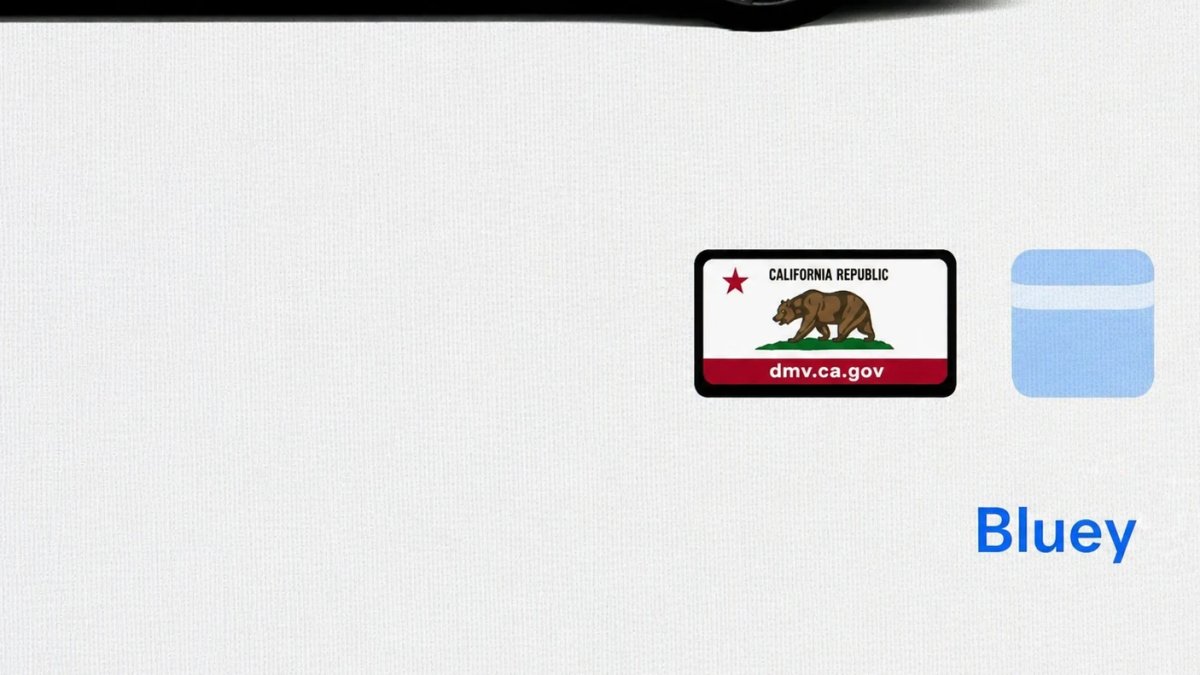
With Tesla’s recent addition of license plate customization, they also added a shortcut for it under Controls > Software.
With this update, Tesla tweaked the icon slightly by adding a license plate frame around the license plate image being used for a cleaner look.
Decrypt Dashcam Video
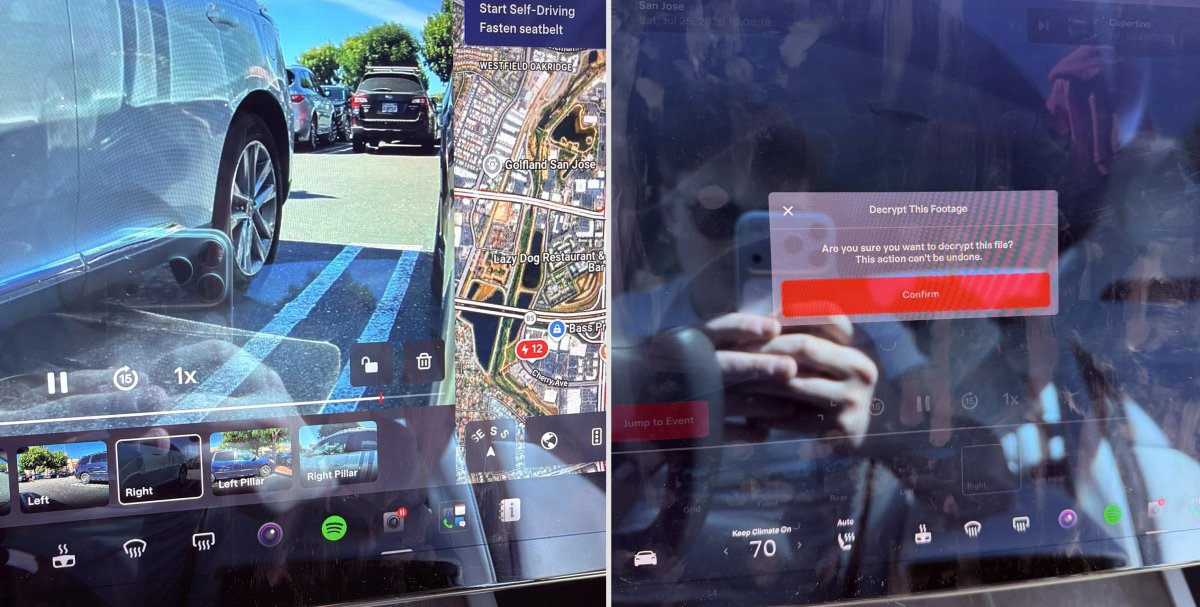
In update 2026.20, Tesla started encrypting Dashcam footage. This came at the same time as Tesla expanded recent video footage from 1 hour to up to 24 hours under certain requirements.
Encrypting the videos is an important privacy change, since if your USB drive is pulled from your vehicle, thieves can now have access to up to 24 hours of your driving, potentially revealing your workplace, home, and other important locations.
With this update, Tesla also added a button to the Dashcam Viewer that lets owners easily decrypt a specific clip, making it easier to see the footage if they mount the USB drive to their computer.
Tesla also introduced a tool that lets you decrypt any videos on your computer, as long as you log in to your Tesla account to prove that you own the video footage.
Bus Lanes
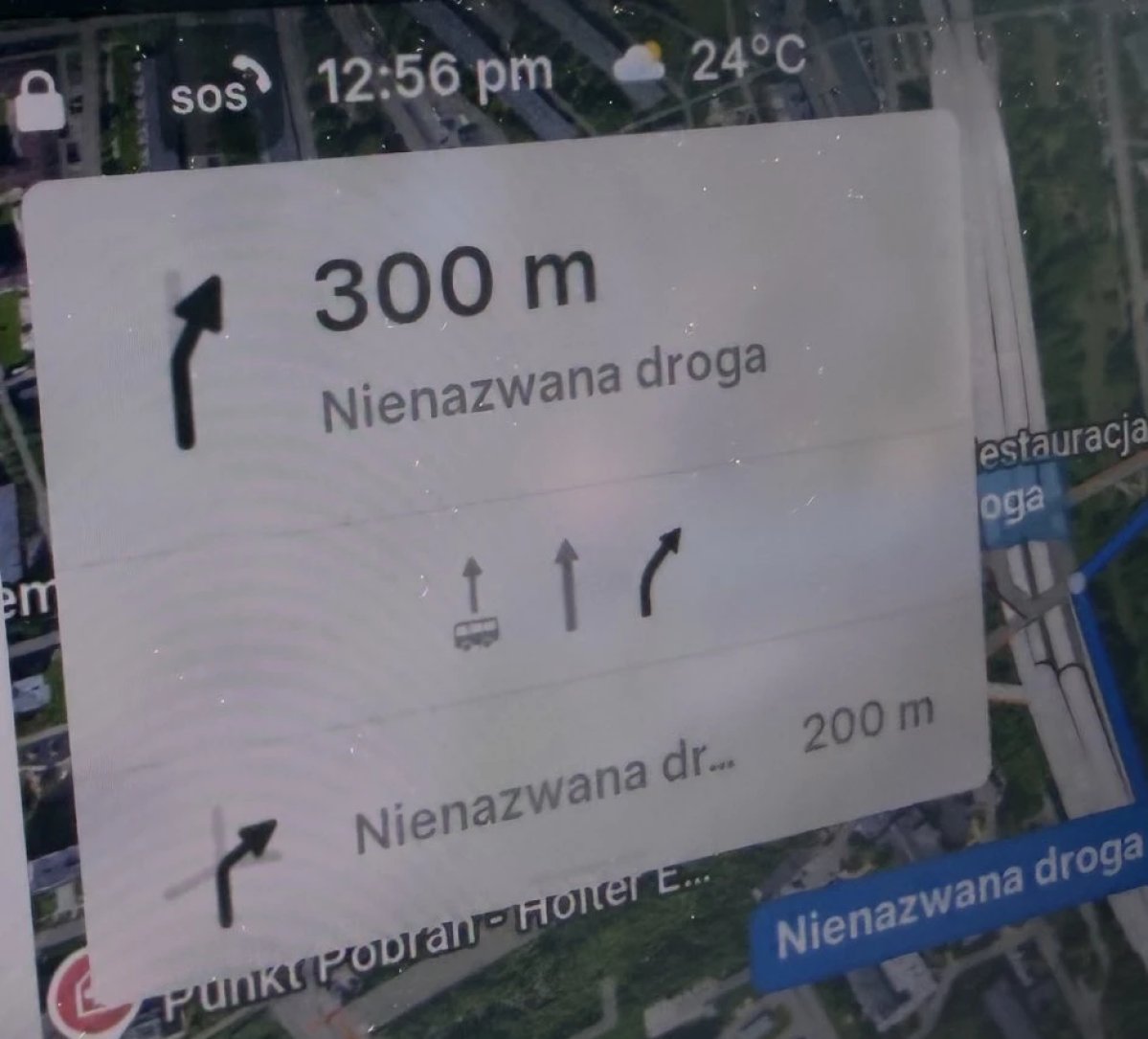
Tesla’s navigation now supports bus lanes, helping drivers be more aware of which lanes they can use.
This is even more important for FSD, so the vehicle can know which lanes are appropriate to drive in without having to read or potentially miss signs.
Service Mode Improvements

Forward Camera View Cleaning Panel
A new Forward Camera View Cleaning panel is available under Driver Assist to support cleaning the surface of the windshield in front of the cameras. The panel displays a live camera stream with the ability to zoom into the camera stream.
Models: Model 3, Model Y, Model S (2021+), Model X (2021+) with DAS AI4 and Cybertruck
Drive Unit Panel Update - Signal Chart Popups (Service Mode Plus)
The Drive Unit panel now supports interactive signal chart popups. Signals with a chart icon can be tapped to open a draggable, resizable popup window for real-time signal monitoring.
Models: Model 3, Model Y, Model S (2021+), Model X (2021+), Cybertruck

