






![Tesla Driver in Mexico Makes His Model Y Fly [VIDEO]](/img/containers/article_images/2026/model-y-flying-accident-mexico.webp/c6f78372a6ed7ca93d8a0c61a905cd6b/model-y-flying-accident-mexico.jpg)








אזהרת שטח מת כשהרכב בחנייה

אם תנסו לפתוח דלת כאשר זוהה עצם מתקרב בשטח המת (לדוגמה, רוכב אופניים שמתקרב מאחור), יישמע צליל, והדלת שלכם לא תיפתח בלחיצה הראשונית על הלחצן. יש להמתין לזמן מה וללחוץ על הלחצן פעם נוספת כדי לבטל את האזהרה.
הצפנת סרטון וידאו ממצלמת הדרך

סרטוני מצלמת הדרך מוצפנים כעת לשמירה על הפרטיות בעת שמירתם בכונן ה-USB שלכם. רק הרכב שלך יכול לראות אותם. לפענוח הסרטונים, יש להקיש על סמל המנעול באפליקציית מצלמת הדרך או לבקר בכתובת dashcam.tesla.com. כדי להשבית את ההצפנה, יש לעבור אל 'פקדים' > 'בטיחות' > 'הצפנת הקלטות של מצלמת הדרך'.
בקרת הורים

כעת ניתן לחסום את הדפדפן, 'סרטונים' ו'משחקים' ברכב ה-Tesla שלכם על ידי מעבר אל 'פקדים' > 'בטיחות' > 'בקרת הורים' במצב חניה.
"Hey Grok"

כעת תוכלו לדבר עם Grok, עוזר חכם שנבנה על ידי xAI. כדי להפעיל את Grok, יש לעבור אל 'מפעיל האפליקציות' > Grok, ללחוץ לחיצה ארוכה על לחצן הקול שעל ההגה, או לומר "Hey Grok". יש להפעיל את "Hey Grok" תחת Grok > 'הגדרות'. יש לומר "goodbye" כדי לבטל.
ניתן לבחור את הקול והאישיות של Grok, החל מ'מספר הסיפורים' ועד ל'משוגע'. יש להגדיר את האישיות של Grok ל'סייען' כדי ש-Grok יוכל להוסיף ולערוך יעדי ניווט, ולהפוך למדריך האישי שלכם. ניתן גם להגדיר תזכורות מבוססות מיקום, למשל "remind me to pick up milk when I'm near home". יש להפעיל תזכורות מבוססות מיקום תחת Grok > 'הגדרות'.
יש צורך בשירות קישוריות פרימיום או בחיבור WiFi פעיל. השיחות הנשלחות ל-Tesla הן אנונימיות ואינן משויכות לרכב.
הערה: Grok זמין כעת בגרסת בטא מוקדמת ואינו תומך בפקודות קוליות עבור פקדי רכב מלבד ניווט. הפקודות הקוליות הקיימות נותרו ללא שינוי. "Hey Grok" מופעל בשפה האנגלית אמריקאית.
שליחת יעד לרכב
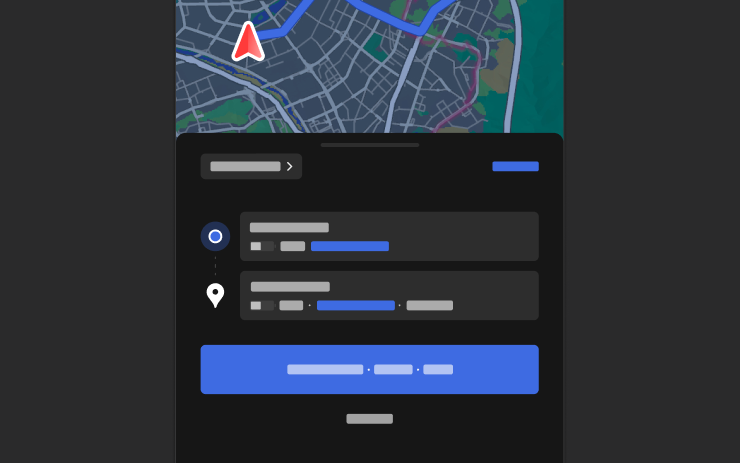
כעת ניתן לשלוח יעדי ניווט ישירות לרכב ה-Tesla שלכם. כדי לשלוח מהאפליקציה לנייד, יש לעבור אל 'מיקום' > 'ניווט', להוסיף יעד ולהקיש על 'שליחה למכונית'. נדרשת אפליקציה לנייד בגרסה 4.57.0 ואילך.
כדי לשלוח מ-NAVER Maps או מ-TMAP, יש להוסיף יעד ולעבור אל 'שיתוף' > Tesla. כדי לשלוח מ-KakaoMap, יש להוסיף יעד ולעבור אל 'שיתוף' > 'שיתוף כתובת' > Tesla.
מפות מזג אוויר

כעת המפות מציגות נתוני מזג אוויר, כולל סוגים שונים של משקעים כמו גשם ושלג. ניתן גם להציג את נתוני מזג האוויר מהשעה האחרונה כדי לראות כיצד התנאים השתנו לאורך המסלול שלכם. עבור תכונה זאת נדרש שירות קישוריות פרימיום. כדי להציג, יש להקיש על סמל מזג האוויר במפה.
נקודות עניין
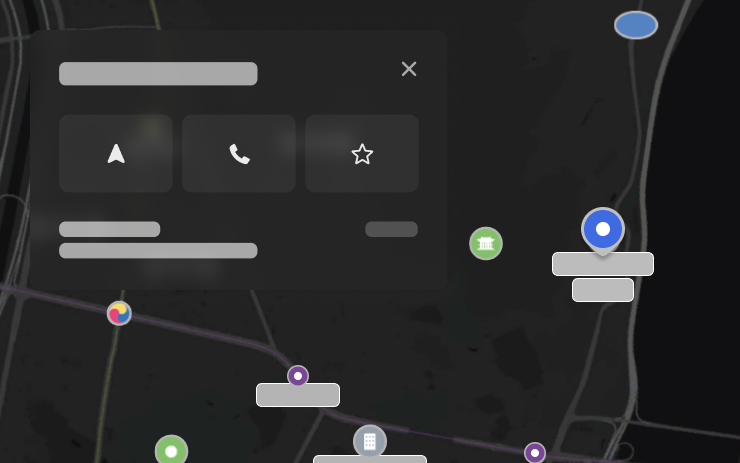
כעת ניתן להקיש על נקודות עניין במפה כדי לראות יעדים או להתחיל בניווט.
שיפורי אבטחה

עדכון זה כולל תיקונים ושיפורי אבטחה חשובים.
Tesla App FSD

Tesla will now display whether a vehicle has FSD enabled in the Tesla app. In addition, the app will now also display the blue FSD path and even the rainbow road easter egg if it’s enabled in the vehicle.
This requires Tesla app update 4.58.5 or higher and vehicle update 2026.20.6.1 or higher.
License Plate Frame
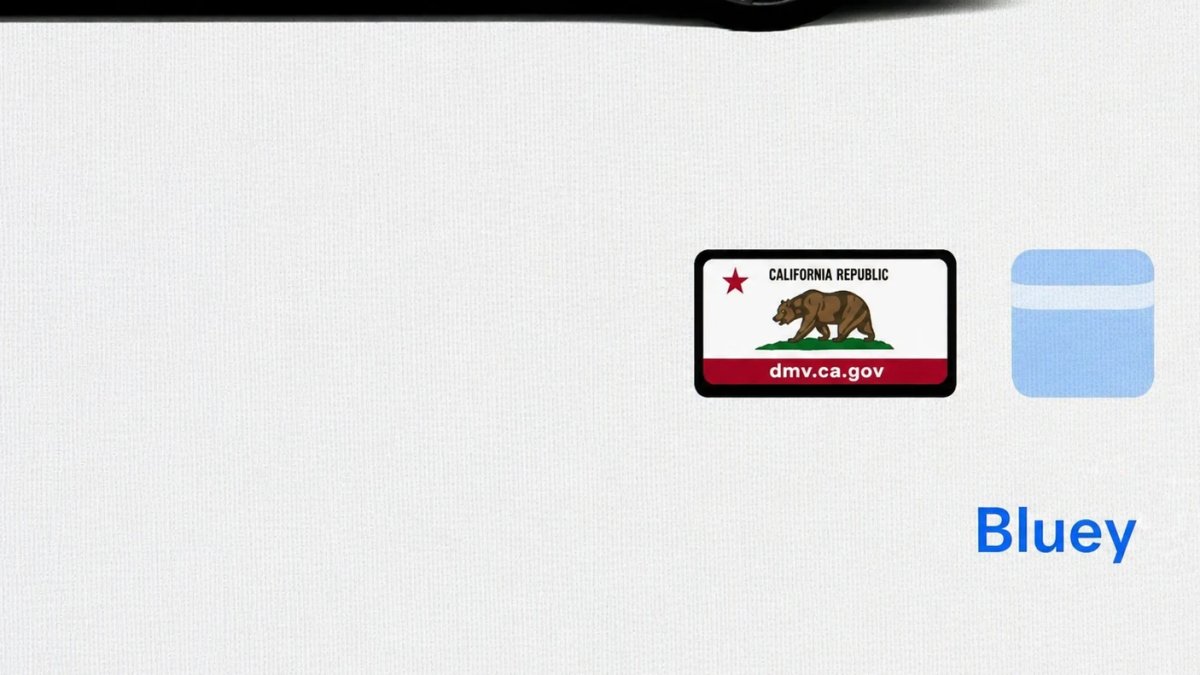
With Tesla’s recent addition of license plate customization, they also added a shortcut for it under Controls > Software.
With this update, Tesla tweaked the icon slightly by adding a license plate frame around the license plate image being used for a cleaner look.
Decrypt Dashcam Video
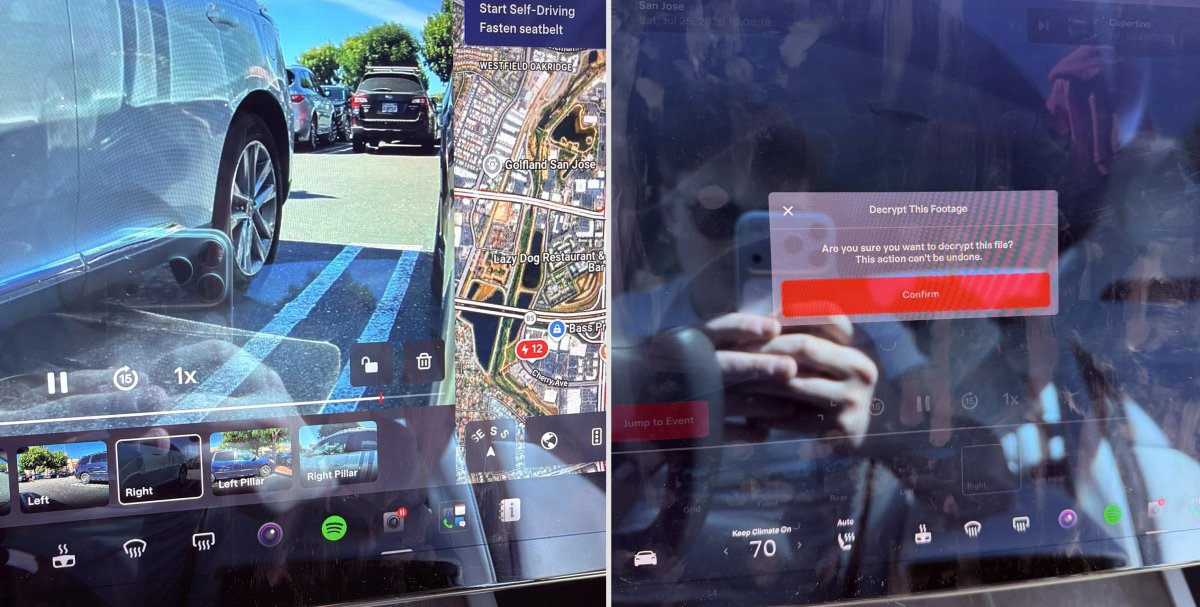
In update 2026.20, Tesla started encrypting Dashcam footage. This came at the same time as Tesla expanded recent video footage from 1 hour to up to 24 hours under certain requirements.
Encrypting the videos is an important privacy change, since if your USB drive is pulled from your vehicle, thieves can now have access to up to 24 hours of your driving, potentially revealing your workplace, home, and other important locations.
With this update, Tesla also added a button to the Dashcam Viewer that lets owners easily decrypt a specific clip, making it easier to see the footage if they mount the USB drive to their computer.
Tesla also introduced a tool that lets you decrypt any videos on your computer, as long as you log in to your Tesla account to prove that you own the video footage.
Bus Lanes
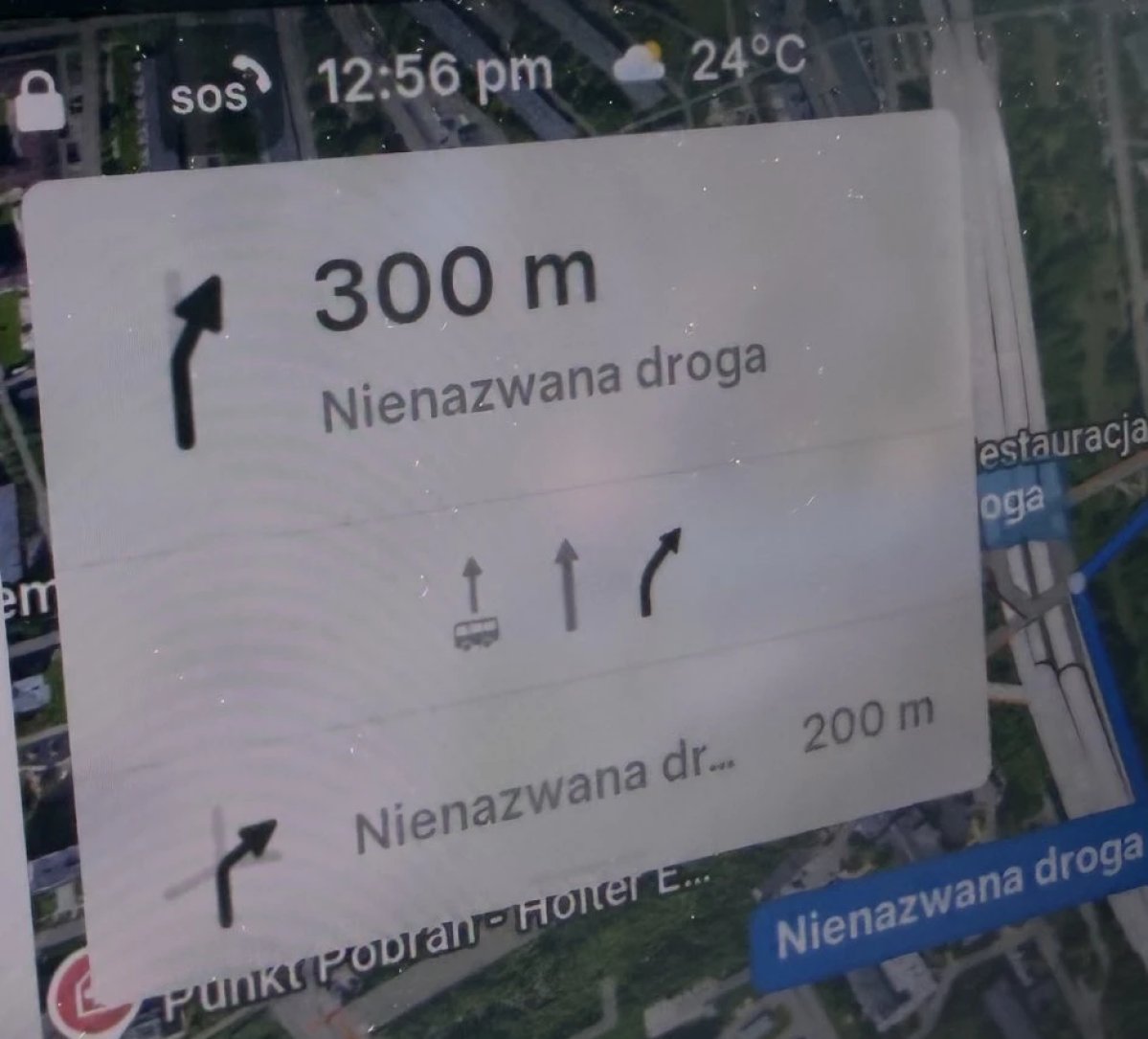
Tesla’s navigation now supports bus lanes, helping drivers be more aware of which lanes they can use.
This is even more important for FSD, so the vehicle can know which lanes are appropriate to drive in without having to read or potentially miss signs.
Service Mode Improvements

Forward Camera View Cleaning Panel
A new Forward Camera View Cleaning panel is available under Driver Assist to support cleaning the surface of the windshield in front of the cameras. The panel displays a live camera stream with the ability to zoom into the camera stream.
Models: Model 3, Model Y, Model S (2021+), Model X (2021+) with DAS AI4 and Cybertruck
Drive Unit Panel Update - Signal Chart Popups (Service Mode Plus)
The Drive Unit panel now supports interactive signal chart popups. Signals with a chart icon can be tapped to open a draggable, resizable popup window for real-time signal monitoring.
Models: Model 3, Model Y, Model S (2021+), Model X (2021+), Cybertruck

