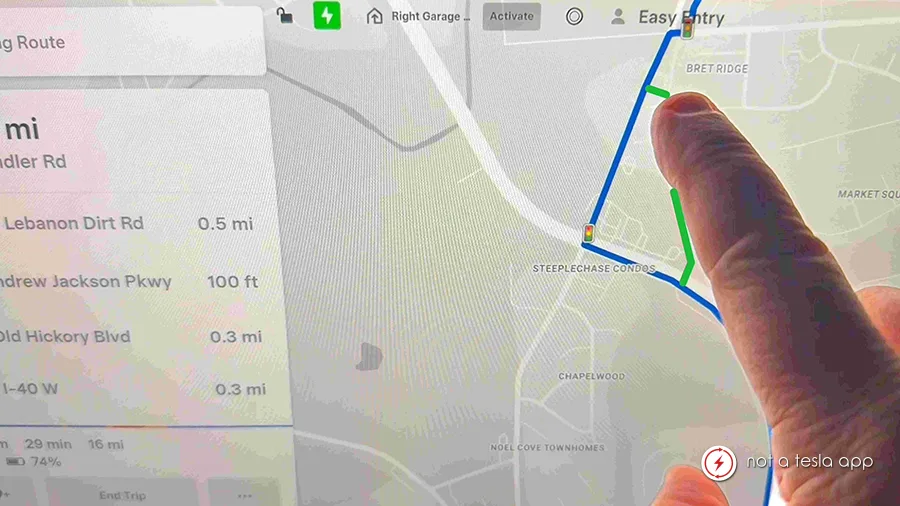
Draw or Amend Route by Finger on Screen
Summary
FSD doesn't always suggest a route you want to take– Shortcuts, Scenic Routes, No-destination drives
How It Would Work
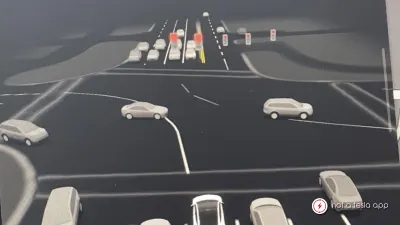
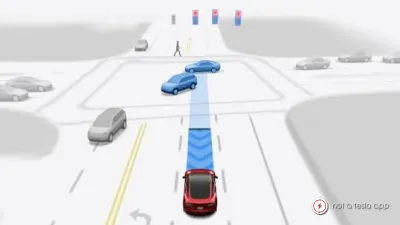
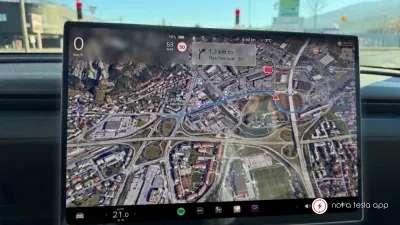
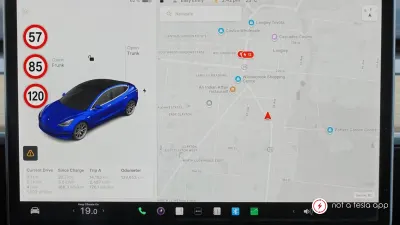
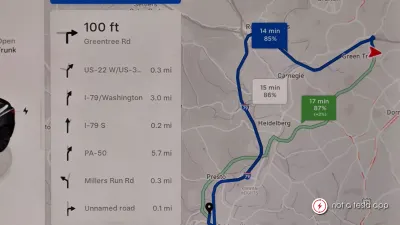
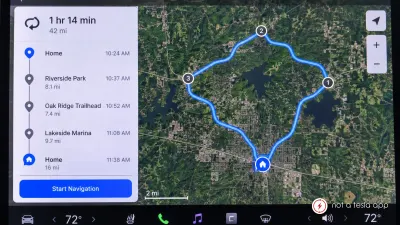
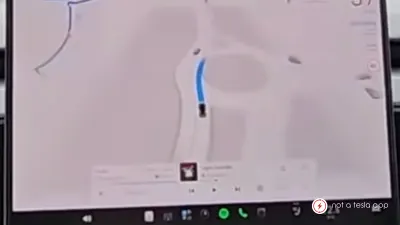
Activate: 'Manual Routing', by button at the bottom of the FSD screen and trace a new route from your current location or add a departure to re-connect point to re-route sections of your existing route. Finger tracing should snap-to the nearest existing road and be displayed in a new color until the user confirms the revised navigation by touching: 'Confirm Manual Route' button or confirms through voice command. This would allow users to take a preferred shortcut that FSD doesn't recognize, direct a longer scenic drive, navigate to a location that does not correspond to a specific address, or navigate with destination-less driving– like exploring up and down the streets of a neighborhood where you're interested in finding homes for sale. This allows a user more options and enhanced controls over Tesla's automatic suggested navigation.
Vote for this feature
The top three requests at the end of the month will be shared with Tesla.