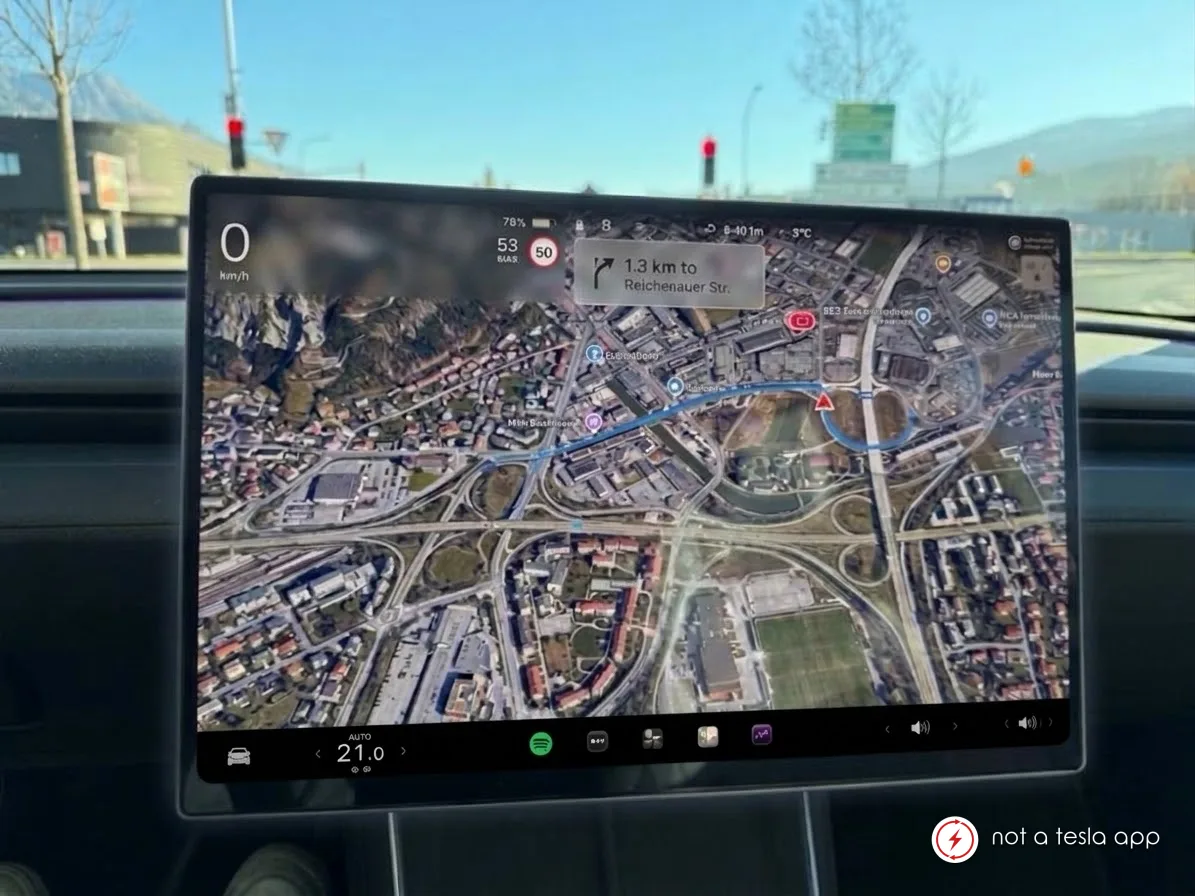
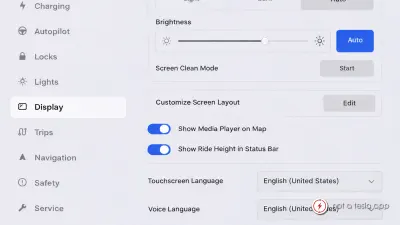
An option to turn off driving visualizations on Model 3/Y to enable full screen maps
MBMax B.YesterdayNew
How It Would Work
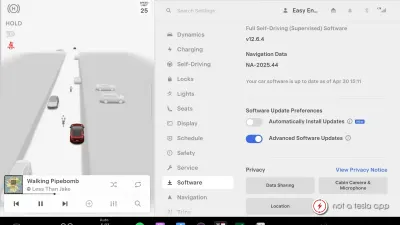
This feature allows drivers to turn off driving visualizations on Model 3 and Y, that permanently take up 1/3 of the screen. Only essential information like the current speed is displayed on a semi-transparent background, so the whole display can be used to show maps or other apps.
Vote for this feature
The top three requests at the end of the month will be shared with Tesla.