Set up the Vehicle Wi-Fi in the Tesla App
Summary
Connect the vehicle to WiFi using the Tesla app.
How It Would Work
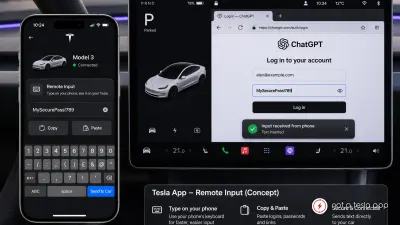
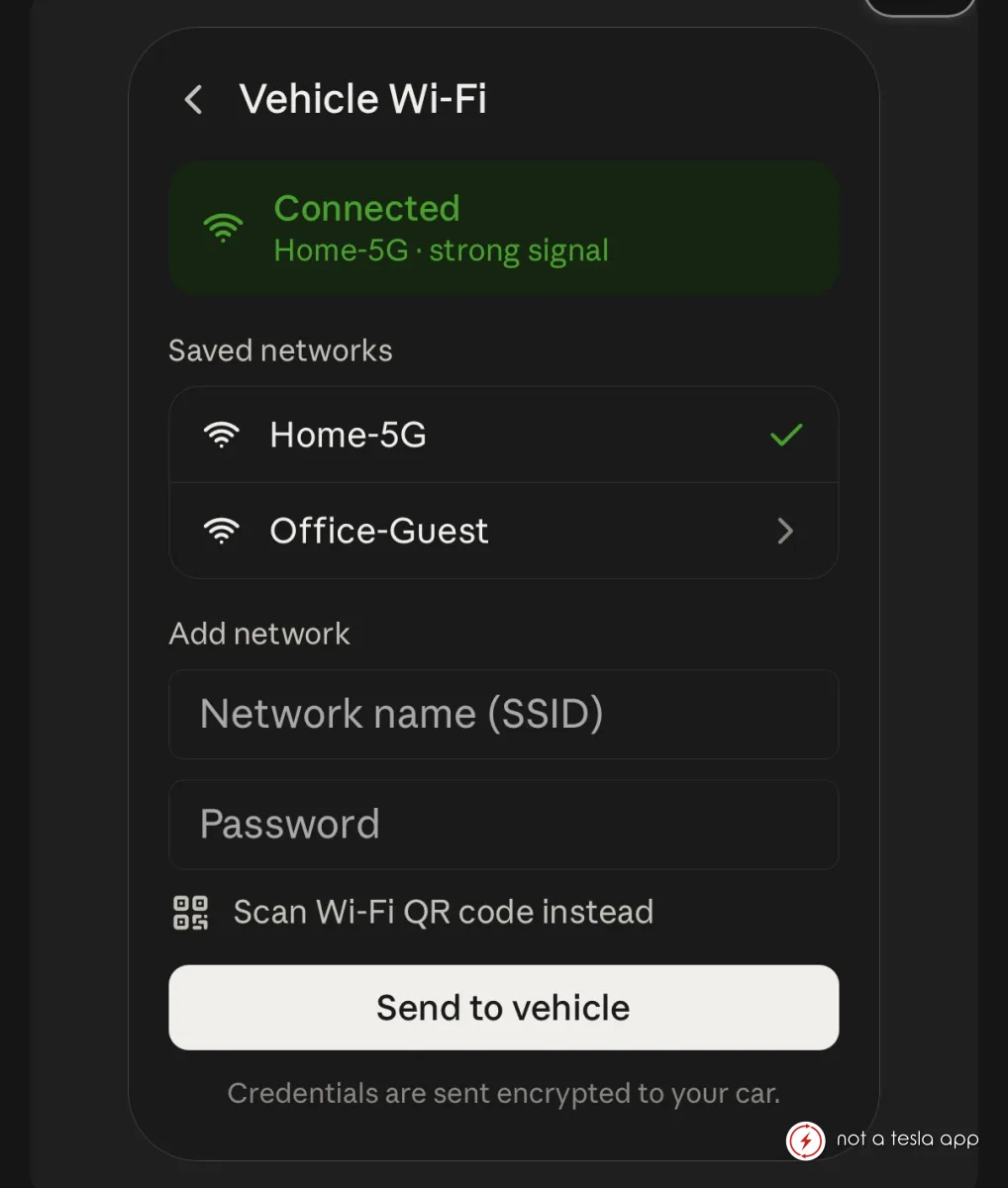
Add a function to the Tesla app. With this function, the owner adds a Wi-Fi network to the vehicle.
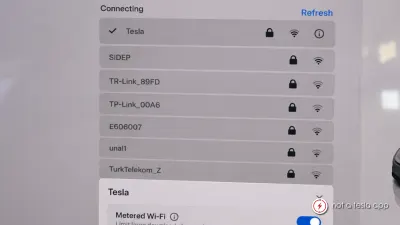
Problem: At this time, the owner must type the Wi-Fi password on the touchscreen in the vehicle. In a hotel, the owner usually gets the Wi-Fi password at the reception or in the room. The owner must then go back to the vehicle to type the password.
Solution: The owner types the network name and password on the phone. The owner can also paste the password from a password manager. The app sends the data to the vehicle. The data is encrypted.
Result: The owner connects the vehicle to a new network quickly. The owner does not go back to the vehicle. The vehicle gets software updates in a hotel or at other places away from home.
Vote for this feature
The top three requests at the end of the month will be shared with Tesla.