Blind Spot Camera on Left/Right Side of Screen as Based on Turn Signal

Summary
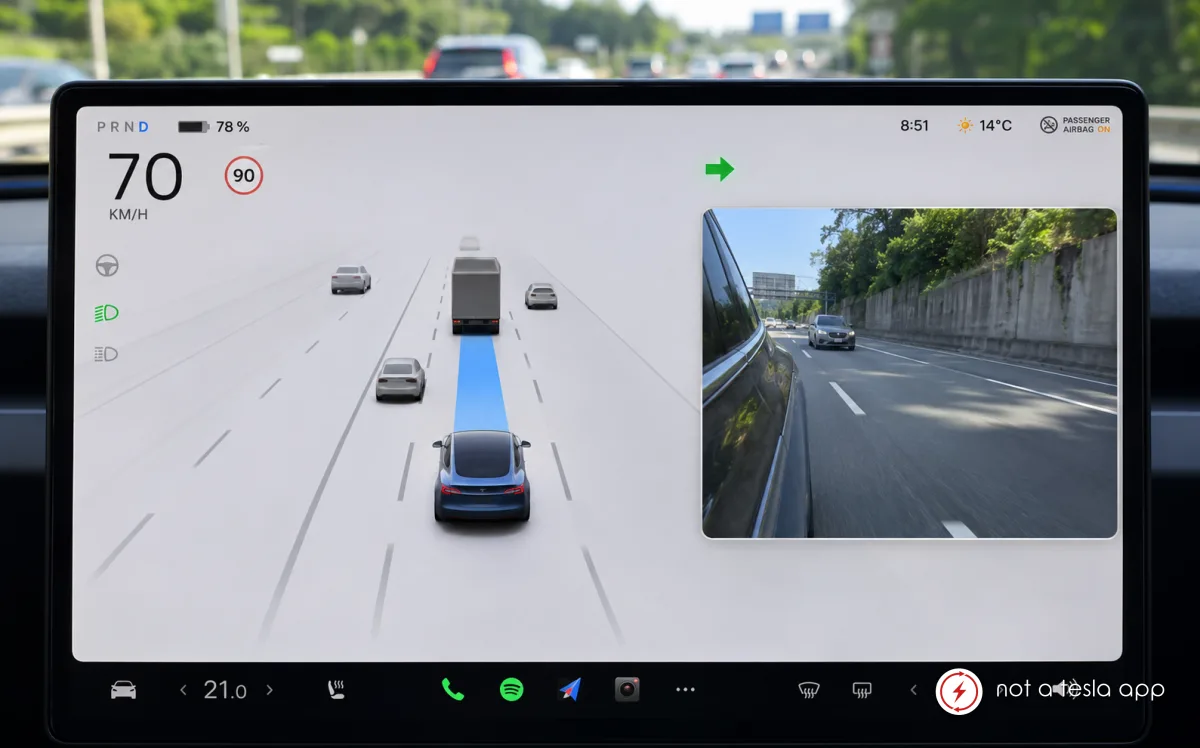
Display the live blind spot camera on the same side of the screen as the activated turn signal.
How It Would Work
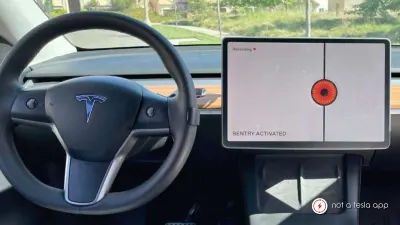
Enhance side Camera View with dynamic camera positioning based on the activated turn signal.
- **Right turn signal:** Display the live right repeater camera feed on the right side of the screen.
- **Left turn signal:** Display the live left repeater camera feed on the left side of the screen.
- **Turn signal off:** Automatically return to the default camera layout.
The camera feed should appear immediately when the turn signal is activated, without covering critical driving information.
This would create a more intuitive and natural driving experience, especially during lane changes and turns. The driver could instantly associate the camera image with the intended direction of travel, reducing the need to visually search for the relevant feed.
Vote for this feature
The top three requests at the end of the month will be shared with Tesla.