Show Date + Remaining Range in the Top Status Bar
Summary
Add today’s date and remaining range next to the battery % in the top status bar for quick glance in
How It Would Work
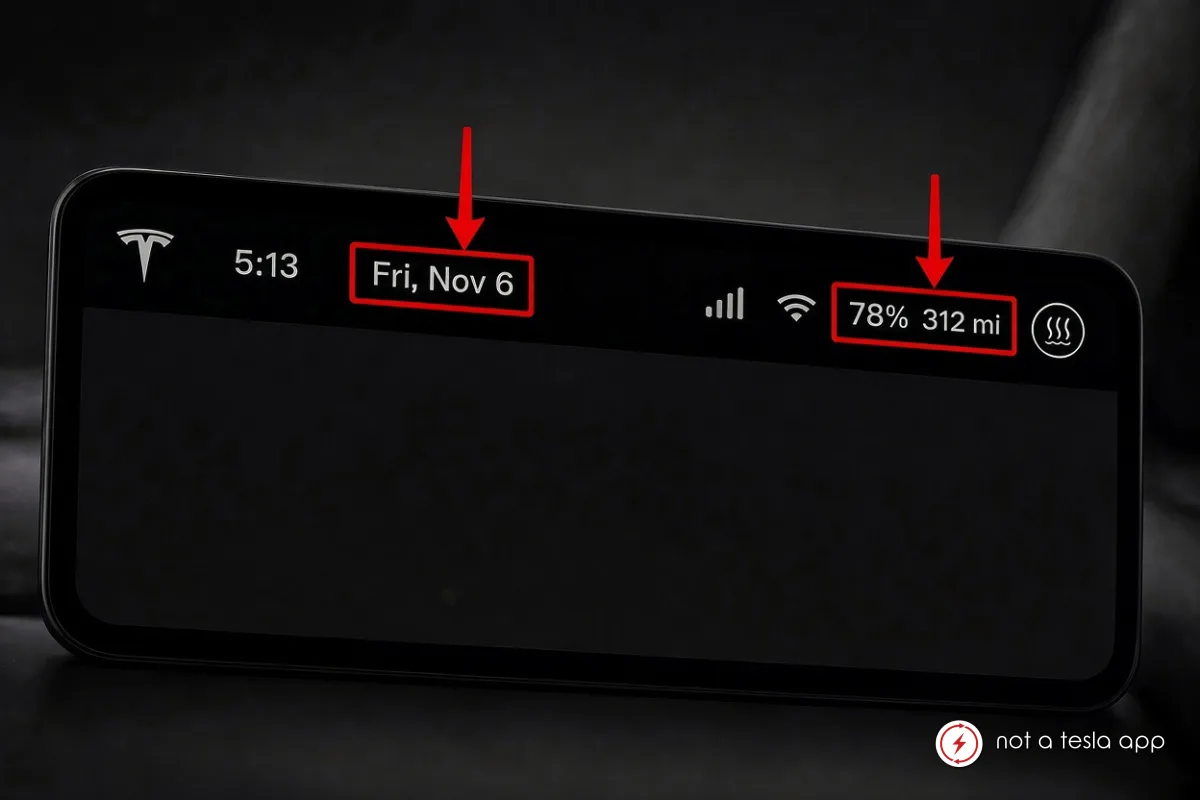
Display the current date (e.g. “Fri, Nov 6”) and the estimated remaining range (e.g. “78% 312 mi”) directly in the top status bar of the center screen, next to the time and battery percentage.
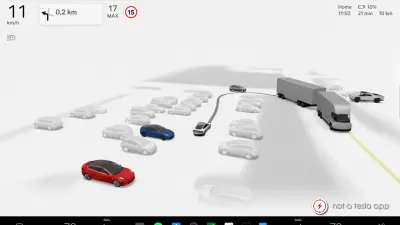
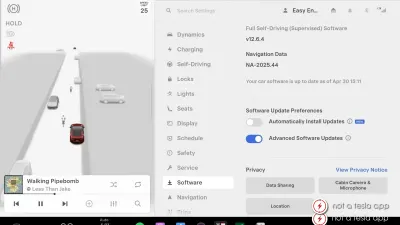
Currently the status bar shows time, connectivity icons and battery %, but misses two very useful pieces of information that drivers and passengers often want to see at a glance.
Suggested layout (from left to right):
• Tesla logo (or another user custom logo)
• Time
• Date (Fri, Nov 6)
• Signal / Wi-Fi icons
• Battery % + remaining range (78% 312 mi)
• Climate icon
The date should update automatically according to the car’s date/time settings and preferred format.
The range should use the same unit the driver has selected (mi or km) and update in real time like the percentage does.
This would make the status bar more informative without adding clutter or requiring the user to open any menu.
Vote for this feature
The top three requests at the end of the month will be shared with Tesla.