Full Screen Parked Visualization for Model S/X
Summary
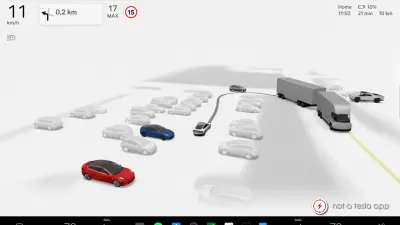
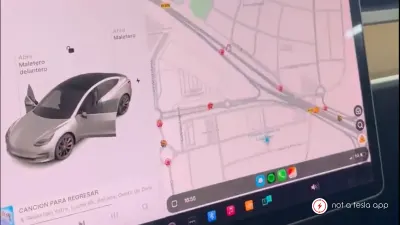
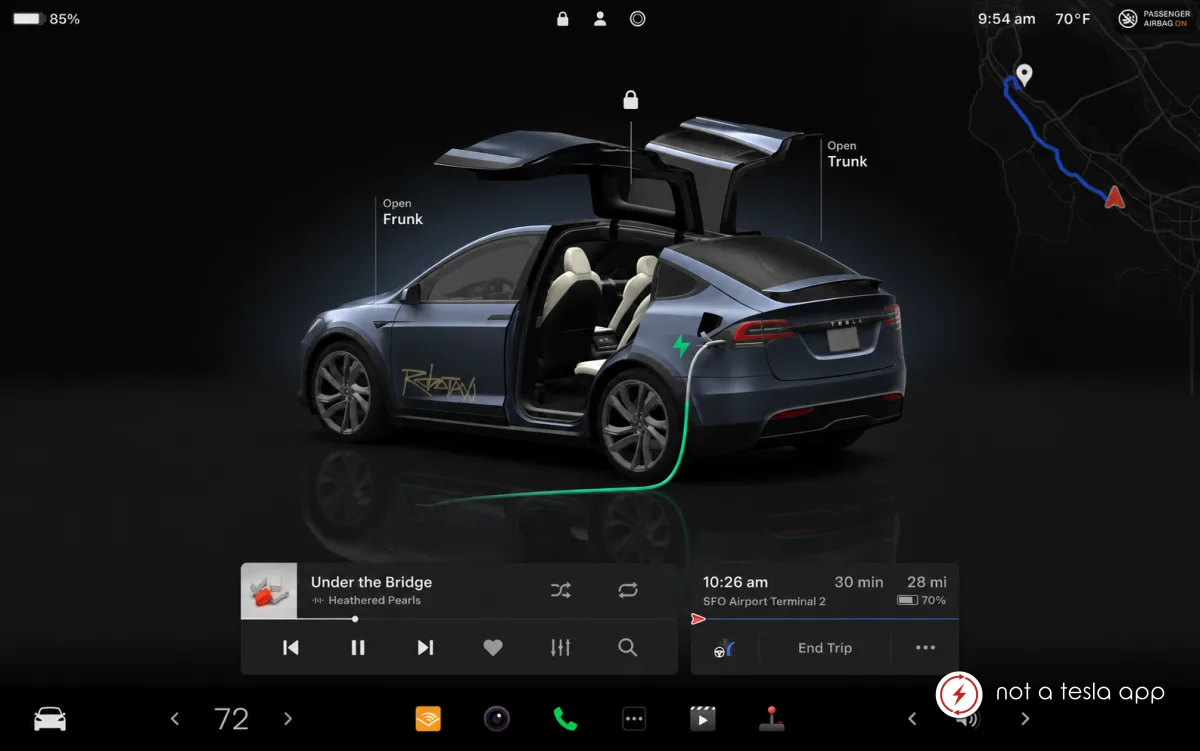
Full screen parked visualization for the Model S/X on the center display.
How It Would Work
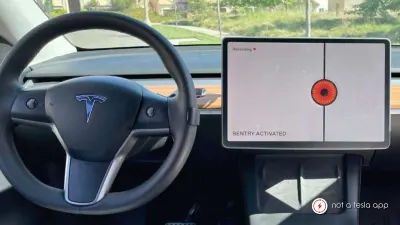
The Model 3, Y, Cybertruck and Cybercab support the beautiful full screen parked visualization, while the Model S and Model X only support it on on the instrument cluster, which has some downsides.
The instrument cluster is not a touchscreen, so the visualization, can not be zoomed and panned. You also can not unlock or open doors through the visualization and need to go into the Controls menu.
Adding the full screen visualization to the center display doesn't have many downsides, since you can always side the map over to bring up the full screen maps view.
Vote for this feature
The top three requests at the end of the month will be shared with Tesla.
22